
谷歌 Pixel 7 Pro 电池更换

Dominik Schnabelrauch 和 7 其他贡献者
最后更新于 2026年1月6日
浏览量: 8.6万
浏览统计数据:
- 过去24小时
- 86
- 过去 7 天:
- 579
- 过去 30 天:
- 2,548
- 总计
- 85,956
评论: 46
31 comments on steps, 15 guide comments.
Go to guide comments已完成: 30 31
30 人已将本指南标记为“已完成”。你会是下一个完成的人吗?
31 人已将本指南标记为“已完成”。包括你——干的漂亮!
收藏: 2 3
2 人已收藏(并订阅)本指南。你会是下一个吗?
3 人收藏(并订阅)了本指南——这其中包括你!
特色指南
iFixit的工作人员认为该指南特别酷。
简介
转到步骤 1 ↓本维修指南由 iFixit 工作人员编写,未经 Google 官方认可。点击此处了解更多关于我们维修指南的信息。
遵从本指南以更换您谷歌 Pixel 7 Pro 的电池。
注意: 本指南是基于 GE2AE 型号编写的,该型号配有 5G 毫米波天线。如果您的设备不是毫米波型号,仍可参考本指南——只需忽略涉及毫米波天线的步骤即可。
为了您的安全,请在拆解手机前将电池电量放至 25% 以下。这可以在维修中电池意外损坏时,降低引发火灾的风险。如果您的电池已经鼓包,请采取适当的预防措施。
注意: Pixel 7 Pro 包含 1 级激光器。拆解可能会导致暴露在不可见的红外激光辐射中。
维修后能否保持防水性能取决于您重新涂抹粘合剂的效果,但设备将失去其原有的 IP(防护等级)认证。
您需要准备好替换背胶才能完成本次维修。
你所需要的


视频概述
-
-
-
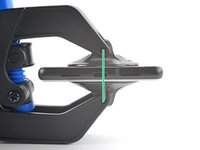
屏幕接缝:该接缝将屏幕与手机的其他部分隔开。请勿撬动此接缝。
-
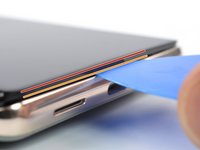
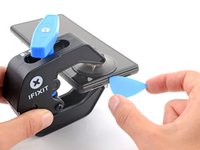
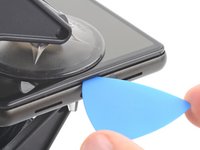
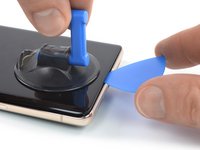
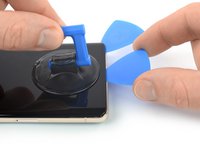
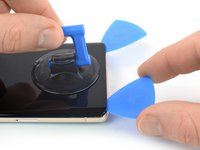
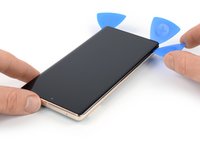
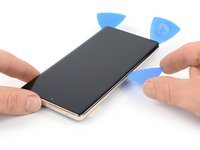
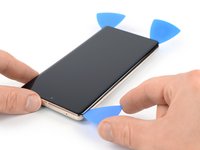
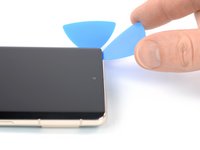
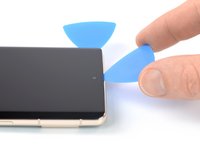
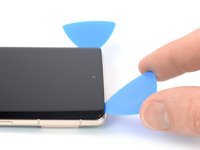
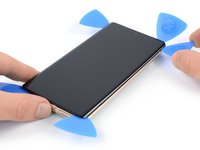
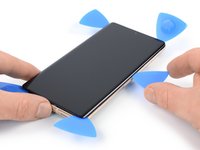
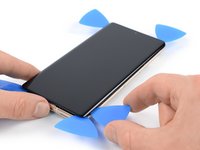
边框接缝:这是为保护屏幕而设计的塑料边框与边框相接的地方。它由 塑料卡扣 固定到位。应在此处撬开。
-
在拆卸过程中,请确保在正确的位置插入三角撬片,以避免屏幕与安全框而不是手机分离。
-
屏幕周围有几个卡扣。如果在拆卸屏幕的过程中,你的撬片被挡住了,这意味着你将撬片插入屏幕下方太深。
-
-
-
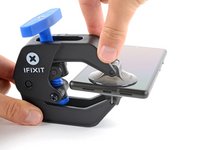
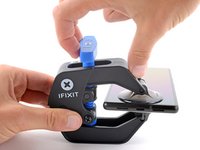
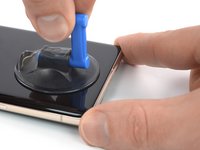
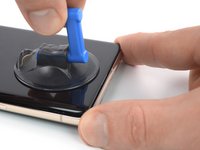
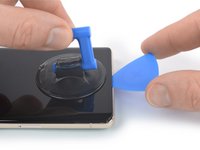
将蓝色手柄拉向铰链以解锁反向钳的手臂。
-
将反向钳手臂滑过手机的左边缘或右边缘。
-
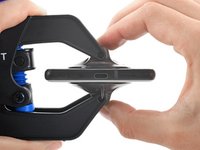
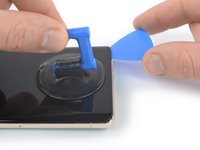
将吸盘放在靠近手机底部边缘的位置——一个在正面,一个在背面。
-
向下推吸盘以将吸力施加到所需区域。
-
-
-
-
-
-
-
-
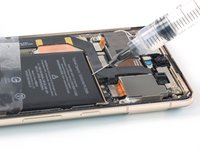
在电池上边缘的缝隙处滴入几滴高浓度(90% 或更高)的异丙醇。
-
等待约一分钟,让异丙醇溶液削弱粘合剂的粘性。
-
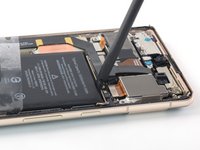
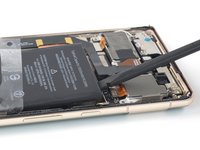
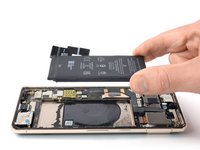
使用撬棒的平头或拆机片轻轻提起电池的上边缘,直到您可以用手指抓住。
-
-
-
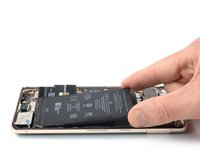
将电池倾斜拉出设备,以分离剩余的背胶。
-
取出电池。
-
将预剪好的专用背胶或双面胶贴在电池仓内原背胶所在的位置,不要直接贴在电池上。
-
先临时将电池排线连接至主板,以帮助电池精准对齐。电池安置妥当后,断开排线。
-
确保电池位于电池仓的正中心,且四周留有均匀的间隙。
-
用力按压新电池,使其固定到位。
-


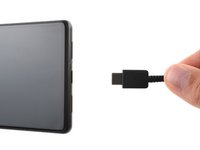
 询问修复机器人















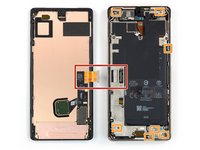














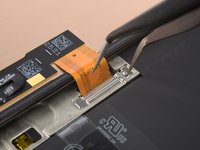
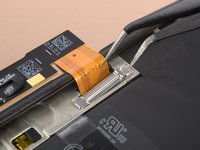


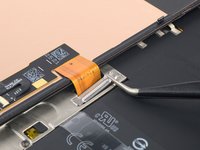
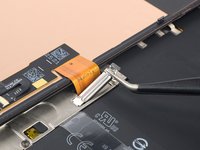
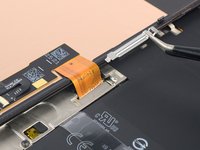


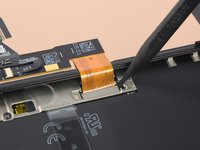
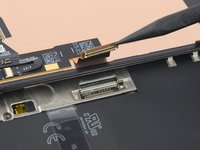


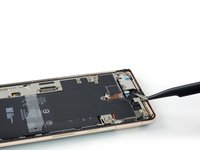
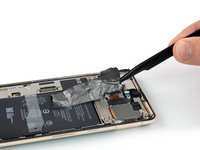
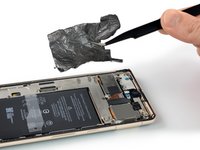


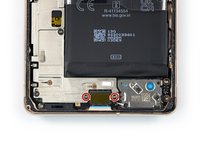
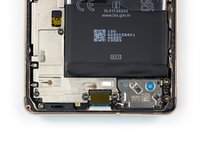








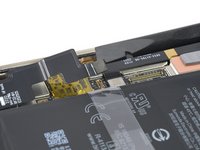


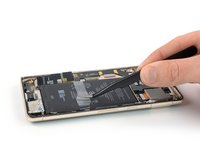
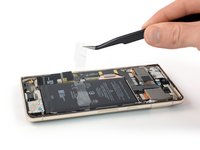
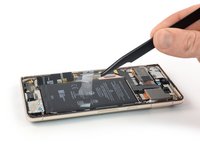




请比对您的替换件与原装组件——您可能需要将原装组件中剩余的部件移到新组件中,或在安装前撕掉新组件上的背胶。
要组装您的设备,请以反向顺序遵循上述步骤。
为了获得最佳性能,请在完成本指南后校准您新安装的电池。
如需使用内置的 Pixel 诊断工具运行诊断测试,请点击此处。
请将您的电子垃圾送往获得 R2 或 e-Stewards 认证的回收机构。
维修不及预期?请试一下基础故障排除,或咨询我们的 谷歌 Pixel 7 Pro 互助社区 以寻求帮助。
30等其他人完成本指南。



15指南评论
Wie muss man nur sowas bescheuertes konstruieren?
@manfredelsing are you referring to the device or the guide?
@manfredelsing meinst du das Gerät oder den Leitfaden?
oldturkey03 - 回复 分享
what happens if you peel off a couple of small bits off the black graphite that's over the wireless charging coil, underneath the battery? will it still work? will installing the battery over that run the risk of overheating/damaging the wireless charging coil or the nfc antenna?
Priyank Naik - 回复 分享
I have the same question as Priyank. I damaged it when I stuck something underneath the battery to pry it up.
I followed the Ifixit directions to taking out the battery and replaced the battery with the one that Ifixit sent me.everything went back in right but after two minutes of fighting to connect the Display back into it's connection the Display would not turn back on. I can hear the cell phone turning on but I get nothing on my screen. I've taken ithe Display off the phone four times and put it back on and I still get nothing on the screen. I don't have another Google Pixcell 7 Pro cell phone to test the Display or the connection. What can I do next?
GordonB1221 - 回复 分享
