此翻译由机器生成,尚未经过人工审核。 会说这种语言吗? 查看评论。

三星 Galaxy S8+电池更换

最后更新于 2026年8月9日
浏览量: 10万
浏览统计数据:
- 过去24小时
- 6
- 过去 7 天:
- 65
- 过去 30 天:
- 356
- 总计
- 100,187
评论: 23
9 comments on steps, 14 guide comments.
Go to guide comments已完成: 56 57
56 人已将本指南标记为“已完成”。你会是下一个完成的人吗?
57 人已将本指南标记为“已完成”。包括你——干的漂亮!
收藏: 9 10
9 人已收藏(并订阅)本指南。你会是下一个吗?
10 人收藏(并订阅)了本指南——这其中包括你!
特色指南
iFixit的工作人员认为该指南特别酷。
你所需要的


-
-
-
在这个步骤中使用的工具:Tweezers$4.99
-
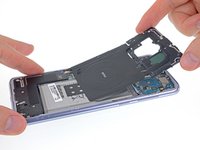
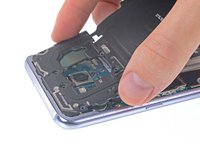
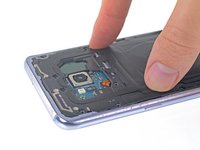
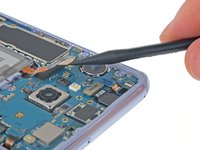
移除固定无线充电+nfc模组的11个3.7毫米十字螺丝
-
如果有哪颗螺丝在完全拧松后还是很难卸下,你可以用 镊子 将其取出。
-
-
-
-
-
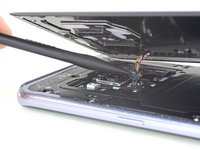
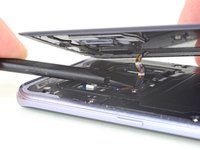
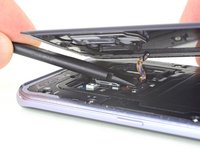
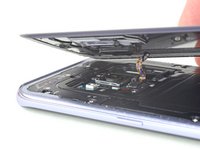
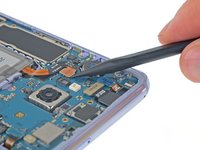
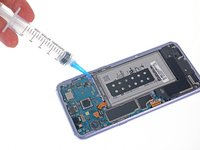
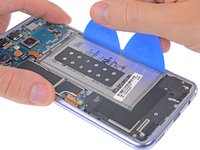
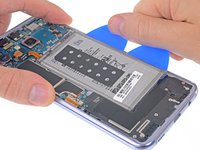
在电池的每个角落下方涂抹 1-2 滴高浓度 (>90%) 异丙醇,并让其渗透几分钟,以帮助削弱粘合剂。
-
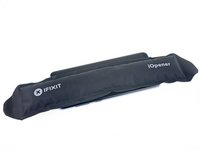
或者 使用刚加热的 iOpener 对着电池背后的显示屏加热两分钟,以帮助软化粘合剂。如果需要,请重复加热并重新放置 iOpener。
-
-

 询问修复机器人


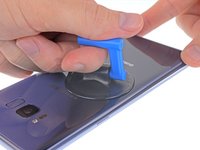
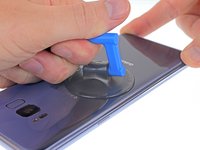


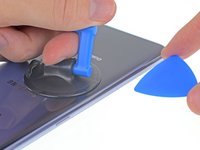
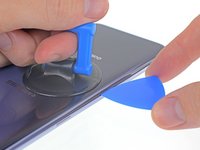


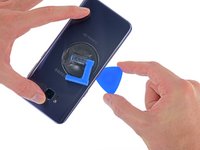
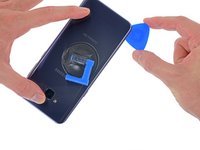
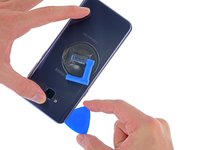

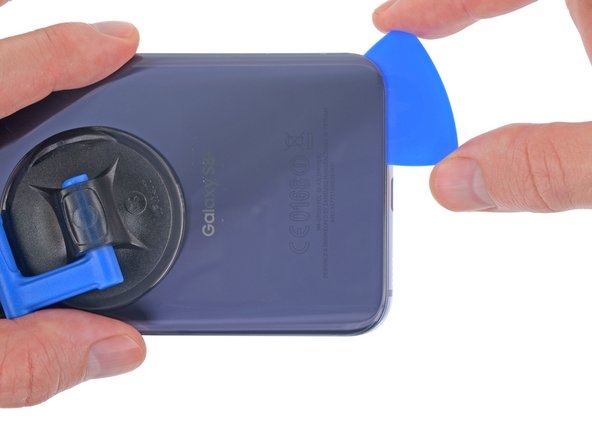
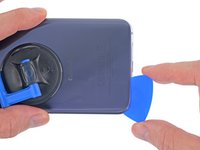
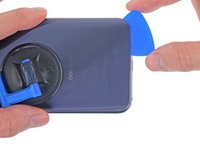


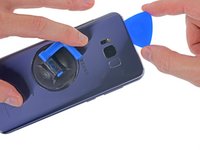
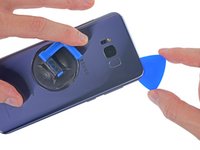
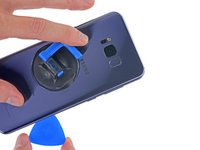


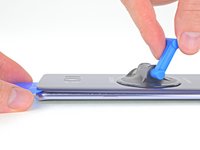
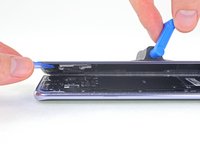


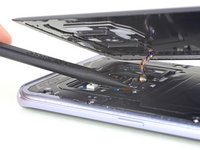











要重新组装设备,请按相反顺序执行这些说明。
为了获得最佳性能,在完成本指南后,请校准你新安装的电池。
56等其他人完成本指南。



14指南评论
this Iso + Heat method makes tough adhesive a thing of the past! just be patient. like the guide says, 2 mins to allow iso to penetrate
I applied the alcohol using a small paint brush, dipped into my iso jar, and “painted” along the battery edges.
roughly 30 seconds with heat gun on the front glass, boom, a freed battery
Just received this kit and I see it comes with the big adhesive, but it also has a smaller blue adhesive and a rectangle thing(that I think goes behind the battery?) that has a small one with it. Where do these things go?
Check out their guide they have up now for the replacement of this adhesive. Specifically, take a look at the pictures in step 10 to see where the little pieces are supposed to go.
Highly recommend against doing this. Even going carefully and reheating, 2 of the corners cracked when moving the pick through. So much for taking perfect care of the phone for 2 years =o(
Ditto. I ended up cracking my glass using the iOpener method as well. After no ordering and replacing the rear glass as well now, I am resorting to only using isopropyl alcohol from now on. No matter how hot I got the iOpener, how long I let it heat soak the adhesive, or how many times i reheated the iOpener and reapplied it, I never got any of this adhesive to come off without a risky struggle. And upon ordering all the adhesive kits, I still was shipped missing pieces of adhesive (camera, fingerprint reader, specific support adhesive, etc.). Very frustrating and time consuming process; far more than what these guides say it takes.
