-
-
在这个步骤中使用的工具:Tweezers$4.99
-
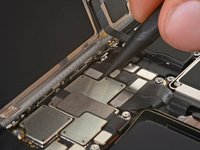
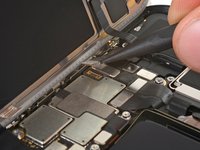
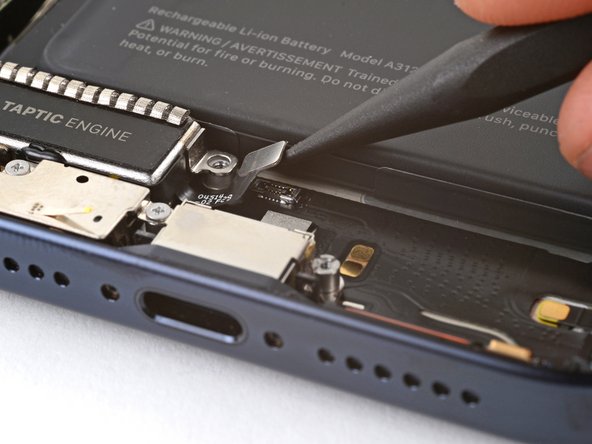
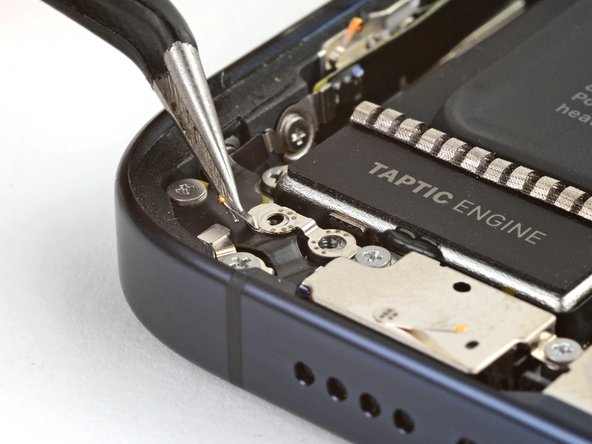
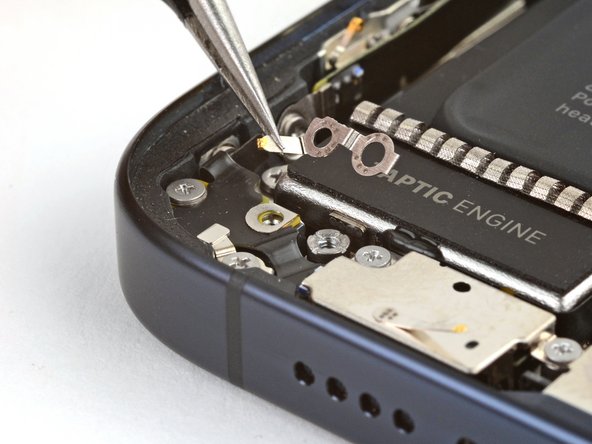
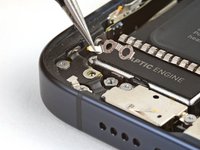
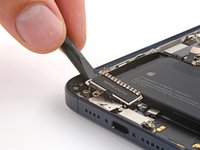
卸下固定接地夹的两颗螺钉:
-
一颗 1.2 毫米十字 #000 螺钉
-
一个 1.9 毫米三点式 Y000 螺钉
-
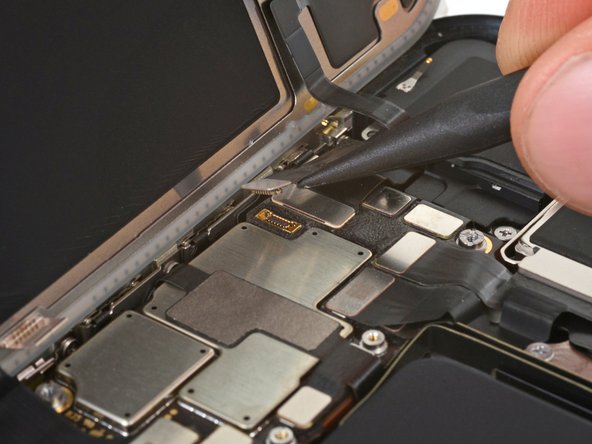
用镊子取下接地夹。
-
-
在这个步骤中使用的工具:Standoff Screwdriver for iPhones$5.49
-
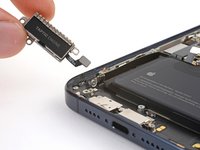
卸下固定触感引擎的两颗螺丝:
-
一颗 2.9 毫米十字 #000 螺钉
-
一颗 3.8 毫米支座螺丝
-
-
-
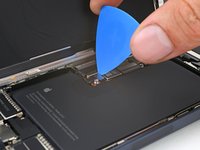
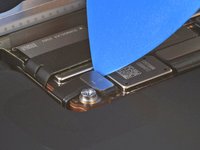
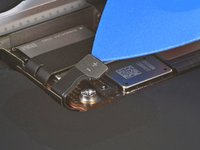
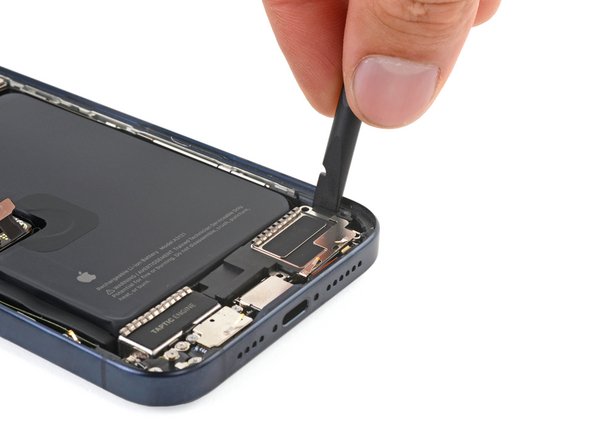
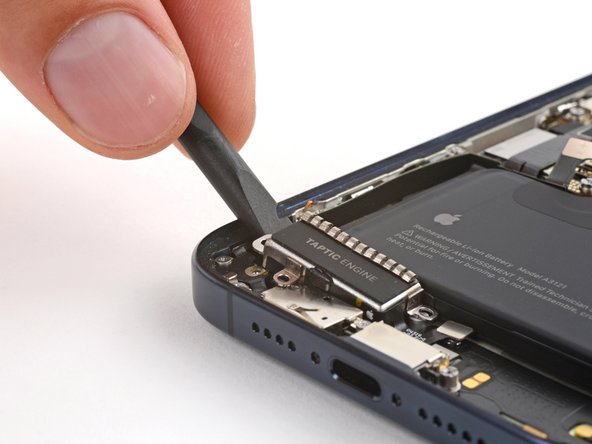
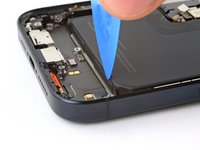
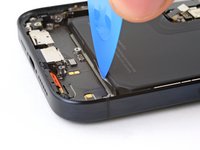
在 Taptic Engine 左边缘和机架之间插入刮刀的扁平端。
-
向上撬动,直到可以用手指抓住Taptic Engine。
-
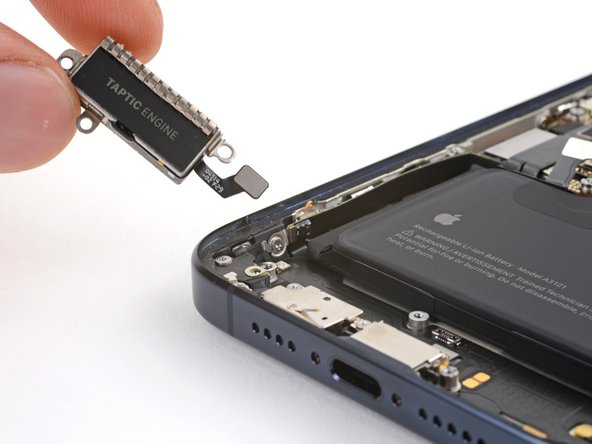
取出Taptic Engine。
-
-
在这个步骤中使用的工具:Tweezers$4.99
-
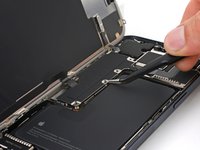
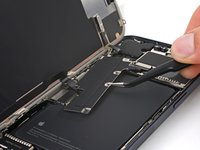
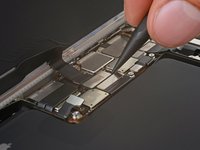
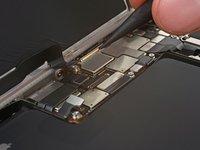
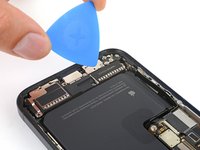
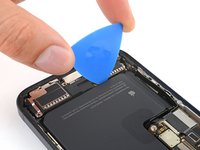
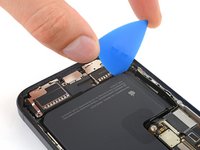
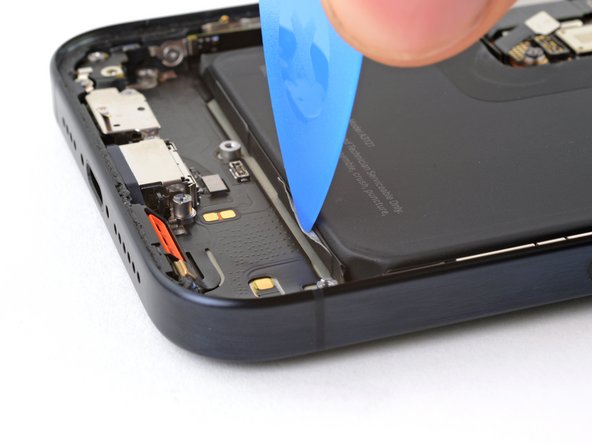
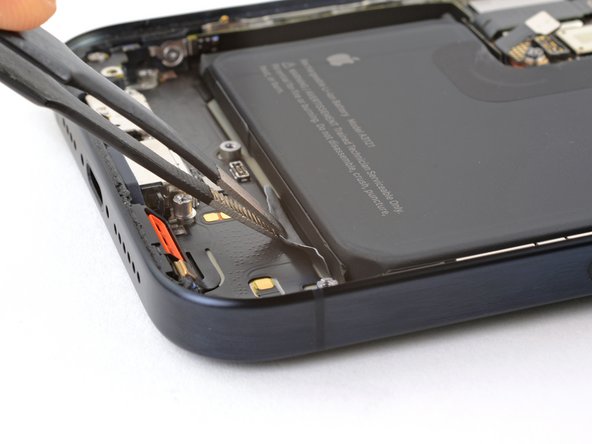
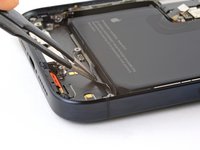
使用开口镊子的尖端,轻轻地从电池边缘松开粘胶拉片的边缘。
-
使用钝头镊子夹住拉片边缘,将其完全从电池边缘拉出。
-
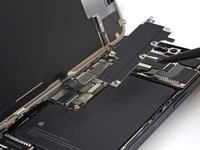
对另外两个拉片重复上述步骤。
-
-
-
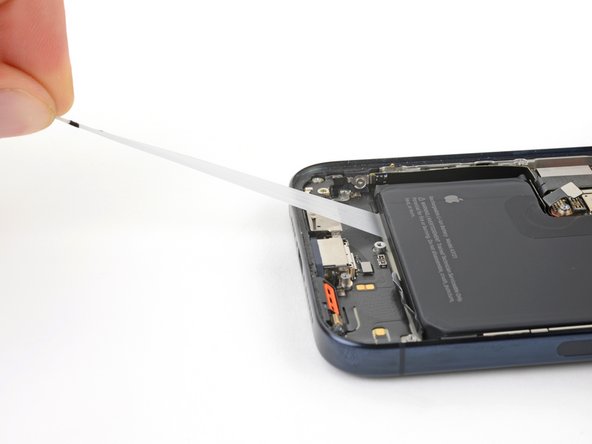
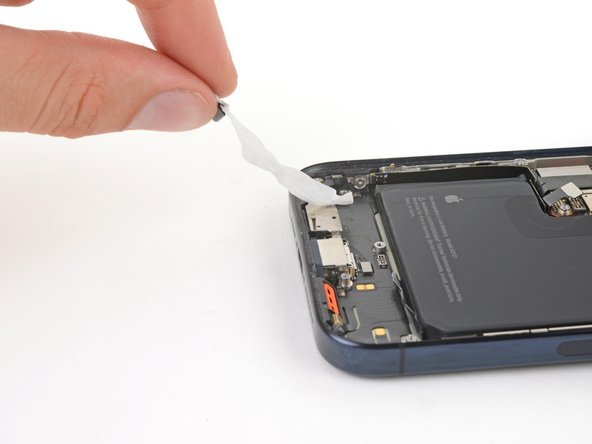
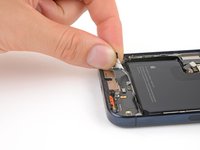
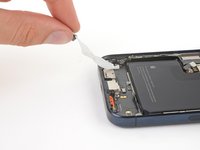
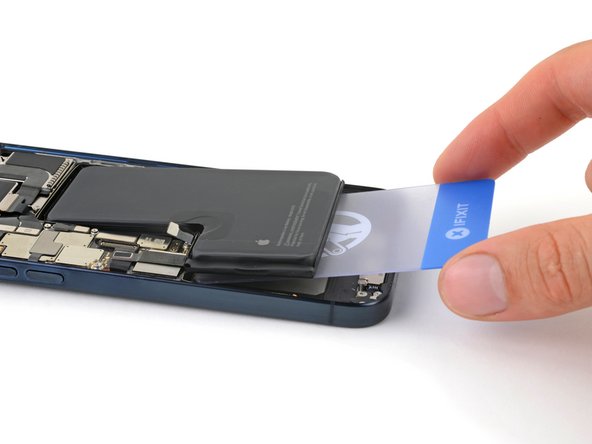
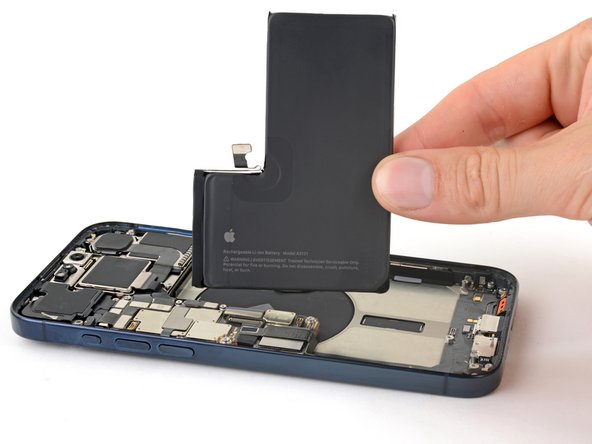
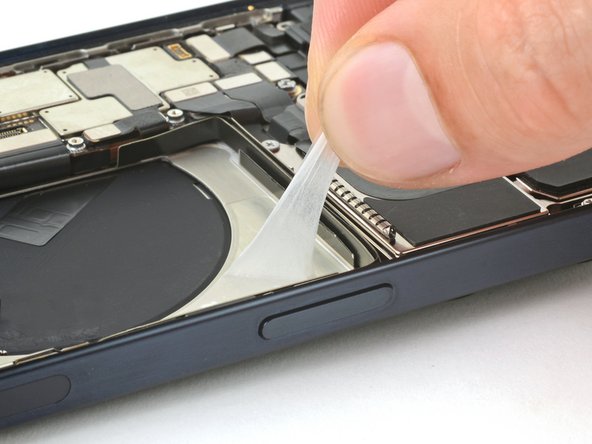
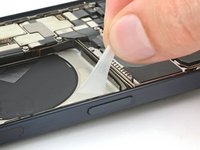
将其中一个拉片从电池下方拉出,直到可以用手指握住电池或将其缠绕在工具上。
-
用边框稳住手机,不要按压电池。
-
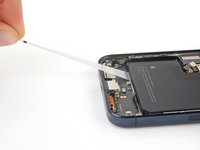
缓慢、均匀、低角度地拉出胶带,不要拖到其他部件上。
-
继续拉,边拉边重新握住或缠绕在工具上,直到易拉胶从电池下方完全松开。
-
对另外两个易拉胶重复此步骤。
-
-
-
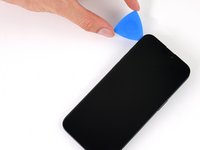
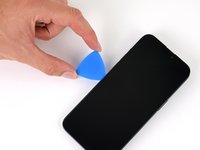
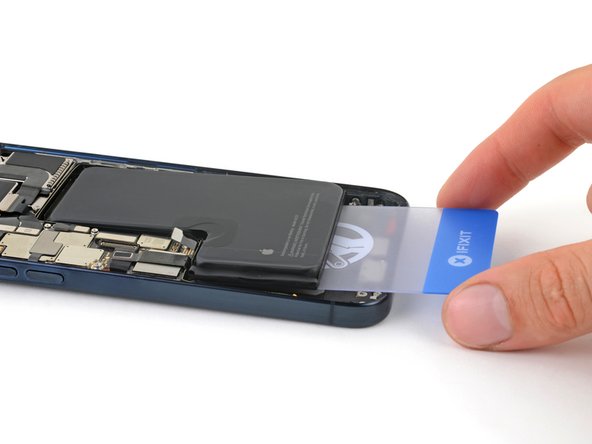
如果顶部胶带仍然存在,请支撑手机的顶部边缘。
-
如果底部的粘合剂残留,则撑起手机左侧边缘(有音量按钮的一侧)。
-
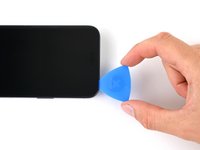
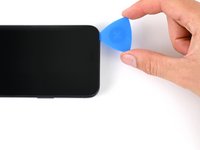
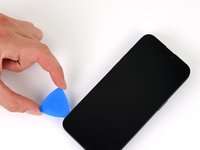
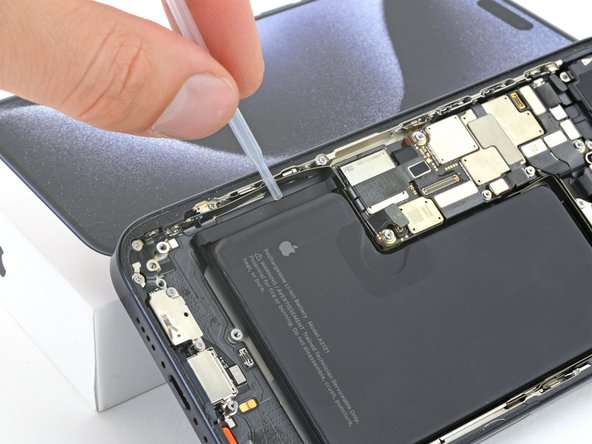
使用移液器或注射器将几滴高浓度异丙醇(超过 90%)滴到电池的凸起边缘。
-
等待一分钟,让异丙醇流到电池下面,软化粘合剂。
-
-
在这个步骤中使用的工具:Stretch Release Battery Adhesive$3.99






































要重新组装您的设备,请按照相反的顺序执行这些说明。
维修后,根据更换的部件,您可能能够[lin k|https://support.apple.com/en-us/120579|使用 Apple 的维修助手|new_window=true] 进行校准,自 iOS 18 起可用。更新您的设备,导航至设置→常规→关于→零件和服务历史记录,点击重启并完成维修,然后按照屏幕上的提示进行操作。
为获得最佳性能,请在完成本指南后校准新安装的电池。
将您的电子垃圾带到R2 或 e-Stewards 认证回收商。
28等其他人完成本指南。


团队

4指南评论
@cashewclay The Apple self service manual says it needs a system configuration after installing a battery, I'm assuming this would set up the battery health feature? They provide instructions on how to perform a system configuration. Same goes for replacing the display and other components. I think it would only work for Apple genuine parts, but would be interesting to try with 3rd party too.
You're right that Apple's tool restores some functionality, like battery health. Unfortunately, they've woven in a verification step, checking that you have exactly the right battery that they sent to you. Using a third-party battery, or even the wrong "genuine" Apple battery, will cause the system configuration to reject the replacement. This is subject to change, and may only be accurate as of the time this guide was published.
were is vedow
