简介
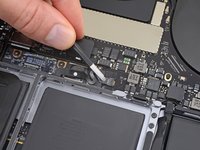
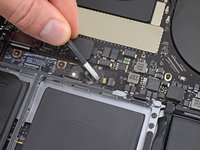
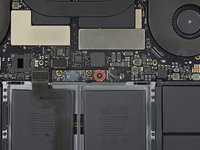
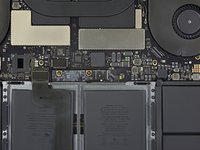
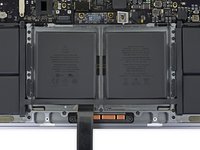
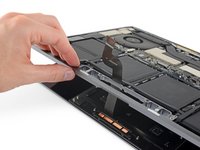
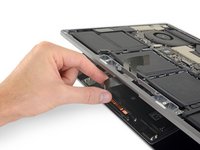
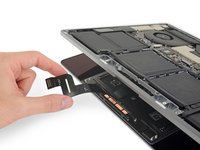
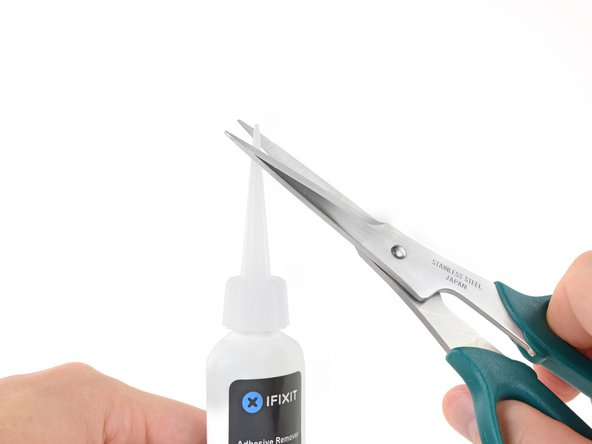
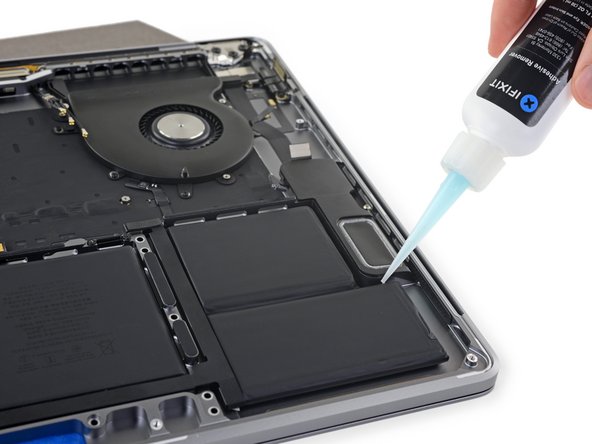
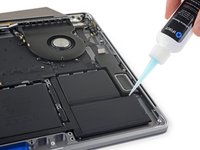
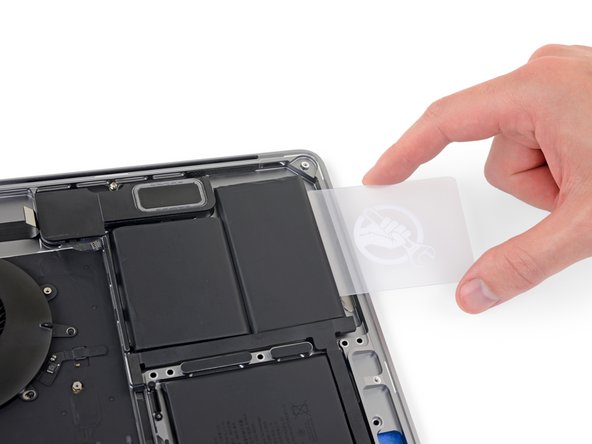
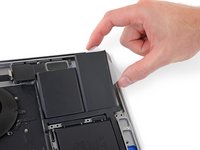
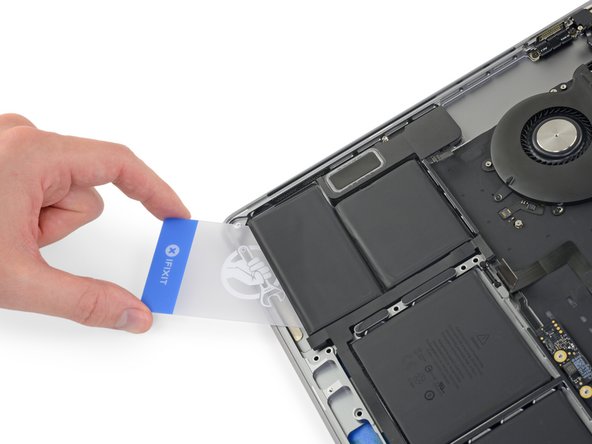
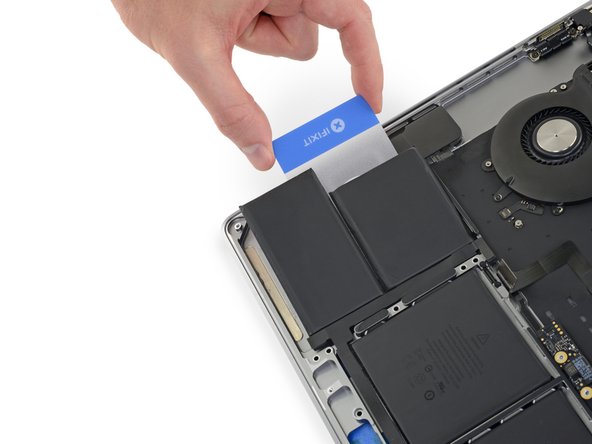
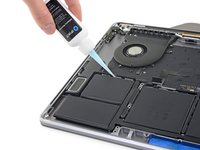
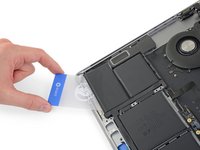
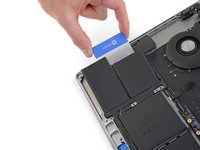
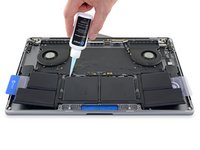
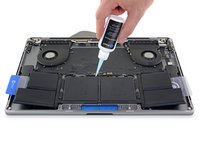
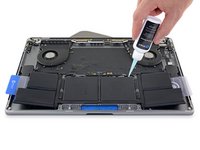
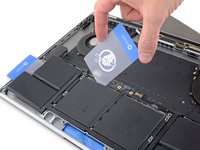
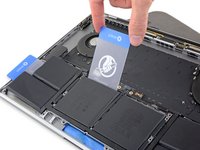
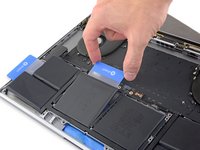
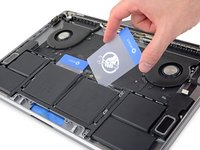
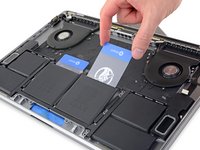
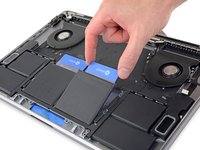
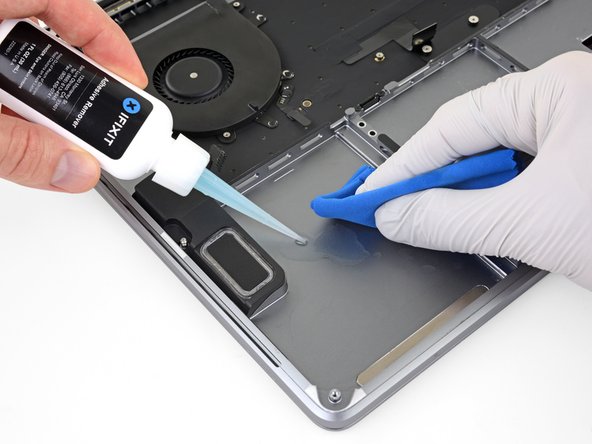
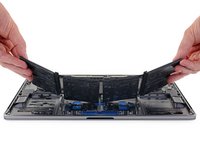
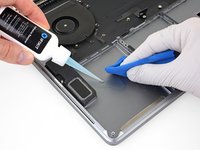
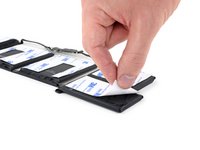
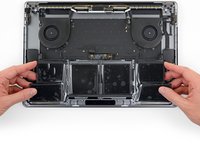
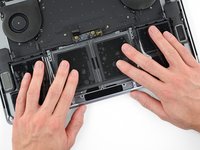
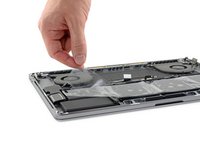
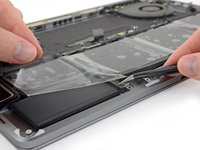
使用本指南,借助 iFixit 提供的带有粘合剂去除剂的工具包,安全地拆除 MacBook Pro 中粘合的电池。粘合剂去除剂旨在弱化固定电池的胶水,让您能轻松将其取出。
iFixit 粘合剂去除剂易燃。 请在通风良好的区域执行此操作。请勿吸烟或在明火附近作业。
为将损坏风险降至最低,请在此操作开始前打开 MacBook 并让电池充分放电。 如果意外刺穿,充满电的锂离子电池可能引发危险且无法控制的火灾。 如果您的电池看起来鼓包或肿胀,请采取额外的预防措施。
注意:用于溶解电池粘合剂的溶剂可能损坏某些塑料。请遵循所有说明,并在涂抹粘合剂去除剂时小心谨慎。
你所需要的
-
-
-
开机,并打开终端。
-
将以下命令复制粘贴到(或完全键入)终端窗口中:
-
sudo nvram AutoBoot=%00
-
按[回车]。如果出现钥匙提示,请输入管理员密码(开机密码)并再次按[回车]。注意:您的回车键也可能标有「⏎」或 return。
-
sudo nvram AutoBoot=%03
 询问修复机器人
-
-
-
-
-
-
-













































































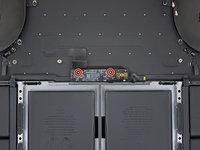
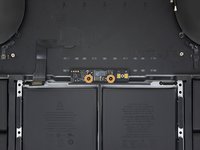

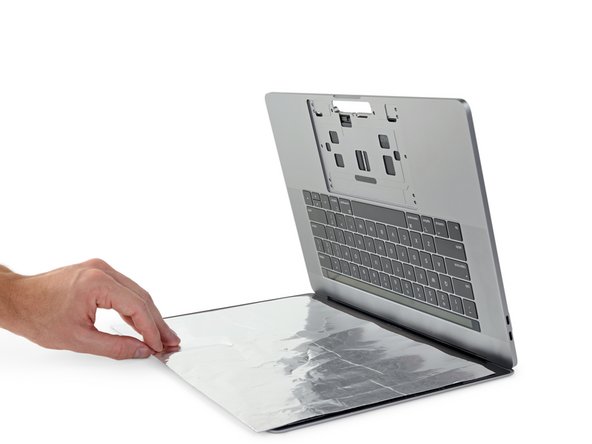
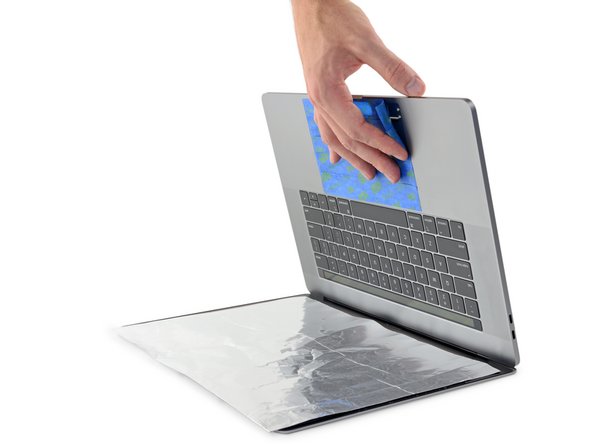
























164等其他人完成本指南。



70指南评论
it’s an unbelievably undesired design that glues everything together. And the design arrangement for the screen was just… annoying.
makrovfisher - 回复 分享
Holy &&^&^$^ $@$*, good thing you dont have to delaminate the screen just to replace the battery. Wtf.
vojvodic021 - 回复 分享
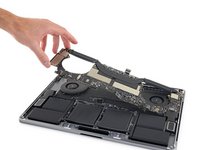
Why removing the logic board. I don’t understand it seems useless. Just detach the battery cables and the battery.
There is a video on youtube that shows this (think its turkish, and they only disconnect the battery and start removing it from there with a plastic spatuala). I think its more to do with the fact that this guide doesnt want accidental spillage of adhesive remover onto the logic board. Also to avoid and damage to the board when cleaning the remenants.
