此翻译由机器生成,尚未经过人工审核。 会说这种语言吗? 查看评论。

Google Pixel 3 后置摄像头更换

最后更新于 2026年8月9日
浏览量: 3万
浏览统计数据:
- 过去24小时
- 3
- 过去 7 天:
- 22
- 过去 30 天:
- 85
- 总计
- 30,305
评论: 121
117 comments on steps, 4 guide comments.
Go to guide comments已完成: 12 13
12 人已将本指南标记为“已完成”。你会是下一个完成的人吗?
13 人已将本指南标记为“已完成”。包括你——干的漂亮!
收藏: 1 2
1 人收藏(并订阅)了本指南。你会是下一个吗?
2 人收藏(并订阅)了本指南——这其中包括你!
你所需要的


-
-
-
-
-
-
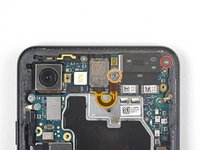
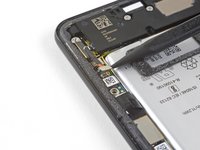
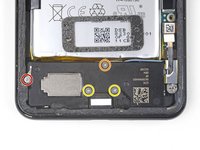
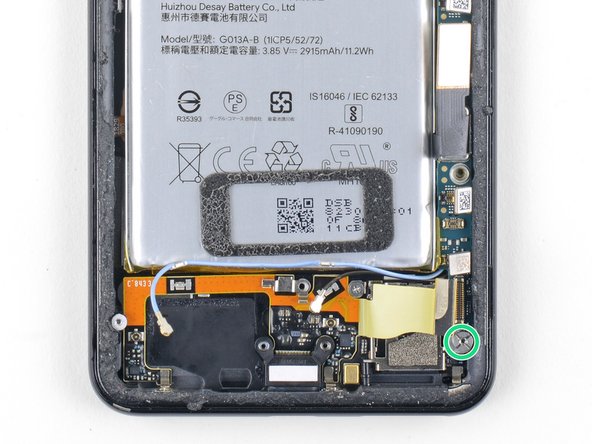
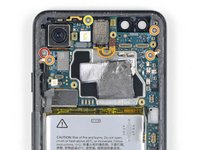
拧下以下 4 颗十字螺丝:
-
1 颗 1.9 mm 螺丝
-
1 颗 4.3 mm 螺丝
-
2 颗带更细螺杆的 4.3 mm 螺丝
-
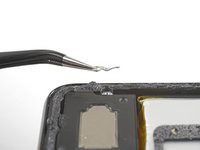
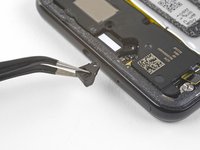
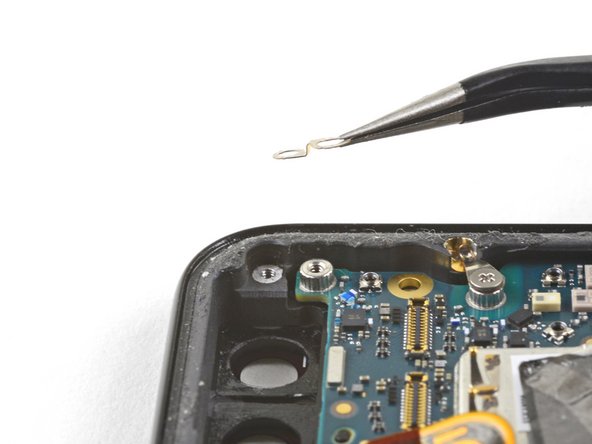
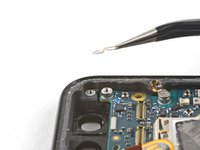
从左侧螺丝孔中取出微小的接地夹。小心不要弄丢。
-
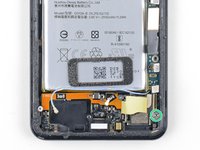
从 USB-C 接口右侧取出小塑料插件。
-
-
-
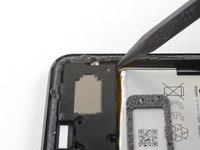
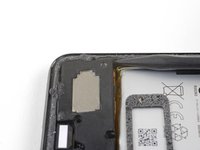
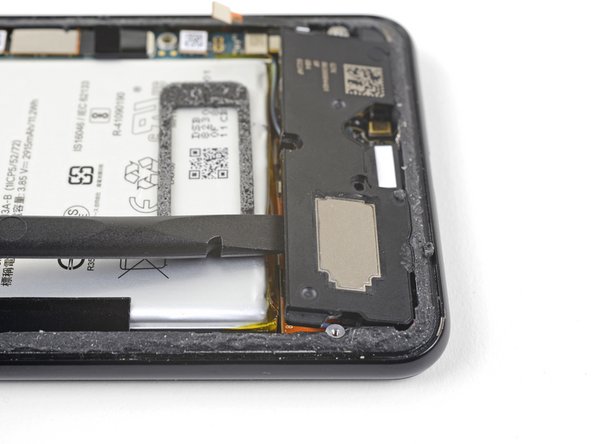
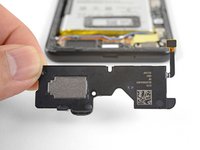
拆下扬声器。
-
如果密封垫状况良好,你可以重复使用。请确保密封垫没有遮挡出声孔。
-
如果密封垫移位,请将其取下,并使用预裁好的胶条或 Tesa 胶带进行更换。
-
-
-
-
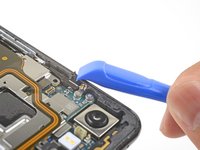
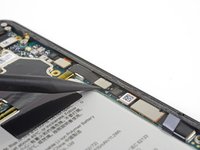
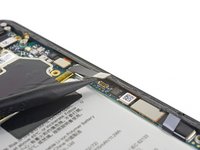
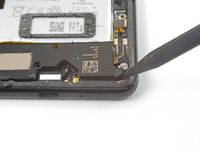
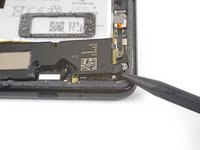
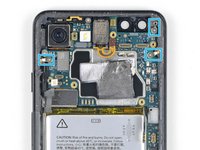
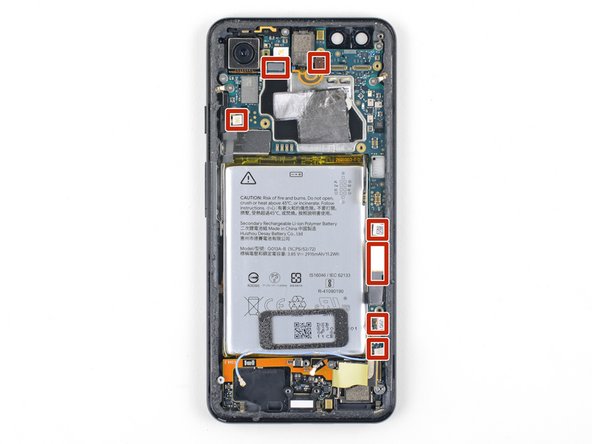
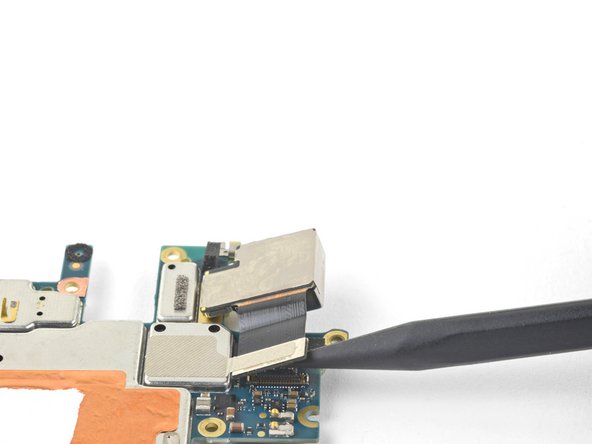
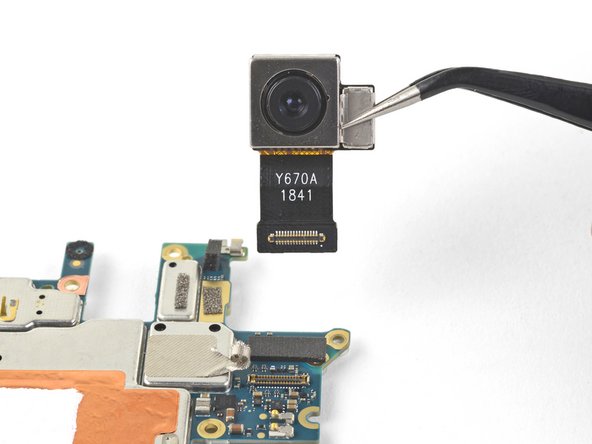
使用撬棒撬起并断开以下七个从主板插孔连接的压入式连接器:
-
外部按钮连接器
-
顶部麦克风连接器
-
听筒连接器
-
左侧挤压传感器连接器
-
屏幕连接器
-
右侧挤压传感器连接器
-
SIM 卡托连接器
-
-
-
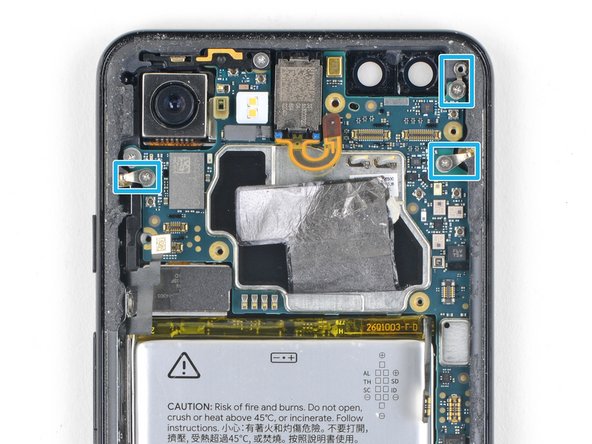
拧下固定主板的六颗螺丝:
-
一颗 4.2 mm 十字螺丝
-
三颗 1.9 mm 十字螺丝
-
一颗 4.3 mm 十字螺丝
-
一颗 3.83 mm 支撑螺丝
-
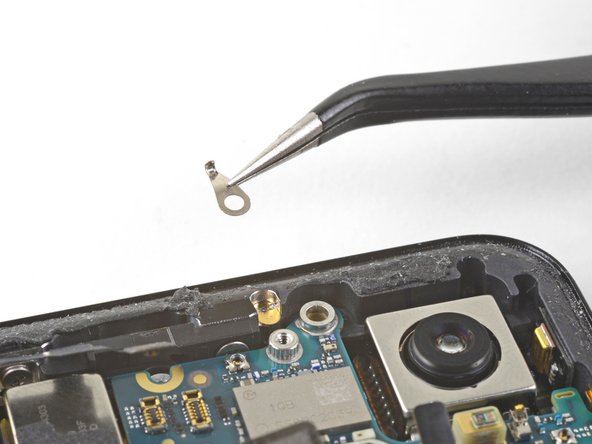
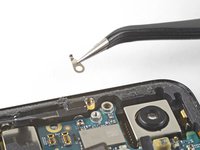
取下并妥善保管那三个小金属接地夹。
-
-
-
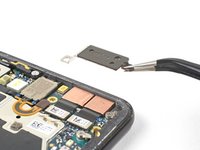
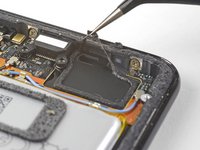
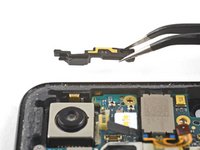
小心地将天线支架从手机左上边缘取下。
-
调整接地夹的方向,使银色面朝上。
-
水滴状接地夹的尖端应朝向手机边缘。
-
双孔接地夹应向下倾斜,朝向中框右上角的螺丝孔。
-
-
-
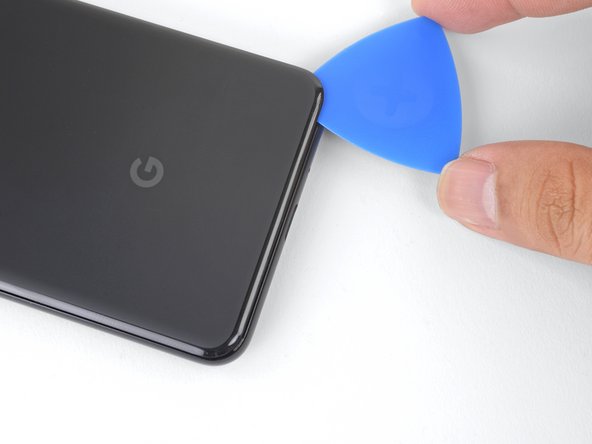
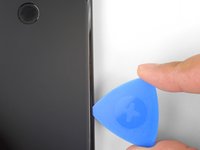
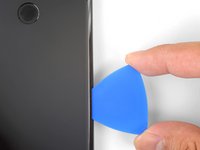
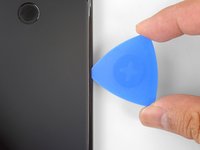
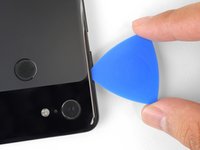
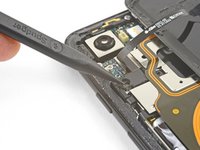
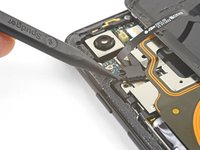
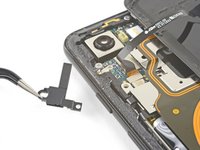
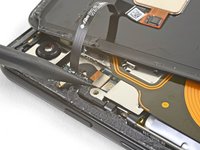
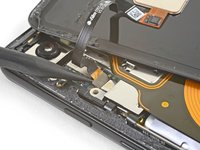
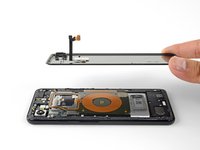
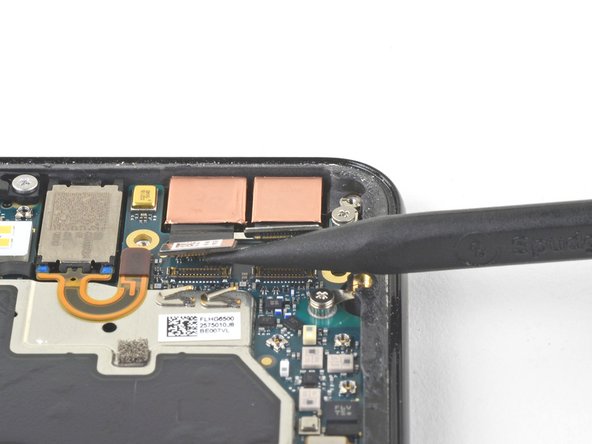
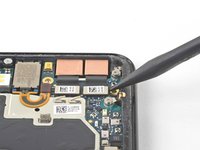
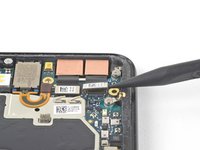
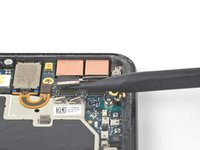
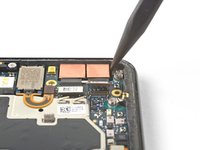
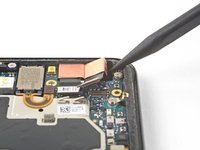
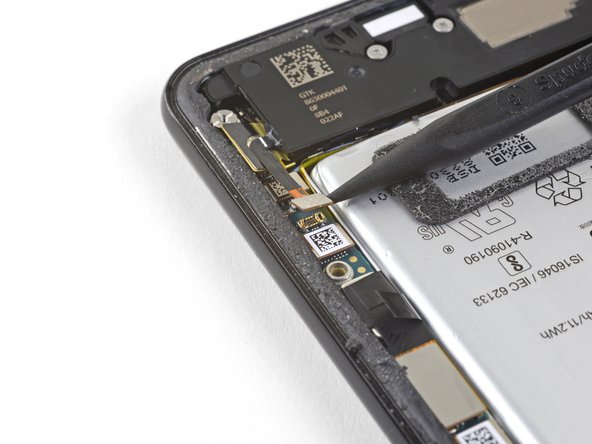
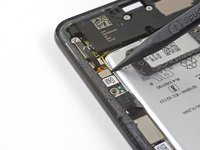
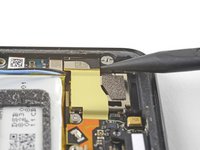
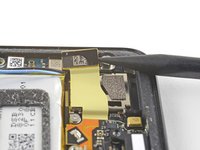
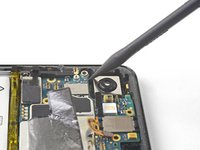
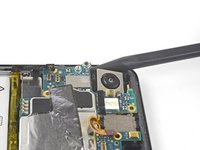
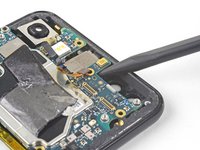
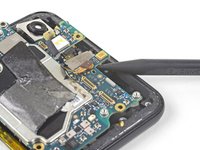
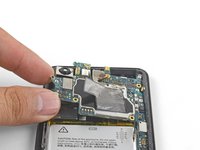
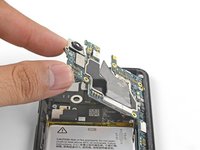
将撬棒的尖端插入主板左上角附近,就在后置摄像头下方。
-
轻轻撬起以松开主板,将所有柔性排线拨向一侧,以便留出移动空间。
-
如果感觉主板固定得很紧,请检查是否还有未断开的柔性排线或螺丝。
-

 询问修复机器人
















































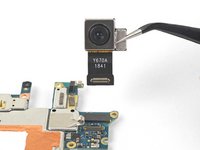
要重新组装设备,请按相反顺序执行这些说明。
维修过程不如预期?可访问我们的Google Pixel 3 Answers 社区获取故障排除帮助。
12等其他人完成本指南。



4指南评论
Time is not correct for this job. Only the disassembly itself takes 90 - 120 minutes. But assembly is a separate type of torture. Only to separate the old adhesive tape is very hard. For the instructions thank you, with bolts during assembly helped, but I do not recommend to disassemble it on your own. In my case, a professional replaced the camera for about 5 hours until I took my phone back.
It is possible to remove the rear camera without dismantling upper or lower speaker. The main PCB is sufficiently flexible. However, take care of the speaker connections while moving the PCB.
Most difficult step is the initial opening of the the back cover of the phone. I broke it (as it is made of glas), though being really carefully using dental floss to “cut” the glue. All other steps are not particular challenging.
Thanks for the ifxit guideline!
I noticed pixel 3 cameras have different model numbers. Must the model number for the old camera be the same with the replacement?
