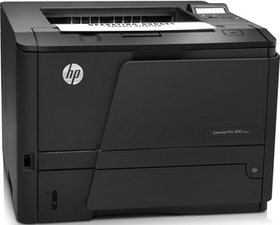

laserjet pro m404dn
laserjet pro m404dn paper stuck and torn
声誉积分: 502.3千
 35
35
 347
347
 977
977
First off you may still have paper jamming the pathway, it's important to start there. While a sheet is the most obvious the rollers over time collect paper dust making their ability to forward the paper difficult if not even possible. These are either natural rubber or silicon both need cleaning with isopropyl alcohol and if black (natural rubber) will need the rubber revitalized so its grip is restored or lastly replacing the roller units.
Sadly this is a great printer which parts are hard to come by as it's so old. I have an older HP laser printer which I'm still trying to keep running often needing to clean the rollers.
这个答案有帮助吗?
声誉积分: 860.2千
1.4千
974
2.4千
@abubakaris93069 if your torn paper is still in the paper handling path, use the HP LJ Pro M304 M305 M404 M405 M329 M428 M429 Troubleshooting Manual to clear this. It also has some pages on how to prevent paper from jamming. For anything more in depth, use the HP LJ Pro M304, M305, M404, M405 Service Manual and check for the paper path in that manual, which also includes the parts list.
这个答案有帮助吗?
过去 24 小时: 0
过去 7 天: 4
过去 30 天: 23
总计 49


