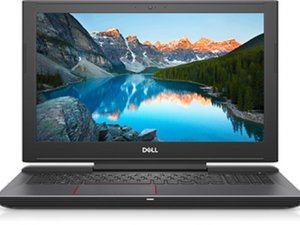

Replacing the display cable
I suddenly have a vertical column of discolouration on my laptop screen which does not exist when I connect my laptop to an external display.
- Would my diagnosis of a flawed display cable be accurate?
- If so, what’s the easiest way to replace it?
I’ve already attempted disconnecting and reconnecting the EDP cable on the MB end but that didn’t do anything, which would push me towards the other end of the cable having the issue (or the cable being internally damaged). I also attempted to disassemble the laptop to access the display cable, but ran into issues while attempting to remove the computer base (instructions start at page 44 of the service manual uploaded here), namely with getting the palm rest/display assembly off.
[Edit] Here’s a screenshot of what it looks like for me on this site right now:


 1.5千
1.5千  980
980  2.4千
2.4千 