跳转到主内容
加入维修社区 - 创建账户

Samsung Refrigerator Icemaker Assembly Replacement (Freezer Icemaker)

你所需要的

  1. Samsung Refrigerator Icemaker Assembly Replacement (Freezer Icemaker), Unplug your refrigerator: 步骤 1 中的图像 1,1
    • Unplug your refrigerator before you begin your repair.

    询问修复机器人
  2. Samsung Refrigerator Icemaker Assembly Replacement (Freezer Icemaker), Open the freezer drawer: 步骤 2 中的图像 1,2 Samsung Refrigerator Icemaker Assembly Replacement (Freezer Icemaker), Open the freezer drawer: 步骤 2 中的图像 2,2
    • Slide the freezer drawer fully open.

    询问修复机器人
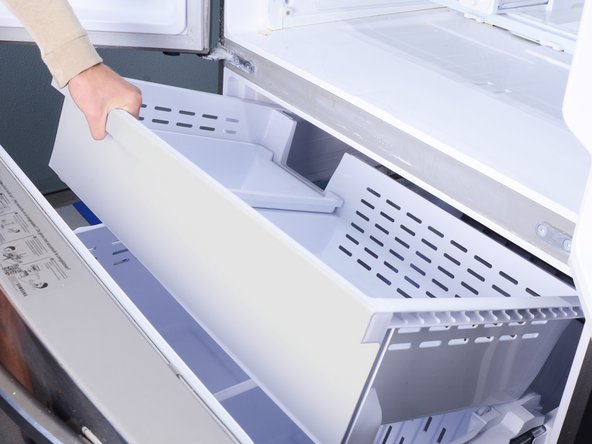
  3. Samsung Refrigerator Icemaker Assembly Replacement (Freezer Icemaker), Remove the freezer bins: 步骤 3 中的图像 1,3 Samsung Refrigerator Icemaker Assembly Replacement (Freezer Icemaker), Remove the freezer bins: 步骤 3 中的图像 2,3 Samsung Refrigerator Icemaker Assembly Replacement (Freezer Icemaker), Remove the freezer bins: 步骤 3 中的图像 3,3
    • Lift and remove all the freezer bins from the drawer.

    • You may need to open the refrigerator doors in order to remove the large bin.

    询问修复机器人
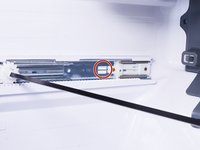
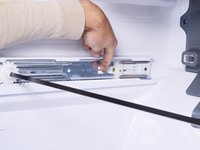
  4. Samsung Refrigerator Icemaker Assembly Replacement (Freezer Icemaker), Remove the freezer door: 步骤 4 中的图像 1,3 Samsung Refrigerator Icemaker Assembly Replacement (Freezer Icemaker), Remove the freezer door: 步骤 4 中的图像 2,3 Samsung Refrigerator Icemaker Assembly Replacement (Freezer Icemaker), Remove the freezer door: 步骤 4 中的图像 3,3
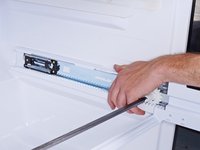
    • A plastic tab locks each drawer rail in place.

    • Use a flathead screwdriver or your fingers to press in the plastic tab near the inner end of the drawer rail.

    • As you press the plastic tab, grasp the rail with your free hand and slide it towards you slightly to unlock the rail.

    询问修复机器人
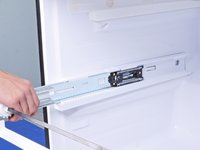
  5. Samsung Refrigerator Icemaker Assembly Replacement (Freezer Icemaker): 步骤 5 中的图像 1,2 Samsung Refrigerator Icemaker Assembly Replacement (Freezer Icemaker): 步骤 5 中的图像 2,2
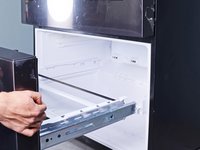
    • Repeat the rail unlock procedure on the other drawer rail.

    • Once both rails are unlocked, firmly pull both rails to slide them out of the refrigerator wall guides.

    • Remove the freezer drawer.

    • To install the freezer drawer:

    • Push the geared torsion bar until it rests at the very end of the rails.

    • Align the drawer rails to the refrigerator wall guides.

    • Close the freezer drawer until the rails lock back in place.

    • If you don't hear a click, visually check if the plastic tabs have locked in place. You may need to push the rails in a little further with your fingers to set the tabs.

    询问修复机器人
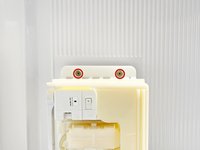
  6. Samsung Refrigerator Icemaker Assembly Replacement (Freezer Icemaker), Unfasten the icemaker assembly: 步骤 6 中的图像 1,2 Samsung Refrigerator Icemaker Assembly Replacement (Freezer Icemaker), Unfasten the icemaker assembly: 步骤 6 中的图像 2,2
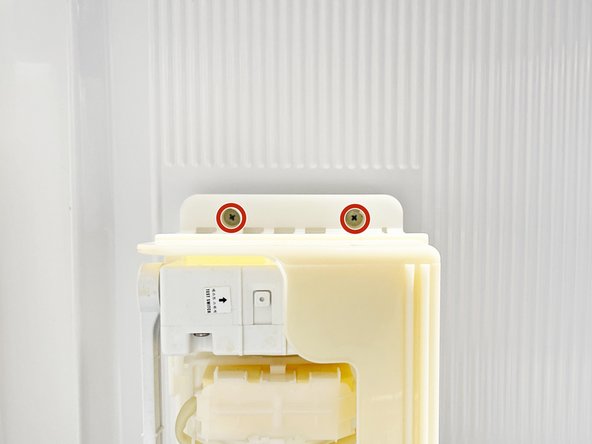
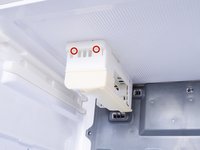
    • Use a Phillips screwdriver to remove the screws securing the icemaker assembly to the freezer ceiling.

    询问修复机器人
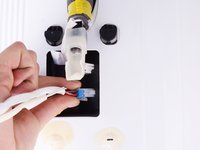
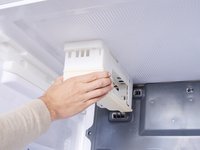
  7. Samsung Refrigerator Icemaker Assembly Replacement (Freezer Icemaker), Disconnect the icemaker assembly: 步骤 7 中的图像 1,2 Samsung Refrigerator Icemaker Assembly Replacement (Freezer Icemaker), Disconnect the icemaker assembly: 步骤 7 中的图像 2,2
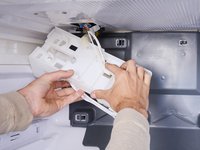
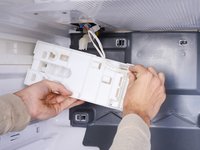
    • Grasp the front edge of the icemaker assembly and tilt it downwards.

    • Don't try to remove the icemaker yet, as it's still connected by a few wires.

    询问修复机器人
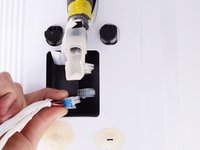
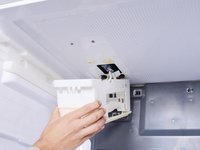
  8. Samsung Refrigerator Icemaker Assembly Replacement (Freezer Icemaker): 步骤 8 中的图像 1,2 Samsung Refrigerator Icemaker Assembly Replacement (Freezer Icemaker): 步骤 8 中的图像 2,2
    • Use your fingers to guide the wire harness out of the icemaker assembly.

    询问修复机器人
  9. Samsung Refrigerator Icemaker Assembly Replacement (Freezer Icemaker): 步骤 9 中的图像 1,3 Samsung Refrigerator Icemaker Assembly Replacement (Freezer Icemaker): 步骤 9 中的图像 2,3 Samsung Refrigerator Icemaker Assembly Replacement (Freezer Icemaker): 步骤 9 中的图像 3,3
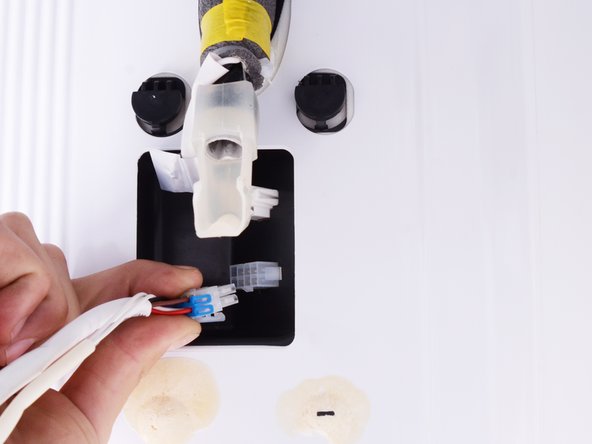
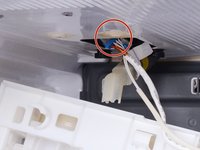
    • Squeeze the icemaker cable connector and pull to disconnect it.

    询问修复机器人
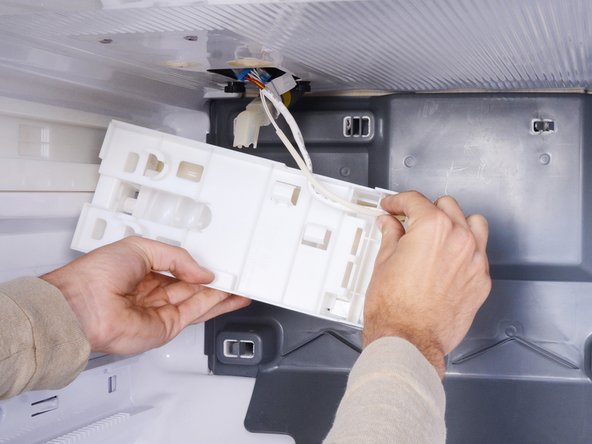
  10. Samsung Refrigerator Icemaker Assembly Replacement (Freezer Icemaker): 步骤 10 中的图像 1,1
    • Remove the icemaker assembly.

    询问修复机器人
结论

To reassemble your device, follow these instructions in reverse order.

Take your e-waste to an R2 or e-Stewards certified recycler.

Repair didn’t go as planned? Ask our Answers community for help.

2等其他人完成本指南。

Arthur Shi

于01/03/18注册

336,364 声望

创作了848篇指南

团队

iFixit iFixit 的会员

Staff

122 名成员

创作了25,805篇指南

0指南评论

添加评论

浏览统计数据:

过去 24 小时: 3

过去 7 天: 20

过去 30 天: 108

总计 1,955