-
-
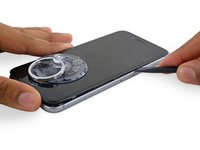
将蓝色的手柄朝铰链的方向拉,以解除反向钳的分离模式。
-
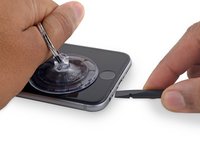
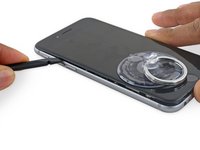
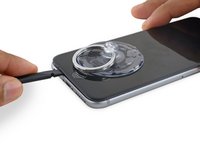
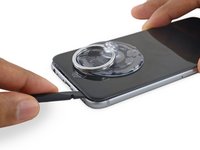
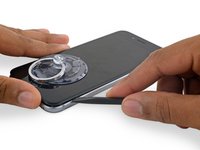
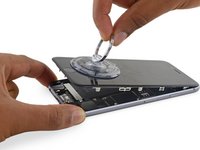
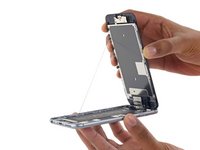
将支撑臂滑过 iPhone 的左边缘或右边缘。
-
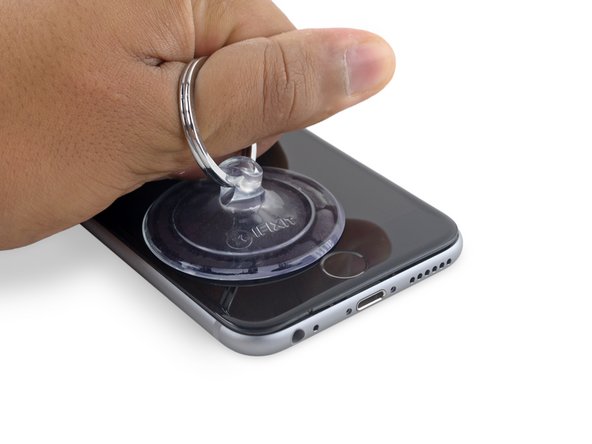
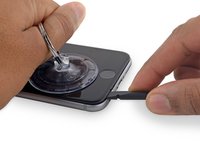
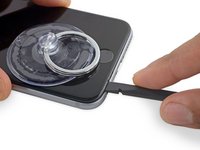
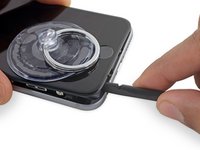
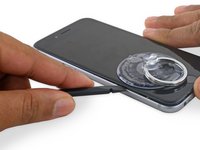
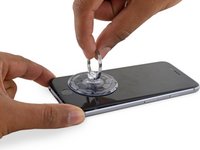
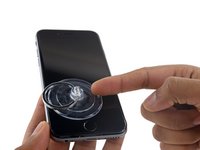
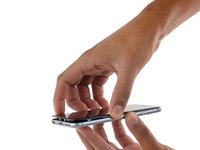
将两个吸盘放到Home键上方的屏幕——一个在前,一个在后(屏幕朝向自己的地方为前)。
-
将上方吸盘向下压以施加吸力到目标位置。
-
-
在这个步骤中使用的工具:Magnetic Project Mat$16.96
-
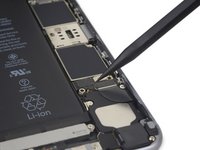
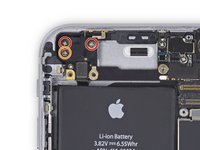
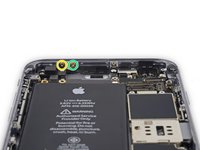
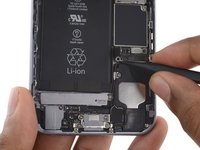
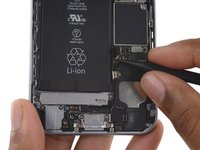
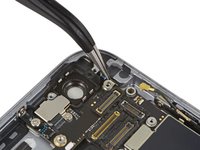
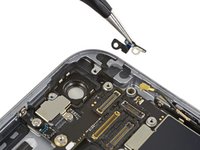
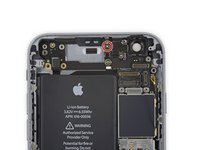
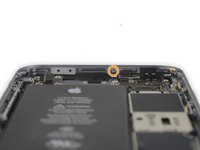
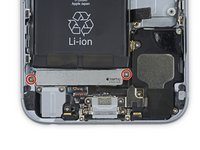
卸下电池排线固定架上的2颗十字 #00 螺丝。
-
1颗2.9 mm螺丝
-
1颗2.2 mm螺丝
-
-


















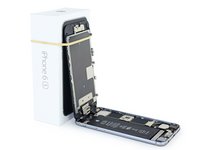


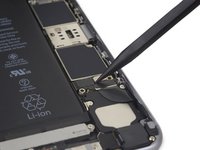
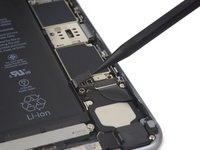


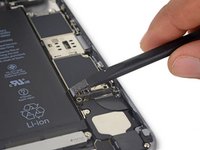
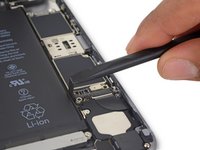


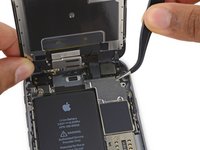
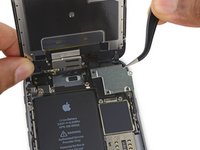


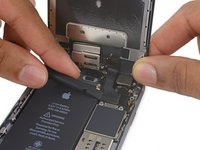
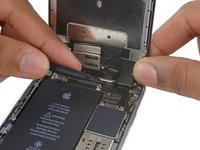


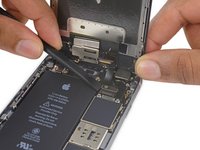
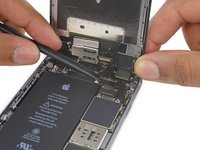


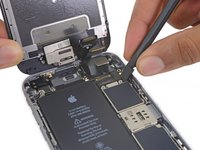
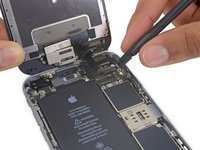










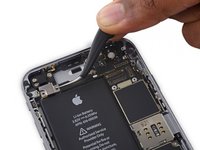
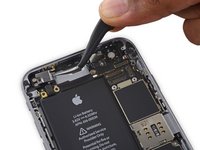




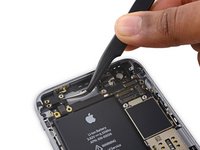
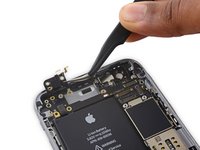


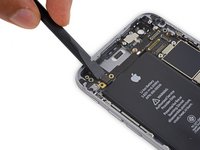
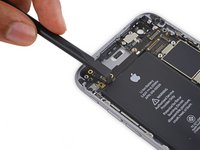


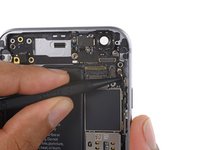
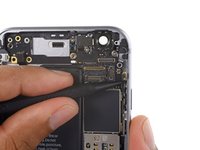




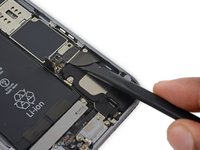
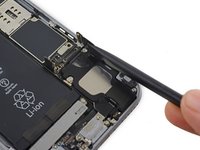


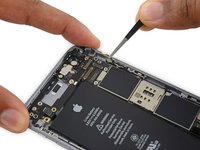
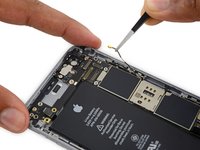









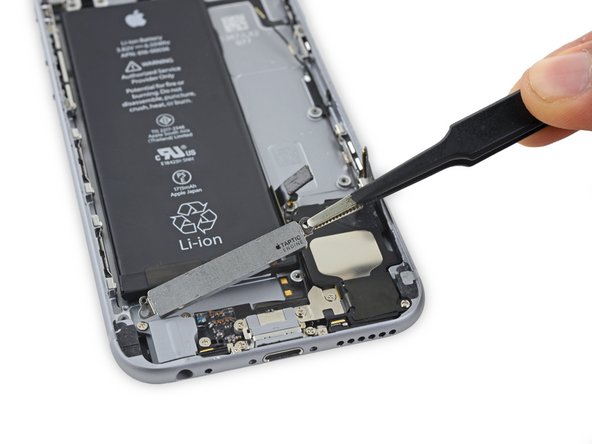
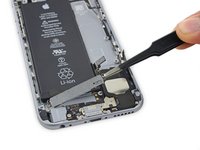









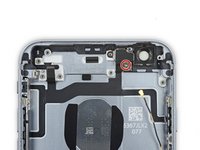
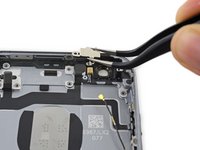


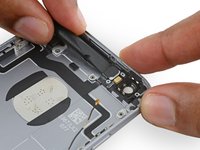
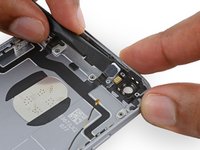


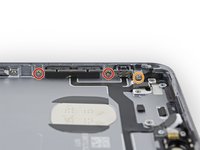
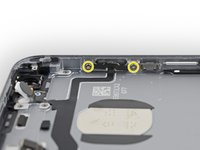


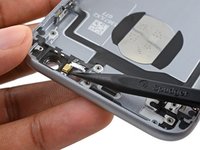
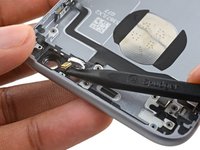


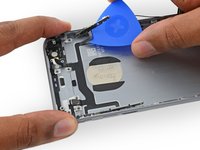
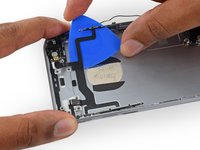


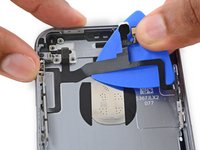
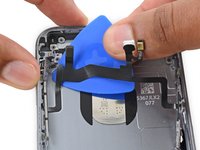


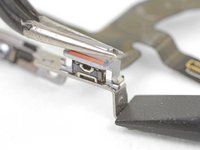
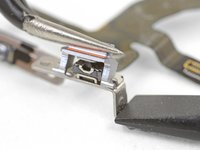
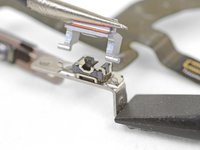
如要组装的话, 请按逆序操作一下步骤。
44等其他人完成本指南。





13指南评论
Does anyone know where the secondary cell antenna is located on the 6S, it's easily visible on the 6S plus.
Is it under the top wifi antenna, built into the board?
Or at step 41 removing a 'plastic clip' which I thought could be the gps antenna
I had a question about the last step. Mine Upper component cable appears to be attached to the brackets that hold it in place. They appear to have very small spot welds which i cannot remove. It looks like the new cable should wrap around the brackets with an adhesive but i cant seem to get the brackets off of the old cable. Why doesn't the new cable come with those brackets attached? Or was i supposed to order those as separate pieces?
Good guide. Should have mentioned that buying the replacement cable WITH the brackets and switch attached is necessary . I bought a cable without and could not remove the mute button. Then went and bought a cable WITH the brackets and everything went together well. Phone works just fine.
