简介
使用本指南更换您iPhone 4S的屏幕
成功更换损坏的屏幕后,通过安装 屏幕保护膜 保护新显示器免受刮伤。
你所需要的
视频概述
-
-
-
-
-
-
-
-
-
-
-
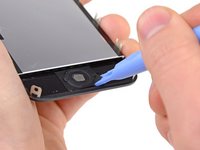
记住从旧的屏幕上取下Home键安装在新屏幕上(大多数情况,新屏幕是没有Home键)。Home键的橡胶垫圈是很薄的注意不要拉断。同时,观察替换的屏幕上是否有听筒网,如果没有,从旧屏幕上取下再装上去即可。
-
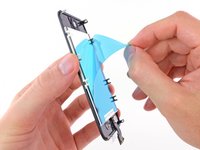
在安装新的屏幕前一定要撕下屏幕保护贴纸(通常是蓝色或者粉红色)。
-
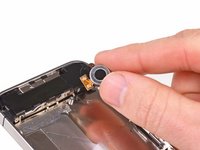
如果你更换的新屏幕没有直径7mm的前置摄像头固定圈,从旧屏幕上取下安装在新屏幕上即可。
-
-
-
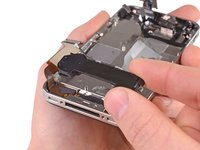
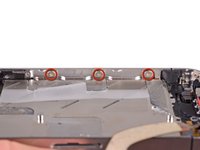
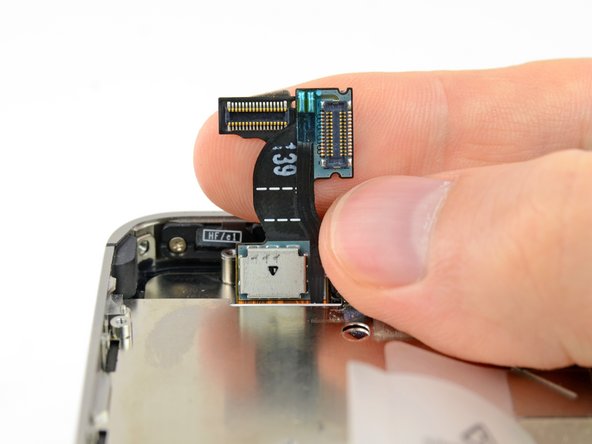
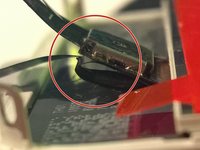
小心拉直屏幕排线和数字转换排线然后从中板打孔处穿过去。图片中图的做法是错误的,使橡皮圈和数字转换排线一起穿过开孔。中图展示的橡皮圈。
-
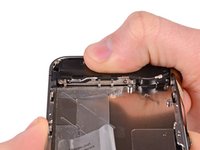
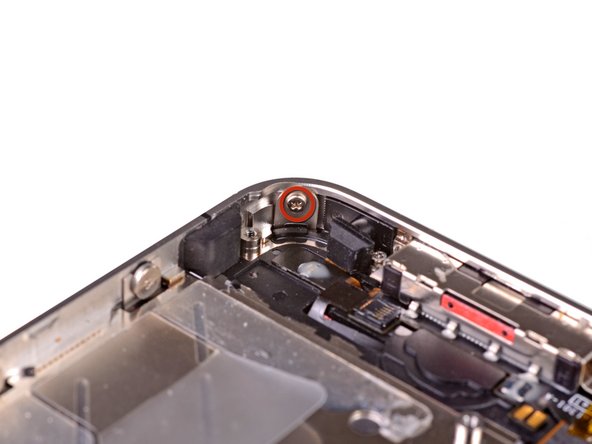
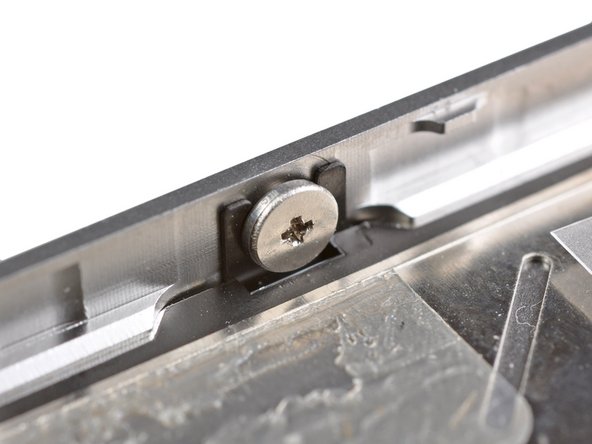
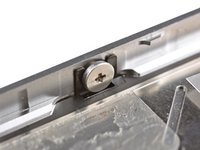
这个照片展示了屏幕组件被错误的安装的样子,在数字排线之间留有太多空隙,最终会导致排线弯曲/缠绕最终被卡在凹槽上。第三张照片展示了这个凹槽。
-
-
-
在安装屏幕时不要碰到屏幕数字排线的金属屏蔽罩,将会导致显示问题。如果不小心触摸到的话,就用酒精轻轻擦拭一下再继续其他步骤。
-
装好屏幕后,给屏幕贴张膜保护新屏幕。
-

 询问修复机器人


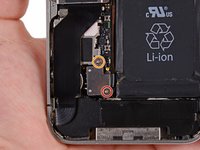
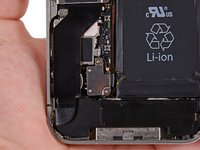


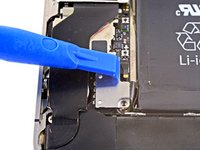
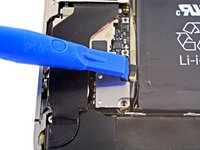
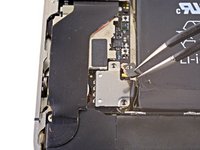


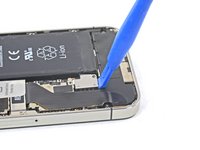
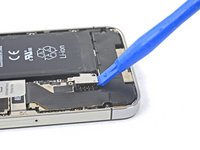
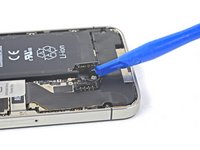



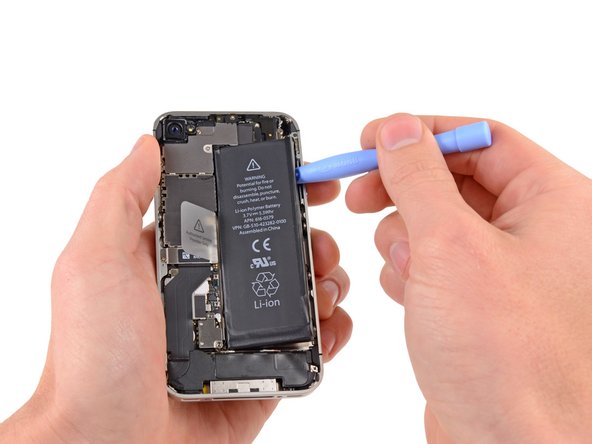
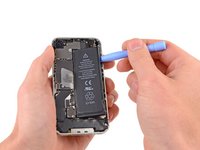


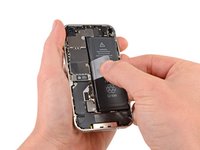


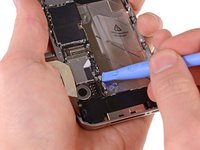
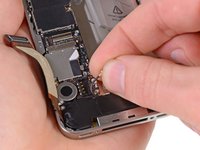


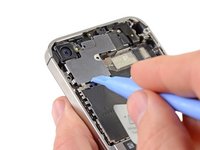
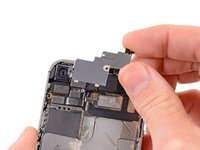


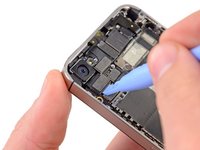
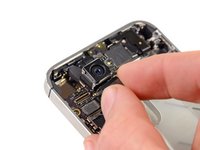


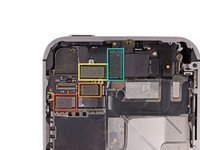
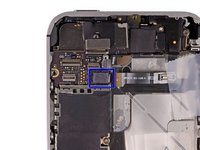


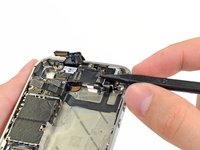
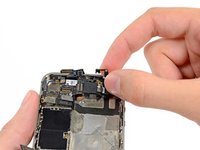


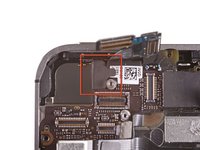
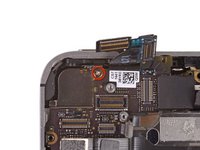


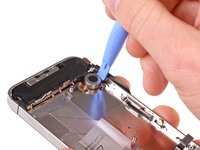
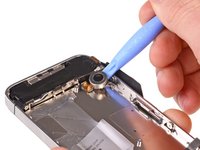











要重新组装你的设备,请按照相反的顺序阅读这些说明。
2759等其他人完成本指南。


164指南评论
Helpfull tip... I printed these instructions and then taped each screw to the spot in the instructions with scotch tape.
Kevin Keenan - 回复 分享
AWESOME guide - very impressed. All works but I did wind up with an extra part so I must've improved upon Apple's design. The part is a small, rectangular grounding clip (black and gold) with a single brass finger and a hole through the black part... this is NOT the one mentioned in Step 26. Not sure from where it came off & not inclined to dig back into it - but would love to know where it was from. It's 1:30 am here and I may be overlooking something idiotic... any help would be much appreciated. Thanks again, Jim
Jim McAward - 回复 分享
Turns out my "extra" part was the one that James Molyneux mentioned, which comes out as part of Step 5. (The clip provides a bit of extra ground contact between the back of the WiFi antenna and the rear case.) Again, totally awesome instructions - thanks!
Jim McAward - 回复 分享
