跳转到主内容
加入维修社区 - 创建账户

Parrot Skycontroller 2 Buttons Replacement

你所需要的

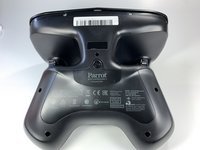
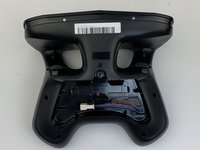
  1. Parrot Skycontroller 2 Buttons Replacement, Battery: 步骤 1 中的图像 1,3 Parrot Skycontroller 2 Buttons Replacement, Battery: 步骤 1 中的图像 2,3 Parrot Skycontroller 2 Buttons Replacement, Battery: 步骤 1 中的图像 3,3
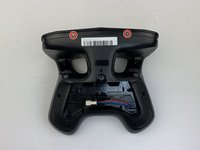
    • Flip your controller face down.

    询问修复机器人

    添加评论

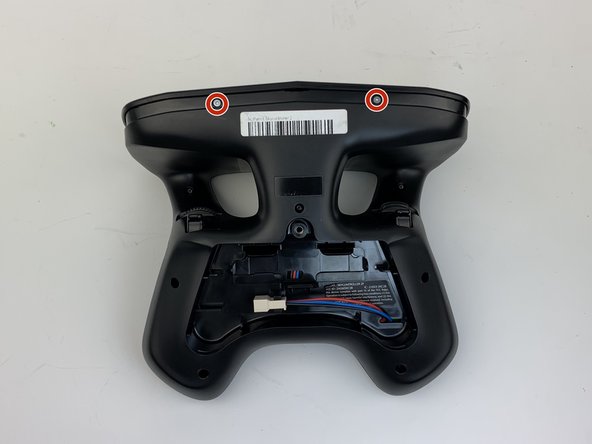
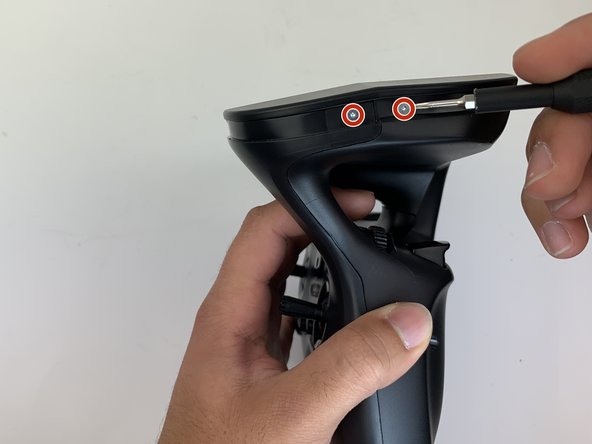
  2. Parrot Skycontroller 2 Buttons Replacement: 步骤 2 中的图像 1,1
    • Remove one 9mm screw using a #4 flathead screwdriver.

    询问修复机器人
    添加评论

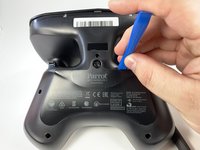
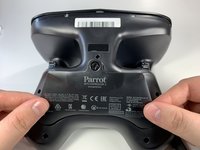
  3. Parrot Skycontroller 2 Buttons Replacement: 步骤 3 中的图像 1,3 Parrot Skycontroller 2 Buttons Replacement: 步骤 3 中的图像 2,3 Parrot Skycontroller 2 Buttons Replacement: 步骤 3 中的图像 3,3
    • Insert the plastic opening tool into the top of the cover and pry upwards to lift the battery cover.

    • Remove the cover by pulling up and out.

    询问修复机器人
    添加评论

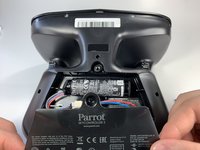
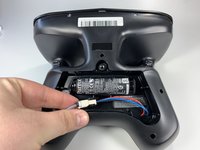
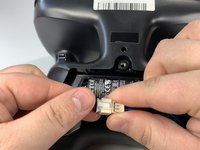
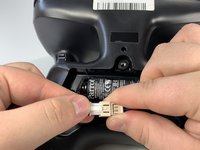
  4. Parrot Skycontroller 2 Buttons Replacement: 步骤 4 中的图像 1,3 Parrot Skycontroller 2 Buttons Replacement: 步骤 4 中的图像 2,3 Parrot Skycontroller 2 Buttons Replacement: 步骤 4 中的图像 3,3
    • Pull the connectors out by gently pushing the tabs and pulling up on the connector.

    • Disconnect the battery from the remote by pressing the white tab and pulling the connectors apart.

    询问修复机器人
    添加评论

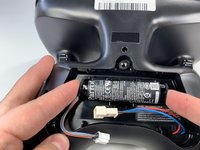
  5. Parrot Skycontroller 2 Buttons Replacement: 步骤 5 中的图像 1,2 Parrot Skycontroller 2 Buttons Replacement: 步骤 5 中的图像 2,2
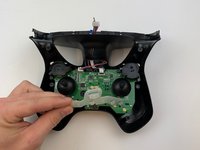
    • Remove the battery from its brackets by pulling up on the ends of the battery.

    询问修复机器人
    添加评论

  6. Parrot Skycontroller 2 Buttons Replacement, Buttons: 步骤 6 中的图像 1,1
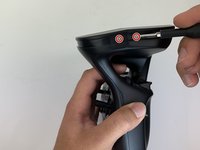
    • Remove the seven black 11mm screws using the Torx TR6 screwdriver.

    • There is a hidden screw located behind the sticker in the battery compartment.

    • Pull back the sticker with your finger nail and remove the one black 11mm screw using the Torx TR6 screwdriver.

    添加评论

  7. Parrot Skycontroller 2 Buttons Replacement: 步骤 7 中的图像 1,3 Parrot Skycontroller 2 Buttons Replacement: 步骤 7 中的图像 2,3 Parrot Skycontroller 2 Buttons Replacement: 步骤 7 中的图像 3,3
    • Remove the seven silver 4mm screws from around the edge of the top plate using the Torx TR6 Screwdriver.

    • The opposite side to the third picture has a screw located on each side of the USB port.

    询问修复机器人

    添加评论

  8. Parrot Skycontroller 2 Buttons Replacement: 步骤 8 中的图像 1,1
    • Remove the battery compartment plate by pulling up and out.

    添加评论

  9. Parrot Skycontroller 2 Buttons Replacement: 步骤 9 中的图像 1,1
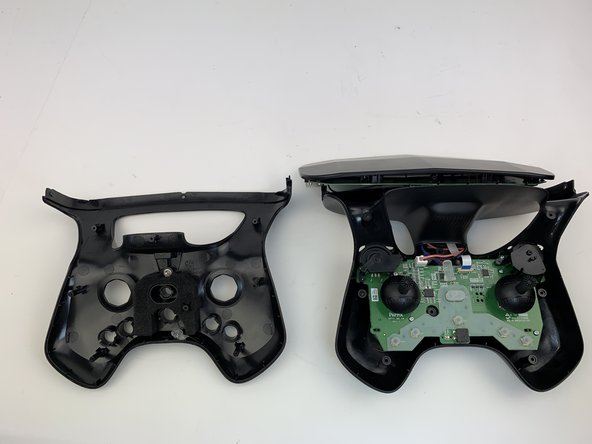
    • Remove the top plate by pushing on the corners with your hand.

    • Be careful to not pull too hard on the cable.

    询问修复机器人

    添加评论

  10. Parrot Skycontroller 2 Buttons Replacement: 步骤 10 中的图像 1,2 Parrot Skycontroller 2 Buttons Replacement: 步骤 10 中的图像 2,2
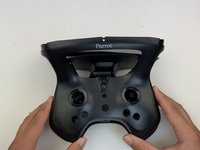
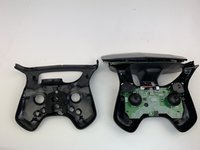
    • Remove the face plate by pulling up and out.

    • Buttons will fall out when this plate is removed.

    询问修复机器人

    添加评论

  11. Parrot Skycontroller 2 Buttons Replacement: 步骤 11 中的图像 1,3 Parrot Skycontroller 2 Buttons Replacement: 步骤 11 中的图像 2,3 Parrot Skycontroller 2 Buttons Replacement: 步骤 11 中的图像 3,3
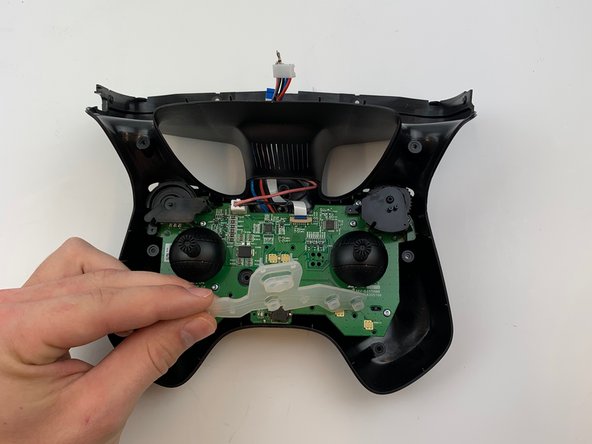
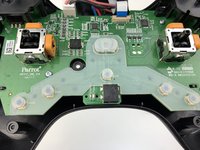
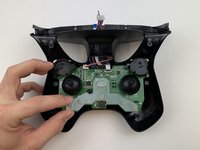
    • Use some force pull up and out on the rubber backing for the buttons.

    添加评论

结论

To reassemble your device, follow these instructions in reverse order.

取消:我没有完成这个指南。

0指南评论

添加评论

浏览统计数据:

过去 24 小时: 2

过去 7 天: 7

过去 30 天: 27

总计 619