简介
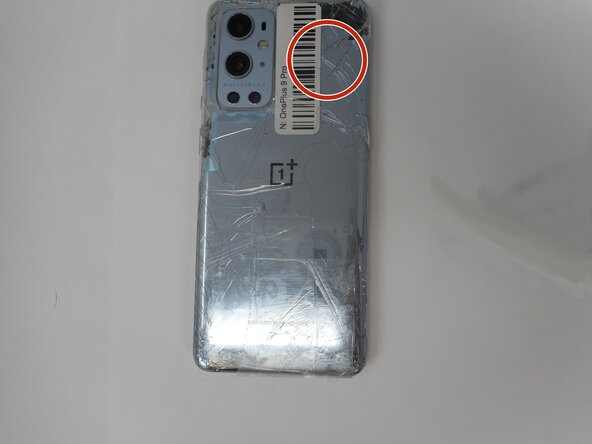
Is your screen on your OnePlus 9 Pro cracked or shattered? If so, then use this guide to replace it.
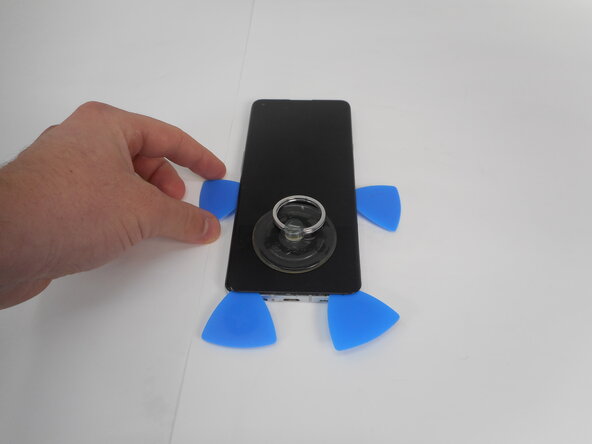
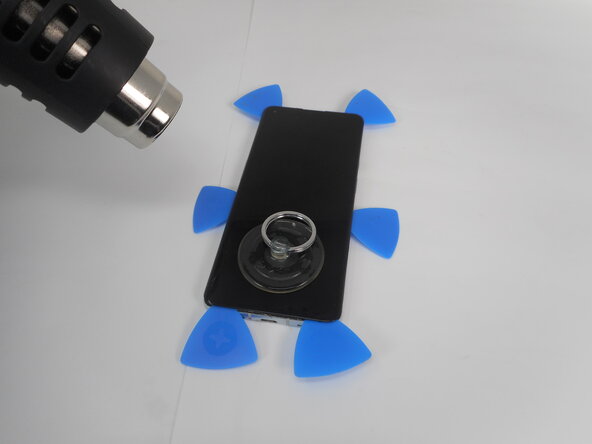
When removing a cracked screen, it is important to tape the screen first to avoid the glass going everywhere.
When using a heat gun, always use caution since there is a chance to burn skin or surrounding areas of the workplace.
你所需要的
-
-
-
-
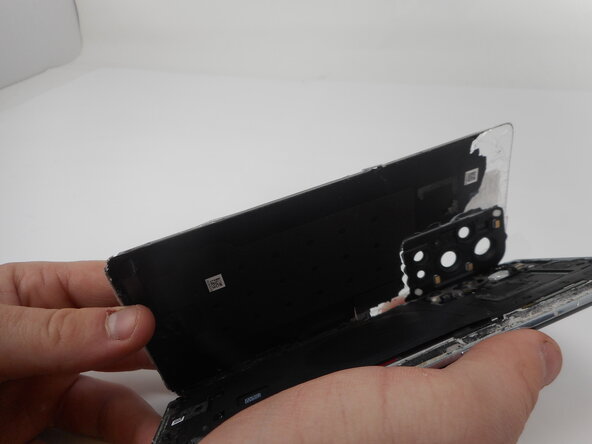
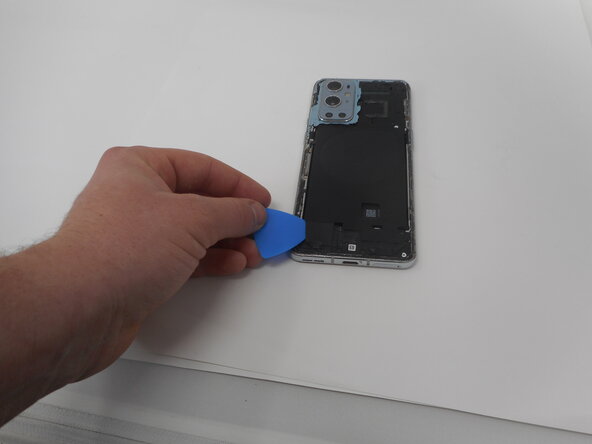
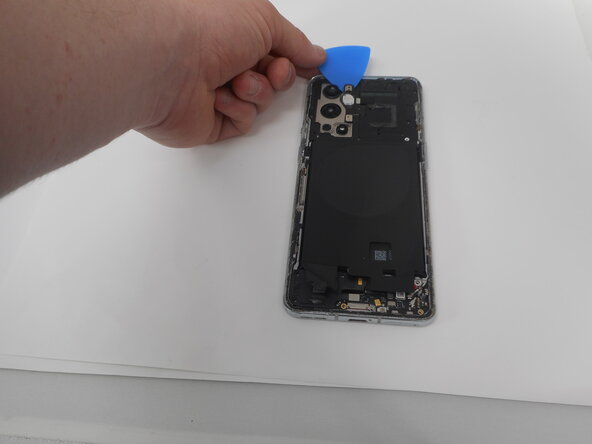
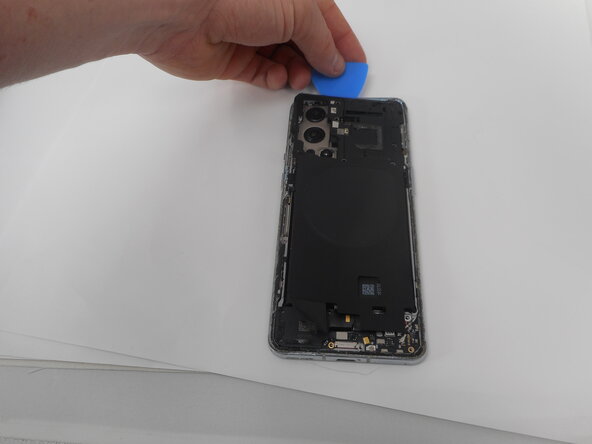
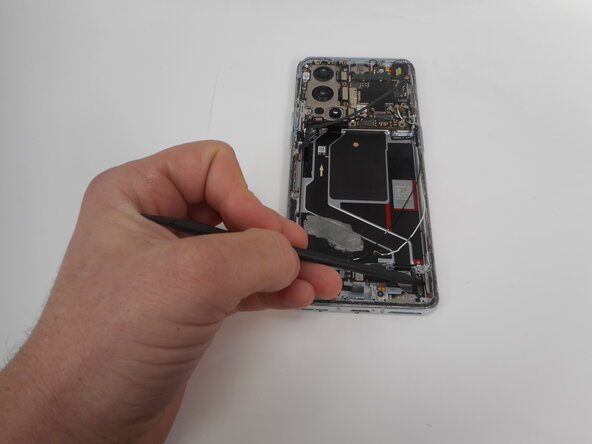
Use one of the opening picks to remove the adhesive on the lower part of the wireless charging cable
-
-
-
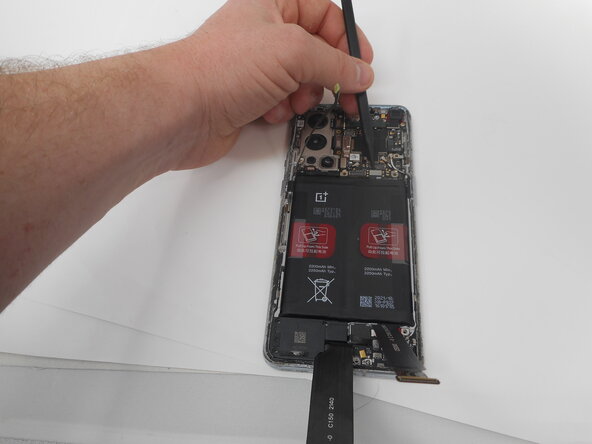
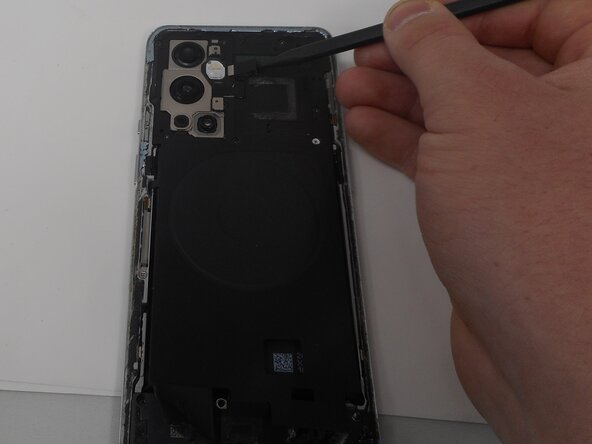
Unplug the press connector ribbon cable attached to the flash module by inserting a spudger under the bottom edge and prying straight up.
-
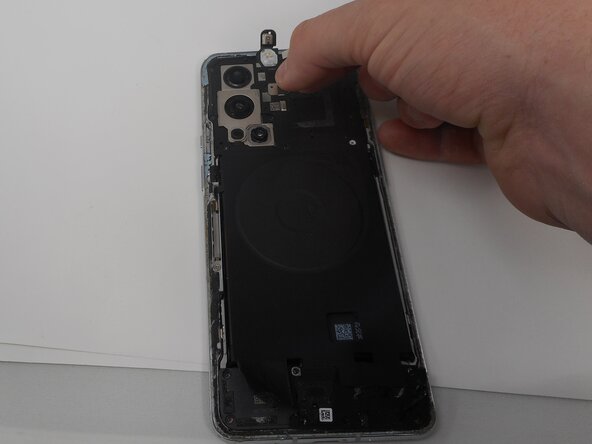
Use an opening pick to remove the flash module by the camera.
-
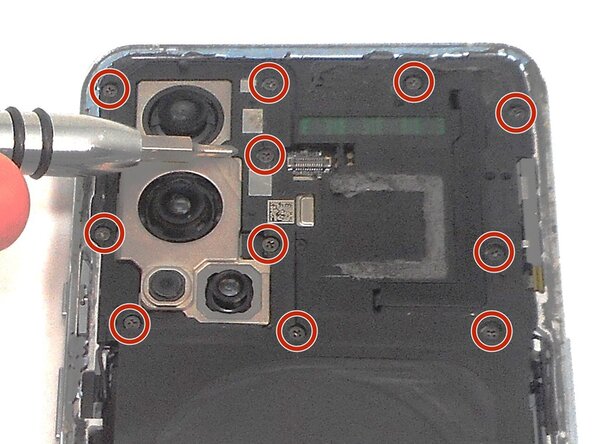
Use a Phillips #000 screwdriver to remove the eleven 4.9 mm-long screws holding the motherboard cover to the phone.
-
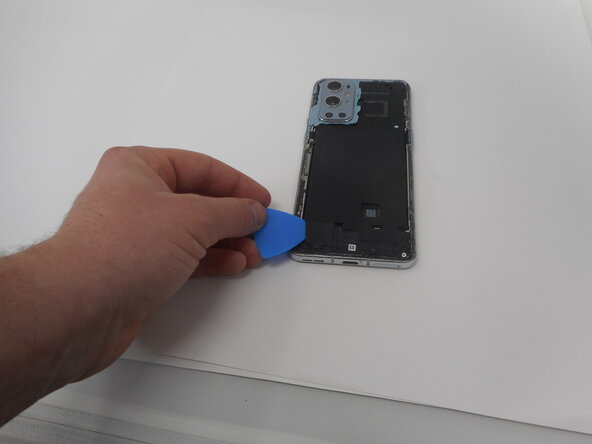
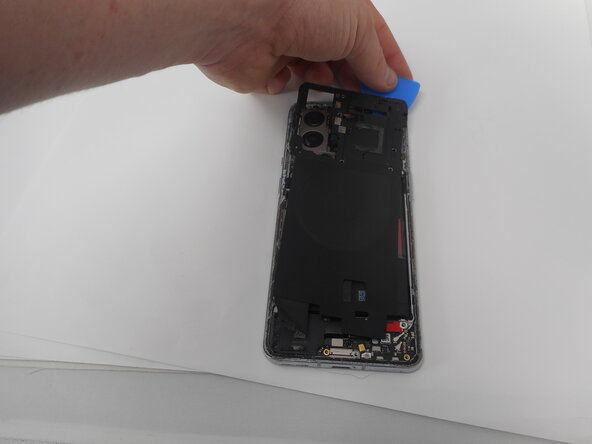
Use an opening pick to pry off the motherboard cover.
-
-
-
-
-
-
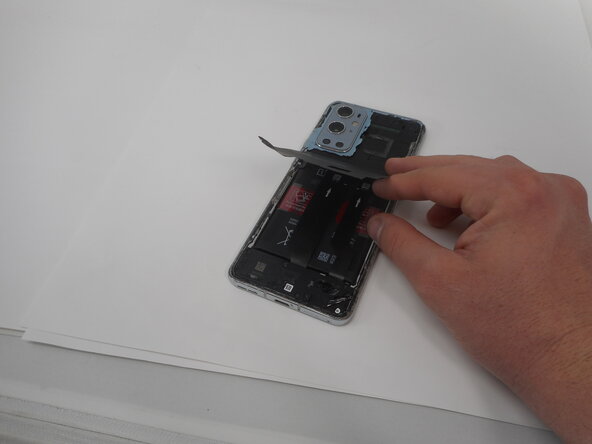
Use an opening pick or tweezers to carefully peel back the adhesive on the bottom of the wireless charging module.
-
-
-
-
-
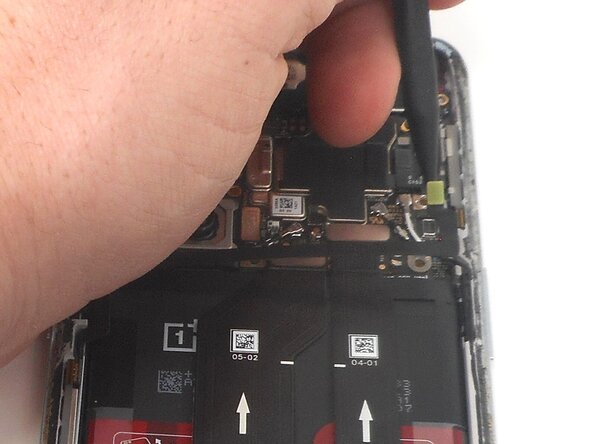
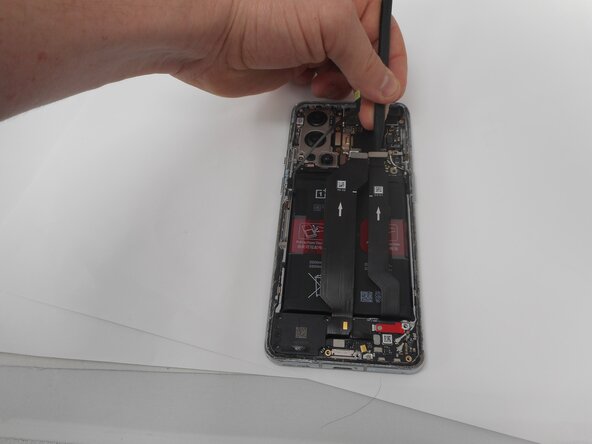
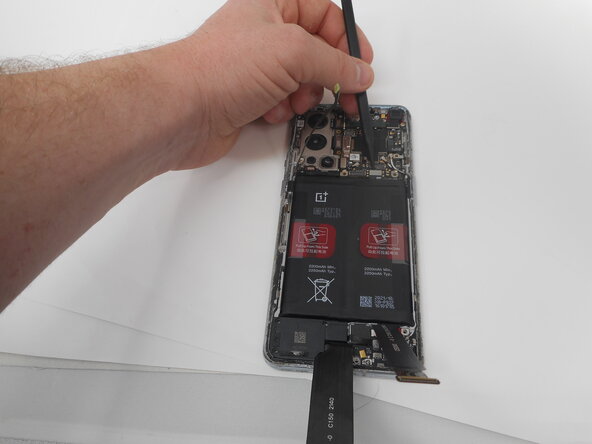
Use the spudger to unplug the ribbon cable that connects the screen to the rest of the phone.
-
-

 询问修复机器人























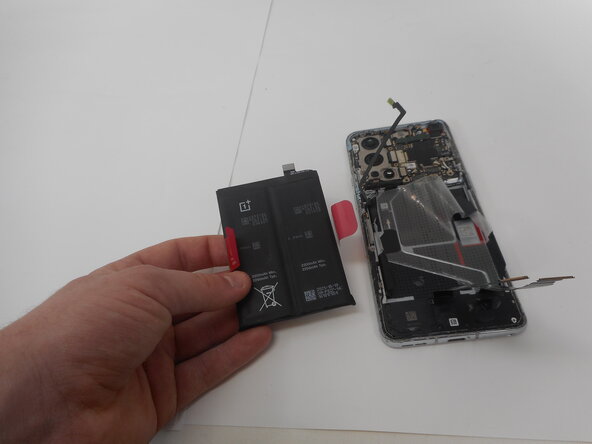







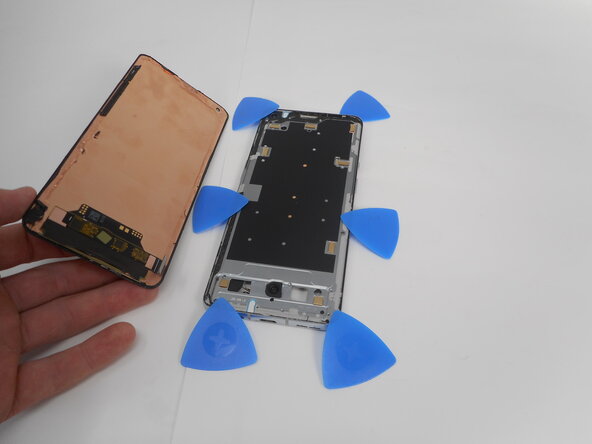


To reassemble your device, follow the above steps in reverse order.
Take your e-waste to an R2 or e-Stewards certified recycler.
Repair didn’t go as planned? Try some basic troubleshooting or ask our Answers community for help.

团队

University of Memphis, Team 1-1, Sneed Spring 2025 University of Memphis, Team 1-1, Sneed Spring 2025 的会员
UM-SNEED-S25S1G1
4 名成员
创作了35篇指南
