此翻译由机器生成,尚未经过人工审核。 会说这种语言吗? 查看评论。

Nintendo DS Lite按键更换指南

最后更新于 2026年8月8日
浏览量: 11万
浏览统计数据:
- 过去24小时
- 49
- 过去 7 天:
- 247
- 过去 30 天:
- 982
- 总计
- 109,413
评论: 80
67 comments on steps, 13 guide comments.
Go to guide comments已完成: 50 51
50 人已将本指南标记为“已完成”。你会是下一个完成的人吗?
51 人已将本指南标记为“已完成”。包括你——干的漂亮!
收藏: 31 32
31 人已收藏(并订阅)本指南。你会是下一个吗?
32 人收藏(并订阅)了本指南——这其中包括你!


 询问修复机器人


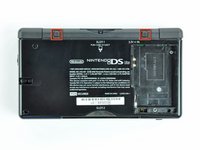
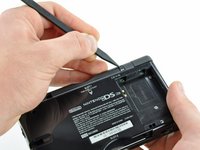


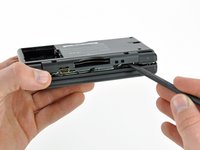
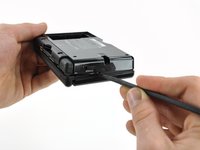
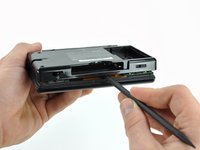


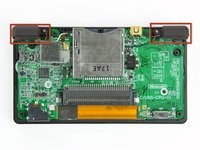
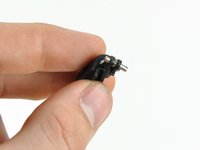


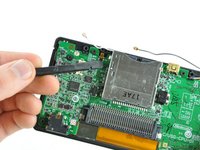
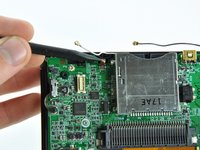


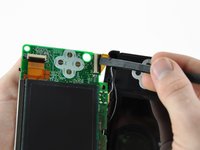
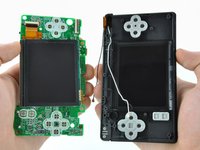
要重新组装设备,请按相反顺序执行这些说明。
50等其他人完成本指南。


13指南评论
Hello! Sorry to hear that. What were you trying to do and what are the symptoms? Maybe we can identify the problem.
Mine is stuffed up too, the lower screen is flashing once and then its turning back off... I did all just as the tutorial said :(
U havent connected the upper screen ribbon cable correctly, I had the same problem and reinserting it making sure it went in all the way fixed the issue
Alex Horvath - 回复 分享
Hello! I bought a white ds lite from a flea market and it came with the lower screen damaged and the buttons were not working correctly. I bought a couple of broken ds lites and used your guide, to clean the motherboard, change the membranes and the lower screen. Thank you very much! I was able to completely restore the device functionality. As an added bonus, I was able to clean some of the dirt that gathered under the transparent sides.
