简介
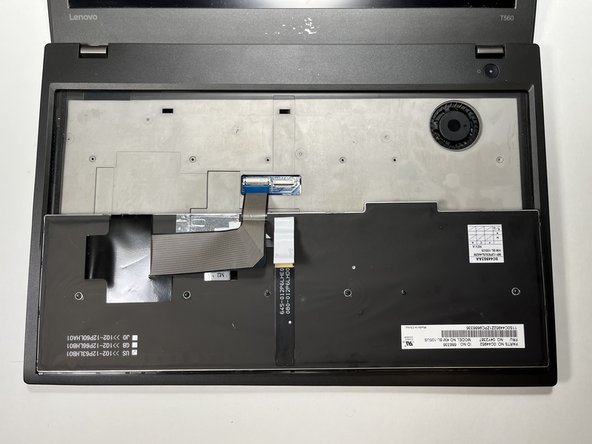
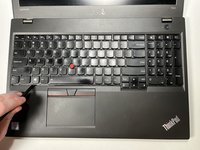
Follow this guide to replace the keyboard on your Lenovo Thinkpad T560 (model 43025). This may be useful if any of the keys on your laptop are missing or broken.
The keyboard allows you to enter information into your laptop. It is essential to every computer and laptop.
The keyboard may need to be replaced if any of the keys are missing or there is trouble pressing/depressing any of the keys. For more information about broken keys not depressing, go to the troubleshooting page.
Before replacing the keyboard, make sure to disable the internal battery, turn off your laptop and disconnect it from any external power sources.
你所需要的
-
-
-
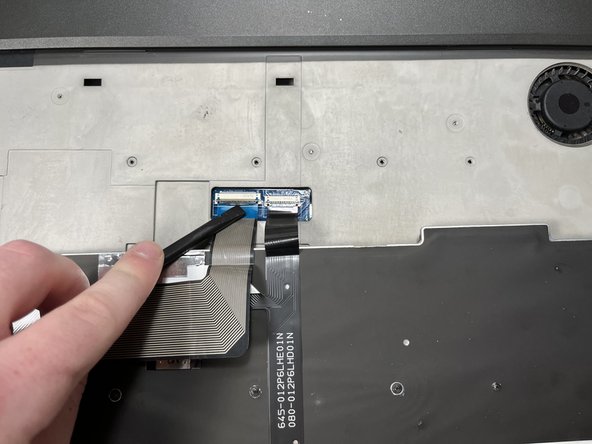
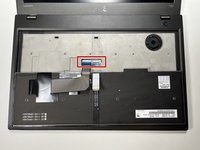
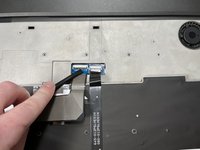
Using the spudger, slide the keyboard up towards the display at the notches created for this purpose.
 询问修复机器人
-
-
-



To reassemble your device, follow these instructions in reverse order.

团队

Clemson, Team 1-3, Hunter Spring 2022 Clemson, Team 1-3, Hunter Spring 2022 的会员
CLEM-HUNTER-S22S1G3
5 名成员
创作了44篇指南
