跳转到主内容
加入维修社区 - 创建账户

Kodak EasyShare CD82 Lens Assembly Replacement

你所需要的

  1. Kodak EasyShare CD82 Lens Assembly Replacement, Lens Assembly: 步骤 1 中的图像 1,3 Kodak EasyShare CD82 Lens Assembly Replacement, Lens Assembly: 步骤 1 中的图像 2,3 Kodak EasyShare CD82 Lens Assembly Replacement, Lens Assembly: 步骤 1 中的图像 3,3
    • Remove the batteries and the memory card from the device.

    • Remove the two screws located at the bottom of the camera.

  2. Kodak EasyShare CD82 Lens Assembly Replacement: 步骤 2 中的图像 1,3 Kodak EasyShare CD82 Lens Assembly Replacement: 步骤 2 中的图像 2,3 Kodak EasyShare CD82 Lens Assembly Replacement: 步骤 2 中的图像 3,3
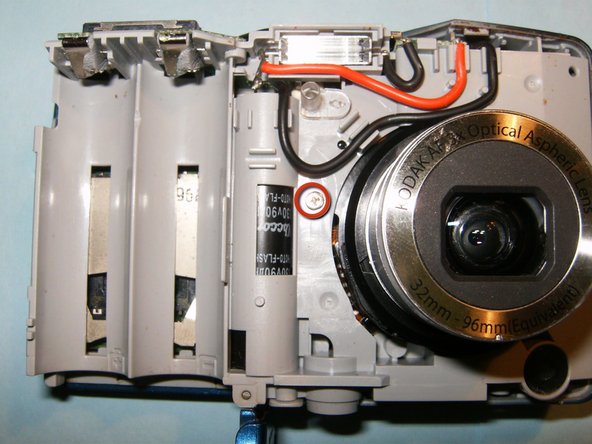
    • Remove the two screws on the side of the device, to left of the camera lens.

    • Remove the two screws on side of the device, to the right of the camera lens.

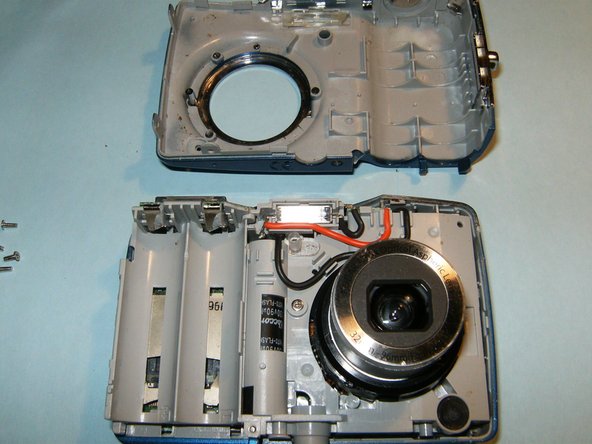
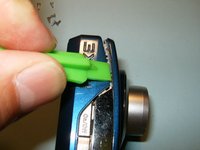
    • Pry the casing apart at the seems, starting at the battery compartment.

  3. Kodak EasyShare CD82 Lens Assembly Replacement: 步骤 3 中的图像 1,3 Kodak EasyShare CD82 Lens Assembly Replacement: 步骤 3 中的图像 2,3 Kodak EasyShare CD82 Lens Assembly Replacement: 步骤 3 中的图像 3,3
    • Remove the front casing from the mid-frame, first.

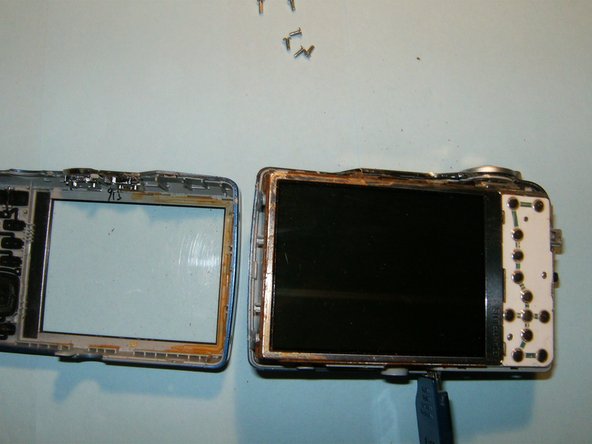
    • Continue to remove the back casing from the mid-frame.

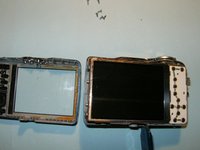
    • Do not remove the LCD screen from the device once it becomes visible.

  4. Kodak EasyShare CD82 Lens Assembly Replacement: 步骤 4 中的图像 1,3 Kodak EasyShare CD82 Lens Assembly Replacement: 步骤 4 中的图像 2,3 Kodak EasyShare CD82 Lens Assembly Replacement: 步骤 4 中的图像 3,3
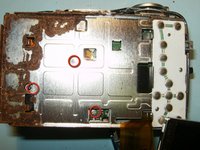
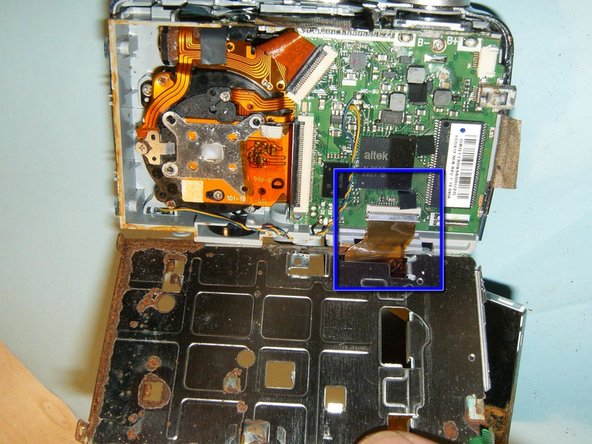
    • Flip the LCD screen out of the holder from the top to reveal ribbon cable.

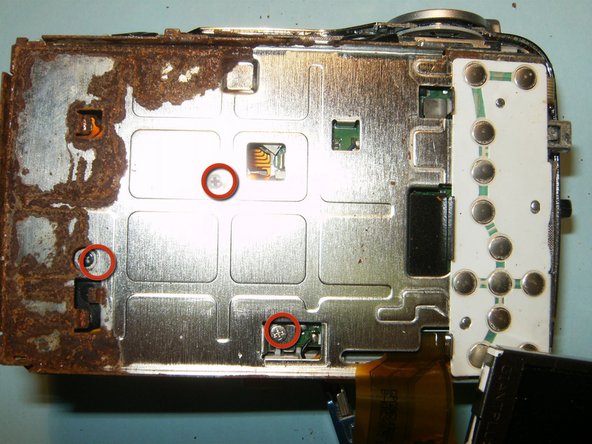
    • This camera had some obvious water damage..

    • Remove the three screws from the LCD holder

    • Dislodge the LCD screen holder from the circuit board connector.

  5. Kodak EasyShare CD82 Lens Assembly Replacement: 步骤 5 中的图像 1,3 Kodak EasyShare CD82 Lens Assembly Replacement: 步骤 5 中的图像 2,3 Kodak EasyShare CD82 Lens Assembly Replacement: 步骤 5 中的图像 3,3
    在这个步骤中使用的工具:
    Tweezers
    $4.99
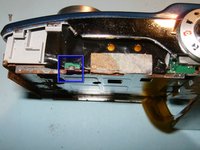
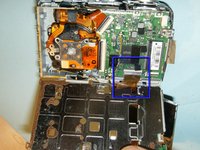
    • Disconnect the logic board from the frame on the right side of the device.

    • Remove the small ribbon cable, connecting the button board to the logic board, with small pair of tweezers or hemostat.

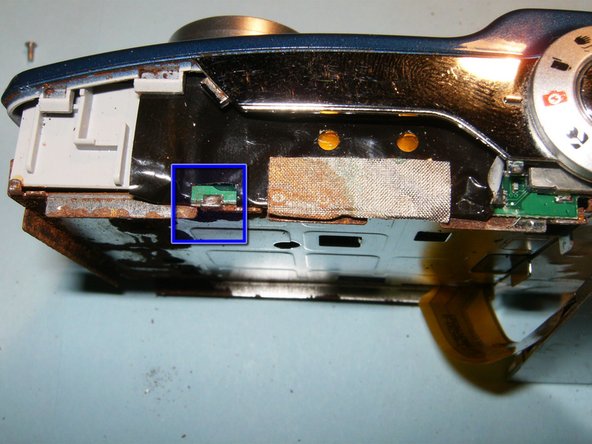
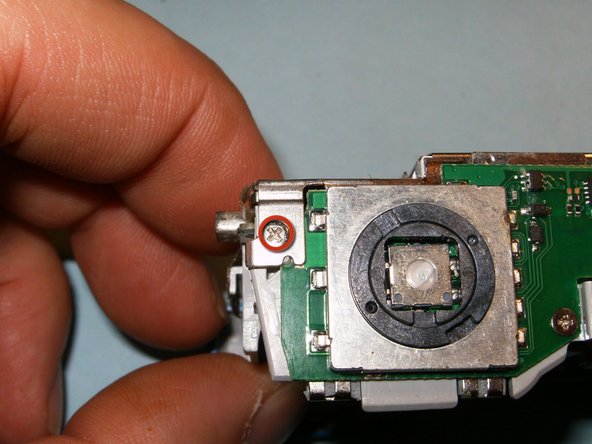
    • Remove the screw on the top right side of the device connecting the LCD screen holder to the midframe.

    • Move the black clip into the upward position to disconnect the cable.

    • You will now be able to remove the LCD screen and its holder from the device.

  6. Kodak EasyShare CD82 Lens Assembly Replacement: 步骤 6 中的图像 1,3 Kodak EasyShare CD82 Lens Assembly Replacement: 步骤 6 中的图像 2,3 Kodak EasyShare CD82 Lens Assembly Replacement: 步骤 6 中的图像 3,3
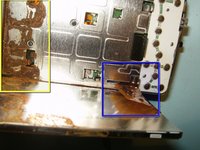
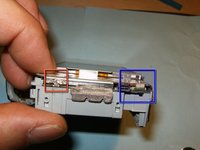
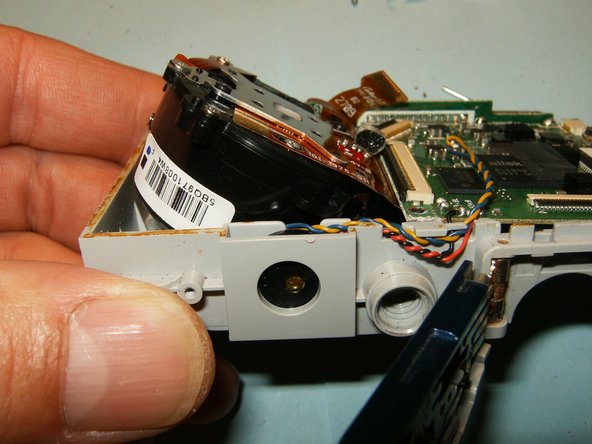
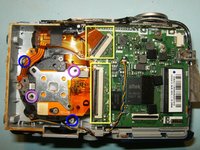
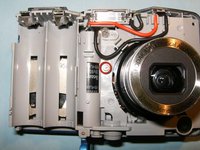
    • Flip the black clips of the connectors into the opposite direction. Remove the lens and CCD cable.

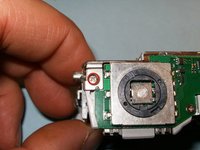
    • Remove the two screws securing the lens to the midframe.

    • These are missing screws for the CCD sensor, lost in a previous dismantling.

    • Remove the single screw securing the lens to the mid-frame. The lens will now be loose.

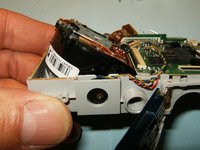
    • Push the lens out of the frame in an angular direction, and remove.

  7. Kodak EasyShare CD82 Lens Assembly Replacement: 步骤 7 中的图像 1,1
    • Insert the new lens the same way it was removed.

    • Clean and reassemble the camera.

结论

To reassemble your device, follow these instructions in reverse order.

另外一个人完成了本指南。

oldturkey03

于09/29/10注册

852,325 声望

创作了123篇指南

1指南评论

When it says "Dislodge the LCD screen holder from the circuit board connector" does it mean that I can break that solder without desoldering and it's okay?

Sith Siri - 回复 分享

添加评论

浏览统计数据:

过去 24 小时: 1

过去 7 天: 21

过去 30 天: 81

总计 2,136