跳转到主内容
加入维修社区 - 创建账户
Google Pixel Fold Base Battery (Inner Display) Replacement

仅作为前提条件
本指南仅提供前提条件!本指南是另一个程序的一部分,不能单独使用。

你所需要的

  1. Google Pixel Fold Base Battery (Inner Display) Replacement, Reposition the cable: 步骤 1 中的图像 1,3 Google Pixel Fold Base Battery (Inner Display) Replacement, Reposition the cable: 步骤 1 中的图像 2,3 Google Pixel Fold Base Battery (Inner Display) Replacement, Reposition the cable: 步骤 1 中的图像 3,3
    • Move the flip battery and bottom interconnect cable away from the battery.

    • Be careful to not crease the cable. Give the cable some slack to avoid straining it.

    • Use tape with light adhesive, like painter's tape, to secure the cable to the side of the phone.

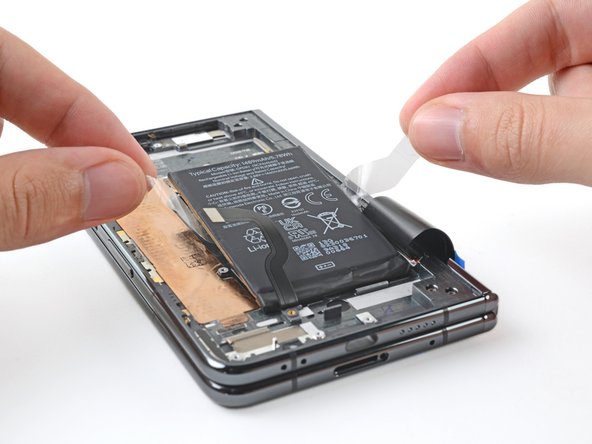
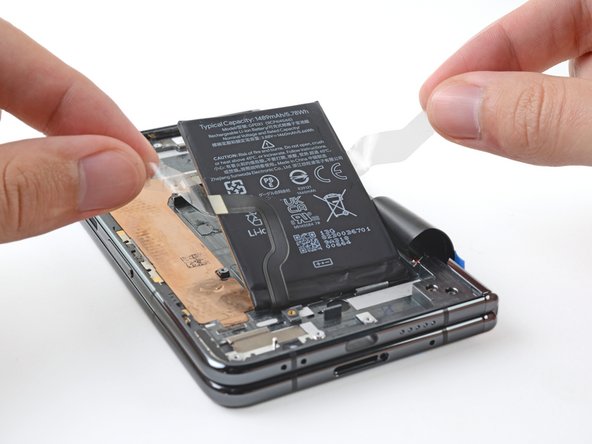
  2. Google Pixel Fold Base Battery (Inner Display) Replacement, Separate the battery pull tabs: 步骤 2 中的图像 1,3 Google Pixel Fold Base Battery (Inner Display) Replacement, Separate the battery pull tabs: 步骤 2 中的图像 2,3 Google Pixel Fold Base Battery (Inner Display) Replacement, Separate the battery pull tabs: 步骤 2 中的图像 3,3
    在这个步骤中使用的工具:
    Tweezers
    $4.99
    • Take care not to puncture or bend the battery with sharp tools—it can leak dangerous chemicals and/or catch fire.

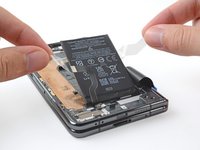
    • Use a pair of blunt nose tweezers, or your fingers, to peel the clear plastic pull tabs away from the battery.

  3. Google Pixel Fold Base Battery (Inner Display) Replacement, Heat the battery adhesive: 步骤 3 中的图像 1,1
    • Unfold the phone and flip it over.

    • Heat an iOpener and apply it the section of the inner screen above the base battery for two minutes.

    • You can also use a hair dryer, heat gun, or hot plate—but extreme heat can damage the displays and/or internal batteries, so proceed with care.

  4. Google Pixel Fold Base Battery (Inner Display) Replacement, Separate the adhesive: 步骤 4 中的图像 1,3 Google Pixel Fold Base Battery (Inner Display) Replacement, Separate the adhesive: 步骤 4 中的图像 2,3 Google Pixel Fold Base Battery (Inner Display) Replacement, Separate the adhesive: 步骤 4 中的图像 3,3
    • The battery adhesive is extremely strong. Be careful when pulling on the battery and reapply heat if necessary to avoid bending the battery.

    • Close your phone.

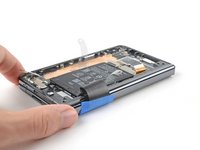
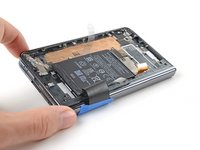
    • Grip the ends of the plastic pull tabs with your fingers.

    • Pull straight up with constant, steady force to separate the adhesive under the battery. Work slowly and let time do the work for you until the adhesive separates.

    • If you're having trouble separating the adhesive, apply more heat and try again.

    • If you're having a lot of trouble separating the adhesive, or if you feel like you might damage the battery, follow the next five steps for an alternate method. If you were successful, jump to this step.

  5. Google Pixel Fold Base Battery (Inner Display) Replacement, Apply isopropyl alcohol: 步骤 5 中的图像 1,3 Google Pixel Fold Base Battery (Inner Display) Replacement, Apply isopropyl alcohol: 步骤 5 中的图像 2,3 Google Pixel Fold Base Battery (Inner Display) Replacement, Apply isopropyl alcohol: 步骤 5 中的图像 3,3
    • Take care not to puncture or bend the battery with your tool—a punctured or bent battery may leak dangerous chemicals or cause a fire.

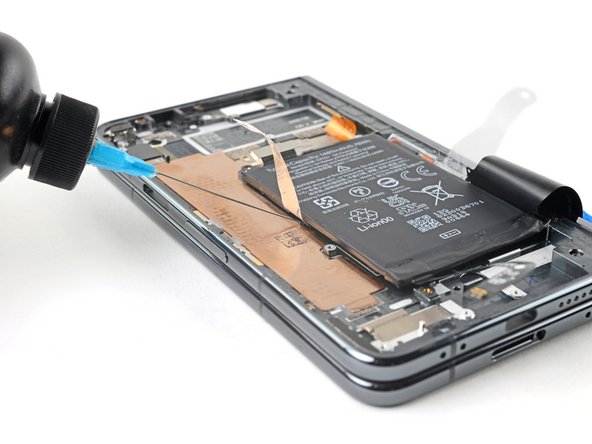
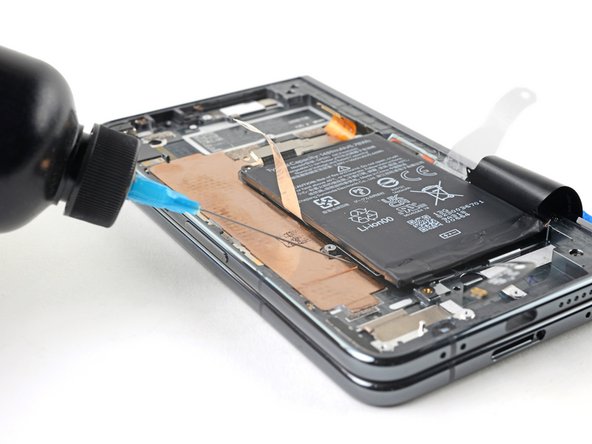
    • Apply a few drops of high concentration (>90%) isopropyl alcohol in the gap between the frame and the left edge of the battery.

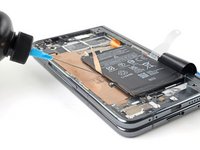
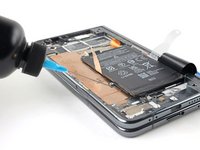
  6. Google Pixel Fold Base Battery (Inner Display) Replacement, Tilt the phone: 步骤 6 中的图像 1,2 Google Pixel Fold Base Battery (Inner Display) Replacement, Tilt the phone: 步骤 6 中的图像 2,2
    • Tilt the left side of the phone up to let the isopropyl alcohol flow under the battery.

    • Wait one minute for the alcohol to soften the adhesive.

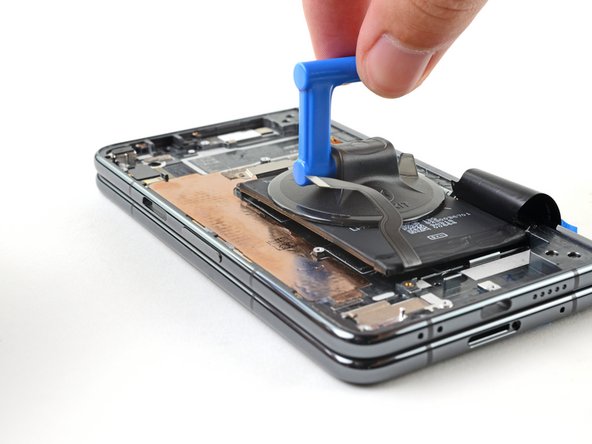
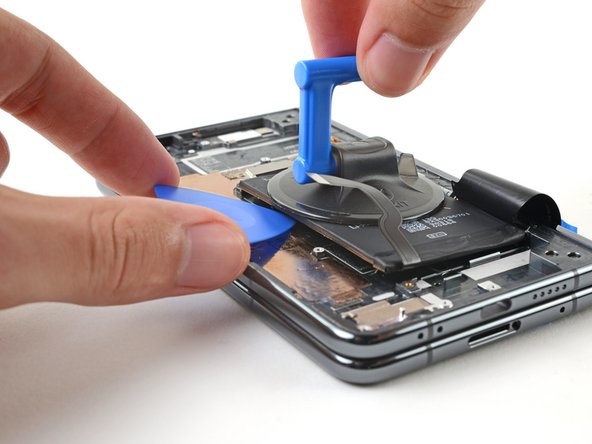
  7. Google Pixel Fold Base Battery (Inner Display) Replacement, Insert an opening pick: 步骤 7 中的图像 1,3 Google Pixel Fold Base Battery (Inner Display) Replacement, Insert an opening pick: 步骤 7 中的图像 2,3 Google Pixel Fold Base Battery (Inner Display) Replacement, Insert an opening pick: 步骤 7 中的图像 3,3
    • Take care not to puncture or bend the battery—it can leak dangerous chemicals and/or catch fire.

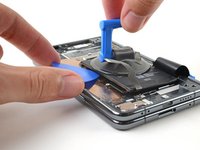
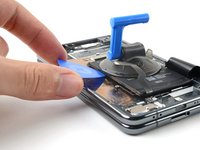
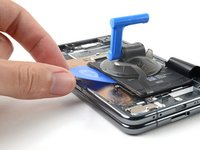
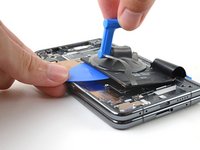
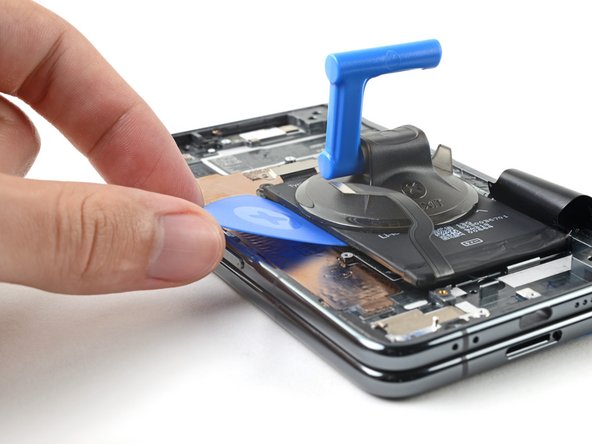
    • Apply a suction cup to the battery, as close to the center of the left edge as possible.

    • Pull up on the suction cup with strong, steady force to create a gap between the battery and the frame.

    • Insert an opening pick into the gap.

  8. Google Pixel Fold Base Battery (Inner Display) Replacement, Rotate the pick: 步骤 8 中的图像 1,2 Google Pixel Fold Base Battery (Inner Display) Replacement, Rotate the pick: 步骤 8 中的图像 2,2
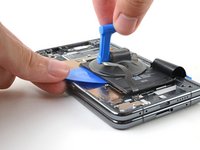
    • Rotate the opening pick so its long edge sits in the gap.

  9. Google Pixel Fold Base Battery (Inner Display) Replacement, Pry up the battery: 步骤 9 中的图像 1,2 Google Pixel Fold Base Battery (Inner Display) Replacement, Pry up the battery: 步骤 9 中的图像 2,2
    • Pull up on the suction cup with strong, steady force while also prying up with the opening pick to separate the battery from the frame.

    • If you're feeling a lot of resistance, apply a few more drops of isopropyl alcohol and try again.

    • Depending on the condition of your adhesive, you might need to repeat the alcohol and prying cycle a few times before the battery adhesive yields.

  10. Google Pixel Fold Base Battery (Inner Display) Replacement, Remove the battery: 步骤 10 中的图像 1,1
    在这个步骤中使用的工具:
    Tesa 61395 Tape
    $5.99
    • Lift the battery out of its recess and remove it.

    • During reassembly, if your adhesive is still intact and sticky, then you can reuse it. Otherwise, follow this guide to replace the adhesive with custom cut strips.

    • If you don't have custom cut adhesive strips, use double-sided tape, like Tesa Tape, to secure the battery to the frame.

结论

For optimal performance, calibrate your newly installed battery after completing this guide.

Take your e-waste to an R2 or e-Stewards certified recycler.

Compare your new replacement part to the original part—you may need to transfer remaining components or remove adhesive backings from the new part before you install it.

To reassemble your device, follow these instructions in reverse order.

Repair didn’t go as planned? Try some basic troubleshooting, or ask our Google Pixel Fold Answers Community for help.

Alex Diaz-Kokaisl

于01/16/22注册

216,000 声望

创作了1,047篇指南

团队

iFixit iFixit 的会员

Staff

123 名成员

创作了23,844篇指南

0指南评论

添加评论

浏览统计数据:

过去 24 小时: 0

过去 7 天: 0

过去 30 天: 1

总计 52