简介
Follow this guide to modify the FixHub Portable Power Station to reduce its idle power draw.
Because the Portable Power Station has a software ON/OFF behavior, there is a small amount of current drain from the battery even when the unit is off. This current drain can cause the battery to deplete if left untended for long periods of time.
Follow this guide to alter the circuitry of the Power Station to reduce the amount of quiescent current that drains from the battery. In order to accomplish this rework, you will be removing two resistors (R14 and R54).
These resistors are in place to prevent the Power Station from booting on power sources less than 5V, but this is a relatively rare occurrence, since most USB power supplies offer at least 5V. Removing these two resistors will result in a significant improvement in the quiescent current draw (250uA).
你所需要的
-
-
-
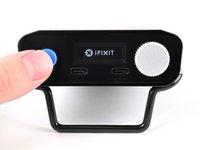
Hold down the blue action button for five seconds to shut down your power station.
-
Collapse the kickstand.
 询问修复机器人
-
-
-
-
在这个步骤中使用的工具:FixMat$36.95
-
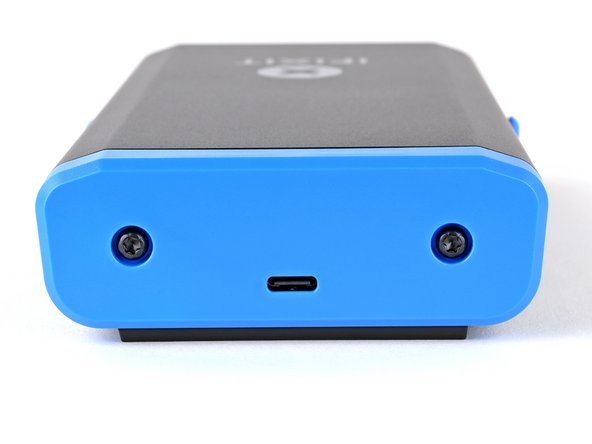
Use a T10 Torx screwdriver to remove the two 8 mm‑long screws securing the rear cover.
-
-
-
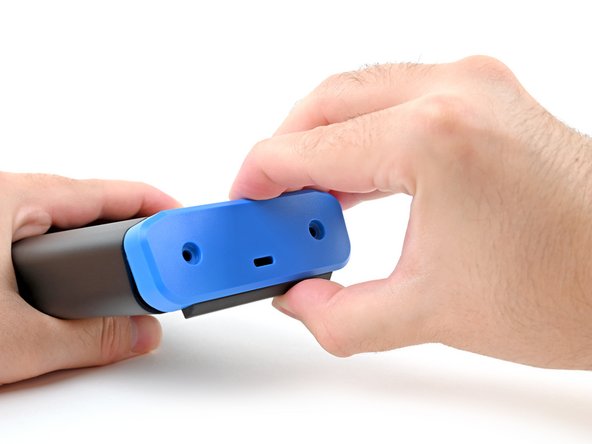
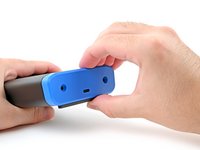
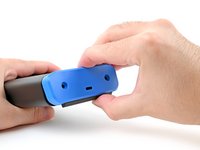
Grab the rear cover and pull the bottom edge towards you.
-
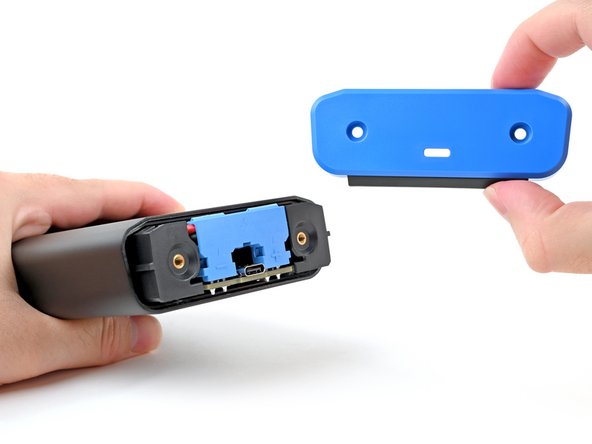
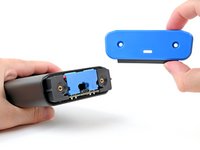
Remove the rear cover.
-
-
-
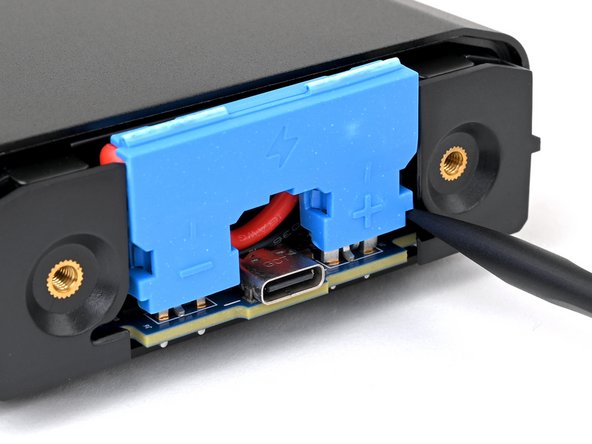
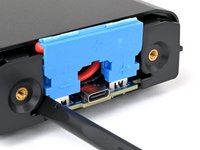
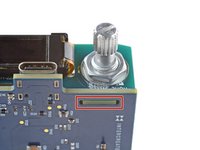
Insert the flat end of a spudger into one of the slots on either side of the battery connector. They're shaped just for this!
-
Use the spudger to begin prying up the connector.
-
Just when the connector starts to move, continue to the next step.
-
-
-
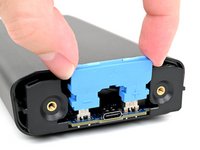
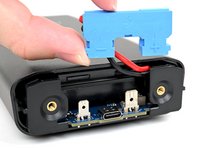
Grasp the battery connector by its edges and pull straight up to disconnect it.
-
-
-
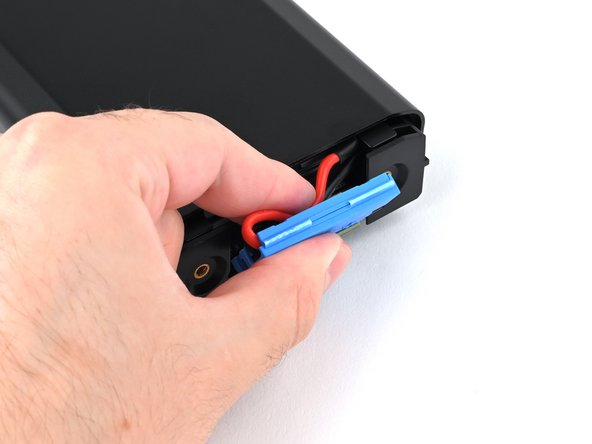
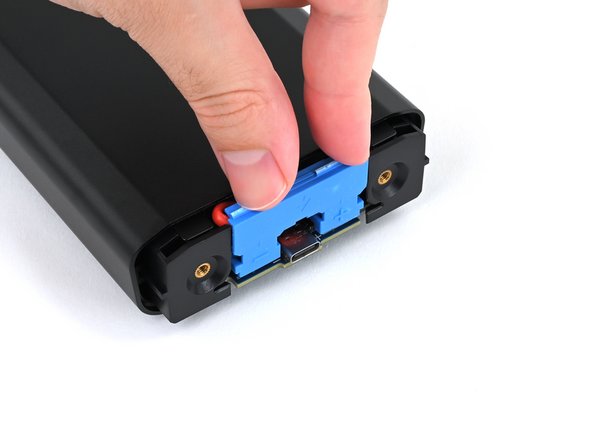
Tuck the wires behind the connector, so the side of the connector with positive (+) and negative (-) markings is facing outward.
-
Align the connector over its two metal plugs so the negative (-) side is on the left of the USB‑C port and the positive (+) side is on the right.
-
Slide the connector onto its plugs and push down firmly until it's fully seated.
-
-
-
-
-
Place your fingers on the rear cover screw holes and push the chassis slightly out of the enclosure.
-
-
-
-
-
-
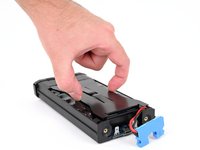
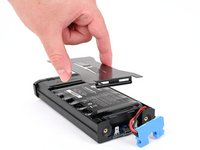
Use the flat end of a spudger or a clean fingernail to pry up the edge of the metal battery cover closest to the battery connector.
-
-
-
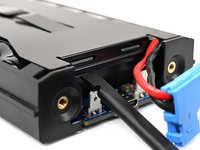
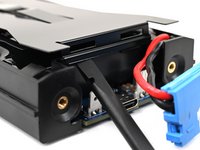
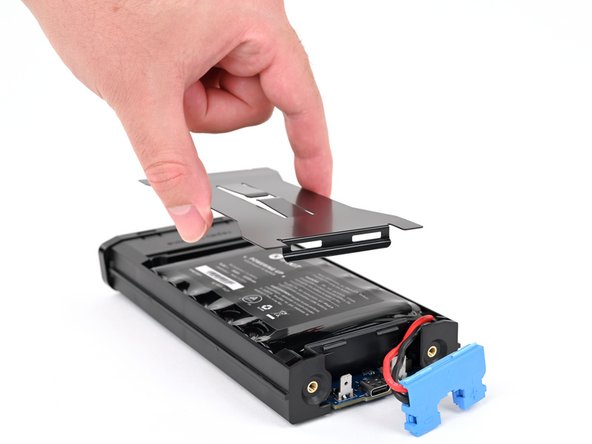
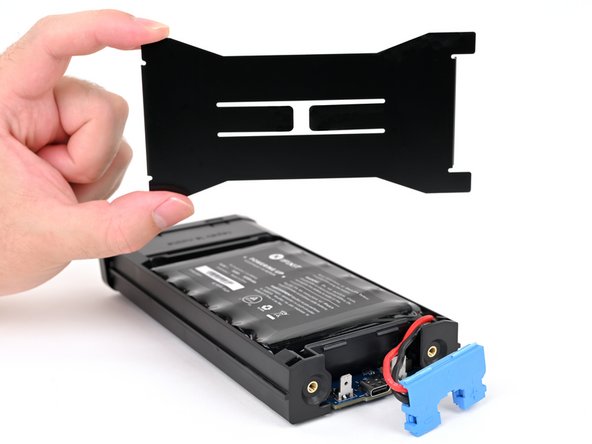
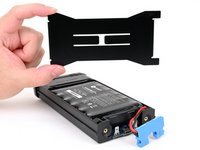
Remove the metal battery cover.
-
Hook the short edge of the cover without cutouts into place at the front, near the display.
-
Firmly press down on the opposite edge of the cover until it clips into place.
-
-
-
-
-
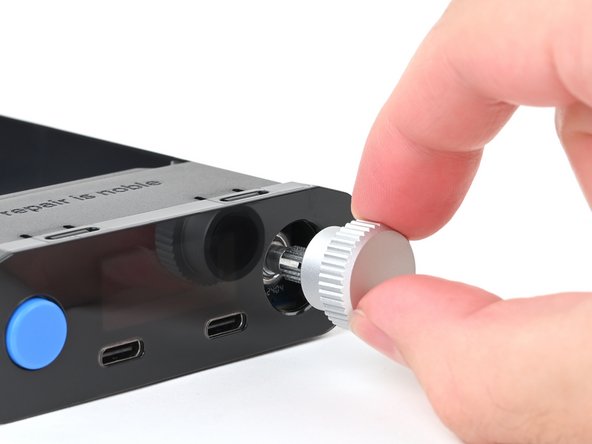
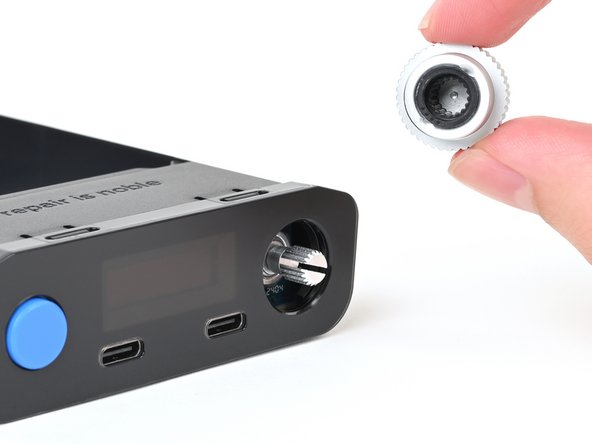
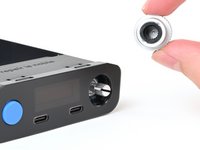
Pull the silver selector knob directly away from the front panel to remove it.
-
-
-
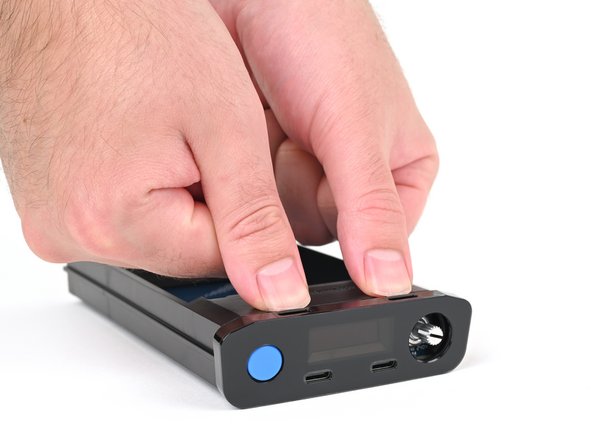
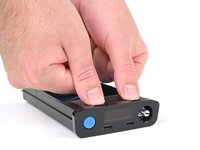
Use your fingers to depress the two locking tabs holding the front panel in place.
-
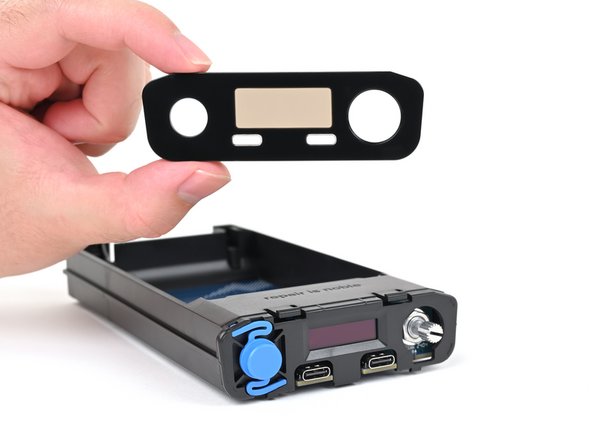
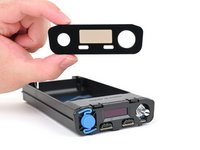
While pressing the tabs down, push the front panel away from the chassis and remove it.
-
Hook in the bottom edge of the front panel first, then push the top edge until it clicks into place.
-
-
-
Flip your power station over.
-
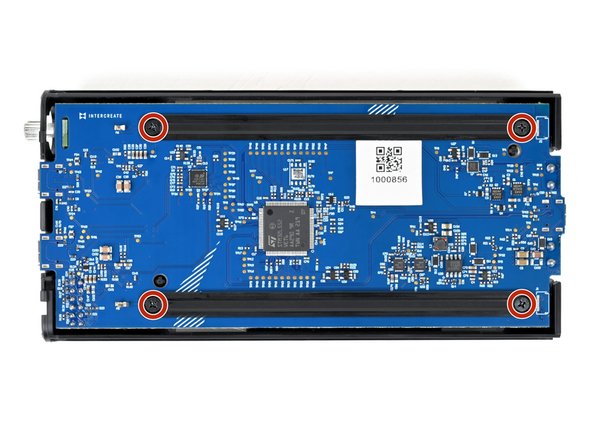
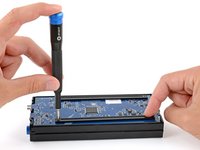
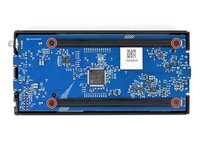
Use a Phillips screwdriver to remove the four 6 mm‑long screws securing the two main board supports.
-
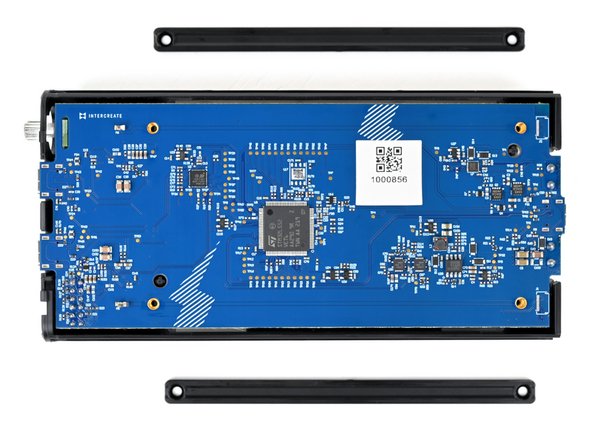
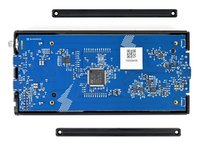
Remove the main board supports.
-
-
-
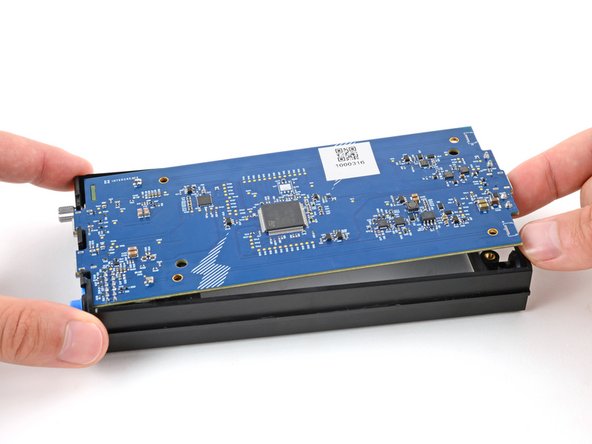
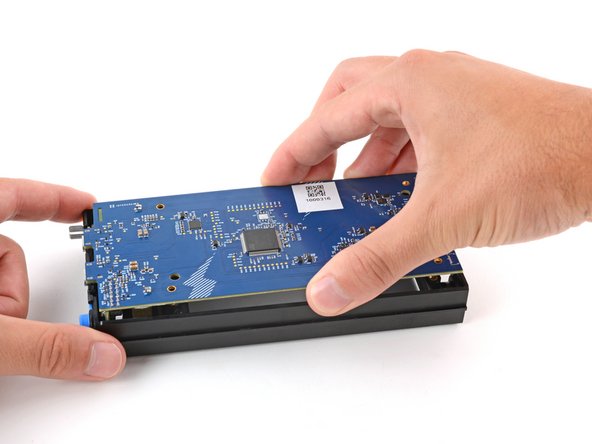
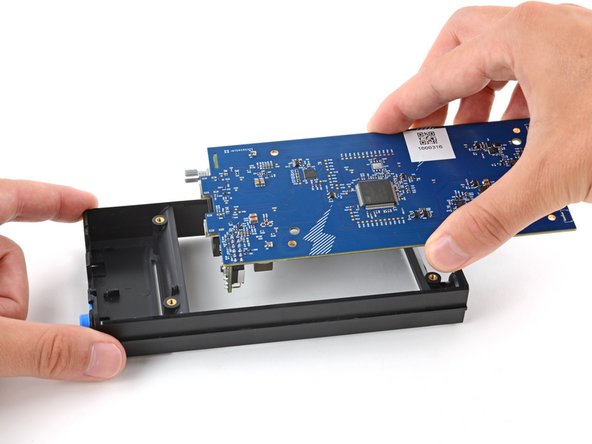
Use your finger to gently lift the main board by the USB‑C port, enough that you can grip the board's edges.
-
-
-
With one hand, hold on to the main board.
-
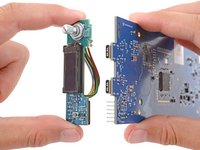
With your free hand, grip the UI board by its edges and firmly pull it straight away from the main board to disconnect it.
-
When pushing the UI board back into place, make sure the side opposite the sockets goes into its cutout on the main board. Otherwise, it will prevent the UI board from fully seating.
-
-
-
-
-
在这个步骤中使用的工具:Silicone Work Mat$9.95
-
Set the board face‑down on a clean, heat resistant surface or work mat.
-
Identify the resistors labeled R14 and R54, towards the bottom‑right corner on the board.
-
-
在这个步骤中使用的工具:No-Clean Flux$4.95
-
Apply a bead of flux to the solder joint on the left side of resistor R54.
-
-
在这个步骤中使用的工具:FixHub Smart Soldering Iron$79.95
-
Put on your safety glasses.
-
Turn on your soldering iron. If your soldering iron has temperature control, set it to 375 °C (~700 °F).
-
Clean the tip of your soldering iron. If you're using a cellulose sponge, wet the sponge with distilled water until damp and quickly wipe the tip across it. If you're using brass wool, stab the tip into the wire a few times.
-
Melt a small glob of solder onto the tip of the iron. This is called "tinning the tip" and will help with heat transfer.
-
You'll likely see some wispy smoke as you melt solder. This is mostly the rosin-core flux that's built into the solder wire.
-
-
在这个步骤中使用的工具:iFixit Desoldering Wick$4.95
-
Place the clean end of the solder wick against the left side of R54.
-
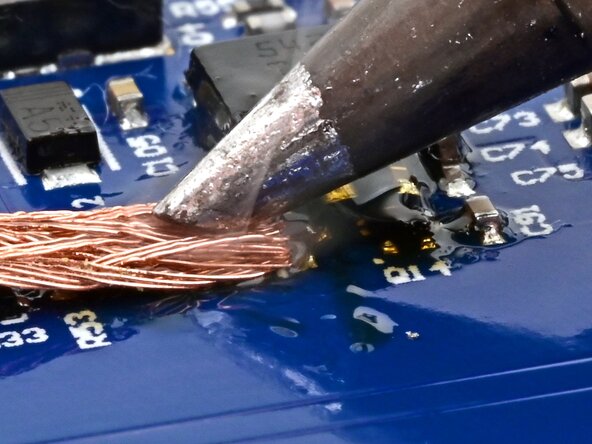
Press the soldering iron tip firmly against the wick for 2-3 seconds. You're trying to heat the wick hot enough so that it melts the solder underneath it.
-
Once most of the solder has soaked into the wick, lift the wick and tip away together from the joint.
-
-
-
Use angled tweezers to gently grab R54.
-
Use the soldering iron to heat each side repeatedly, and gently wiggle R54 until it comes loose. Once it's fully loose, remove it.
-
-
在这个步骤中使用的工具:iFixit Chemical Dispensing Pen$4.95
-
Use a chemical dispensing pen or pipette to apply some isopropyl alcohol where the resistors were on the board.
-
Wipe the area with a cotton swab or lint-free cloth to soak up the flux and alcohol residue.
-
-







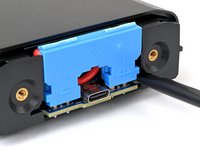
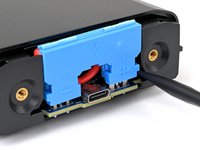


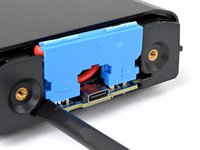
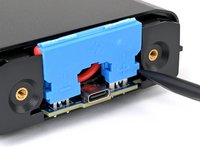




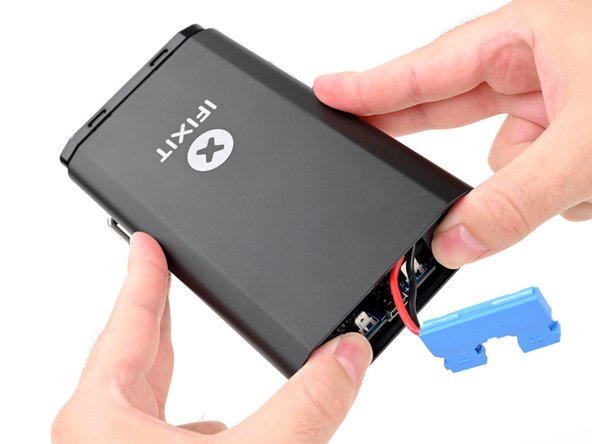


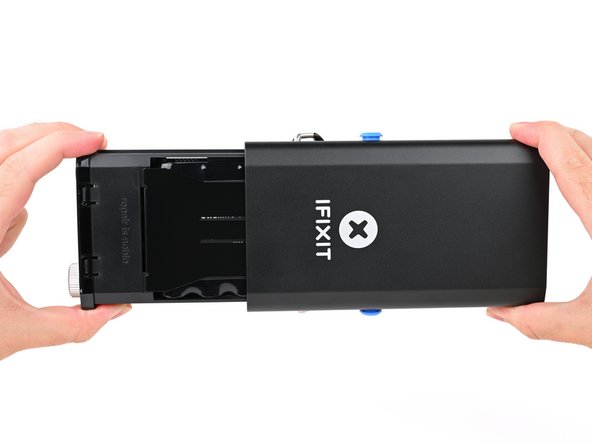
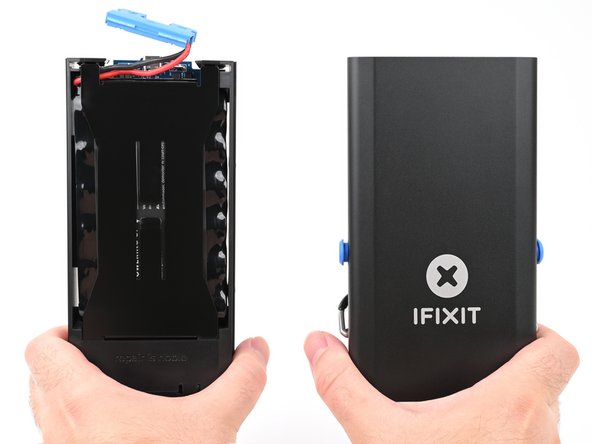


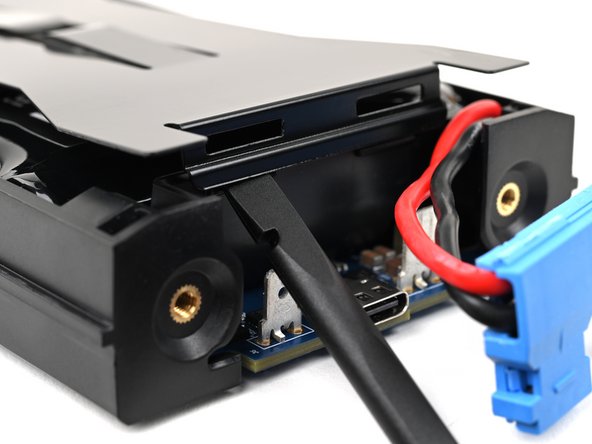


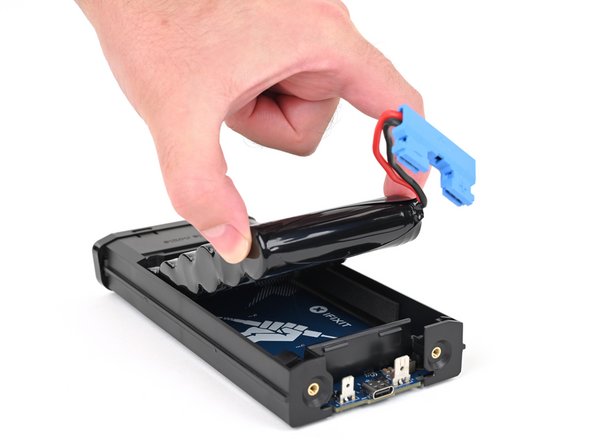
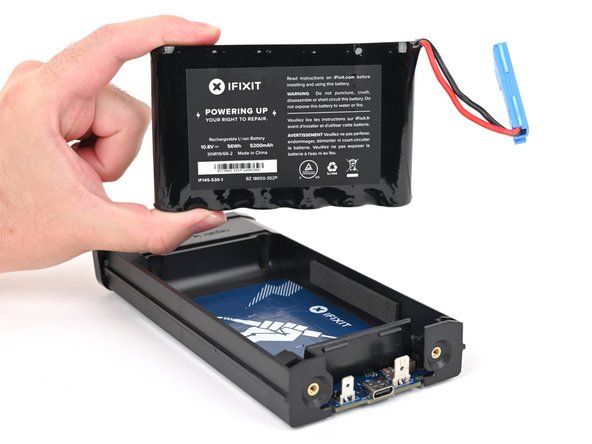




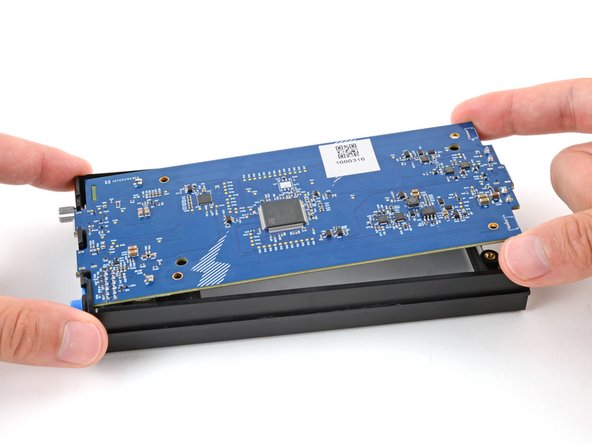

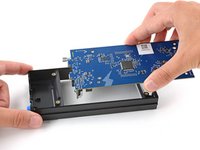

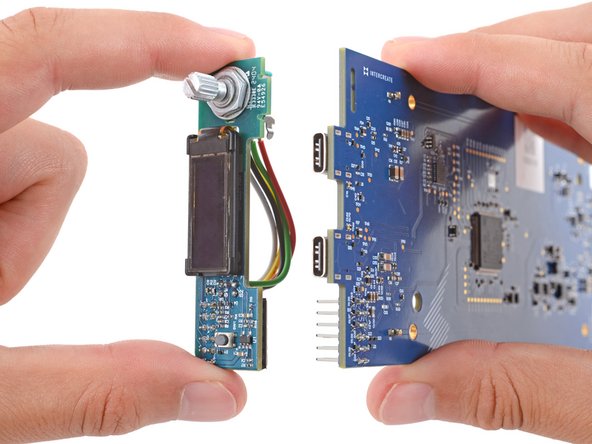
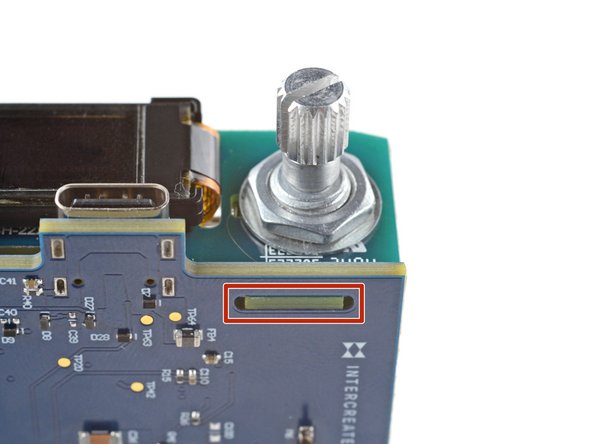




To reassemble your Portable Power Station, follow these instructions in reverse order, beginning with Step 19.
Take your e-waste to an R2 or e-Stewards certified recycler.
Repair didn’t go as planned? Try some basic troubleshooting, or ask our Answers community for help.

