跳转到主内容

Edifier W820NB Plus Drivers Replacement

你所需要的

  1. Edifier W820NB Plus Drivers Replacement, Ear Pads: 步骤 1 中的图像 1,1
    • Start with the headphones face up and the earpads visible.

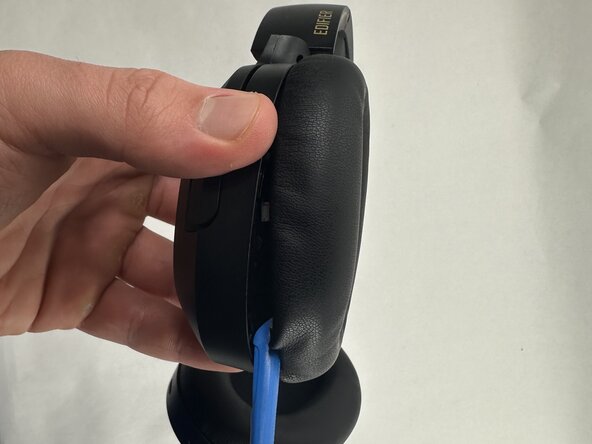
  2. Edifier W820NB Plus Drivers Replacement: 步骤 2 中的图像 1,2 Edifier W820NB Plus Drivers Replacement: 步骤 2 中的图像 2,2
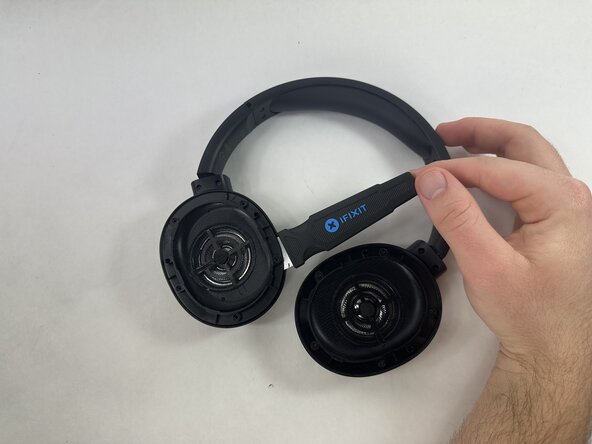
    • Hold the driver housing in one hand and insert an opening tool into the seam between the earpad and driver housing.

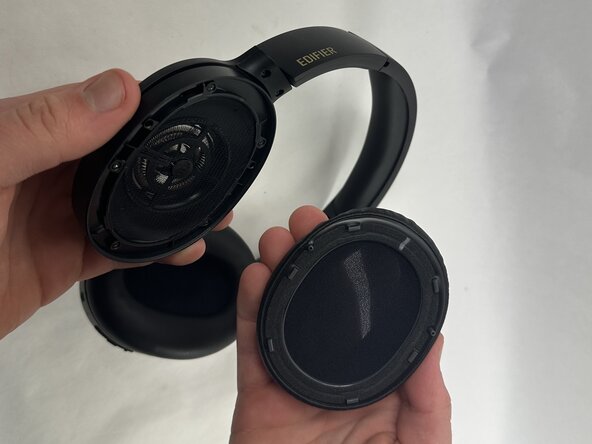
  3. Edifier W820NB Plus Drivers Replacement: 步骤 3 中的图像 1,2 Edifier W820NB Plus Drivers Replacement: 步骤 3 中的图像 2,2
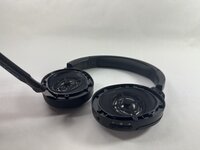
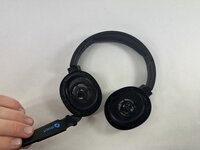
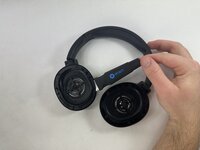
    • With your inserted opening tool, pry around the perimeter of the ear pad until it fully releases.

    • Repeat this procedure for the other side if necessary.

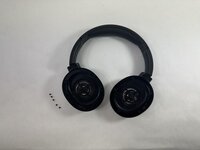
  4. Edifier W820NB Plus Drivers Replacement: 步骤 4 中的图像 1,1
    • Repeat for the other side if necessary.

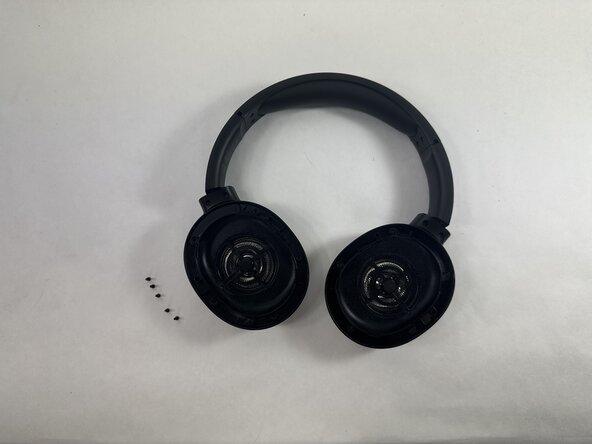
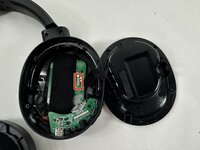
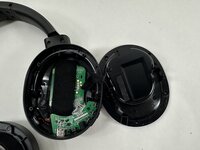
  5. Edifier W820NB Plus Drivers Replacement, Drivers: 步骤 5 中的图像 1,1
    • Identify the driver you wish to replace.

    • This guide will use the left driver as an example but the same steps can be mirrored when replacing or removing the right driver. The battery is under the left driver, while the motherboard and daughterboard are under the right driver.

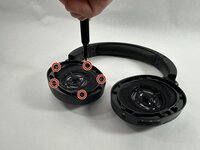
  6. Edifier W820NB Plus Drivers Replacement: 步骤 6 中的图像 1,2 Edifier W820NB Plus Drivers Replacement: 步骤 6 中的图像 2,2
    • Remove all five 5 mm Phillips #0 screws that secure the driver assembly.

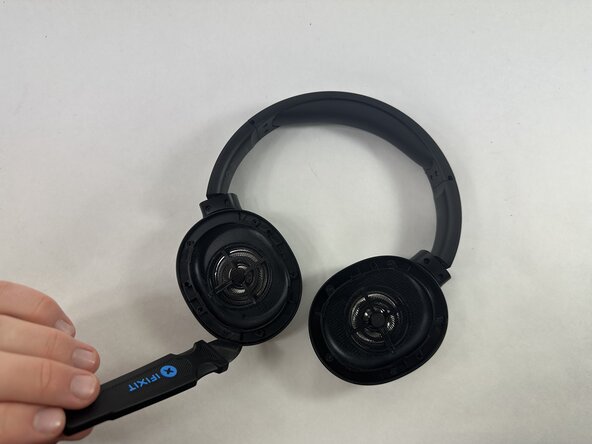
  7. Edifier W820NB Plus Drivers Replacement: 步骤 7 中的图像 1,3 Edifier W820NB Plus Drivers Replacement: 步骤 7 中的图像 2,3 Edifier W820NB Plus Drivers Replacement: 步骤 7 中的图像 3,3
    • Note that the wires for the drivers are on the outermost edge. Try to avoid pushing or cutting them when taking the driver out.

    • Insert a Jimmy in the seam between the driver assembly and driver housing.

    • Rotate the Jimmy along the entire perimeter of the innermost edge to pry it out of place.

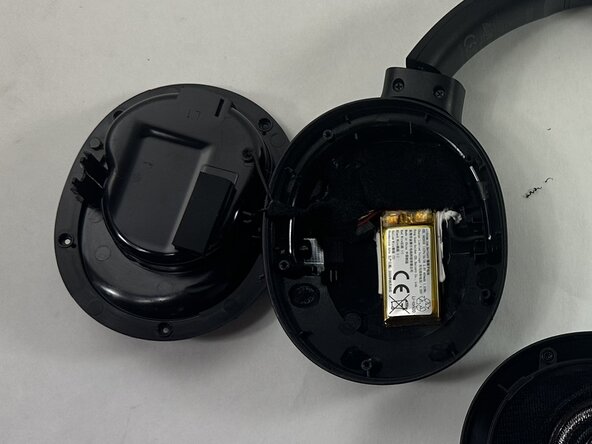
  8. Edifier W820NB Plus Drivers Replacement: 步骤 8 中的图像 1,2 Edifier W820NB Plus Drivers Replacement: 步骤 8 中的图像 2,2
    • Gently remove the driver assembly from the rest of the headphone, with care not to strain the connected wire.

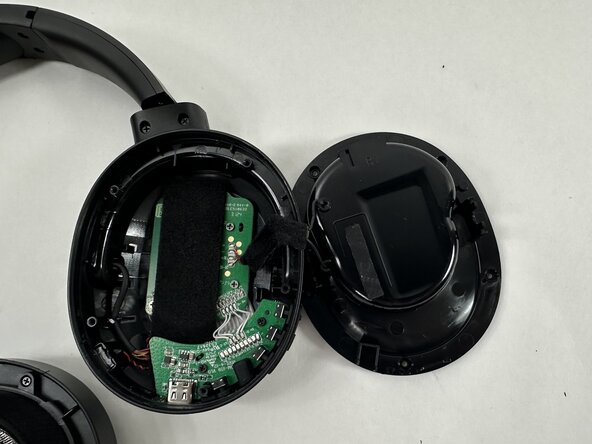
  9. Edifier W820NB Plus Drivers Replacement: 步骤 9 中的图像 1,2 Edifier W820NB Plus Drivers Replacement: 步骤 9 中的图像 2,2
    • Skip this step if you are completing a battery replacement.

    • Repeat the procedure for the other driver if necessary.

    • Desolder the four driver connections from the motherboard.

    • Remove the driver assembly.

结论

To reassemble your device, follow the above steps in reverse order.
Take your e-waste to an R2 or e-Stewards certified recycler.
Repair didn’t go as planned? Try some basic troubleshooting or ask our Answers community for help.

Happy Zhang

于03/21/25注册

438 声望

创作了4篇指南

团队

UMass Dartmouth, Team 2-7, Botvin Spring 2025 UMass Dartmouth, Team 2-7, Botvin Spring 2025 的会员

UMASSD-BOTVIN-S25S2G7

3 名成员

创作了6篇指南

0指南评论

添加评论

浏览统计数据:

过去 24 小时: 2

过去 7 天: 11

过去 30 天: 30

总计 323