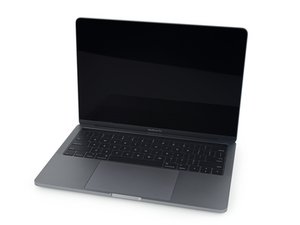

Battery or logic board
As both the logic board and battery will be replace which one should be removed first; Should I remove the battery or the logic board first?
声誉积分: 502.7千
 35
35
 347
347
 977
977
First off, unless you already have the parts at hand cheaply this is not the most economical way to get a working system. This series had its issues as Apple was struggling with the Butterfly Keyboard and Intel's chips ran quite hot! I frankly would get a used M1 system which would be the better investment.
If I haven't swayed you then I would remove the logic board first following this guide MacBook Pro 13" Touch Bar 2018 逻辑板更换 don't forget the TouchID power button need to stay with the logic board as is married to it! Also be very careful taking it out as the ribbon cable can be damaged quite easily. I use a few pieces of colored electricians tape to mark the board and its button so I don't get things confused while working on the system.
To remove the battery follow this guide jumping over the logic board stuff which you've already have done 2018年款带 Touch Bar 的13寸 MacBook Pro 电池更换 picking up at Step 19 removing the Trackpad. Apple uses a very strong adhesive and one often damages the battery in the process of removing it. The construction of the battery requires the many layers be held at a distance internally. Bending and stressing the battery trying to remove it damages the internal structure which could fail with smoke and even fire when charged. Best to use a fresh battery not reuse!

指南
难度:
中等
—
1 - 3 hours

指南
难度:
困难
—
3 hours
这个答案有帮助吗?
过去 24 小时: 0
过去 7 天: 3
过去 30 天: 43
总计 43

