
跳转到主内容
加入维修社区 - 创建账户

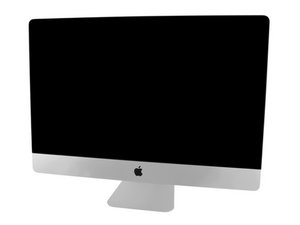
型号 A1419 / EMC 3070 / 2017 年中 / 3.4、3.5 或 3.8 GHz Core i5 或 4.2 GHz Core i7 Kaby Lake 处理器 (ID iMac18,3) / Retina 5K 显示屏。请参考较旧的 iMac Intel 27" Retina 5K 显示屏 (2014 年末及 2015 年) 指南,因为该系统的结构非常相似。

2TB fusion hard drive dead...Replace with internal or ...?

So my iMac hard drive is dead, will not boot up. Should I open the computer or is there a way to simply use an EXTERNAL SSD? If So, how do I boot up from it if my internal hard drive is dead? Which external SSD should I use? or should I just swap out the internal dead one with an SSD. I also hear the the existing Fusion hard drive might have some other thing inside that I have to replace.

回答此问题 我也有这个问题

这是一个好问题吗?

得分 1
添加一条评论

1个答案

Any external drive HDD or SSD that is setup as a bootable drive will allow you to at least test the system drive. Here is a bit weird as the HDD drive is the 2TB that is actually holding you files, the small Blade SSD hidden on the back side of the logic board is a Cache drive to the HHD hence where the Fusion Drive comes from.

So you'll need to create a bootable drive to start things off. Frankly I would just grab a 32GB thumb drive to use here. Do you have access to a second Mac as that makes things easier. From it reformat the thumb drive with a GUID Journaled file system so you have a clean drive. Then download to it from the Apple Store the same version your iMac is using. Copy the file to to the drive and then convert it into a bootable image following this guide Create a bootable installer for macOS

Then with it plugged in it should boot-up! Now go to the menu bar to open disk Utilities and run Disk first aid on the top level point did it run through cleanly?

这个答案有帮助吗?

得分 0
添加一条评论

添加你的答案

Terry Carrigan 将永远感激不已
浏览统计数据:

过去 24 小时: 0

过去 7 天: 2

过去 30 天: 6

总计 73