
 2
2  1
1 How to turn on without power button?
I spilled water on my keyboard and the power button is not working. The rest of the computer is working properly because I could use it for 2 hours after the spill. I want to jump the power but I am a complete beginner, and do not know how. I do know that we are supposed to do remove something inside the mac and then connect the power adapter and then put it back. Now what is this something and can someone give me pictures and clear instructions? Other questions have answer like “"remove the battery” but I do not know how to do that.
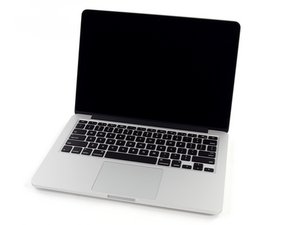
my computer looks something like this https://d3nevzfk7ii3be.cloudfront.net/ig...

 64
64 


1条评论
@am1999 there are multiple ways of getting this accomplished. We need to know what exact model your computer is. It will help if you post your computeres serial number so we can identify it for you or you can do it by checking on here https://everymac.com/ultimate-mac-lookup...?
由 oldturkey03 完成的