
 5
5  2
2 Force Boot Laptop Without LCD Screen/Cable
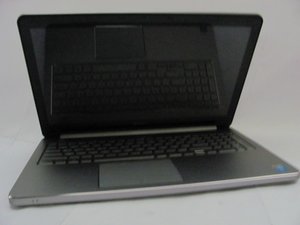
I have a Dell Inspiron 5558 laptop with a completely broken screen. Since the screen was hanging by the LCD cable (the hinges were also busted), I decided to cut the cable altogether and plug the laptop to an external monitor via HDMI.
The problem is that the laptop won't boot to Windows anymore, and it keeps emitting 8 very loud beeps. I know this is because the LCD cable is disconnected, but I don't know how to make the beeping stop and force Windows to boot.
I ran all diagnosis tests by powering up the computer using FN + Power, and HDMI output works fine. I just want the computer to get over the fact that there is no LCD.

 2.4千
2.4千 