

我的问题
no charge
我的修理方法
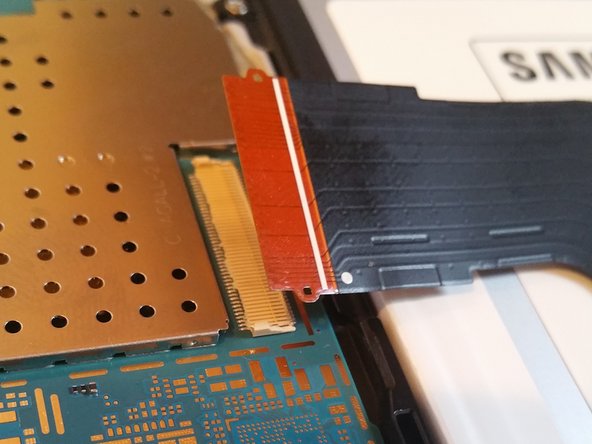
Went very well until the step where you disconnect the other side of the charging cable from what I think is the mother board. I took the tape off and pulled on it the same way I did the charging/ sd card slot side. Ended up breaking the piece that goes over the tab in order to keep it in place. I should have noticed it but these components are incredibly small. For someone who is new to this but interested in learning using these guides, an additional step would have saved me a huge headache.
我的建议
Please add step.
Also if you have any suggestions on how to fix this I would greatly appreciate it.
When I hold the tab to the connector and plug the charger into the tablet it will connect

0条评论