

我的问题
My drive wouldn't take the disks I tried to insert.
我的修理方法
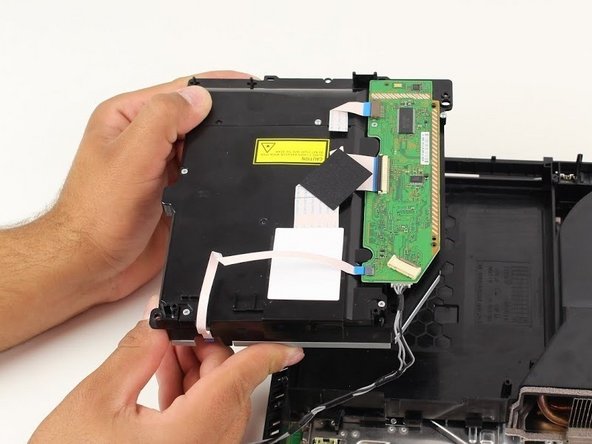
I ordered a replacement drive, and followed the steps in the guide. Because I have a launch PS4, I needed to swap the board from my broken drive onto the new replacement drive. On my broken drive, I carefully removed each ribbon, took out the screw and removed the board. Then I also took great care to remove the board from the replacement drive. I then reversed my steps, then began to reassemble using the guide in reverse as indicated. Fired her up, and she took in a disc and read it! Huzzah!
我的建议
I took paper plates, labeled them with each step as indicated in the guide. Then during each step, I placed any screws or stickers into each plate and set the plate aside. They stayed put, and helped me a lot.

0条评论