此翻译由机器生成,尚未经过人工审核。 会说这种语言吗? 查看评论。
简介
跟随此指南,更换你的 Sony PlayStation 4 光驱。
在 PS4 的 1XXX 系列机型上,光驱子板与主板是配对的。如果你的子板损坏,则必须更换主板。
你可以单独更换光驱组件,但更换后的组件必须与你的光驱子板兼容。
维修之前请务必拔下 PS4 的电源线。
你所需要的

 询问修复机器人


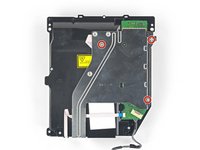
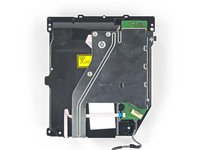


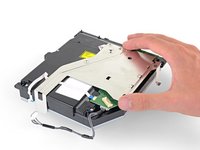
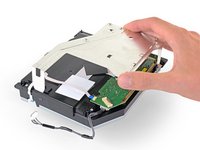


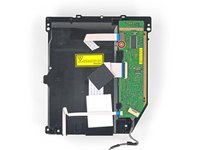
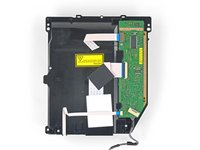


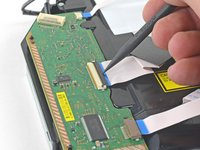
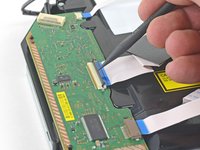


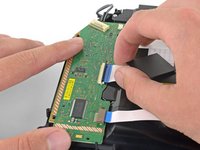
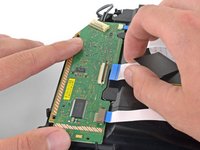


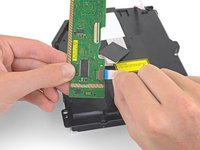
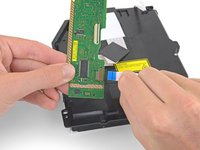

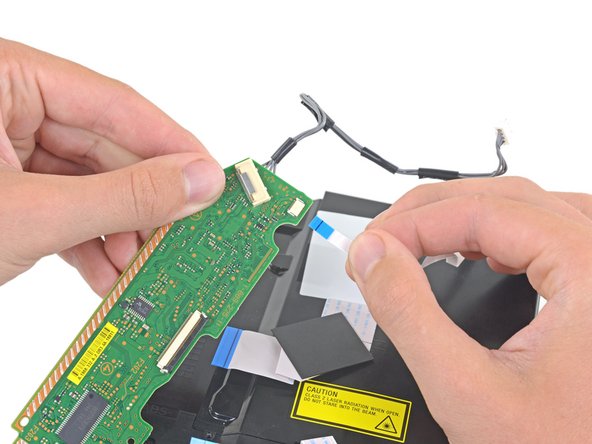

参考以上步骤的相反顺序来重新组装你的设备。
请将电子废弃物送至 R2 或 e-Stewards 认证回收站。
维修过程不如预期?请查看我们的 Answers 社区 获取故障排除帮助。
对比你的新更换件与原件——在安装前,你可能需要转移剩余组件或从新件上移除背胶。
204等其他人完成本指南。


74指南评论
This was a great help after my 2 yr old put a coin in my PS4. However when following the steps backwards I got to step 7 which says 'Remove the 5 wire plug attached from the power supply to the motherboard' & couldn't see how to reattach it. I then noticed it looks like I've pulled the whole plastic white casing/plug holder (within the orange rectangle) off the mobo rather than just the plug from the casing. Although the pic looks like the plastic casing does come off the mobo as it's at an angle (maybe why I pulled the whole thing out or maybe I did it right).
I'm thinking I've made a mistake is because now I cant see anywhere that I can 'plug' the 5 L shaped wires on the bottom of the plastic casing back onto the mobo. Plus where they used to be attached there's now 5 tiny silver rectangles on the mobo (2 opposite 3), so I guess these 5 wires were some how adhered to those mobo rectangles by a conductive adhesive of some sort.
Any suggestion for the best repair method would be appreciated.
Thanks
doc browejnn - 回复 分享
Is anyone there who try to change the optical drive without change the Motherboard in the same time ? And does it run ?
Thanks for your help.
How about a guide for replacing just the laser unit instead of the whole drive?
I changed the drive with its motherboard, when I want to update the system, an error message appears:
CE-42116-8 .
