此翻译由机器生成,尚未经过人工审核。 会说这种语言吗? 查看评论。
简介
更换 iPhone 5c 中损坏的扬声器,以恢复扬声器播放功能。
你所需要的
-
-
-
合拢iSclack的手柄,打开吸盘口。
-
把手机底部放入吸盘口,并抵在塑料深度计上。
-
上方的吸盘口不要覆盖在Home键上。
-
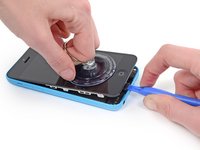
打开iSclack的手柄合拢吸盘口。按压手柄使得吸盘口贴合在手机表面和底部中线上。
-
-
-
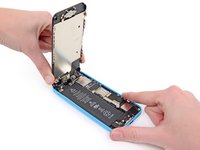
握好机器合拢iSclack手柄分离吸盘口,把屏幕从后盖上拉开。
-
iSclack致力于安全的打开iPhone,仅仅是完全分离部件而不会损坏排线。
-
可以跳过接下来的3步从第8步开始。
-
-
-




 询问修复机器人
















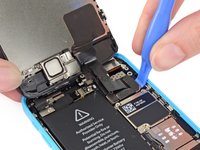
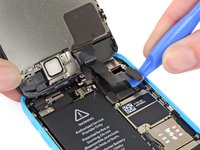


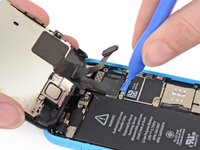
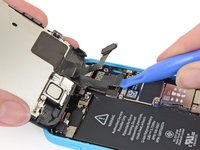
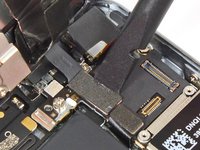


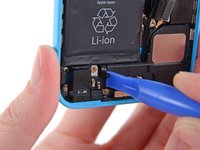
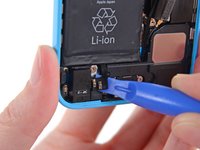


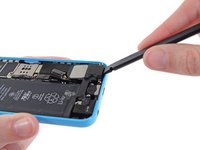


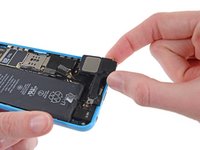

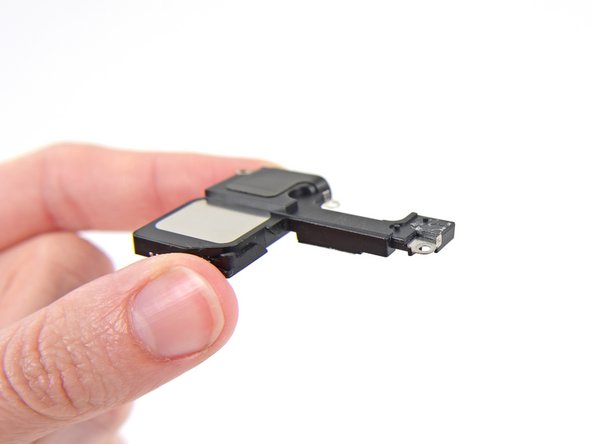

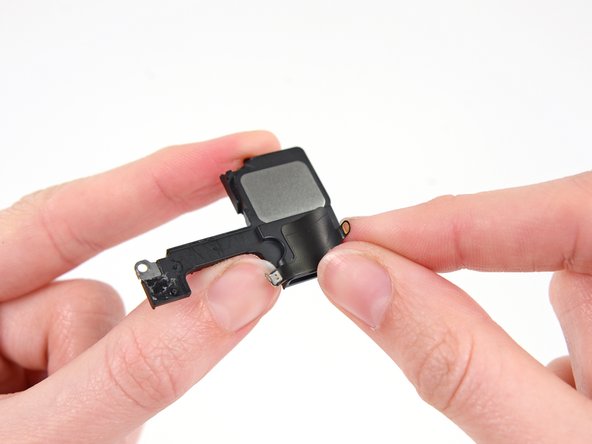
要重新组装设备,请按相反顺序执行这些说明。
36等其他人完成本指南。


5指南评论
I just did this replacement today and had the same problem as the other posts. However what I figured out was that the speaker is powered through contact on the back side. I applied some pressure to that area (this is mostly likely bad for the screen, so try at your own risk) to the speaker area and surprise it worked. A hacky fix was to put a piece of folded up paper on top of the speaker to create the contact. I do not recommend this fix, but it help solidify the actual cause.
Hope this helps
Does anyone know what's the actual voltage needed by the loudspeaker to work? I've tested it out the continuity of the loudspeakers (both the original on the replacing part) and they seem to work just fine, otherwise the output voltage from the motherboard on the contact while playing some music, swings quickly from 0 to 1mV.
