此翻译由机器生成,尚未经过人工审核。 会说这种语言吗? 查看评论。
简介
视频观看地址:
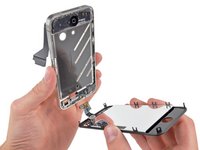
使用本指南可以更换iPhone的屏幕,换过之后手机会有一个全新的前面板、触摸数字化层和LCD。出厂时LCD和玻璃是黏在一起的,这两部分强行分离一定会损坏。
在成功更换屏幕后,为保护iPhone新换屏幕不被划伤,请安装:屏幕保护膜。
你所需要的
视频概述


 询问修复机器人


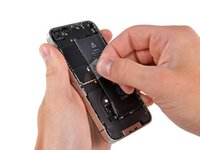
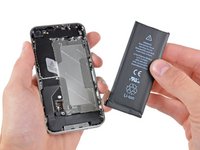
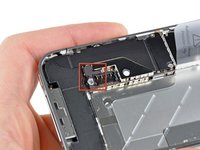


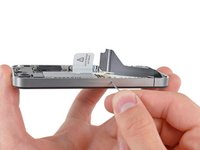
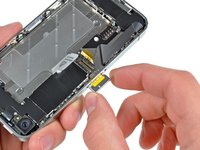


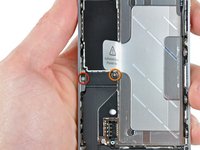
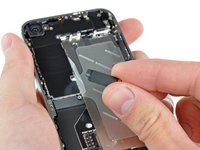


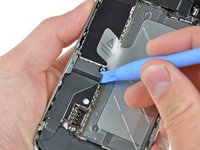
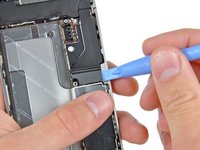


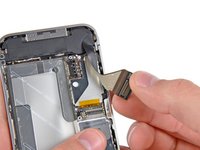
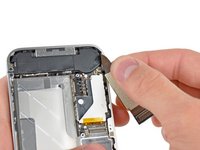


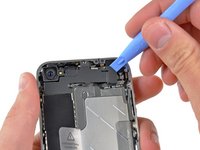
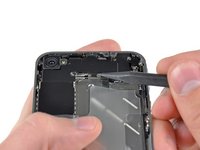
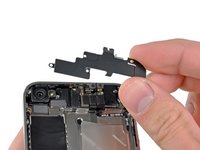


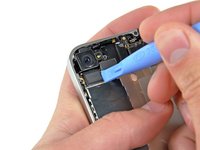
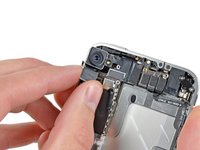


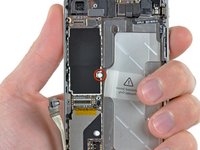
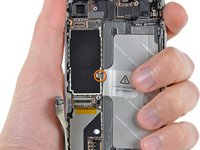


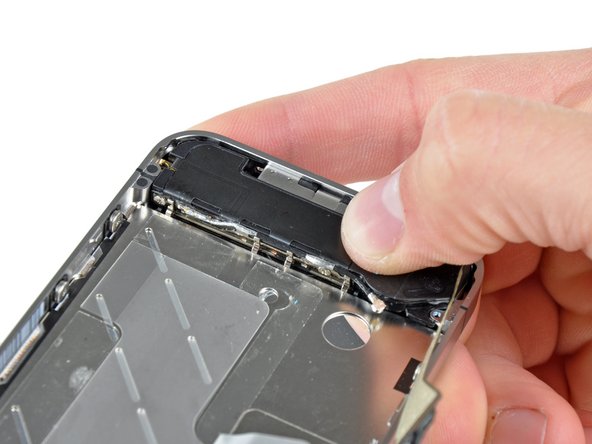
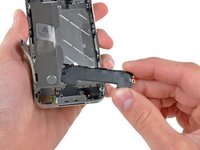
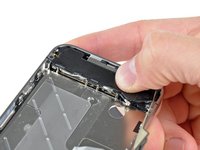


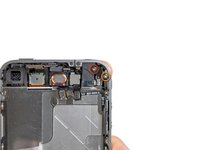
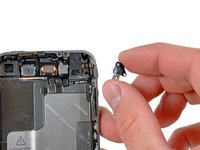


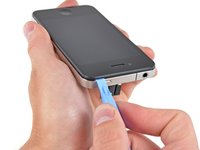
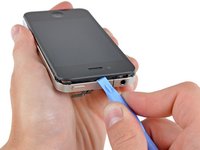


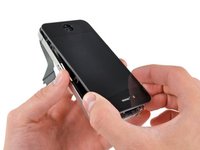
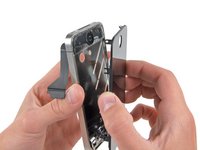



请倒序重组你的设备。
1714等其他人完成本指南。


附加文件


81指南评论
Done! Boy, it took me 1.5 but done. Anyway don't forget guys it's quality that counts so don't hurry up, take your time & get light (lots of light above you). Get a coke and it will work it. I reassembled everything, turned it on and home button working yeah. Ouch, my screen was no more sensitive. I killed the digitizer cable. Lucky me I had another broken iPhone which i took the LCD and put it on my phone. (about 1.5 again to reassemble everything back)
Tip 1: I did the whole thing with [关联产品丢失或禁用: IF145-047] and I had everything I needed.
Tip 2: Print Home_Button_Screw_Template.pdf (you'll need it) Find a magnet pad to put under your A4 paper. This will help hold the screws.
Tip 3: Use a suction cup at step 28. It found it in my [关联产品丢失或禁用: IF145-047]
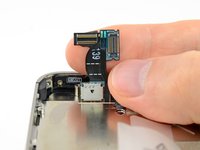
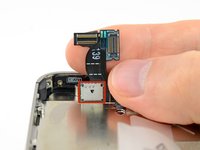
Tip 4: I killed my digitizer cable at step 29 & 30. So please pay double attention there.
Tip 5: Get yourself a beer when finished :)
Only do tip 5 AND AGAIN ONLY do if your 21 or older
Ben Capehart - 回复 分享
i did it success but the sensor dosnt work what the problem
Great guide, but I can't seem to get the back panel on afterwords. All of the plastic tabs seem to line up correctly but it won't slide down into place. Any advise?
I had the same problem.
Rear panel did not seem to slide back in to place.
After googling I found this tip:
Back panel will not slide back on?
If everything looks fine and aligned then you might just need to use a bit more force.
Worked for me :)
