简介
使用本指南移除和更换 iPhone 13 Pro 中的后置摄像头。所有相机模块都作为一个单元更换。
你所需要的
-
-
如果您的iPhone屏幕破裂,在修理过程中通过胶带贴在玻璃上,防止进一步的破损,造成身体伤害。
-
将胶带条贴在iPhone的显示屏上,直到覆盖整个屏幕上。(如果不够宽可以重叠贴,如果要用吸盘重叠部分会漏气,所以最好使用7厘米宽的胶带,用吸盘时容易吸住)。做一步的目的是为了保持屏幕组件的受力结构,以方便拆卸。
-
在下面的步骤中如果吸盘吸不住已经破损的屏幕,可以用胶带把吸盘粘在屏幕上,然后在提起屏幕。
-
-
-
将重叠的透明包装胶带条黏在 iPhone 的后玻璃上,直到覆盖整个手机后部。
-
如果在接下来的几个步骤中无法让吸盘粘在手机上,请将强力胶带(折叠到把手中,然后用它提起后玻璃。
-
-
-
将蓝色手柄拉向铰链以解除开启模式。
-
将反向钳手臂滑过 iPhone 的左边缘或右边缘。
-
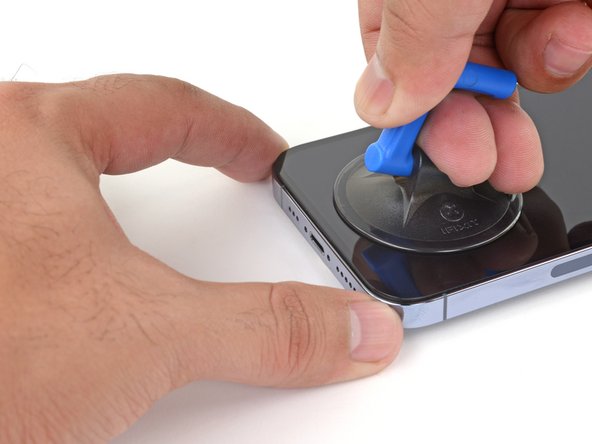
将吸盘放在屏幕上主页按钮的正上方——一个在前面,一个在后面。
-
向下推吸盘以将吸力施加到所需区域。
-
-
-
-
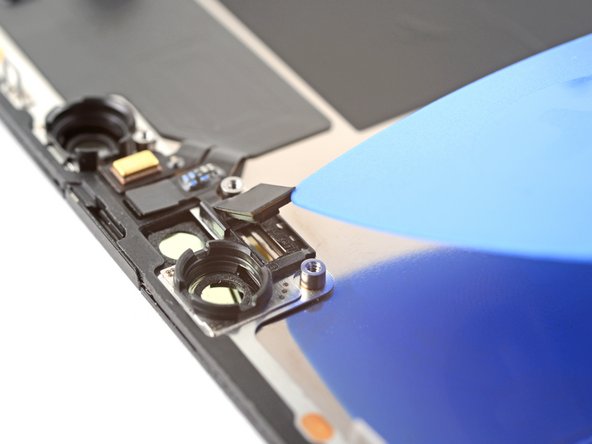
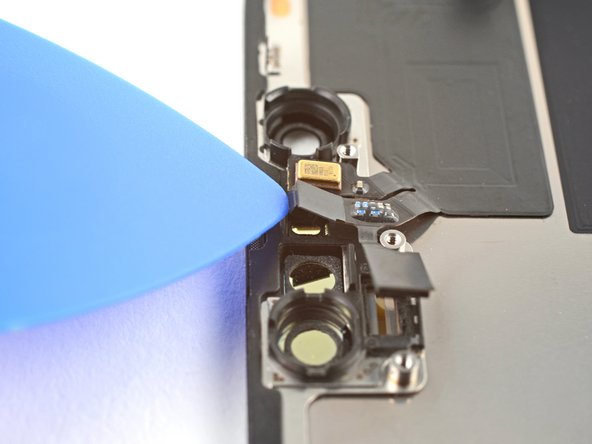
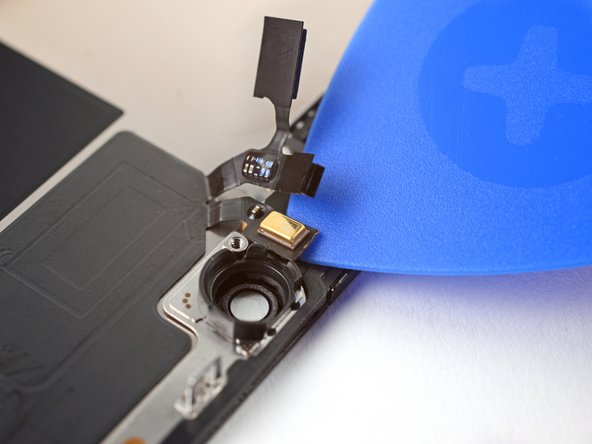
使用 Y000 螺丝刀从前传感器接口盖上卸下两颗 1.1 毫米螺丝。
-
使用十字螺丝刀从前传感器接口盖上卸下剩余的两颗螺丝:
-
一颗 1.5 毫米螺丝
-
一颗 1.8 毫米螺丝
-







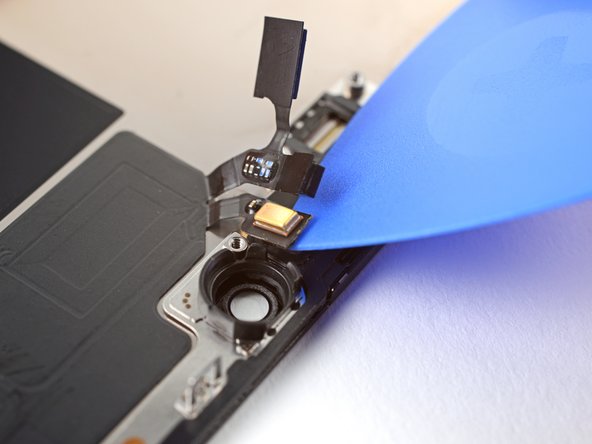


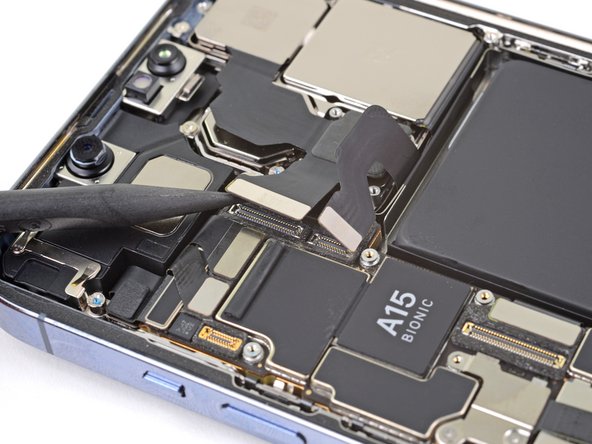


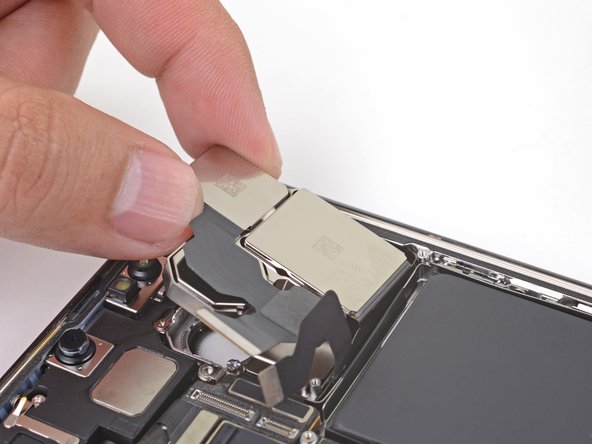
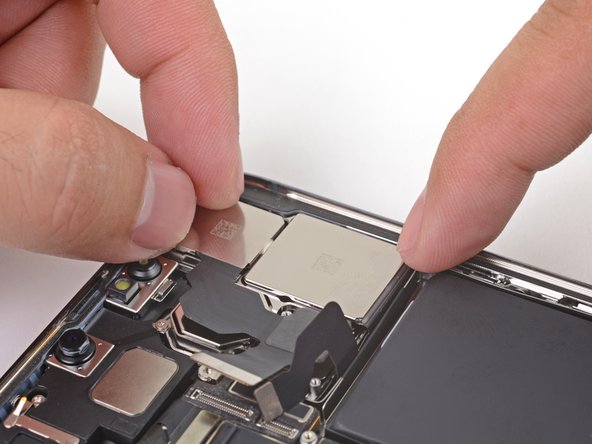
将你的新替换零件与原始零件进行比较——你可能需要在安装前转移剩余的组件或从新零件上移除背胶。
要重新组装你的设备,请以逆序按照这些说明进行操作。
将你的电子垃圾送到 R2 或 e-Stewards 认证的回收商。
维修没有按计划进行?尝试一些 基本疑难解答,或向我们的 iPhone 13 Pro [链接|https://www.ifixit.com/Answers/Device/iP...|论坛]寻求帮助。
将你的新替换零件与原始零件进行比较——你可能需要在安装前转移剩余的组件或从新零件上移除背胶。
要重新组装你的设备,请以逆序按照这些说明进行操作。
将你的电子垃圾送到 R2 或 e-Stewards 认证的回收商。
维修没有按计划进行?尝试一些 基本疑难解答,或向我们的 iPhone 13 Pro [链接|https://www.ifixit.com/Answers/Device/iP...|论坛]寻求帮助。
12等其他人完成本指南。


一条评论
Hi, i replaced the camera with a new one and now the camera only shows a black screen.
