本指南有最近更改,您可查看未经巡查的最新版本。
简介
如果您的 iPhone 12 屏幕 出现裂纹、触摸无响应,或开机后无法显示图像,请使用本指南通过更换新屏幕(即显示组件)来恢复 iPhone 的正常功能。
固定在显示组件背面的听筒扬声器与传感器组件在出厂时已与您的 iPhone 配对,因此在更换显示组件时,您必须将这些组件从旧显示组件转移到新显示组件上。该组件包含泛光照明器,这是面容 ID 生物识别安全功能的关键部分。如果该组件损坏或被更换,面容 ID 将无法使用。因此,在操作过程中请格外小心,避免损坏这些组件。如果组件损坏,只有 Apple 或 Apple 授权技术人员才能恢复面容 ID 功能。
注意:在 iOS 17.6 及更早版本中,更换显示组件后,原彩显示功能将被禁用,即使使用的是原装 Apple 显示组件。在 iOS 18 及更高版本中,您可以使用 Apple 的 维修助理 校准新显示组件,以恢复从 Apple 购买的原厂显示组件的原彩显示功能。
你所需要的
-
在这个步骤中使用的工具:Clampy - Anti-Clamp$24.95
-
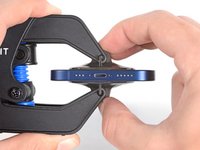
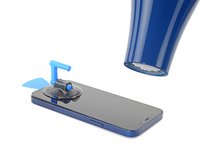
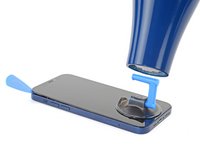
将蓝色手柄拉向铰链以解除开启模式。
-
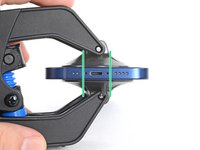
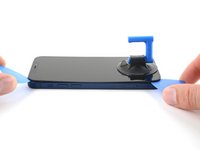
将手臂滑过 iPhone 的左边缘或右边缘。
-
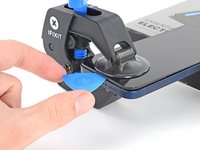
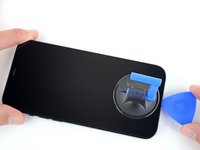
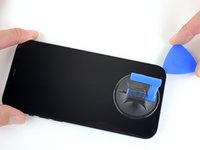
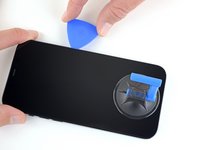
将吸盘放在屏幕上主页按钮的正上方——一个在前面,一个在后面。
-
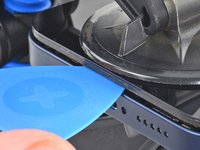
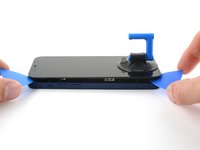
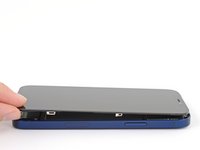
向下推吸盘以将吸力施加到所需区域。
-
-













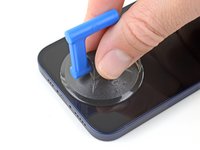



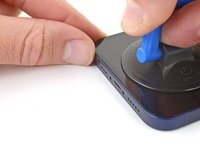
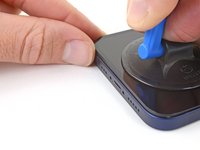
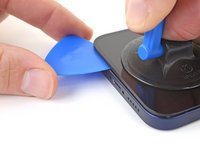







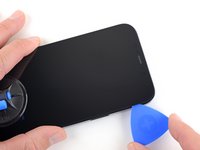
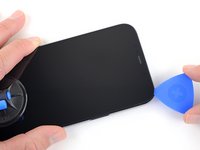
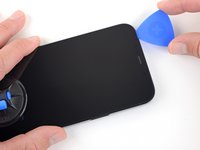


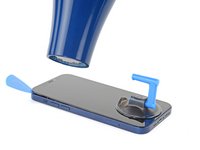




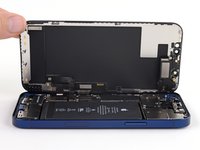
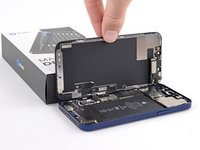


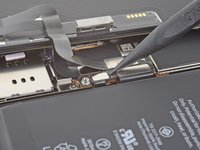
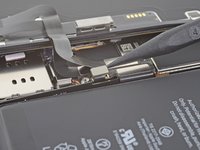


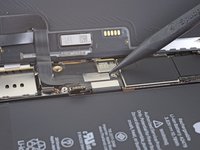
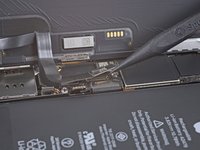


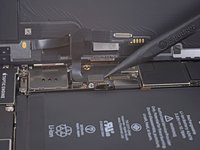
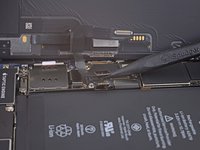


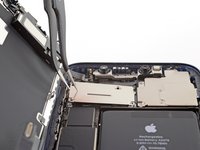
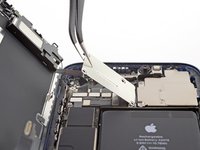
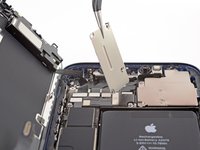


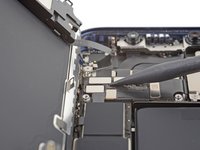
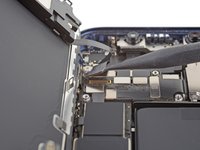


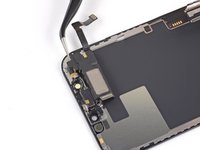
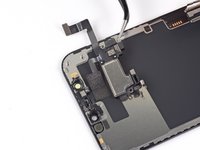


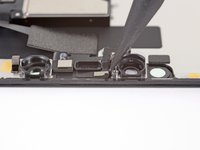
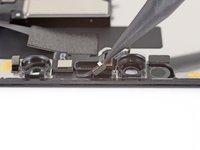
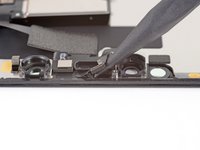


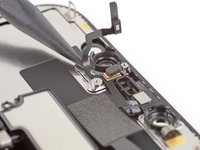
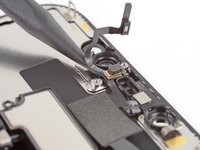
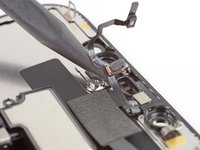


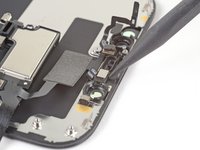
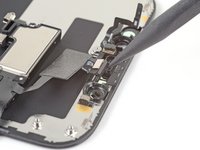


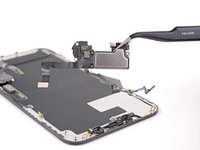
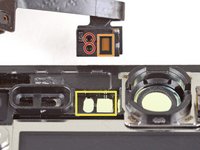
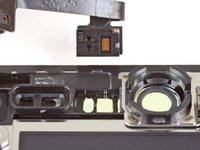
将您的新替换部件与原始部件进行比较——在安装之前,您可能需要转移剩余的组件或移除新部件上的背胶。
要重新组装设备,请按照上述步骤的逆序操作:
修复完成后,根据替换部件的不同,您可能可以使用 Apple 的 维修助理 进行校准(该功能自 iOS 18 起可用)。更新您的设备,进入设置→ 通用 → 关于本机 → 部件和服务历史记录,点击“重启并完成修复”,然后按照屏幕上的提示操作。
将您的电子废弃物送至 R2 或 e-Stewards 认证的回收商。
修复没有按计划进行?尝试一些 基本故障排除,或向我们的 iPhone 12 维修论坛 寻求故障排除帮助。
123等其他人完成本指南。


11指南评论
i am trying to source a replacement screen for my iPhone 12 that needs a new digitizer and battery. My main concern is since I cannot purchase an original part from apple and have to resort to eBay they have several option;
Lcd / Oled soft / Oled hard / Incell lcd??
I asssumed the 12 came with the oled screen and I’m worried that if I put a non original type screen it could damage phone after awhile?
what digitizer should I get?
Hi, I would recommend looking at places like Fixez.com rather than Ebay. Their prices are lower and they have a LCD buyback program which is very helpful. They have a wide ranging variety of LCD's. On a scale of best to worst LCD's its ranges: OLED Soft,OLED Hard, Incell LCD, LCD. I hope this helps
Tecc World - 分享
Hi there,
I have read that by installing an aftermarket screen, I would get a non-genuine display message. Has Apple addressed this issue?
Than
Genuine components have chips that allow the phone to identify them - third party ones frequently do not. The phone is doing what it is designed to do so there isn’t really anything for Apple to address. Much as anything it’s to stop companies refurbishing iPhone’s ‘in-house’ and selling them as having genuine parts. The non genuine part message is t inherently a bad thing, it’s an advisory rather than an error.
Hi, I lent my grandson my iphone 12 and I got it back with a broken screen and a broken back glass. I have another iphone 12 for parts. I was going to swap out the screen and the back glass. My question is do I have to remove all these parts as described above or c an I just plug the new screen in ? Second question my iphone has a Qlink wireless SIM card in it and it works perfect. The same SIM card will not work in my other iphone that being said would it be easier to somehow take my other iphone and use the parts from my broken one so the SIM card would work in it? I don't know what it would entail to do such a thing but if you would possibly know what I would have to do to make this happen please let me know... Otherwise I will take the screen and back glass and continue to install them on my own phone. also which procedure would be easier to do?? Kudos to you on this article I followed it to the letter and everything worked perfect I removed the screen without any problems. GREAT ARTICLE! Thanks Jeffrey
