跳转到主内容
加入维修社区 - 创建账户

Sonos Playbase IR Reciver Replacement

你所需要的

    1. Sonos Playbase IR Reciver Replacement, Bottom Panel: 步骤 1 中的图像 1,3 Sonos Playbase IR Reciver Replacement, Bottom Panel: 步骤 1 中的图像 2,3 Sonos Playbase IR Reciver Replacement, Bottom Panel: 步骤 1 中的图像 3,3
      在这个步骤中使用的工具:
      Pro Tech Toolkit
      $79.95
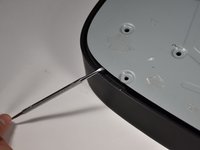
      • Turn the Playbase upside down so that the "Sonos Playbase" imprint is face up.

      • Remove the bottom panel with an Opening Tool by inserting underneath and prying upwards.

      • Melt the adhesive with an iOpener for ease of opening

      • Use a Metal Spudger if the plastic spudgers do not work.

      • Take care to avoid damaging the plastic or the device if using a metal spudger.

      添加评论

    2. Sonos Playbase IR Reciver Replacement: 步骤 2 中的图像 1,2 Sonos Playbase IR Reciver Replacement: 步骤 2 中的图像 2,2
      在这个步骤中使用的工具:
      Pro Tech Toolkit
      $79.95
      • Remove the fourteen 11mm T-10 screws by turning counter-clockwise.

      • Remove the seven 44mm T-20 screws by turning counter-clockwise.

      • Remove the twenty-two 34mm T-20 screws by turning counter-clockwise.

      • Record where each screw belongs for easier reassembly.

      询问修复机器人

      添加评论

    3. Sonos Playbase IR Reciver Replacement: 步骤 3 中的图像 1,2 Sonos Playbase IR Reciver Replacement: 步骤 3 中的图像 2,2
      在这个步骤中使用的工具:
      Pro Tech Toolkit
      $79.95
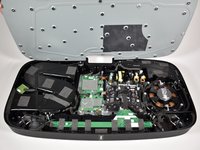
      • Remove the metal plate with a Opening Tool by inserting underneath and prying upwards.

      • Use a metal spudger if plastic openers do not work.

      • Take care to avoid damaging the plastic or the device if using a metal spudger.

      询问修复机器人

      添加评论

    1. Sonos Playbase IR Reciver Replacement, Main Speaker Array: 步骤 4 中的图像 1,2 Sonos Playbase IR Reciver Replacement, Main Speaker Array: 步骤 4 中的图像 2,2
      询问修复机器人

      添加评论

    2. Sonos Playbase IR Reciver Replacement: 步骤 5 中的图像 1,2 Sonos Playbase IR Reciver Replacement: 步骤 5 中的图像 2,2
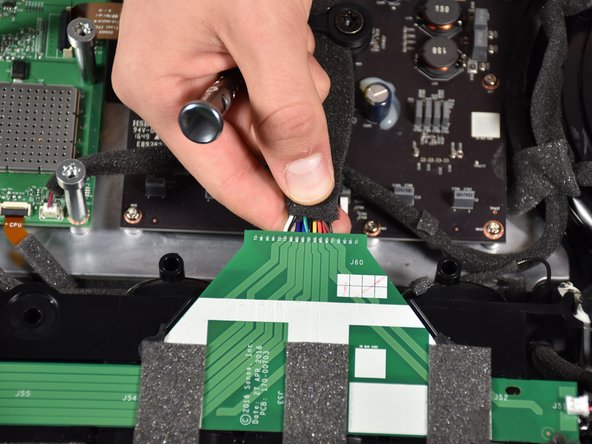
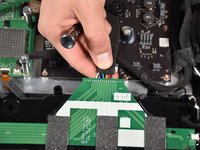
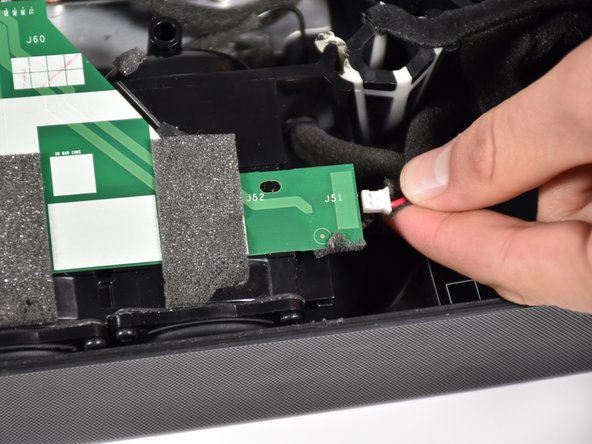
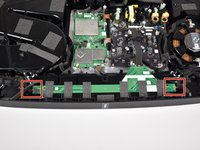
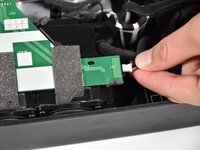
      • Remove the side speakers from the green printed circuit board (PCB) running along the top of the main speaker array by pinching and pulling out the connector.

      • See Recognizing & Disconnecting Cable Connectors for more information.

      询问修复机器人

      添加评论

    3. Sonos Playbase IR Reciver Replacement: 步骤 6 中的图像 1,3 Sonos Playbase IR Reciver Replacement: 步骤 6 中的图像 2,3 Sonos Playbase IR Reciver Replacement: 步骤 6 中的图像 3,3
      在这个步骤中使用的工具:
      Pro Tech Toolkit
      $79.95
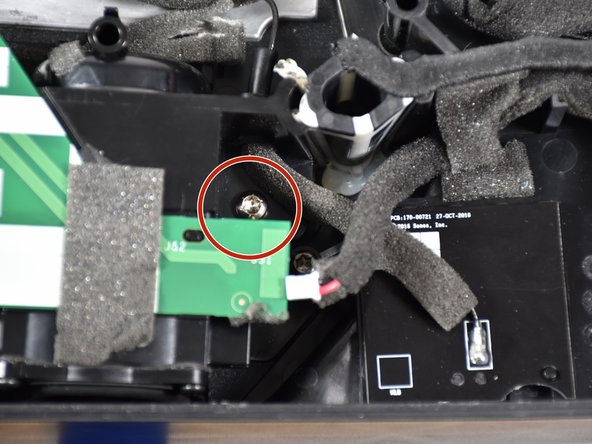
      • Remove the two 16mm T-20 screws located on both sides of the main speaker array by turning counter-clockwise.

      询问修复机器人

      添加评论

    4. Sonos Playbase IR Reciver Replacement: 步骤 7 中的图像 1,1
      • Remove the main speaker array by gripping it on both sides and pulling it out.

      • The array may require a significant amount of force to remove.

      • Use prying tools as necessary to remove the main speaker array if you are unsuccessful using your hands.

      • Do not to yank the array out too suddenly or too far as this may damage the device.

      询问修复机器人

      添加评论

    5. Sonos Playbase IR Reciver Replacement: 步骤 8 中的图像 1,1
      • Prop the removed main speaker array up on top of the main circuit board.

      询问修复机器人

      添加评论

    1. Sonos Playbase IR Reciver Replacement, IR Receiver: 步骤 9 中的图像 1,3 Sonos Playbase IR Reciver Replacement, IR Receiver: 步骤 9 中的图像 2,3 Sonos Playbase IR Reciver Replacement, IR Receiver: 步骤 9 中的图像 3,3
      在这个步骤中使用的工具:
      Pro Tech Toolkit
      $79.95
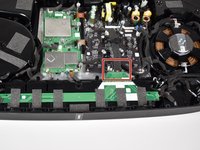
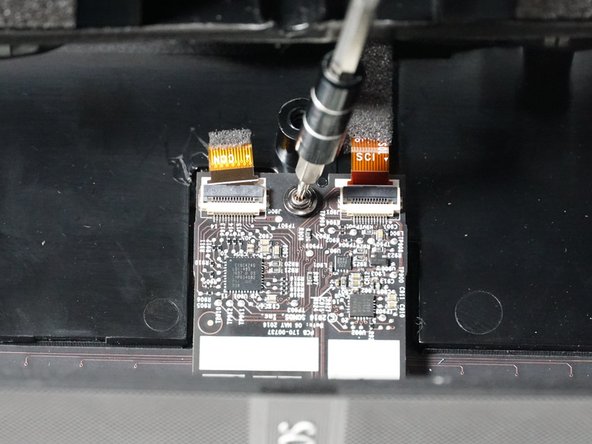
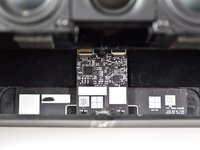
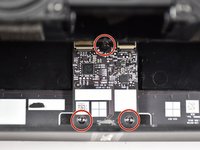
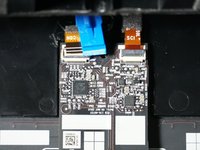
      • Lift the main speaker array to reveal the IR receiver underneath.

      • Remove the three 11 mm T-5 screws by turning counter-clockwise.

      询问修复机器人

      添加评论

    2. Sonos Playbase IR Reciver Replacement: 步骤 10 中的图像 1,3 Sonos Playbase IR Reciver Replacement: 步骤 10 中的图像 2,3 Sonos Playbase IR Reciver Replacement: 步骤 10 中的图像 3,3
      询问修复机器人

      添加评论

    3. Sonos Playbase IR Reciver Replacement: 步骤 11 中的图像 1,2 Sonos Playbase IR Reciver Replacement: 步骤 11 中的图像 2,2
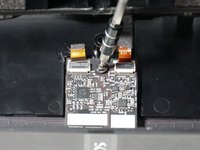
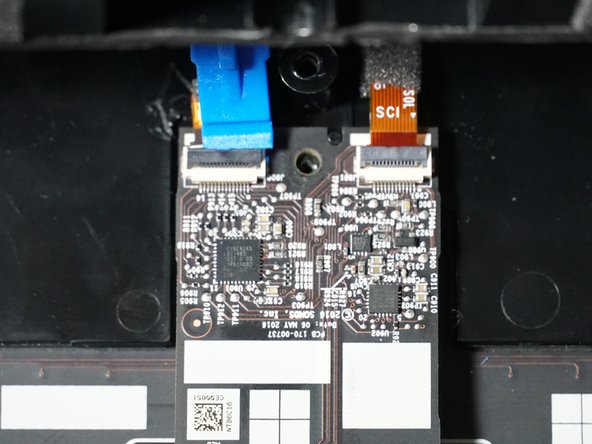
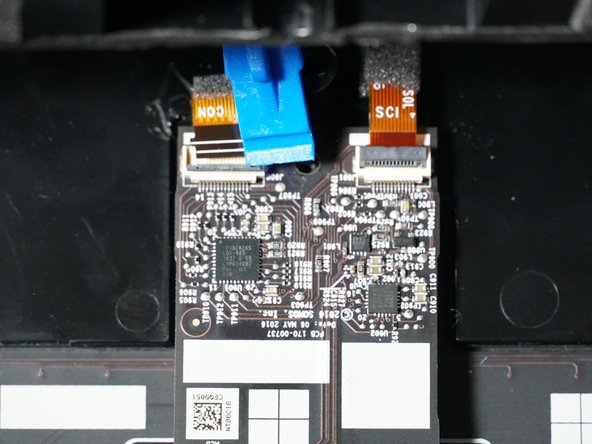
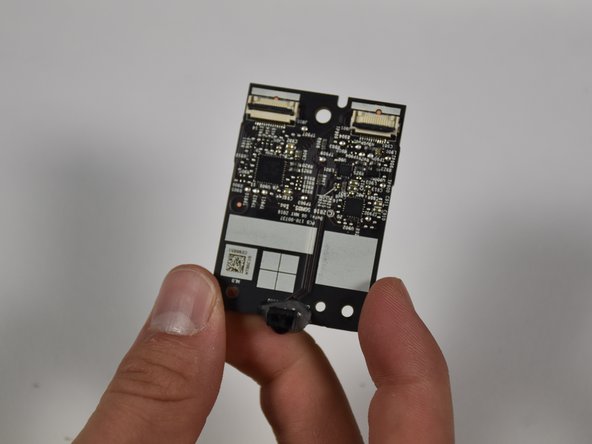
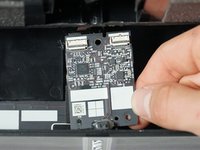
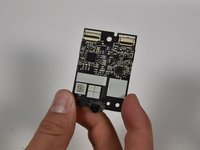
      • Remove the IR receiver by grasping it with two fingers and pulling up.

      询问修复机器人

      添加评论

结论

To reassemble your device, follow these instructions in reverse order.

取消:我没有完成这个指南。

George Slivka

于10/08/18注册

341 声望

创作了3篇指南

团队

Cal Poly, Team S17-G2, White Fall 2018 Cal Poly, Team S17-G2, White Fall 2018 的会员

CPSU-WHITE-F18S17G2

4 名成员

创作了16篇指南

0指南评论

添加评论

浏览统计数据:

过去 24 小时: 0

过去 7 天: 8

过去 30 天: 30

总计 1,747