跳转到主内容
加入维修社区 - 创建账户

Samsung Galaxy Rush Front Camera Replacement

你所需要的

  1. Samsung Galaxy Rush Front Camera Replacement, Front Camera: 步骤 1 中的图像 1,2 Samsung Galaxy Rush Front Camera Replacement, Front Camera: 步骤 1 中的图像 2,2
    • Looking at the back of your phone, use your finger to remove back cover.

    询问修复机器人

    添加评论

  2. Samsung Galaxy Rush Front Camera Replacement: 步骤 2 中的图像 1,2 Samsung Galaxy Rush Front Camera Replacement: 步骤 2 中的图像 2,2
    • Remove the battery.

    询问修复机器人

    添加评论

  3. Samsung Galaxy Rush Front Camera Replacement: 步骤 3 中的图像 1,1
    • With a small phillips-head screw driver, remove the six screws holding the back panel in place.

    询问修复机器人

    添加评论

  4. Samsung Galaxy Rush Front Camera Replacement: 步骤 4 中的图像 1,2 Samsung Galaxy Rush Front Camera Replacement: 步骤 4 中的图像 2,2
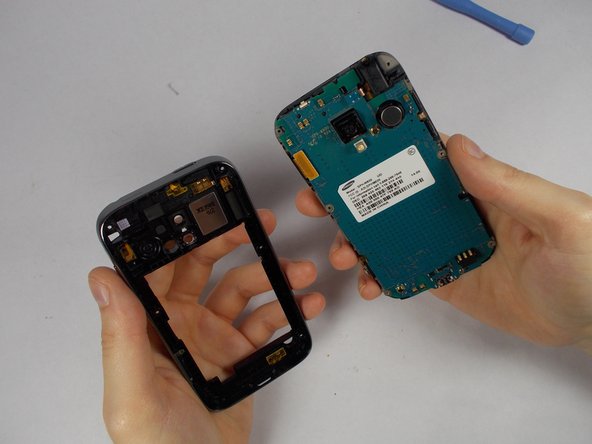
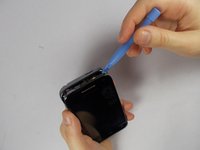
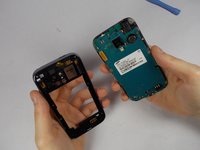
    • Use the pry tool to pry the back panel from the rest of the phone. Pry from the edge closest to the screen for simplicity.

    询问修复机器人

    添加评论

  5. Samsung Galaxy Rush Front Camera Replacement: 步骤 5 中的图像 1,2 Samsung Galaxy Rush Front Camera Replacement: 步骤 5 中的图像 2,2
    在这个步骤中使用的工具:
    Tweezers
    $4.99
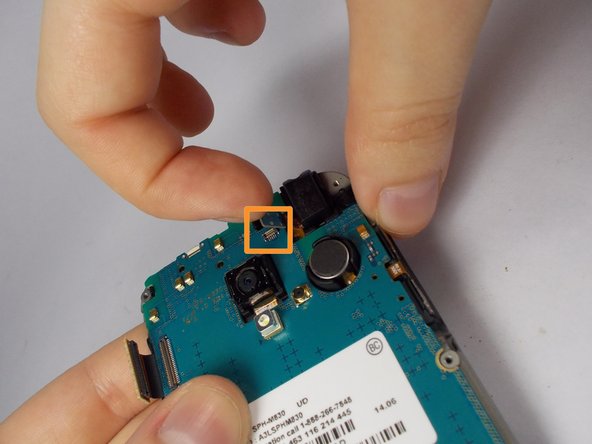
    • Using tweezers, gently lift connectors from motherboard.

    • A connector will be on the upper left

    • The second connector is located towards the top of the phone. Above the camera. It comes off with ease.

    询问修复机器人

    添加评论

  6. Samsung Galaxy Rush Front Camera Replacement: 步骤 6 中的图像 1,2 Samsung Galaxy Rush Front Camera Replacement: 步骤 6 中的图像 2,2
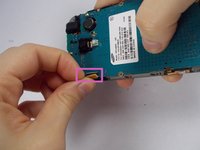
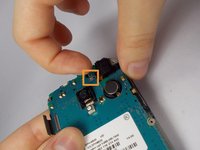
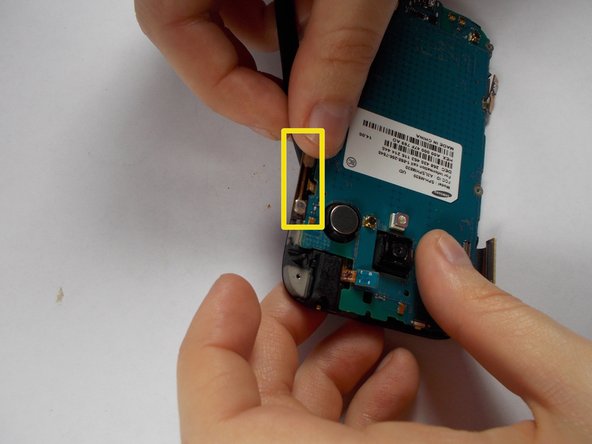
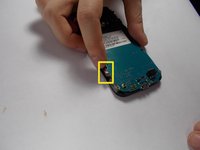
    • Use the tweezers to carefully remove the 2 adhesive orange ribbons.

    • These stay attached to the motherboard so be careful not to break them.

    • They are on the side of the phone.

    询问修复机器人

    添加评论

  7. Samsung Galaxy Rush Front Camera Replacement: 步骤 7 中的图像 1,1
    • Use a philips-head screwdriver to remove the single screw on the bottom of the phone. Located to the right of the charging port.

    询问修复机器人

    添加评论

  8. Samsung Galaxy Rush Front Camera Replacement: 步骤 8 中的图像 1,1
    • Lift the motherboard upwards separating it from your screen.

    询问修复机器人

    添加评论

  9. Samsung Galaxy Rush Front Camera Replacement: 步骤 9 中的图像 1,1
    • Hold motherboard so that the circuits face away from you

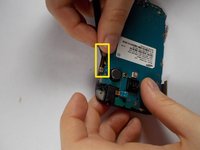
    • Pop off the two black tabs on the upper most part of the motherboard.

    询问修复机器人

    添加评论

  10. Samsung Galaxy Rush Front Camera Replacement: 步骤 10 中的图像 1,1
    • Flip the motherboard over so that the circuits are now facing your direction.

    询问修复机器人

    添加评论

  11. Samsung Galaxy Rush Front Camera Replacement: 步骤 11 中的图像 1,2 Samsung Galaxy Rush Front Camera Replacement: 步骤 11 中的图像 2,2
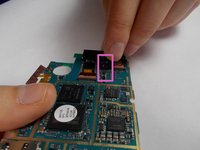
    • Lift and remove the connecting tab

    询问修复机器人

    添加评论

  12. Samsung Galaxy Rush Front Camera Replacement: 步骤 12 中的图像 1,2 Samsung Galaxy Rush Front Camera Replacement: 步骤 12 中的图像 2,2
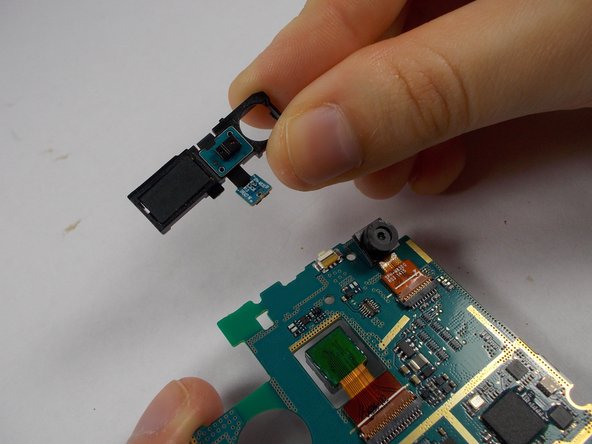
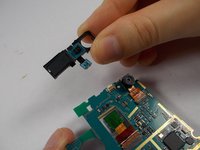
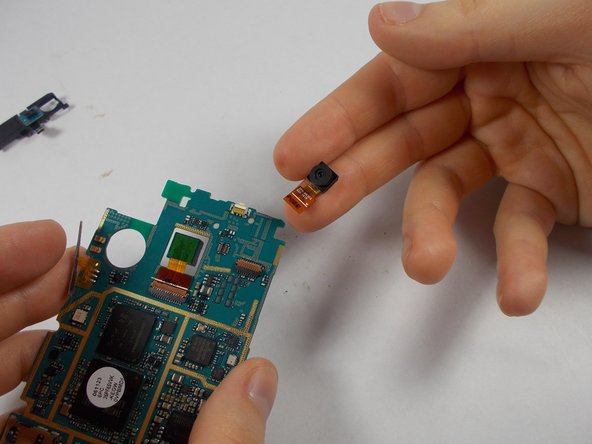
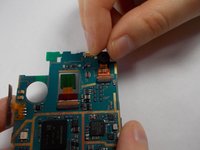
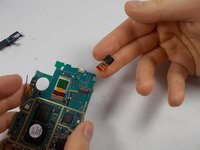
    • Gently take the front camera with two fingers and pull upwards. A wiggle may help.

    询问修复机器人

    添加评论

结论

To reassemble your device, follow these instructions in reverse order.

取消:我没有完成这个指南。

Matthew

于10/22/14注册

1 声望

创作了2篇指南

团队

UMass Dartmouth, Team 6-4, Vijaybhaskar Fall 2014 UMass Dartmouth, Team 6-4, Vijaybhaskar Fall 2014 的会员

UMASSD-VIJAYBHASKAR-F14S6G4

3 名成员

创作了20篇指南

0指南评论

添加评论

浏览统计数据:

过去 24 小时: 1

过去 7 天: 8

过去 30 天: 25

总计 450