跳转到主内容
加入维修社区 - 创建账户

Rexing V1P Plus Motherboard Replacement

你所需要的

  1. Rexing V1P Plus Motherboard Replacement, Front Camera: 步骤 1 中的图像 1,3 Rexing V1P Plus Motherboard Replacement, Front Camera: 步骤 1 中的图像 2,3 Rexing V1P Plus Motherboard Replacement, Front Camera: 步骤 1 中的图像 3,3
    • Begin by orienting the device with the LCD screen facing down.

    • Remove the four 6 mm screws, located on the backside of the device, using the Phillips #00 screwdriver.

    询问修复机器人
  2. Rexing V1P Plus Motherboard Replacement: 步骤 2 中的图像 1,3 Rexing V1P Plus Motherboard Replacement: 步骤 2 中的图像 2,3 Rexing V1P Plus Motherboard Replacement: 步骤 2 中的图像 3,3
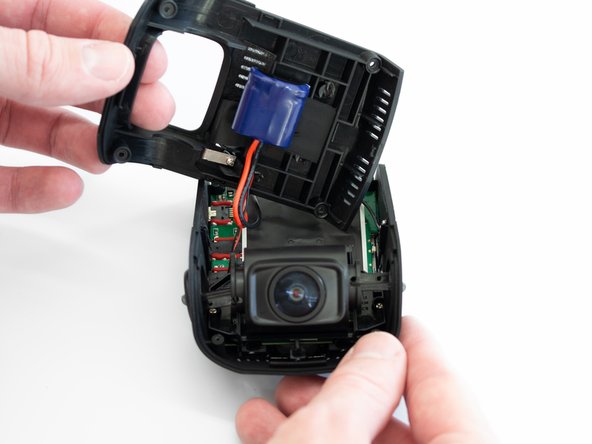
    • Remove the back cover of the device and place it to the side.

    • Rotate the device 180 degrees to where the camera is facing you.

    询问修复机器人
  3. Rexing V1P Plus Motherboard Replacement: 步骤 3 中的图像 1,3 Rexing V1P Plus Motherboard Replacement: 步骤 3 中的图像 2,3 Rexing V1P Plus Motherboard Replacement: 步骤 3 中的图像 3,3
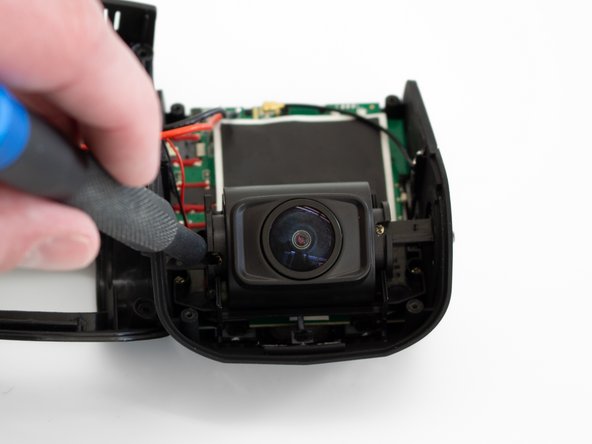
    • Remove the two 5 mm screws next to the lens using the Phillips #00 screwdriver.

    询问修复机器人
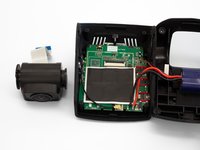
  4. Rexing V1P Plus Motherboard Replacement: 步骤 4 中的图像 1,3 Rexing V1P Plus Motherboard Replacement: 步骤 4 中的图像 2,3 Rexing V1P Plus Motherboard Replacement: 步骤 4 中的图像 3,3
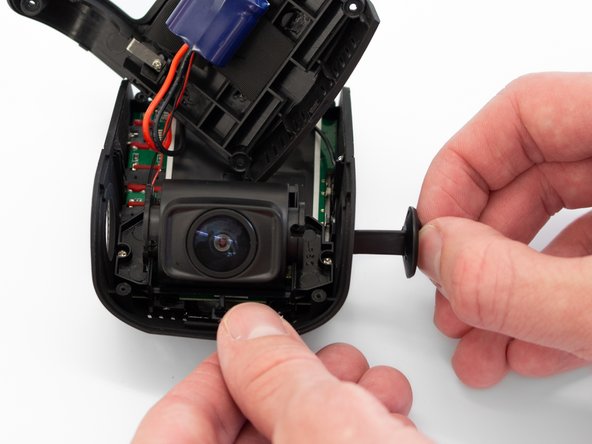
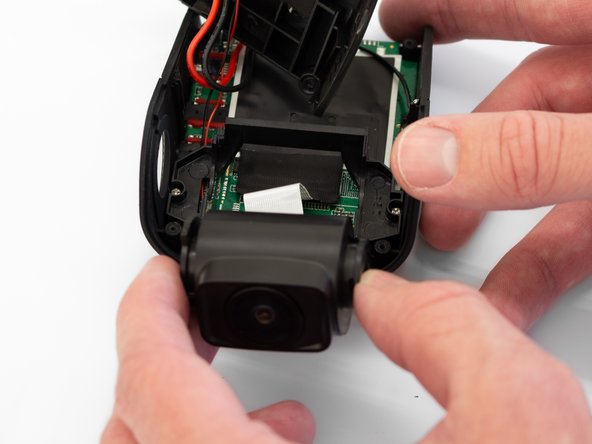
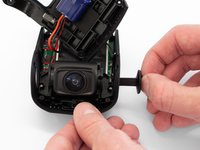
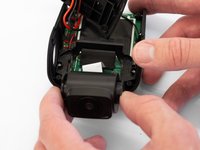
    • Remove the two camera angle adjusters from the side of the device and carefully pull out the lens.

    询问修复机器人
  5. Rexing V1P Plus Motherboard Replacement: 步骤 5 中的图像 1,3 Rexing V1P Plus Motherboard Replacement: 步骤 5 中的图像 2,3 Rexing V1P Plus Motherboard Replacement: 步骤 5 中的图像 3,3
    • Remove the two 5mm screws securing the camera support bracket using the Phillips #00 screwdriver.

    询问修复机器人
  6. Rexing V1P Plus Motherboard Replacement: 步骤 6 中的图像 1,3 Rexing V1P Plus Motherboard Replacement: 步骤 6 中的图像 2,3 Rexing V1P Plus Motherboard Replacement: 步骤 6 中的图像 3,3
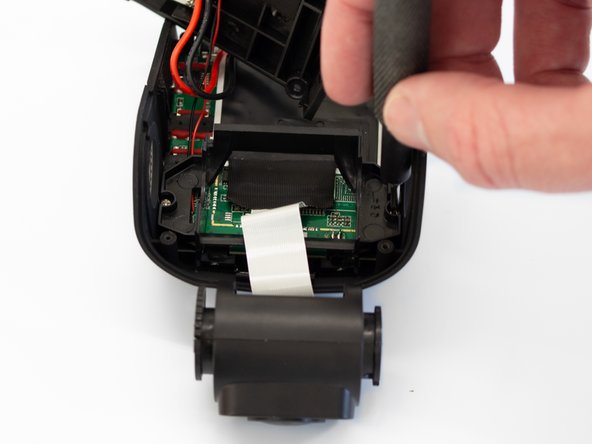
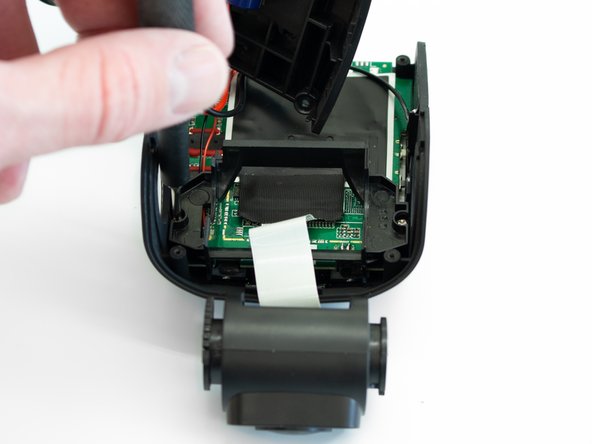
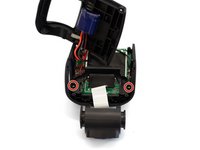
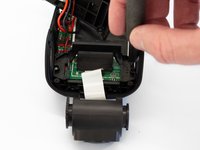
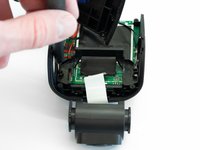
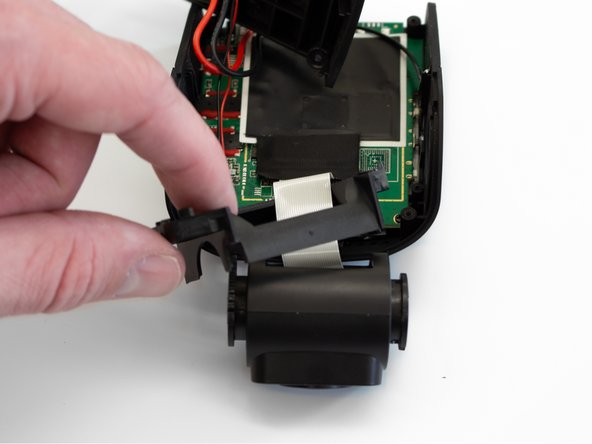
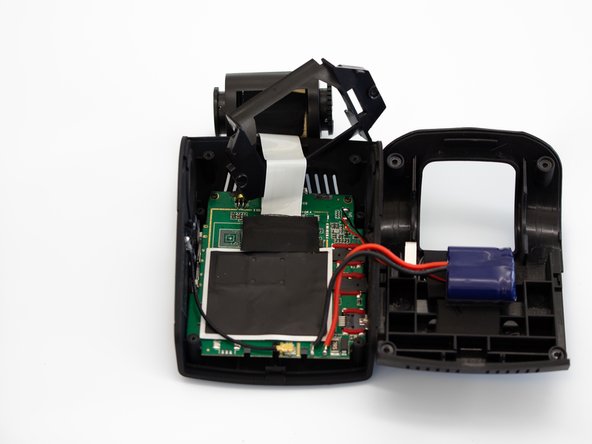
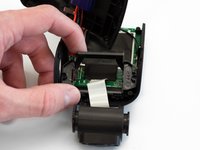
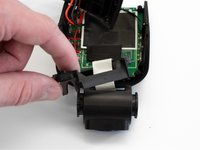
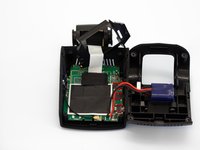
    • Carefully remove the plastic frame piece from its previously secured position on the motherboard.

    • It will rest loosely around the white camera ribbon.

    • Rotate the device 180 degrees to where the camera is facing away from you.

    询问修复机器人
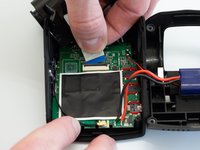
  7. Rexing V1P Plus Motherboard Replacement: 步骤 7 中的图像 1,3 Rexing V1P Plus Motherboard Replacement: 步骤 7 中的图像 2,3 Rexing V1P Plus Motherboard Replacement: 步骤 7 中的图像 3,3
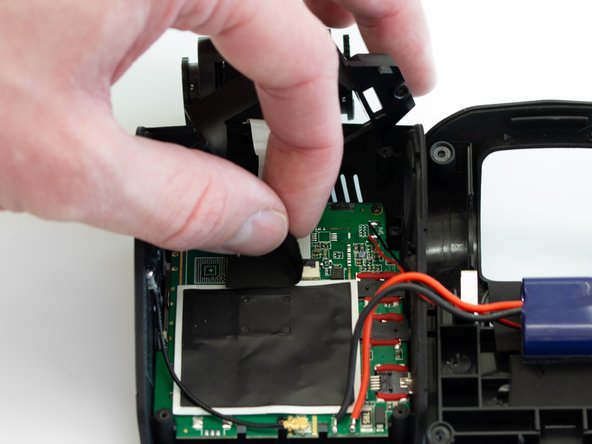
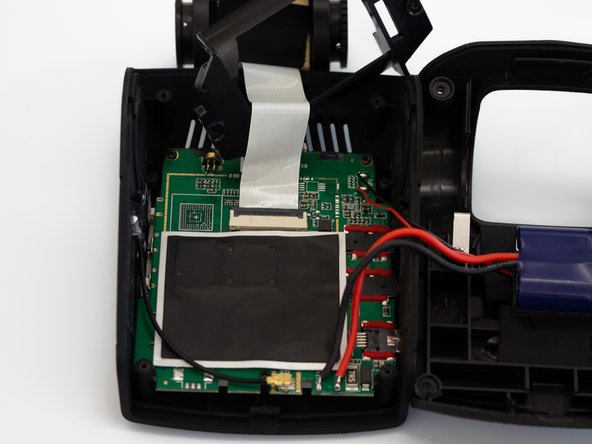
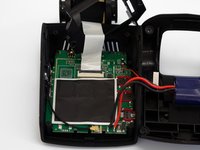
    • Carefully peel back the adhesive material covering the ribbon cable connection.

    询问修复机器人
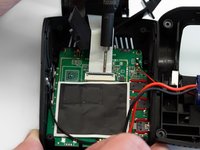
  8. Rexing V1P Plus Motherboard Replacement: 步骤 8 中的图像 1,3 Rexing V1P Plus Motherboard Replacement: 步骤 8 中的图像 2,3 Rexing V1P Plus Motherboard Replacement: 步骤 8 中的图像 3,3
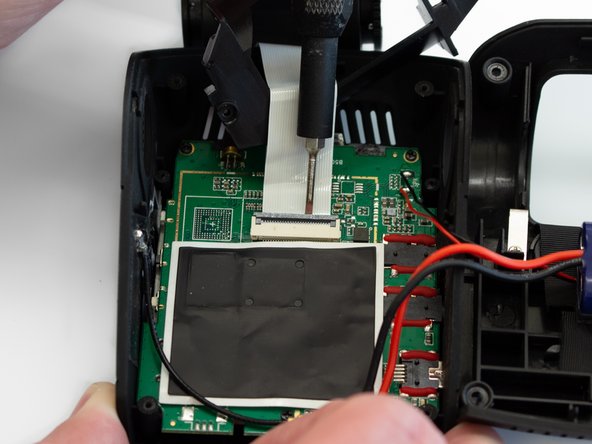
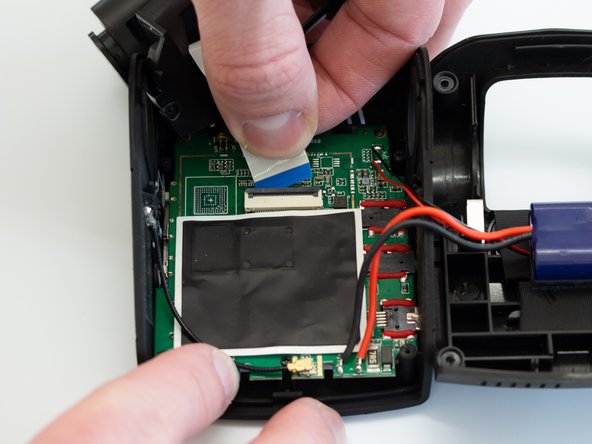
    • Using the Flathead 1.5mm screwdriver, or another pry tool, gently flip up the black ZIF connector locking flap to free the ribbon cable.

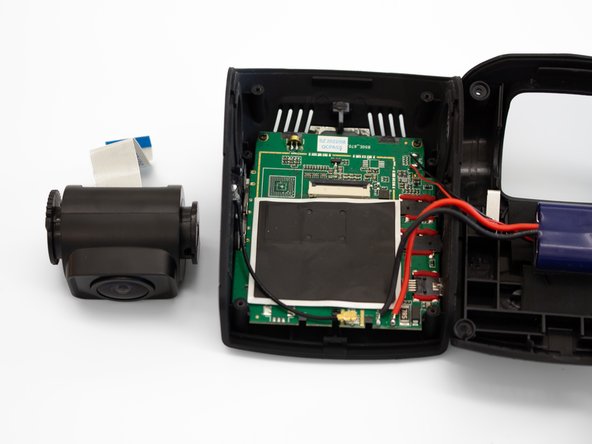
    • Once the connector is open, slide the ribbon cable out to remove it.

    询问修复机器人
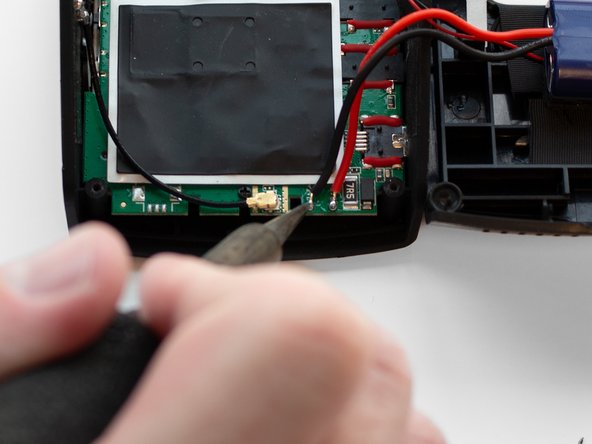
  9. Rexing V1P Plus Motherboard Replacement, Motherboard: 步骤 9 中的图像 1,3 Rexing V1P Plus Motherboard Replacement, Motherboard: 步骤 9 中的图像 2,3 Rexing V1P Plus Motherboard Replacement, Motherboard: 步骤 9 中的图像 3,3
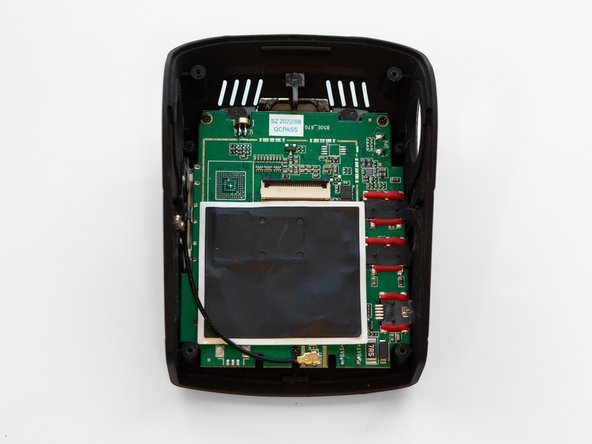
    • Using a soldering iron, disconnect the four wires connected to the motherboard.

    询问修复机器人
  10. Rexing V1P Plus Motherboard Replacement: 步骤 10 中的图像 1,3 Rexing V1P Plus Motherboard Replacement: 步骤 10 中的图像 2,3 Rexing V1P Plus Motherboard Replacement: 步骤 10 中的图像 3,3
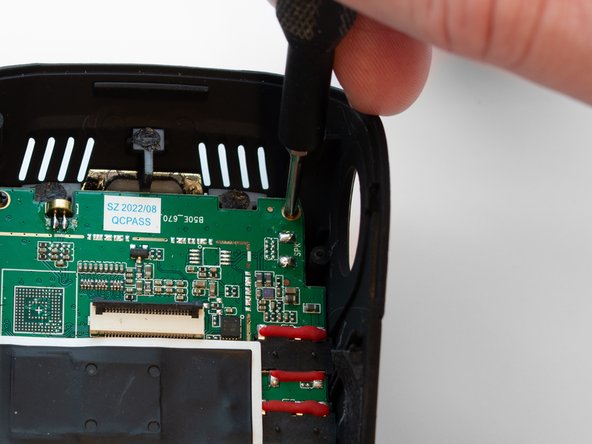
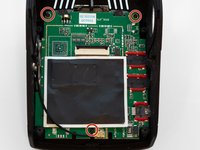
    • Using the Phillips #00 screwdriver, remove the three 3.5 mm screws securing the motherboard to the case.

    询问修复机器人
  11. Rexing V1P Plus Motherboard Replacement: 步骤 11 中的图像 1,3 Rexing V1P Plus Motherboard Replacement: 步骤 11 中的图像 2,3 Rexing V1P Plus Motherboard Replacement: 步骤 11 中的图像 3,3
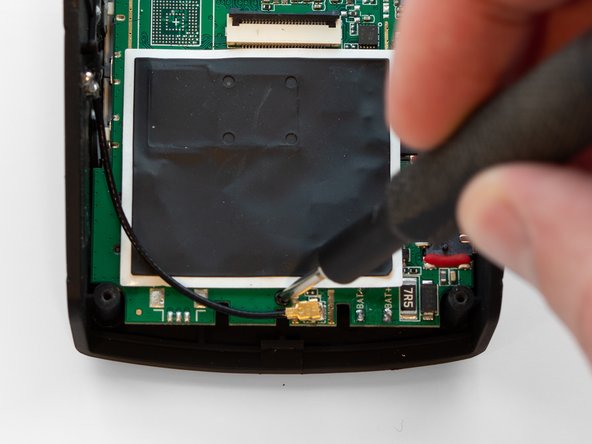
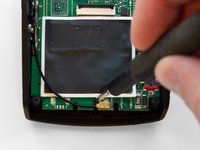
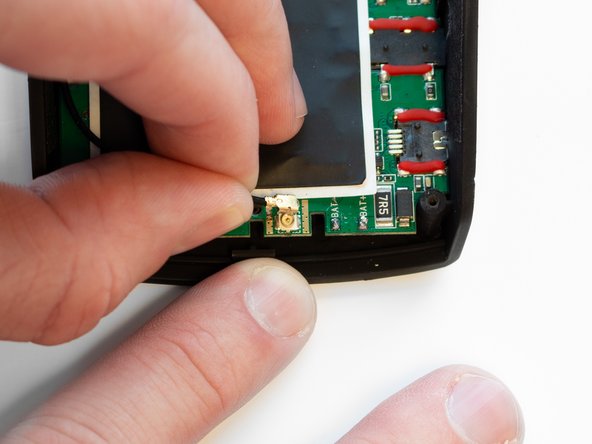
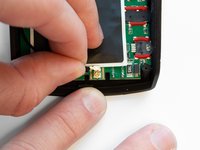
    • Pull the black antenna wire with the gold cap straight up to disconnect it from the motherboard.

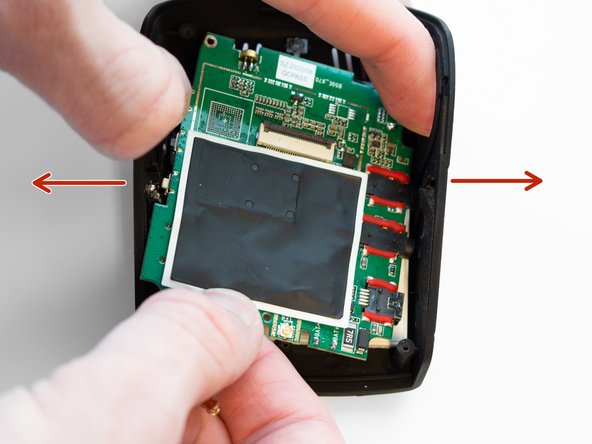
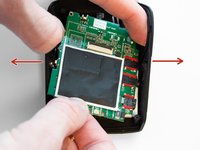
    • Using your fingers, spread the case apart to provide space for the motherboard to be removed.

    • This must be done to free the connected ports from their mounting locations in the case.

    询问修复机器人
结论

To reassemble your device, follow these instructions in reverse order.

0指南评论

添加评论

浏览统计数据:

过去 24 小时: 1

过去 7 天: 5

过去 30 天: 32

总计 461