跳转到主内容
加入维修社区 - 创建账户

Rexing V1P Plus Battery Replacement

你所需要的

  1. Rexing V1P Plus Battery Replacement, Battery: 步骤 1 中的图像 1,3 Rexing V1P Plus Battery Replacement, Battery: 步骤 1 中的图像 2,3 Rexing V1P Plus Battery Replacement, Battery: 步骤 1 中的图像 3,3
    • Orient the device with the LCD screen facing down.

    • Remove the four 6 mm screws, located on the backside of the device, using the Phillips #00 screwdriver.

    询问修复机器人

    添加评论

  2. Rexing V1P Plus Battery Replacement: 步骤 2 中的图像 1,3 Rexing V1P Plus Battery Replacement: 步骤 2 中的图像 2,3 Rexing V1P Plus Battery Replacement: 步骤 2 中的图像 3,3
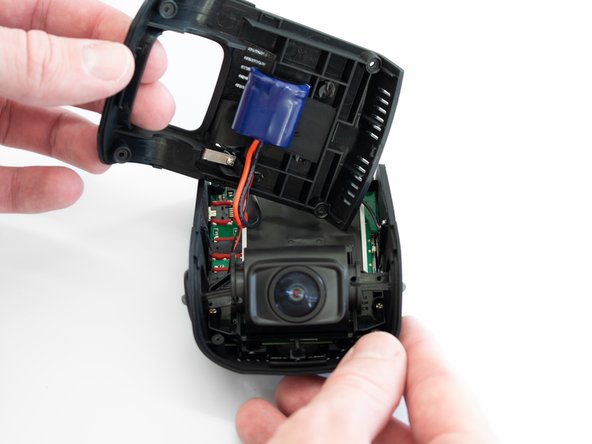
    • Remove the back cover of the device and place it to the side, with care not to strain the connected battery cable.

    • Rotate the device 180 degrees to where the camera is facing you.

    询问修复机器人

    添加评论

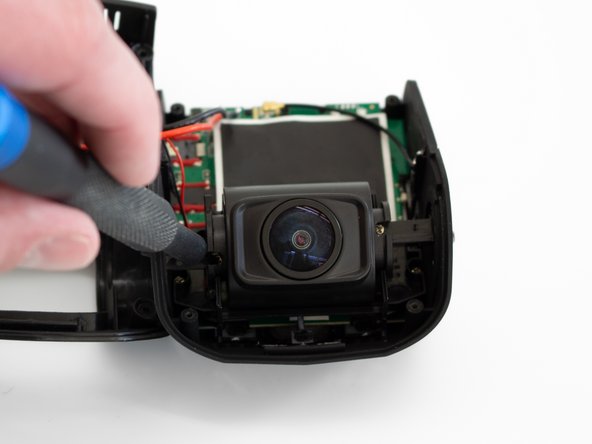
  3. Rexing V1P Plus Battery Replacement: 步骤 3 中的图像 1,3 Rexing V1P Plus Battery Replacement: 步骤 3 中的图像 2,3 Rexing V1P Plus Battery Replacement: 步骤 3 中的图像 3,3
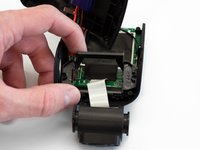
    • Remove the two 5 mm screws on either side of the lens using the Phillips #00 screwdriver.

    询问修复机器人

    添加评论

  4. Rexing V1P Plus Battery Replacement: 步骤 4 中的图像 1,3 Rexing V1P Plus Battery Replacement: 步骤 4 中的图像 2,3 Rexing V1P Plus Battery Replacement: 步骤 4 中的图像 3,3
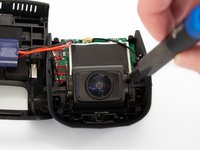
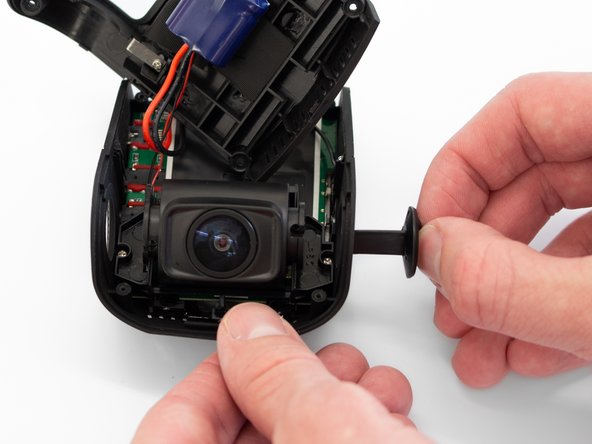
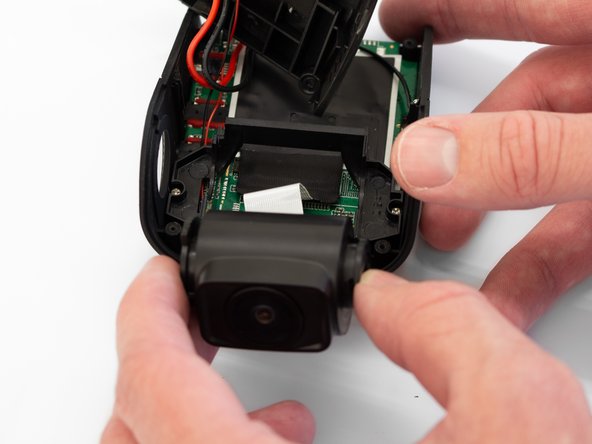
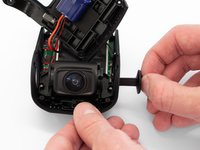
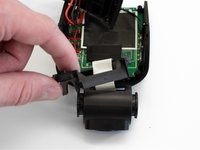
    • Remove the two camera angle adjusters from the side of the device and carefully pull out the lens.

    询问修复机器人

    添加评论

  5. Rexing V1P Plus Battery Replacement: 步骤 5 中的图像 1,3 Rexing V1P Plus Battery Replacement: 步骤 5 中的图像 2,3 Rexing V1P Plus Battery Replacement: 步骤 5 中的图像 3,3
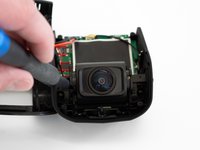
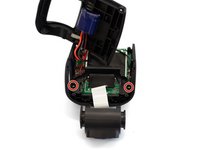
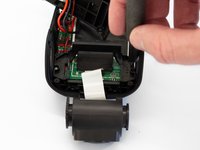
    • Remove the two 5 mm screws securing the camera support bracket using the Phillips #00 screwdriver.

    询问修复机器人

    添加评论

  6. Rexing V1P Plus Battery Replacement: 步骤 6 中的图像 1,3 Rexing V1P Plus Battery Replacement: 步骤 6 中的图像 2,3 Rexing V1P Plus Battery Replacement: 步骤 6 中的图像 3,3
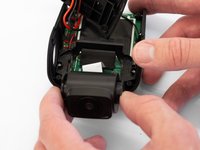
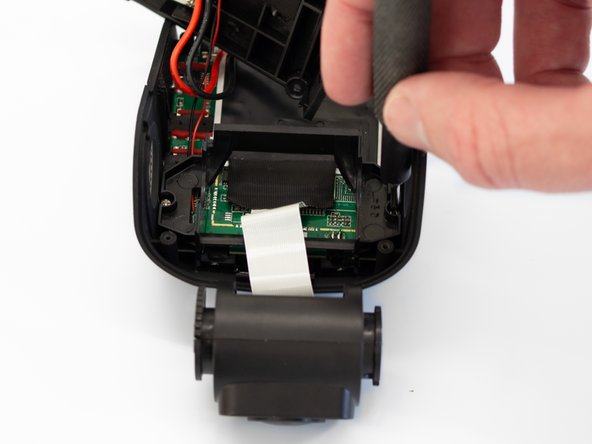
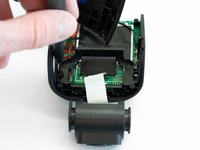
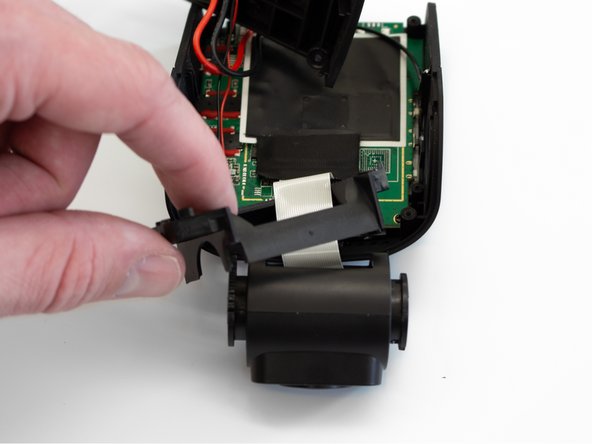
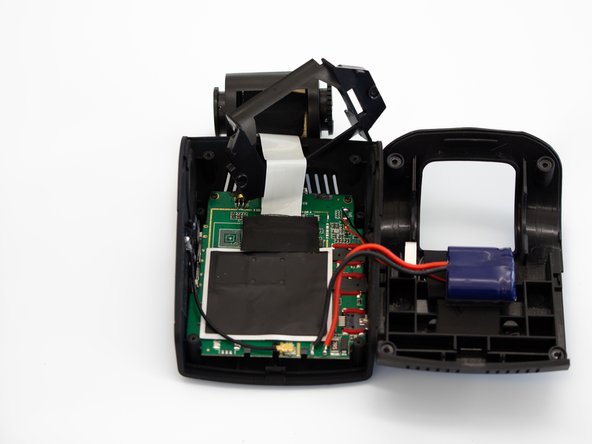
    • Carefully remove the plastic frame from its previously secured position on the motherboard.

    • It will rest loosely around the white camera ribbon.

    • Rotate the device 180 degrees to where the camera is facing away from you.

    询问修复机器人

    添加评论

  7. Rexing V1P Plus Battery Replacement: 步骤 7 中的图像 1,3 Rexing V1P Plus Battery Replacement: 步骤 7 中的图像 2,3 Rexing V1P Plus Battery Replacement: 步骤 7 中的图像 3,3
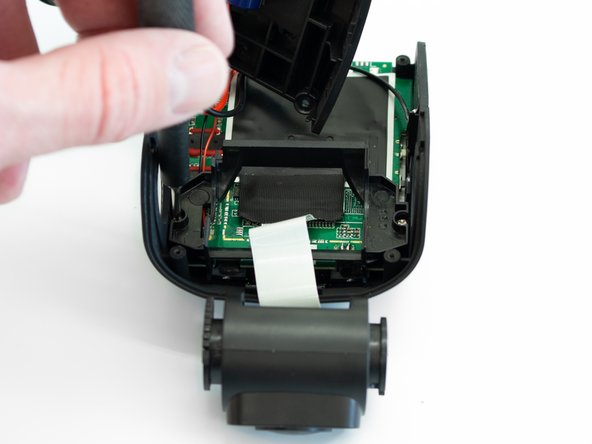
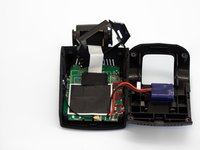
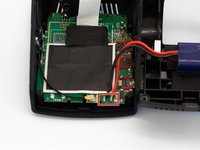
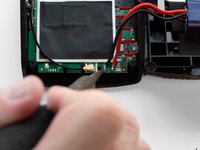
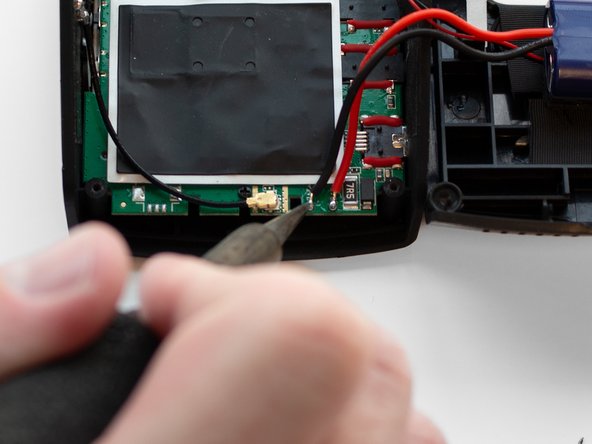
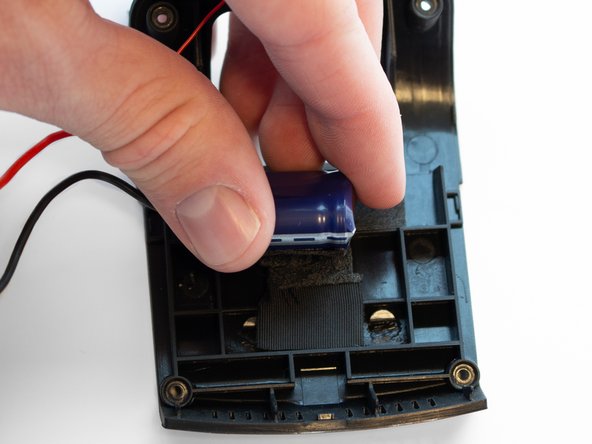
    • Using a soldering iron, remove the two wires connecting the battery to the motherboard.

    • Soldering has the potential to burn you or damage your device. Check out this guide before beginning, take appropriate precautions, and always solder in a well-ventilated area.

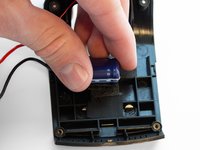
    • Once the wires are removed, peel the battery off of the case adhesive.

    询问修复机器人

    添加评论

结论

To reassemble your device, follow these instructions in reverse order.

取消:我没有完成这个指南。

2等其他人完成本指南。

4指南评论

Where is it possible to get the replacement battery? Searching on ebay reveals nothing for the information given.

Derek Piper - 回复 分享
Did you find the replacement capacitors?

Jesse Wamberg - 回复 分享
Just realized this appears to be what is known as a 'super capacitor' rather than a battery so it's possible any 5.5V 3.5Farad capacitor will work. The form factor may be an issue though.

Derek Piper - 回复 分享

Replaced the capacitor and it lasts longer but will still lose date and time over night, so probably another component went bad causing drain. Shame.

Robin W - 回复 分享

添加评论

浏览统计数据:

过去 24 小时: 7

过去 7 天: 28

过去 30 天: 73

总计 3,439