跳转到主内容
加入维修社区 - 创建账户

Rear Cameras Removal

仅作为前提条件
本指南仅提供前提条件!本指南是另一个程序的一部分,不能单独使用。

你所需要的

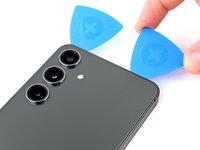
  1. Rear Cameras Removal, Prepare your phone for disassembly: 步骤 1 中的图像 1,2 Rear Cameras Removal, Prepare your phone for disassembly: 步骤 1 中的图像 2,2
    • Allow your phone's battery to drain below 25%, as a charged lithium-ion battery is a potential safety hazard. If your battery is swollen, take appropriate precautions.

    • Unplug any cables from your phone.

    • Hold the side key and the volume down button, then select "Power off" to turn off your phone.

  2. Rear Cameras Removal, Heat the right edge: 步骤 2 中的图像 1,1
    • Heat an iOpener and apply it to the right edge of the back cover for two minutes.

    • A hair dryer, heat gun, or hot plate may also be used, but be careful not to overheat the phone—the display and internal battery are susceptible to heat damage.

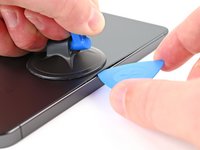
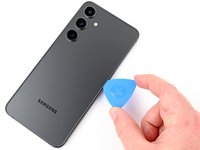
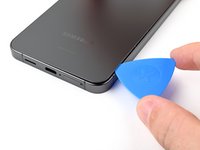
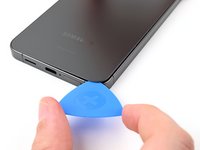
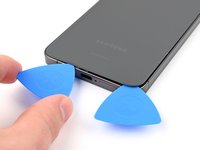
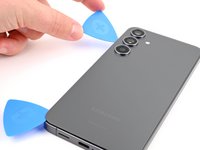
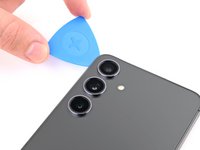
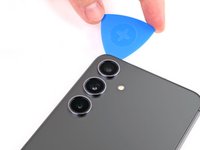
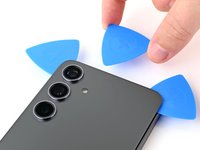
  3. Rear Cameras Removal, Insert an opening pick: 步骤 3 中的图像 1,3 Rear Cameras Removal, Insert an opening pick: 步骤 3 中的图像 2,3 Rear Cameras Removal, Insert an opening pick: 步骤 3 中的图像 3,3
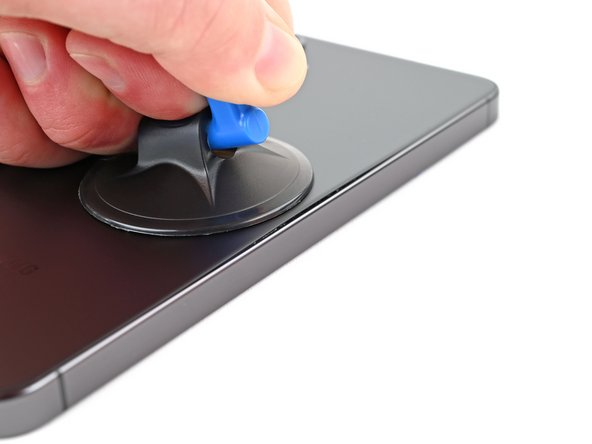
    • Apply a suction handle to the back cover, as close to the center of the right edge as possible.

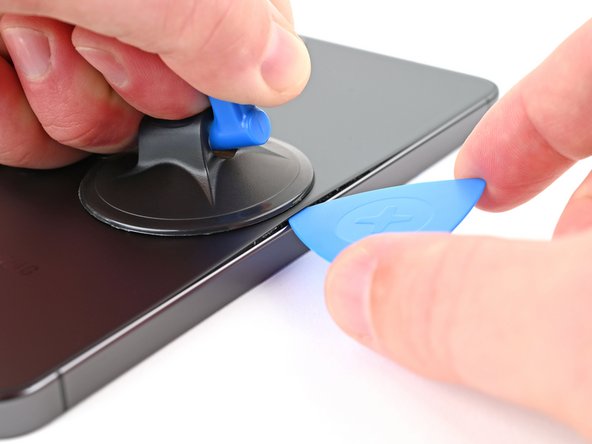
    • Pull up on the suction handle with strong, steady force to create a gap between the cover and the frame.

    • If you have trouble creating a gap, apply more heat to further soften the adhesive. Follow the iOpener instructions to avoid overheating.

    • Insert an opening pick into the gap.

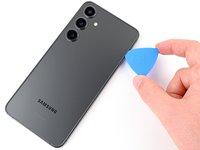
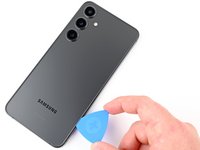
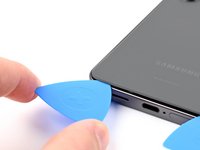
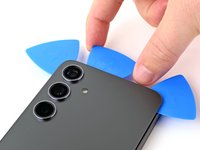
  4. Rear Cameras Removal, Separate the right adhesive: 步骤 4 中的图像 1,3 Rear Cameras Removal, Separate the right adhesive: 步骤 4 中的图像 2,3 Rear Cameras Removal, Separate the right adhesive: 步骤 4 中的图像 3,3
    • Slide the pick back and forth along the right edge to separate the adhesive.

    • Leave the pick inserted near the bottom right corner to prevent the adhesive from resealing.

  5. Rear Cameras Removal, Heat the bottom edge: 步骤 5 中的图像 1,1
    • Apply a heated iOpener to the bottom edge of the back cover for two minutes.

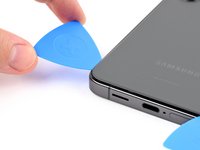
  6. Rear Cameras Removal, Separate the corner adhesive: 步骤 6 中的图像 1,2 Rear Cameras Removal, Separate the corner adhesive: 步骤 6 中的图像 2,2
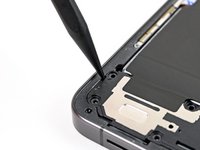
    • Rotate the opening pick around the bottom right corner to separate the adhesive.

  7. Rear Cameras Removal, Separate the bottom adhesive: 步骤 7 中的图像 1,2 Rear Cameras Removal, Separate the bottom adhesive: 步骤 7 中的图像 2,2
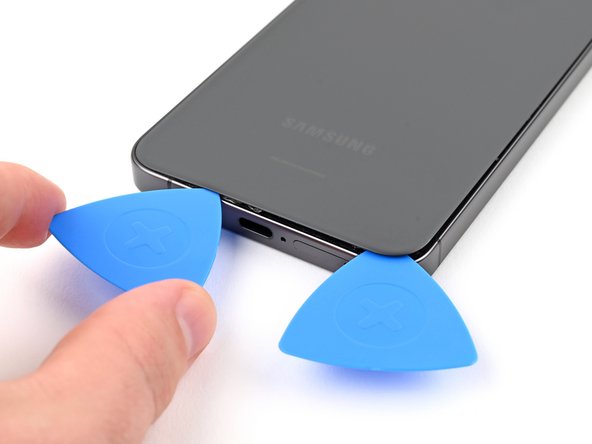
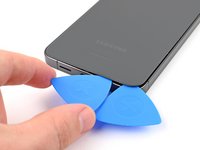
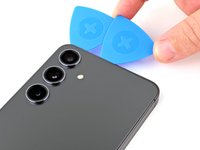
    • Insert a second pick at the bottom right corner.

    • Slide the opening pick to the bottom left corner to separate the adhesive.

    • Leave the pick in the bottom left corner to prevent the adhesive from resealing.

  8. Rear Cameras Removal, Heat the left edge: 步骤 8 中的图像 1,1
    • Apply a heated iOpener to the left edge of the back cover for two minutes.

  9. Rear Cameras Removal, Separate the corner adhesive: 步骤 9 中的图像 1,2 Rear Cameras Removal, Separate the corner adhesive: 步骤 9 中的图像 2,2
    • Rotate the opening pick around the bottom left corner to separate the adhesive.

  10. Rear Cameras Removal, Separate the left adhesive: 步骤 10 中的图像 1,2 Rear Cameras Removal, Separate the left adhesive: 步骤 10 中的图像 2,2
    • Insert a third opening pick at the bottom left corner.

    • Slide the pick toward the top left corner to separate the adhesive.

    • Leave the pick near the top left corner to prevent the adhesive from resealing.

  11. Rear Cameras Removal, Heat the top edge: 步骤 11 中的图像 1,1
    • Apply a heated iOpener to the top edge of the back cover for two minutes.

  12. Rear Cameras Removal, Separate the corner adhesive: 步骤 12 中的图像 1,2 Rear Cameras Removal, Separate the corner adhesive: 步骤 12 中的图像 2,2
    • Rotate the opening pick around the top left corner to separate the adhesive.

  13. Rear Cameras Removal, Separate the top adhesive: 步骤 13 中的图像 1,2 Rear Cameras Removal, Separate the top adhesive: 步骤 13 中的图像 2,2
    • Insert a fourth opening pick at the top left corner.

    • Slide the pick toward the top right corner to separate the adhesive.

    • Leave the pick near the top right corner to prevent the adhesive from resealing.

  14. Rear Cameras Removal, Separate the rear mic adhesive: 步骤 14 中的图像 1,2 Rear Cameras Removal, Separate the rear mic adhesive: 步骤 14 中的图像 2,2
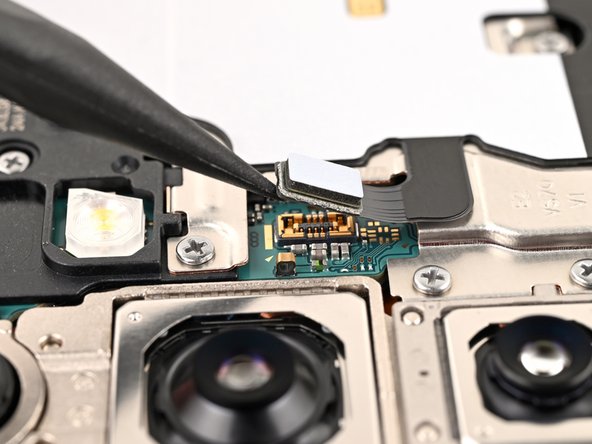
    • There's a square of adhesive around the rear microphone, just above the flash.

    • Line up the tip of an opening pick with the flash.

    • Slide the opening pick under the top of the back cover until you feel it start to snag on the adhesive.

    • Keep sliding the pick toward the bottom of the phone while gently lifting the cover until the cover is free of the adhesive.

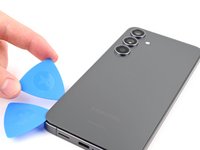
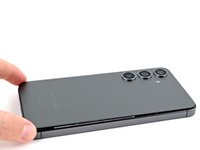
  15. Rear Cameras Removal, Remove the back cover: 步骤 15 中的图像 1,2 Rear Cameras Removal, Remove the back cover: 步骤 15 中的图像 2,2
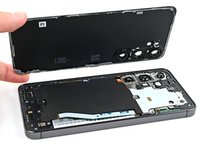
    • Grab and remove the back cover.

    • If the back cover is not lifting easily, use an opening pick to separate any adhesive that may have resealed.

    • During reassembly:

    • This is a good point to power on your phone and test all functions before sealing it up. Be sure to power your phone back down completely before you continue working.

    • Retaining water resistance after the repair will depend on how well you reapply the back cover adhesive, but your device will lose its IP (Ingress Protection) rating.

    • Use tweezers or your fingers to remove all adhesive from the back cover and the phone. Use heat or isopropyl alcohol (90% or greater) and a coffee filter or lint-free cloth if you're having trouble removing the adhesive.

    • If you're using custom-cut adhesives, follow this guide.

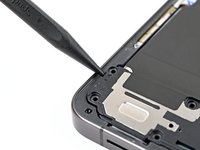
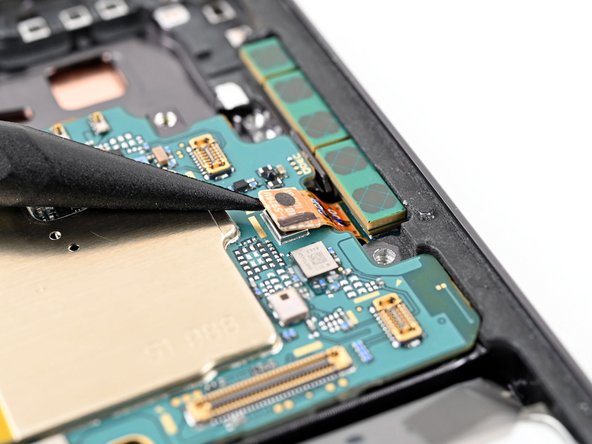
  16. Rear Cameras Removal, Disconnect the wireless charging coil: 步骤 16 中的图像 1,2 Rear Cameras Removal, Disconnect the wireless charging coil: 步骤 16 中的图像 2,2
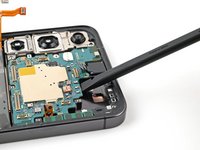
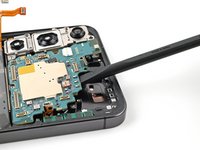
    • Use a spudger to pry up and disconnect the wireless charging coil press connector from the motherboard.

    • There's an arrow printed on the board near each press connector that indicates the recommended prying location.

    • To reconnect press connectors, align the connector carefully over its socket and press down with your fingertip—first on one side, then the other—until it clicks into place. Don't try to force the connector into place. If you're having trouble, reposition it and try again.

  17. Rear Cameras Removal, Remove the wireless charging coil and loudspeaker screws: 步骤 17 中的图像 1,3 Rear Cameras Removal, Remove the wireless charging coil and loudspeaker screws: 步骤 17 中的图像 2,3 Rear Cameras Removal, Remove the wireless charging coil and loudspeaker screws: 步骤 17 中的图像 3,3
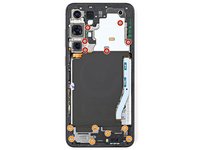
    • Use a Phillips screwdriver to remove the thirteen 3.5 mm‑long screws securing the wireless charging coil and the loudspeaker:

    • Six screws securing the wireless charging coil

    • Seven screws securing the loudspeaker

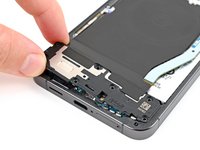
  18. Rear Cameras Removal, Remove the wireless charging coil and loudspeaker: 步骤 18 中的图像 1,2 Rear Cameras Removal, Remove the wireless charging coil and loudspeaker: 步骤 18 中的图像 2,2
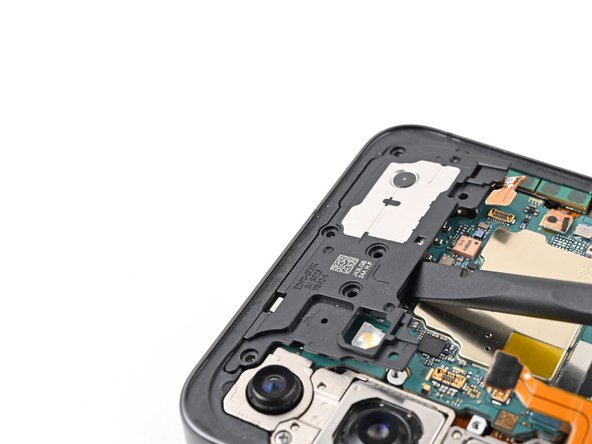
    • Insert the point of a spudger in the notch at the top left corner of the loudspeaker, which is marked by an arrow.

    • Pry up to unclip the loudspeaker from the frame.

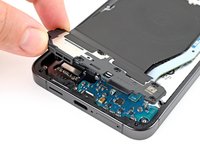
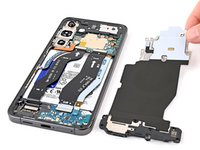
  19. Rear Cameras Removal: 步骤 19 中的图像 1,3 Rear Cameras Removal: 步骤 19 中的图像 2,3 Rear Cameras Removal: 步骤 19 中的图像 3,3
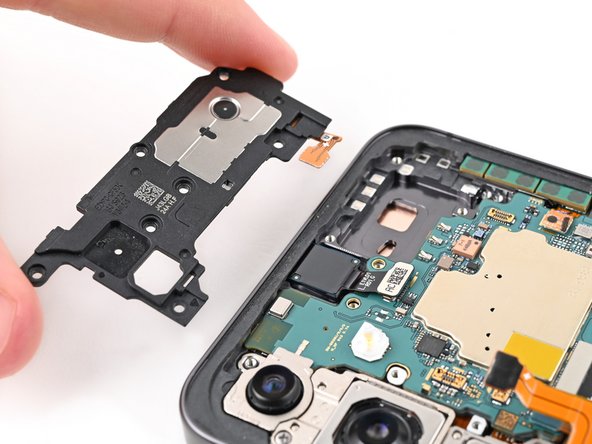
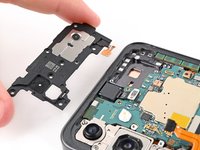
    • Use your fingers to lift the loudspeaker away from the frame.

    • Remove the wireless charging coil and loudspeaker from the frame.

    • During reassembly, press around the edges of the loudspeaker to clip it to the frame before reinserting the screws.

  20. Rear Cameras Removal, Disconnect the battery: 步骤 20 中的图像 1,2 Rear Cameras Removal, Disconnect the battery: 步骤 20 中的图像 2,2
    • Use a spudger to pry up and disconnect the battery press connector.

  21. Rear Cameras Removal, Disconnect the interconnect cables: 步骤 21 中的图像 1,3 Rear Cameras Removal, Disconnect the interconnect cables: 步骤 21 中的图像 2,3 Rear Cameras Removal, Disconnect the interconnect cables: 步骤 21 中的图像 3,3
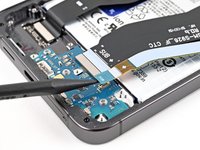
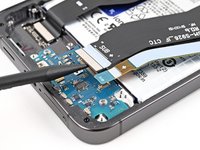
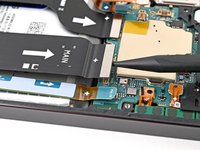
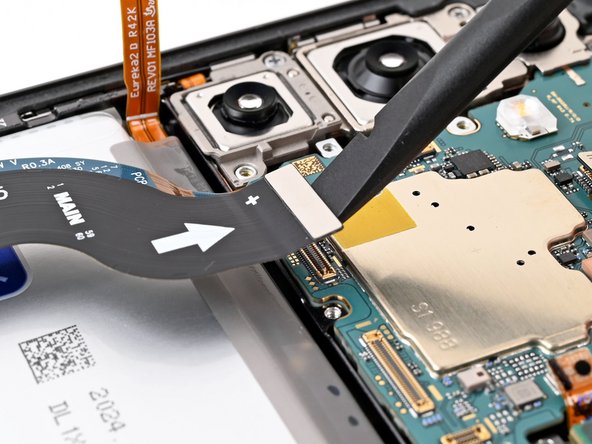
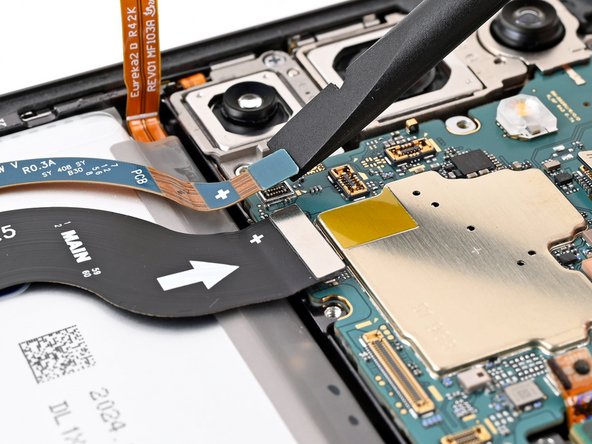
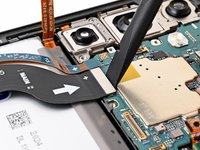
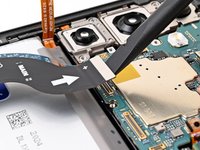
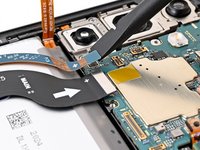
    • Use a spudger to pry up and disconnect both interconnect cable press connectors from the daughterboard.

  22. Rear Cameras Removal: 步骤 22 中的图像 1,3 Rear Cameras Removal: 步骤 22 中的图像 2,3 Rear Cameras Removal: 步骤 22 中的图像 3,3
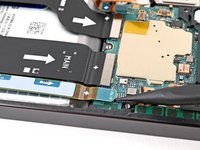
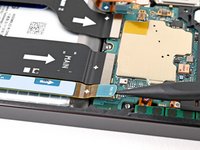
    • Use a spudger to pry up and disconnect both interconnect cable press connectors from the motherboard.

  23. Rear Cameras Removal, Remove the interconnect cables: 步骤 23 中的图像 1,2 Rear Cameras Removal, Remove the interconnect cables: 步骤 23 中的图像 2,2
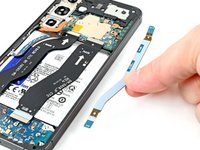
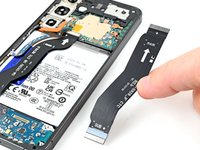
    • Grab and remove the interconnect cables from the phone.

  24. Rear Cameras Removal, Disconnect the earpiece speaker: 步骤 24 中的图像 1,2 Rear Cameras Removal, Disconnect the earpiece speaker: 步骤 24 中的图像 2,2
    • Use a spudger to pry up and disconnect the earpiece speaker press connector.

  25. Rear Cameras Removal, Remove the earpiece speaker screws: 步骤 25 中的图像 1,2 Rear Cameras Removal, Remove the earpiece speaker screws: 步骤 25 中的图像 2,2
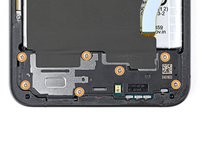
    • Use a Phillips screwdriver to remove the five 3.5 mm‑long screws securing the earpiece speaker.

  26. Rear Cameras Removal, Remove the earpiece speaker: 步骤 26 中的图像 1,3 Rear Cameras Removal, Remove the earpiece speaker: 步骤 26 中的图像 2,3 Rear Cameras Removal, Remove the earpiece speaker: 步骤 26 中的图像 3,3
    • Insert the flat end of a spudger between the bottom edge of the earpiece speaker and the metal plate on the motherboard.

    • Twist the spudger to unclip the earpiece speaker from the frame and remove it.

    • During reassembly, insert the top edge of the earpiece speaker into the frame first before pressing down and clipping it back in.

  27. Rear Cameras Removal, Disconnect the upper antenna: 步骤 27 中的图像 1,2 Rear Cameras Removal, Disconnect the upper antenna: 步骤 27 中的图像 2,2
    • Insert the tip of a spudger under the top left corner of the upper antenna press connector.

    • Do not insert the spudger anywhere else to avoid damaging surface-mounted components.

    • Pry up and disconnect the upper antenna press connector from the motherboard

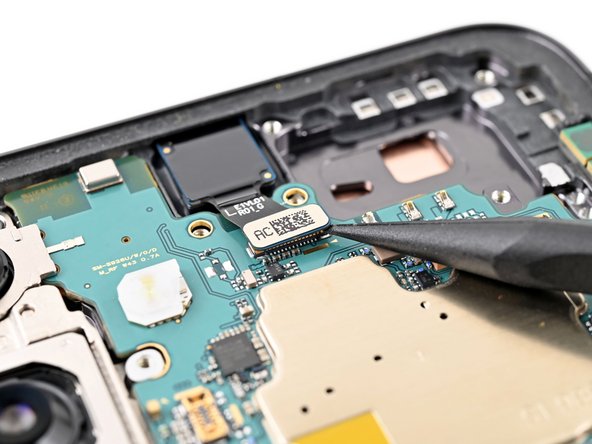
  28. Rear Cameras Removal, Disconnect the front camera: 步骤 28 中的图像 1,2 Rear Cameras Removal, Disconnect the front camera: 步骤 28 中的图像 2,2
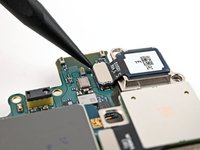
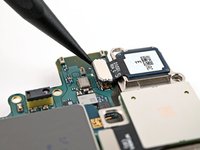
    • Insert the tip of a spudger under the bottom right corner of the front camera press connector.

    • Do not insert the spudger anywhere else to avoid damaging surface-mounted components.

    • Pry up and disconnect the front camera press connector from the motherboard.

  29. Rear Cameras Removal, Disconnect the display and lower antenna: 步骤 29 中的图像 1,3 Rear Cameras Removal, Disconnect the display and lower antenna: 步骤 29 中的图像 2,3 Rear Cameras Removal, Disconnect the display and lower antenna: 步骤 29 中的图像 3,3
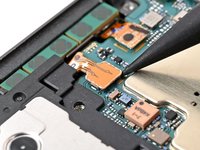
    • Use a spudger to pry up and disconnect the display and lower antenna cable press connectors from the motherboard.

  30. Rear Cameras Removal, Remove the motherboard screws: 步骤 30 中的图像 1,2 Rear Cameras Removal, Remove the motherboard screws: 步骤 30 中的图像 2,2
    • Use a Phillips screwdriver to remove the two 3.5 mm‑long screws securing the motherboard.

  31. Rear Cameras Removal, Remove the motherboard: 步骤 31 中的图像 1,3 Rear Cameras Removal, Remove the motherboard: 步骤 31 中的图像 2,3 Rear Cameras Removal, Remove the motherboard: 步骤 31 中的图像 3,3
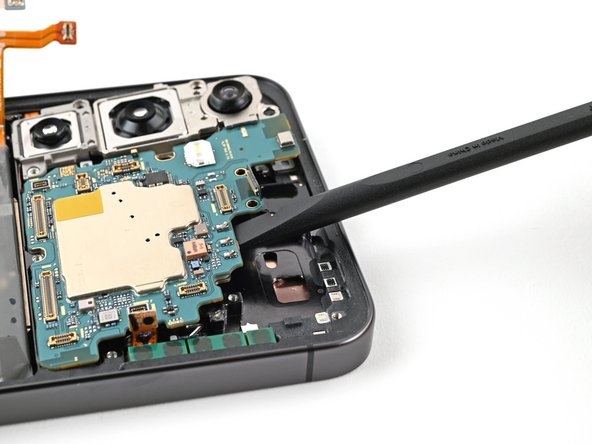
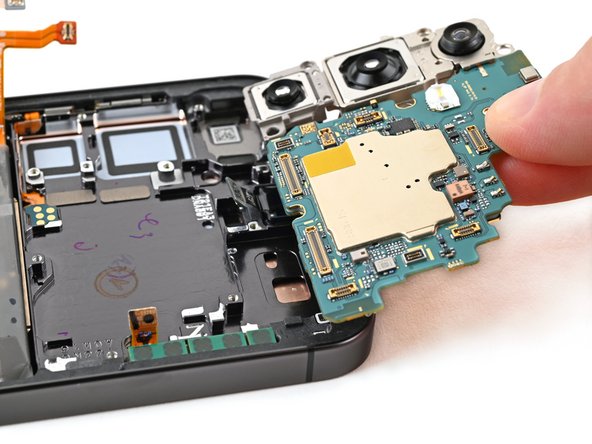
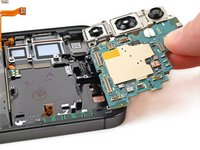
    • Insert the flat end of a spudger between the top edge of the motherboard and the phone frame, in the earpiece speaker cutout.

    • Pry against the frame to lift the motherboard out of its slot and remove it.

    • During reassembly, make sure all of the cables are out of the way before placing the motherboard back into the frame.

  32. Rear Cameras Removal, Remove the ultrawide camera: 步骤 32 中的图像 1,2 Rear Cameras Removal, Remove the ultrawide camera: 步骤 32 中的图像 2,2
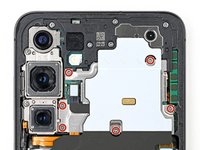
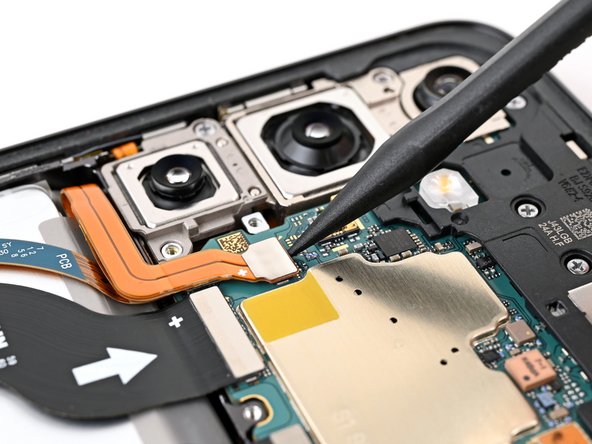
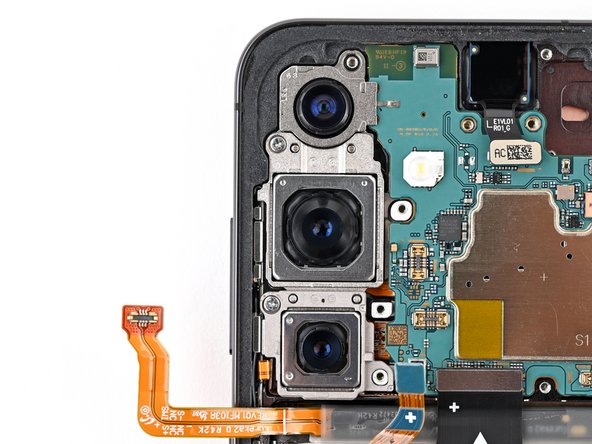
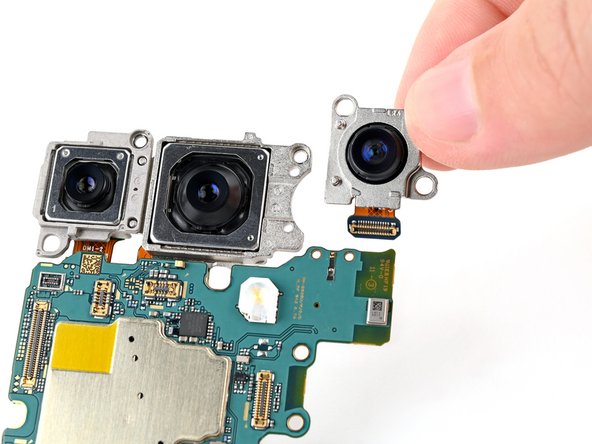
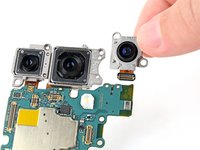
    • The three rear cameras are slotted into each other and should be removed in the following order: ultrawide, main, telephoto.

    • Flip over the motherboard to expose the rear camera press connectors.

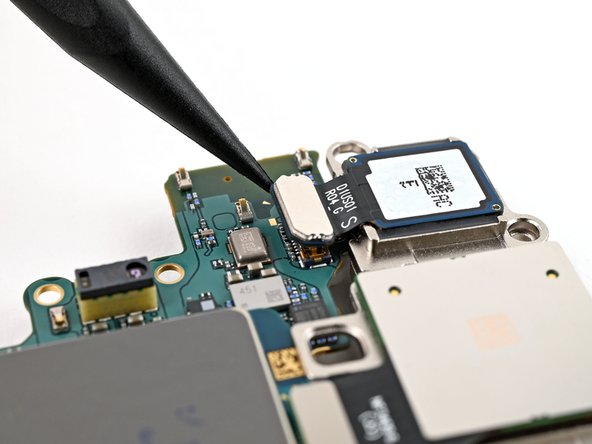
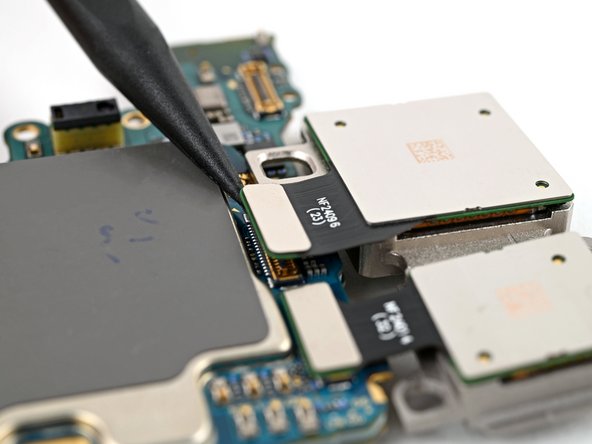
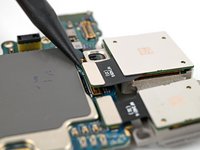
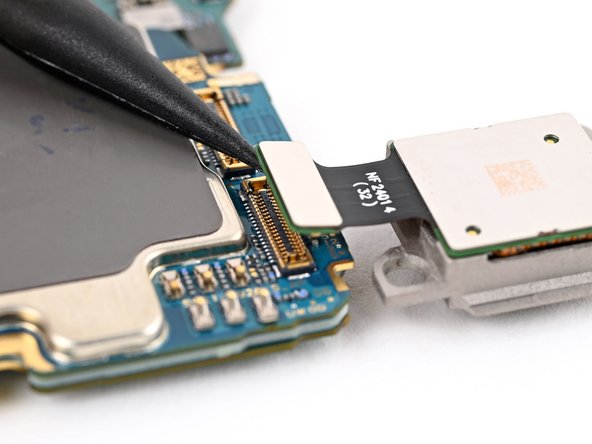
    • Use a spudger to pry up and disconnect the ultrawide camera press connector.

    • The ultrawide camera is the top camera when installed.

  33. Rear Cameras Removal: 步骤 33 中的图像 1,2 Rear Cameras Removal: 步骤 33 中的图像 2,2
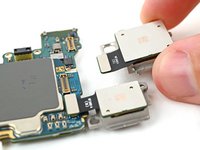
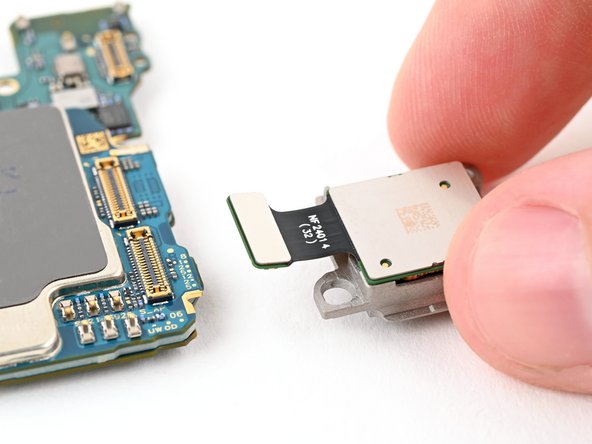
    • The ultrawide camera is hooked into the motherboard with two metal pegs.

    • Slide the pegs on the ultrawide camera out of their holes in the motherboard to remove it.

  34. Rear Cameras Removal, Remove the main camera: 步骤 34 中的图像 1,3 Rear Cameras Removal, Remove the main camera: 步骤 34 中的图像 2,3 Rear Cameras Removal, Remove the main camera: 步骤 34 中的图像 3,3
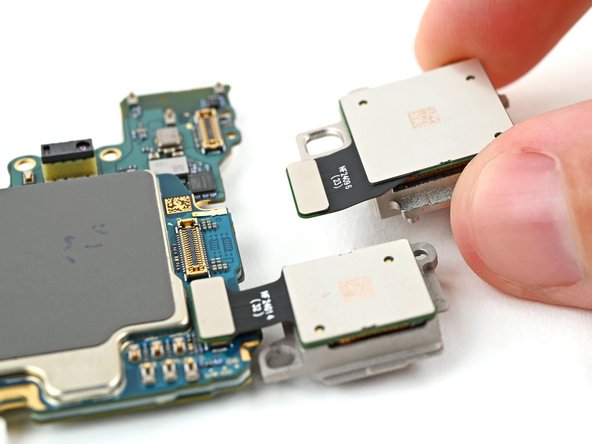
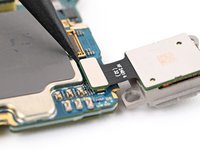
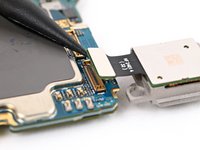
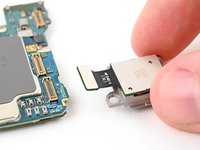
    • Use a spudger to pry up and disconnect the main camera press connector.

    • The main camera is in the middle.

    • Lift the main camera off the motherboard and remove it.

  35. Rear Cameras Removal, Remove the telephoto camera: 步骤 35 中的图像 1,3 Rear Cameras Removal, Remove the telephoto camera: 步骤 35 中的图像 2,3 Rear Cameras Removal, Remove the telephoto camera: 步骤 35 中的图像 3,3
    • Use a spudger to pry up and disconnect the telephoto camera press connector.

    • The telephoto camera is the bottom camera when installed.

    • Lift the telephoto camera off the motherboard and remove it.

    • During reassembly, install the rear cameras in the following order so they slot into each other properly:

    • Telephoto (small camera with metal back)

    • Main (large camera with metal back)

    • Ultrawide (plastic back)

结论

To reassemble your device, follow these instructions in reverse order.

Spencer Pennington

于09/09/23注册

24,009 声望

创作了125篇指南

团队

Guide Team Guide Team 的会员

Staff

10 名成员

创作了16,117篇指南

0指南评论

添加评论

浏览统计数据:

过去 24 小时: 1

过去 7 天: 6

过去 30 天: 17

总计 72