此翻译由机器生成,尚未经过人工审核。 会说这种语言吗? 查看评论。
简介
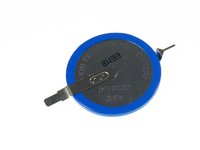
PowerBook G4上的 PRAM 电池是一个随时间老化的部件,会导致日期和时间等方面出现错误。你只需几个简单步骤就能更换该电池。
你所需要的
-
-
-
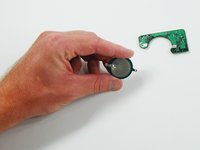
你需要将 PRAM 电池组件从计算机中拆下。请参考我们的 G4 PowerBook 指南,了解如何针对你的特定电脑机型执行此操作。
-
请记好正极(+)端的连接位置,以免在安装新电池时产生混淆。
-
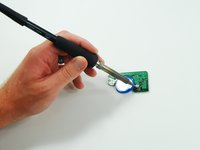
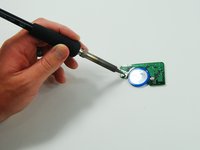
你只需要在两个位置进行焊接。
 询问修复机器人
-
-
-




结论
现在你可以将PRAM组件装回电脑中了。
23等其他人完成本指南。



7指南评论
Be careful! Not all Powerbooks have this one battery. My 17” Powerbook G4 Aluminium has two CGL 2430. The board looks much different to the one in the above photos. The batteries are smaller (smaller diameter), and the module is longer and narrower. I just opened my Powerbook G4 to replace the battery, just to realise that I bought the wrong battery!!
