跳转到主内容
加入维修社区 - 创建账户

Polaroid Flash Unit Shell Replacement

你所需要的

    1. Polaroid Flash Unit Shell Replacement, Before you begin: 步骤 1 中的图像 1,1
      • If you have any film left, take some photos! Then remove the cartridge. Disassembly will expose any leftover film.

      • Unplug all cables from your camera.

      询问修复机器人

      添加评论

    2. Polaroid Flash Unit Shell Replacement, Open your camera: 步骤 2 中的图像 1,2 Polaroid Flash Unit Shell Replacement, Open your camera: 步骤 2 中的图像 2,2
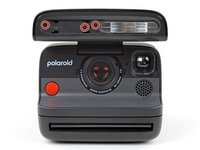
      • Fully open the flash unit at the front of your camera.

      询问修复机器人

      添加评论

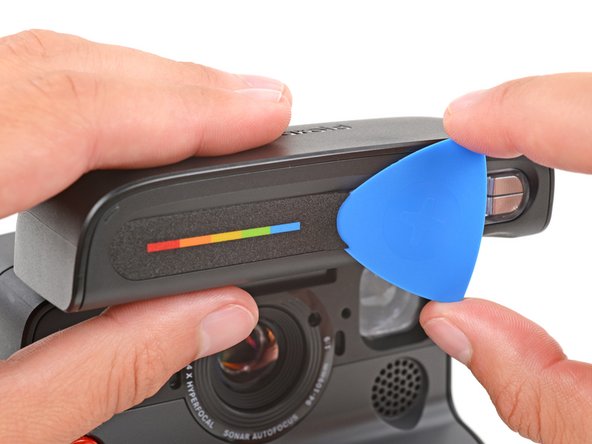
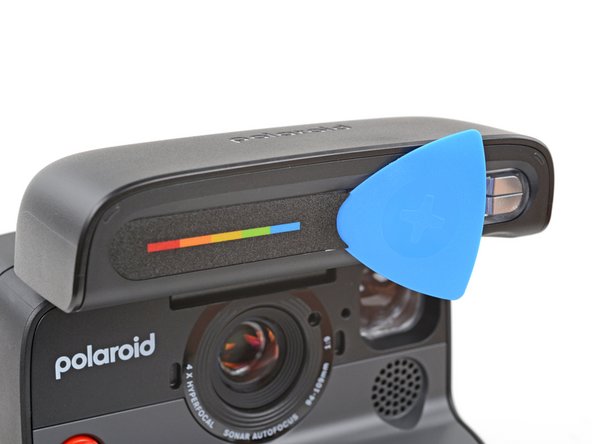
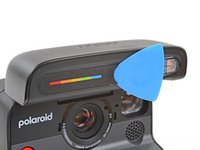
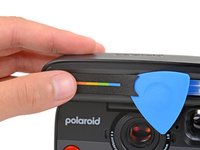
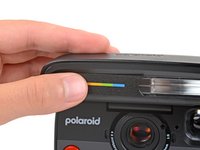
    3. Polaroid Flash Unit Shell Replacement, Remove the screw cover: 步骤 3 中的图像 1,3 Polaroid Flash Unit Shell Replacement, Remove the screw cover: 步骤 3 中的图像 2,3 Polaroid Flash Unit Shell Replacement, Remove the screw cover: 步骤 3 中的图像 3,3
      • Slide the tip of an opening pick under the right edge of the screw cover, near the flash.

      • Leave the pick inserted under the cover for the next step.

      询问修复机器人

      添加评论

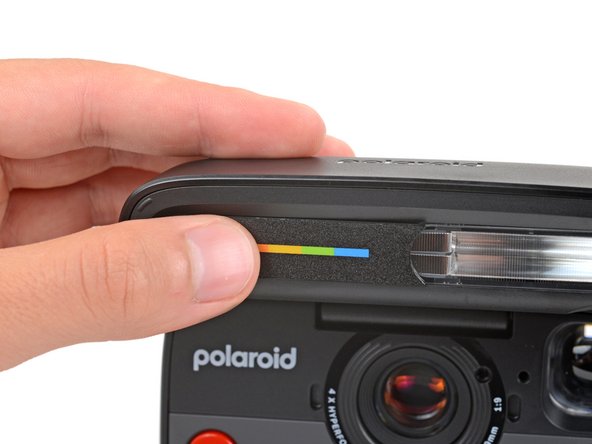
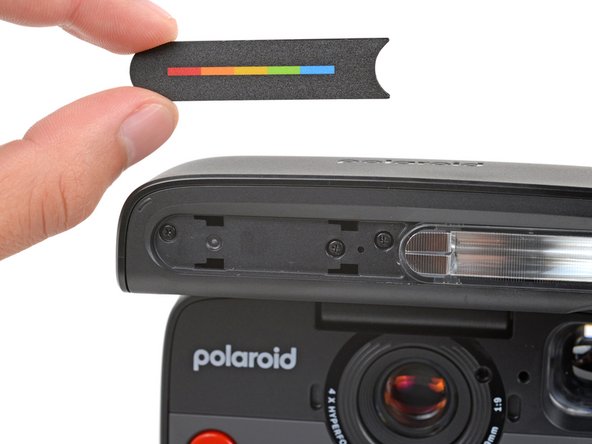
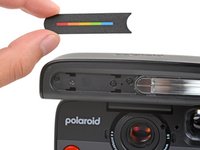
    4. Polaroid Flash Unit Shell Replacement: 步骤 4 中的图像 1,3 Polaroid Flash Unit Shell Replacement: 步骤 4 中的图像 2,3 Polaroid Flash Unit Shell Replacement: 步骤 4 中的图像 3,3
      • Slide the cover towards the flash to release the clips securing it.

      • Your pick might fall out—that's fine.

      • Pull the cover straight away from the camera and remove it.

      询问修复机器人

      添加评论

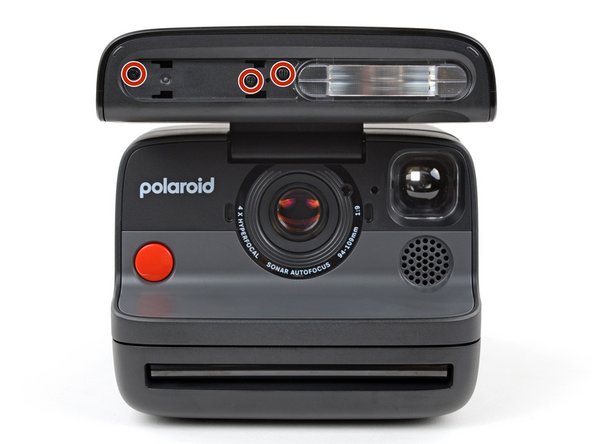
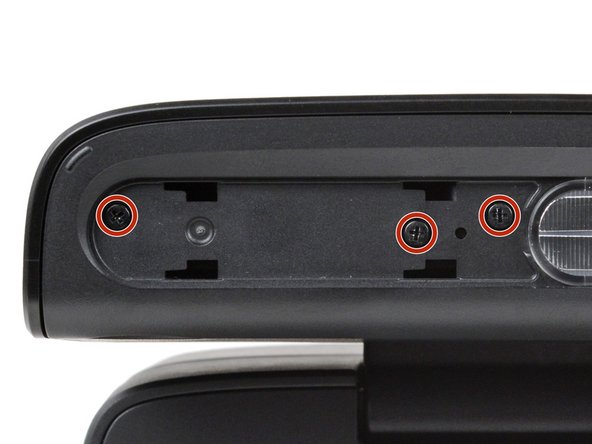
    5. Polaroid Flash Unit Shell Replacement, Remove the flash unit shell screws: 步骤 5 中的图像 1,3 Polaroid Flash Unit Shell Replacement, Remove the flash unit shell screws: 步骤 5 中的图像 2,3 Polaroid Flash Unit Shell Replacement, Remove the flash unit shell screws: 步骤 5 中的图像 3,3
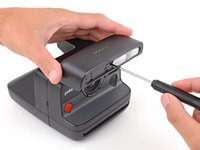
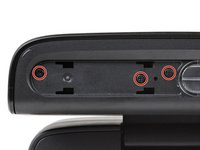
      • Hold the flash unit open with one hand.

      • With your free hand, use a Phillips screwdriver to remove the three 5.9 mm‑long screws securing the flash unit shell.

      询问修复机器人

      添加评论

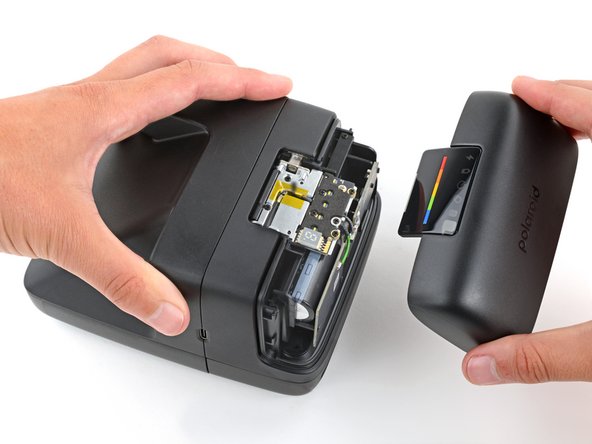
    6. Polaroid Flash Unit Shell Replacement, Remove the flash unit shell: 步骤 6 中的图像 1,3 Polaroid Flash Unit Shell Replacement, Remove the flash unit shell: 步骤 6 中的图像 2,3 Polaroid Flash Unit Shell Replacement, Remove the flash unit shell: 步骤 6 中的图像 3,3
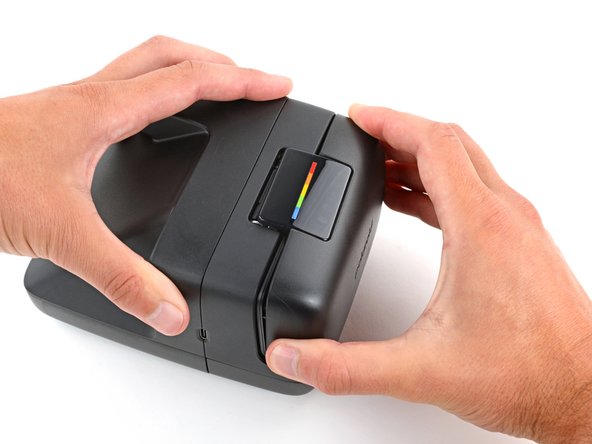
      • Fully close the flash unit for a better grip on the shell.

      • Secure the camera with one hand, and firmly grip the flash unit shell with the other.

      • Lift the right edge of the shell (the side closest to the charging port) to release the clips securing it.

      • You should feel and hear "clicks" as the clips release.

      • Pull the shell up and away from the camera to remove it.

      • During reassembly, put the shell in place and push down firmly to engage the clips.

      询问修复机器人

      添加评论

结论

To reassemble your device, follow these instructions in reverse order.

Repair didn’t go as planned? Try some basic troubleshooting, or ask our Answers community for help.


取消:我没有完成这个指南。

Spencer Day

于09/14/22注册

197,720 声望

创作了1,243篇指南

团队

iFixit iFixit 的会员

Staff

123 名成员

创作了43,891篇指南

0指南评论

添加评论

浏览统计数据:

过去 24 小时: 1

过去 7 天: 5

过去 30 天: 25

总计 410