跳转到主内容
加入维修社区 - 创建账户

PlayStation Move USB Port Replacement

你所需要的

  1. PlayStation Move USB Port Replacement, Case: 步骤 1 中的图像 1,2 PlayStation Move USB Port Replacement, Case: 步骤 1 中的图像 2,2
    • Turn the controller over and unscrew the four 10mm screws with a PH #00 screwdriver.

    询问修复机器人
    添加评论

  2. PlayStation Move USB Port Replacement: 步骤 2 中的图像 1,3 PlayStation Move USB Port Replacement: 步骤 2 中的图像 2,3 PlayStation Move USB Port Replacement: 步骤 2 中的图像 3,3
    • Pinch the sides of the back panel to remove it and set it aside.

    询问修复机器人

    添加评论

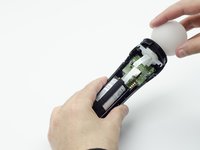
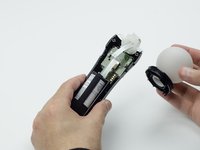
  3. PlayStation Move USB Port Replacement: 步骤 3 中的图像 1,2 PlayStation Move USB Port Replacement: 步骤 3 中的图像 2,2
    • Hold the base of the controller with one hand and with the other carefully pull up on the white spherical piece to remove it.

    询问修复机器人
    添加评论

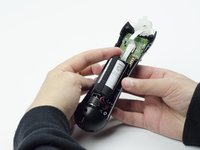
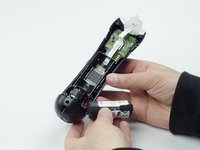
  4. PlayStation Move USB Port Replacement: 步骤 4 中的图像 1,2 PlayStation Move USB Port Replacement: 步骤 4 中的图像 2,2
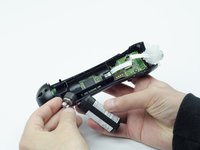
    • Push the Lithium Ion battery from its slot to remove it.

    • Be mindful not to damage the wires or wired components, as the battery will still be attached via its connector.

    询问修复机器人
    添加评论

  5. PlayStation Move USB Port Replacement: 步骤 5 中的图像 1,1
    • Unscrew the 9mm screw in the battery slot with a PH #00 screwdriver.

    询问修复机器人
    添加评论

  6. PlayStation Move USB Port Replacement: 步骤 6 中的图像 1,2 PlayStation Move USB Port Replacement: 步骤 6 中的图像 2,2
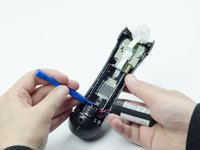
    • Using a plastic opening tool, carefully pry the rumble motor free.

    询问修复机器人

    添加评论

  7. PlayStation Move USB Port Replacement: 步骤 7 中的图像 1,1
    • Unscrew the 9mm screw behind the rumble motor slot with a PH #00 screwdriver.

    询问修复机器人
    添加评论

  8. PlayStation Move USB Port Replacement: 步骤 8 中的图像 1,3 PlayStation Move USB Port Replacement: 步骤 8 中的图像 2,3 PlayStation Move USB Port Replacement: 步骤 8 中的图像 3,3
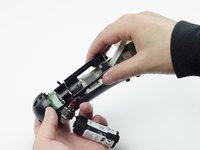
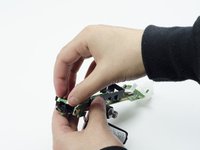
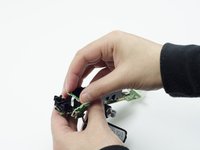
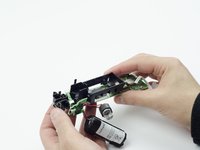
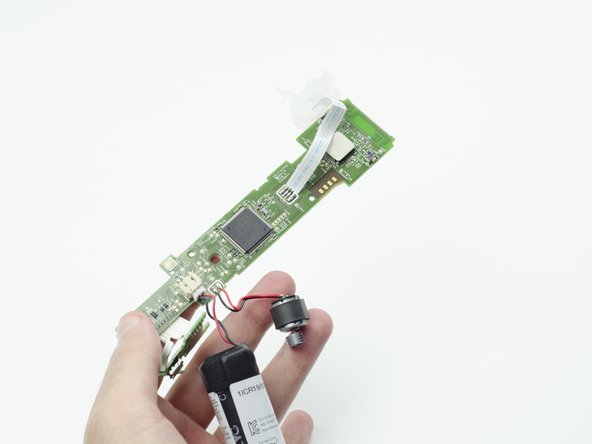
    • Carefully pinch the plastic sides of the battery slot and lift it (along with the circuit board) from the plastic shell of the move controller.

    询问修复机器人
    添加评论

  9. PlayStation Move USB Port Replacement: 步骤 9 中的图像 1,2 PlayStation Move USB Port Replacement: 步骤 9 中的图像 2,2
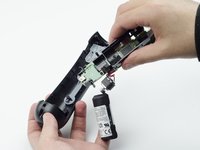
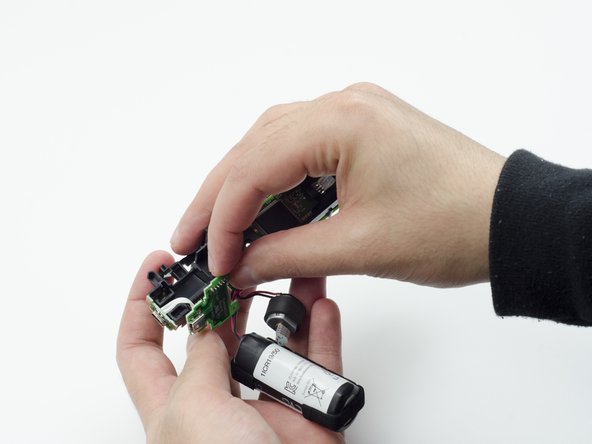
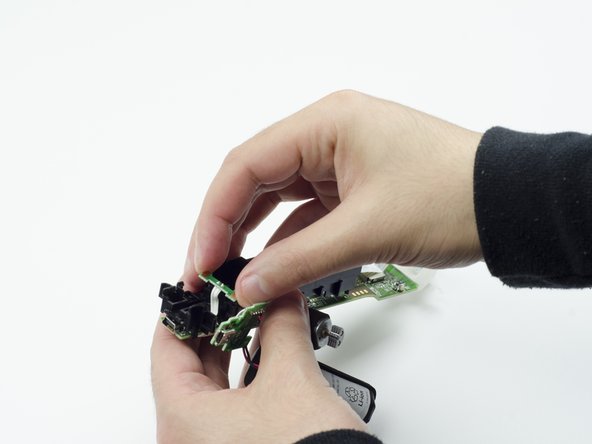
    • Using your fingers, carefully pry the square green piece beneath the battery slot free.

    • It is attached via white ribbons which need to be kept intact.

    询问修复机器人

    添加评论

  10. PlayStation Move USB Port Replacement: 步骤 10 中的图像 1,3 PlayStation Move USB Port Replacement: 步骤 10 中的图像 2,3 PlayStation Move USB Port Replacement: 步骤 10 中的图像 3,3
    • Follow the white ribbon attached to the part you just removed to a smaller, more rectangular piece.

    • Lift the rectangular piece from its slot to free it.

    询问修复机器人

    添加评论

  11. PlayStation Move USB Port Replacement: 步骤 11 中的图像 1,3 PlayStation Move USB Port Replacement: 步骤 11 中的图像 2,3 PlayStation Move USB Port Replacement: 步骤 11 中的图像 3,3
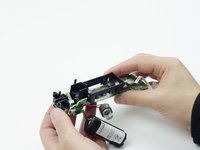
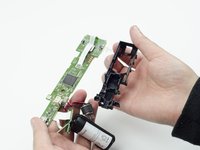
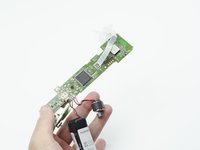
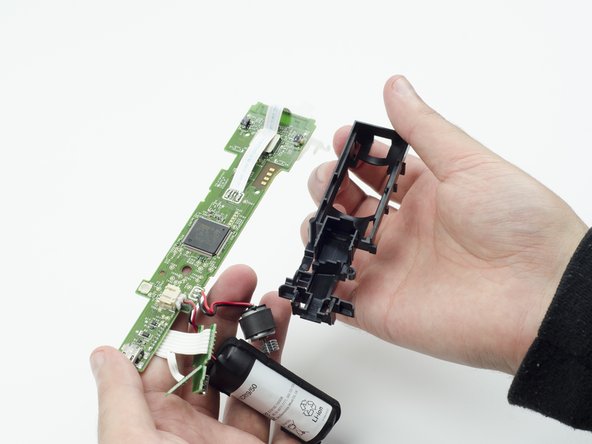
    • Carefully lift the entire circuit board from the black plastic encasing it.

    • Take extra care not to damage any of the wired components.

    询问修复机器人

    添加评论

  12. PlayStation Move USB Port Replacement, USB Port: 步骤 12 中的图像 1,1
    • At the end of the circuit board, you should see a small silver connector port (this is the USB).

    • Using a soldering iron, carefully desolder the port from the board. For help with desoldering, please reference this guide: How To Solder and Desolder Connections

    • In order to reinstall the new USB port, you must solder the new one to the board.

    询问修复机器人

    添加评论

结论

To reassemble your device, follow these instructions in reverse order.

取消:我没有完成这个指南。

2等其他人完成本指南。

Sarah Shand

于02/20/17注册

1,996 声望

创作了7篇指南

团队

USF Tampa, Team S3-G1, Sullivan Spring 2017 USF Tampa, Team S3-G1, Sullivan Spring 2017 的会员

USFT-SULLIVAN-S17S3G1

3 名成员

创作了14篇指南

0指南评论

添加评论

浏览统计数据:

过去 24 小时: 1

过去 7 天: 9

过去 30 天: 75

总计 3,373