跳转到主内容
加入维修社区 - 创建账户

Philips DPM8000 Microphone Replacement

你所需要的

  1. Philips DPM8000 Microphone Replacement, Anti-Static Wrist Strap: 步骤 1 中的图像 1,1
    在这个步骤中使用的工具:
    Anti-Static Wrist Strap
    $7.95
    • Before you start disassembling your device make sure that it is turned off.

    • Put on the Anti-Static Wrist Strap and clamp the end of the band to an unpainted spot of a radiator.

    询问修复机器人

    添加评论

  2. Philips DPM8000 Microphone Replacement, Battery Lid: 步骤 2 中的图像 1,2 Philips DPM8000 Microphone Replacement, Battery Lid: 步骤 2 中的图像 2,2
    • Remove the battery lid

    询问修复机器人

    添加评论

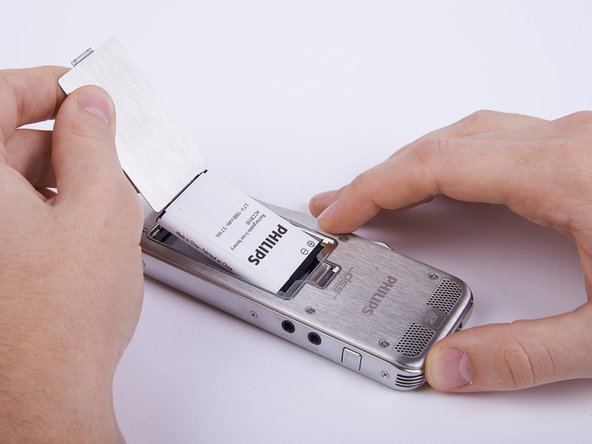
  3. Philips DPM8000 Microphone Replacement, Battery: 步骤 3 中的图像 1,2 Philips DPM8000 Microphone Replacement, Battery: 步骤 3 中的图像 2,2
    • Remove the battery.

    • The battery lid is designed to function as an instrument for this task.

    询问修复机器人

    添加评论

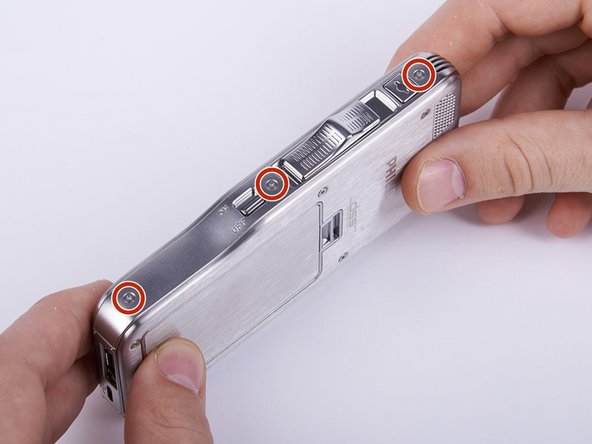
  4. Philips DPM8000 Microphone Replacement, Upper Ornamental Part: 步骤 4 中的图像 1,3 Philips DPM8000 Microphone Replacement, Upper Ornamental Part: 步骤 4 中的图像 2,3 Philips DPM8000 Microphone Replacement, Upper Ornamental Part: 步骤 4 中的图像 3,3
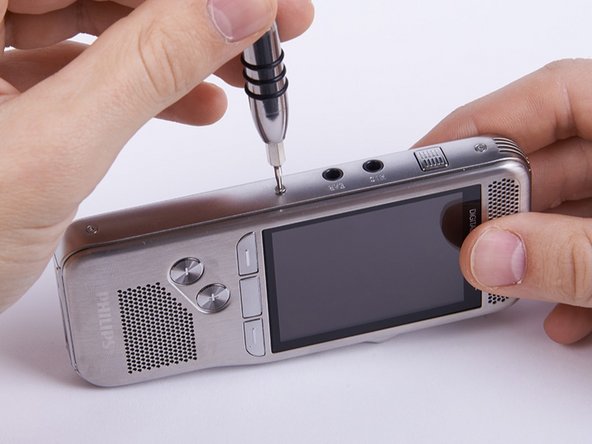
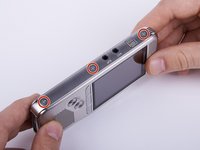
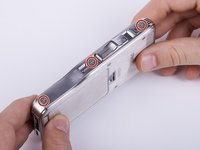
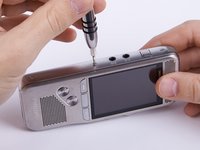
    • Unscrew the six Torx #4 (5,3 mm) screws from both sides of the device

    • Collect the removed screws in a bowl or something comparable, otherwise they might get lost.

    询问修复机器人

    添加评论

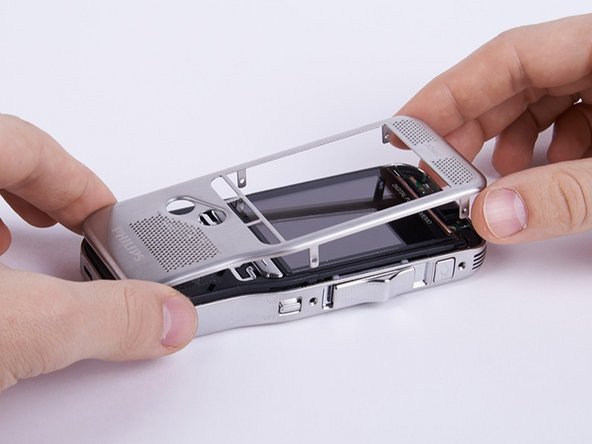
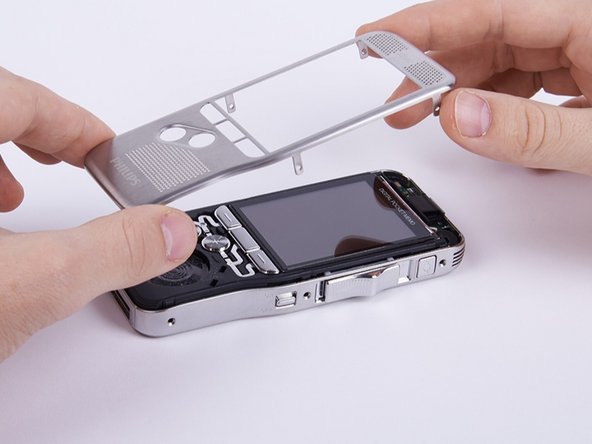
  5. Philips DPM8000 Microphone Replacement: 步骤 5 中的图像 1,3 Philips DPM8000 Microphone Replacement: 步骤 5 中的图像 2,3 Philips DPM8000 Microphone Replacement: 步骤 5 中的图像 3,3
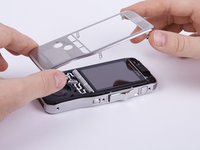
    • Remove the upper ornamental part from the housing.

    • If your fingernails are not long enough you can use a plastic opening tool.

    • When reassembling the device be aware that the six shackles on the sides of the upper ornamental part need to be placed inside the frame.

    添加评论

  6. Philips DPM8000 Microphone Replacement, Housing/Display: 步骤 6 中的图像 1,2 Philips DPM8000 Microphone Replacement, Housing/Display: 步骤 6 中的图像 2,2
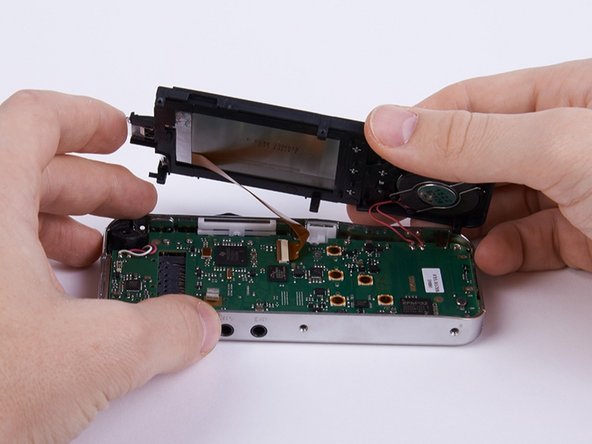
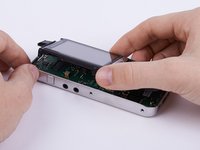
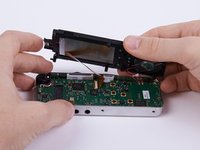
    • Lift up the housing.

    • The display as well as the speaker are connected to the motherboard. Therefore you need to be careful not to harm those connections.

    询问修复机器人

    添加评论

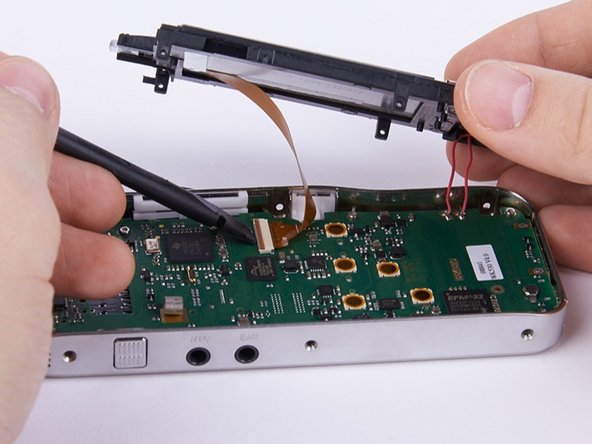
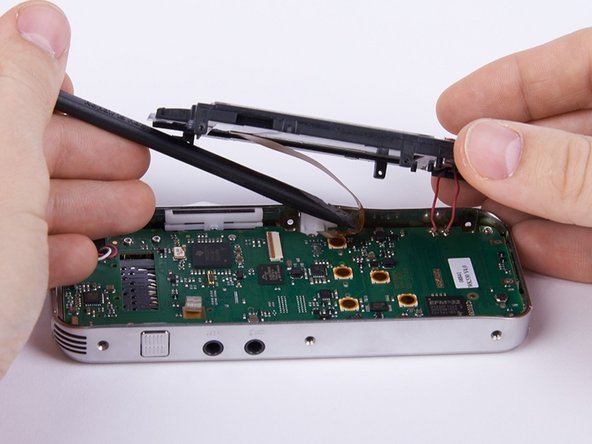
  7. Philips DPM8000 Microphone Replacement: 步骤 7 中的图像 1,2 Philips DPM8000 Microphone Replacement: 步骤 7 中的图像 2,2
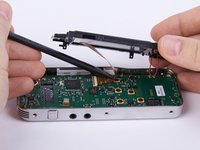
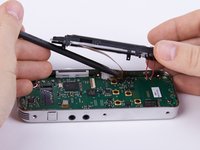
    • Unlock the connection between display and motherboard by pushing open the brown cleat.

    • It is recommended to use a spudger or a comparable tool for this step.

    • If the connection is not completely open, one of the involved components could easily be harmed.

    询问修复机器人

    添加评论

  8. Philips DPM8000 Microphone Replacement: 步骤 8 中的图像 1,2 Philips DPM8000 Microphone Replacement: 步骤 8 中的图像 2,2
    • Separate the connection by pulling out the display cable.

    • If the cable does not come out easily, the connection is probably still locked.

    • When reconnecting the display to the motherboard don't forget to lock the connection, otherwise it will eventually come loose and you will have to redo the first eight steps of this guide.

    询问修复机器人

    添加评论

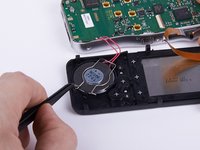
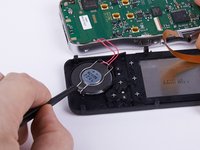
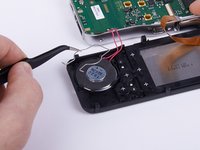
  9. Philips DPM8000 Microphone Replacement, Speaker: 步骤 9 中的图像 1,3 Philips DPM8000 Microphone Replacement, Speaker: 步骤 9 中的图像 2,3 Philips DPM8000 Microphone Replacement, Speaker: 步骤 9 中的图像 3,3
    在这个步骤中使用的工具:
    Tweezers
    $4.99
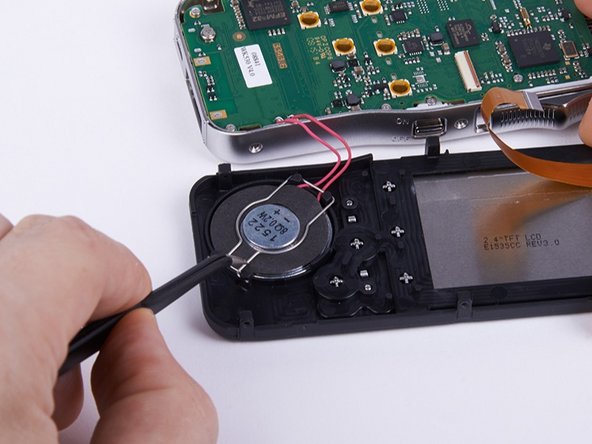
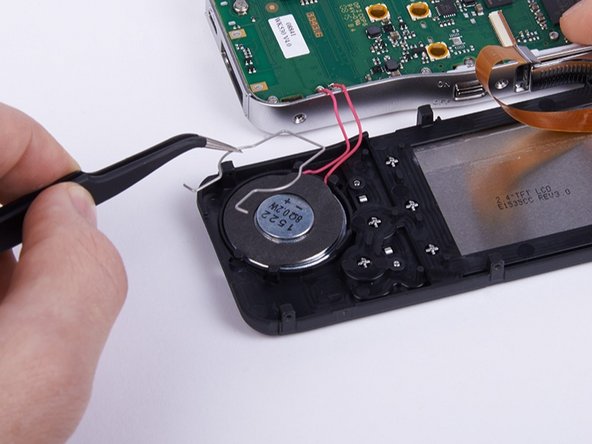
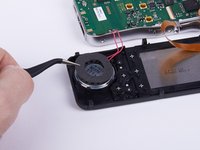
    • Remove the mounting spring from the speaker with a pair of tweezers.

    • If you just want to replace the motherboard, it is recommended to ignore the steps 9 and 10.

    询问修复机器人

    添加评论

  10. Philips DPM8000 Microphone Replacement: 步骤 10 中的图像 1,2 Philips DPM8000 Microphone Replacement: 步骤 10 中的图像 2,2
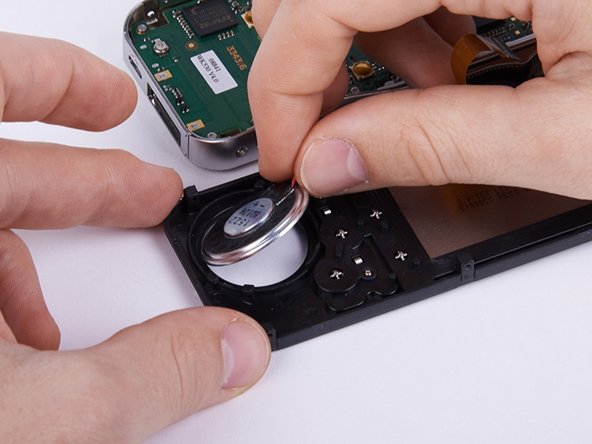
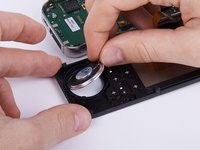
    • Take off the safety mat from the speaker.

    • Remove the speaker from the housing.

    询问修复机器人

    添加评论

  11. Philips DPM8000 Microphone Replacement, Motherboard: 步骤 11 中的图像 1,2 Philips DPM8000 Microphone Replacement, Motherboard: 步骤 11 中的图像 2,2
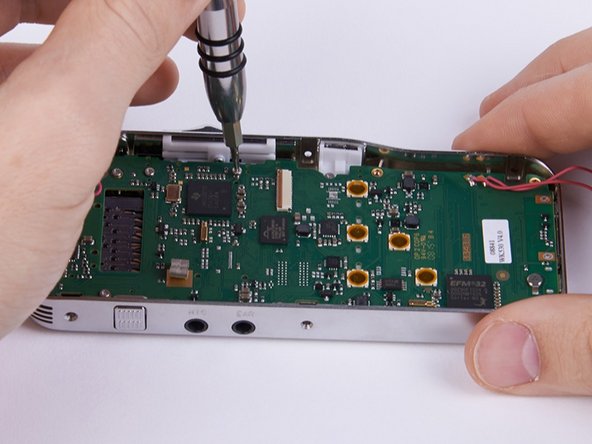
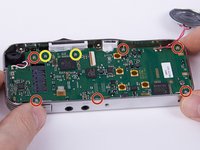
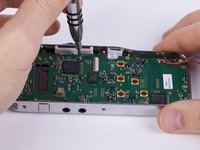
    • Unscrew the eight Torx #4 (5,0 mm) screws from the motherboard.

    • These two screws connect the motherboard with the sliding cage. In this guide they are removed as well. Hence this is not compulsory you can decide for yourself whether you want to remove them now or later.

    询问修复机器人

    添加评论

  12. Philips DPM8000 Microphone Replacement: 步骤 12 中的图像 1,2 Philips DPM8000 Microphone Replacement: 步骤 12 中的图像 2,2
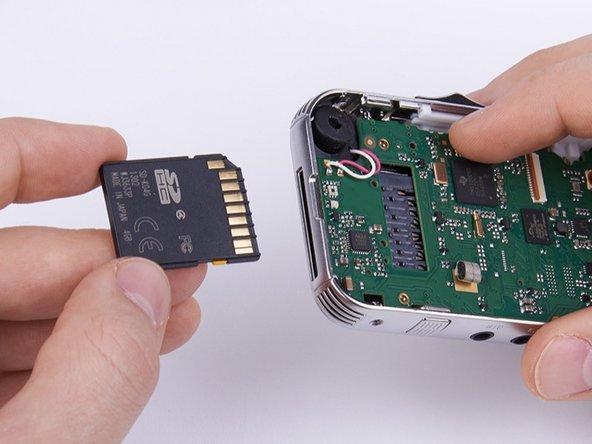
    • Push in the SD-Card to eject it.

    • If the memory card remains in its slot you will not be able to remove the motherboard.

    询问修复机器人

    添加评论

  13. Philips DPM8000 Microphone Replacement: 步骤 13 中的图像 1,2 Philips DPM8000 Microphone Replacement: 步骤 13 中的图像 2,2
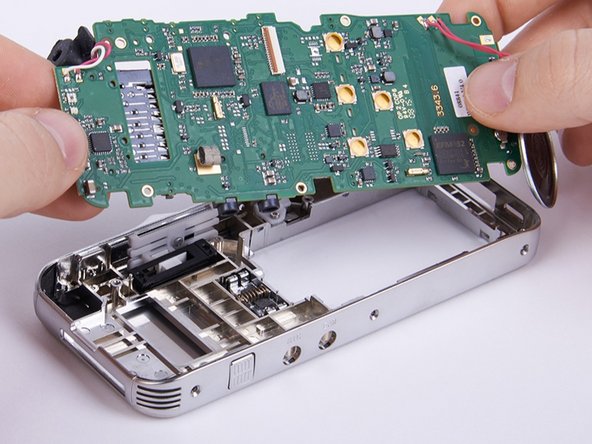
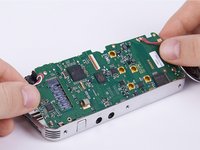
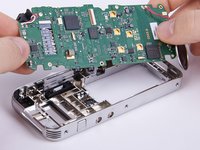
    • Abstract the motherboard.

    • Lift up the motherboard as shown in the picture before completely removing it.

    • When inserting the motherboard first put in the side with the speaker jack on it and make sure that the microphone is placed properly under the motherboard.

    询问修复机器人

    添加评论

  14. Philips DPM8000 Microphone Replacement, Microphone: 步骤 14 中的图像 1,1
    • Preheat your soldering equipment.

    • Dissolve the soldering connection between motherboard and defective speaker.

    • For further informations on soldering please refer to this guide.

    询问修复机器人

    添加评论

  15. Philips DPM8000 Microphone Replacement: 步骤 15 中的图像 1,1
    • Solder the new speaker to the motherboard.

    • For further informations on soldering please refer to this guide.

    询问修复机器人

    添加评论

结论

To reassemble your device, follow these instructions in reverse order beginning with step 13.

取消:我没有完成这个指南。

Andreas Holl

于11/05/15注册

731 声望

创作了6篇指南

团队

Technische Universität Wien Technische Universität Wien 的会员

Community

2 名成员

创作了6篇指南

0指南评论

添加评论

浏览统计数据:

过去 24 小时: 1

过去 7 天: 12

过去 30 天: 53

总计 676