简介
If your PDP Rematch (model 500-134-1) top left and/or right button(s) take longer to pop back up after being pressed, use this guide to replace the buttons.
The top left and/or right button(s) interact with games. If the buttons are stuck, they will take longer to pop back up or may not pop back up at all.
Before beginning this guide, make sure to clean the buttons surface-level. Dirt and debris can usually be cleaned using alcohol wipes. You may press down on the buttons after a surface-level clean to confirm they still stick.
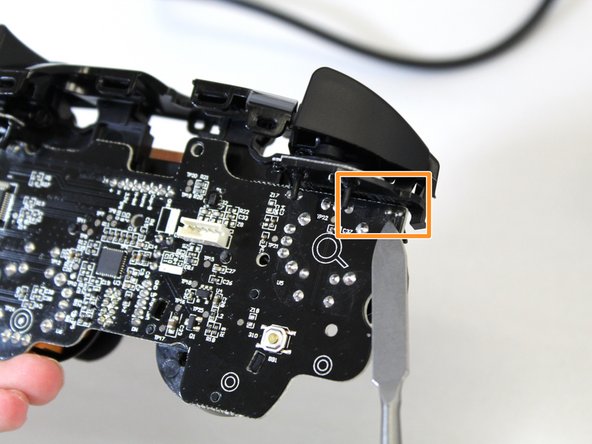
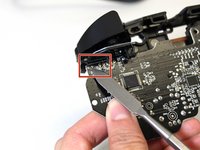
Step 5 requires you to solder the buttons have to the motherboard.
Before beginning this guide, disconnect the controller from any external power source.
你所需要的
-
-
Grip one side of the controller firmly.
-
Insert an opening pick into the crease between the faceplate and the body of the controller.
-
Once the pick creates a gap in the crease, gently insert another pick into a different section of the crease.
-
Carefully move the picks along the controller's crease line until you hear a popping sound.
-
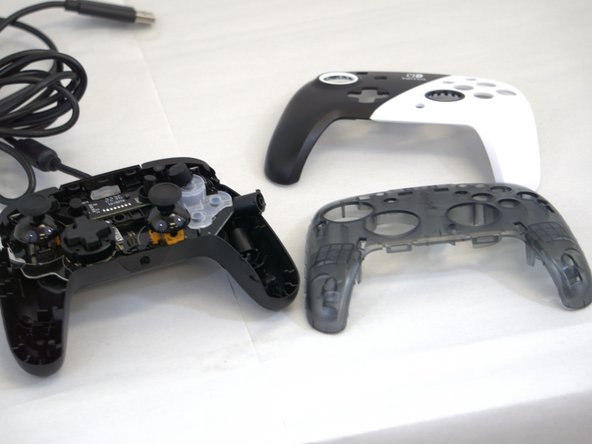
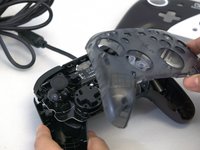
Gently lift off the faceplate by hand.
 询问修复机器人
-
-
-
-
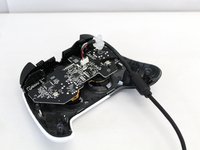
Remove the back panel by pulling it away from the front.
-
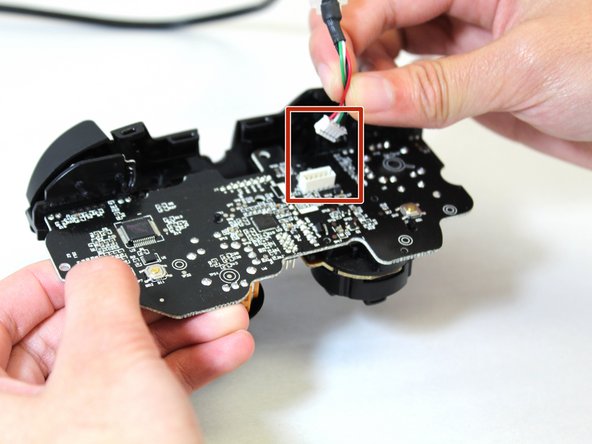
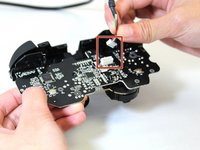
Disconnect the cable by squeezing the two sides while pulling the cable away from the motherboard.
-




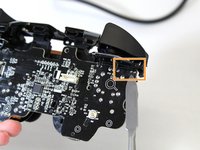

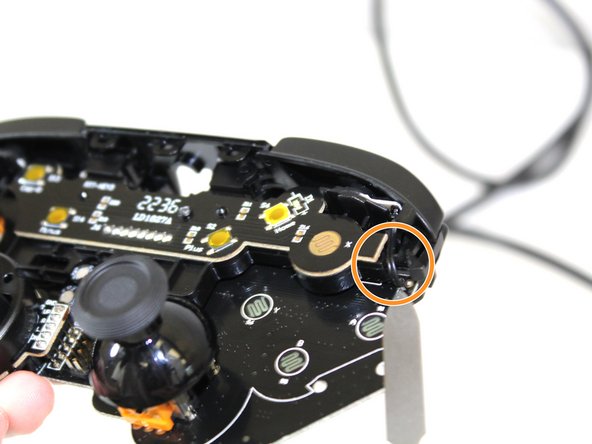
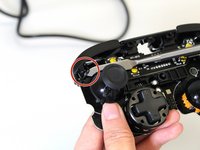
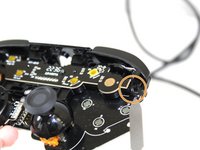
To reassemble your device, follow these instructions in reverse order.

团队

Tennessee Tech University, Team 1-3, Pickering Spring 2024 Tennessee Tech University, Team 1-3, Pickering Spring 2024 的会员
TNTECH-PICKERING-S24S1G3
4 名成员
创作了5篇指南
