跳转到主内容
加入维修社区 - 创建账户

Nook Simple Touch with GlowLight Screen Replacement

你所需要的

  1. Nook Simple Touch with GlowLight Screen Replacement, Power Button: 步骤 1 中的图像 1,1
    • Place the Nook with the screen facing down.

    询问修复机器人

    添加评论

  2. Nook Simple Touch with GlowLight Screen Replacement: 步骤 2 中的图像 1,1
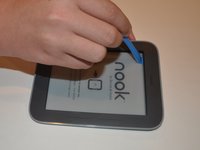
    • Wedge the opening tool between the power button and the upper edge of the device.

    • Push the opening tool down to pry the power button up.

    添加评论

  3. Nook Simple Touch with GlowLight Screen Replacement: 步骤 3 中的图像 1,1
    • Using your fingers, gently remove the power button.

    添加评论

  4. Nook Simple Touch with GlowLight Screen Replacement, Back Cover: 步骤 4 中的图像 1,1
    • Remove the single screw using a T4 Torx screwdriver.

    询问修复机器人

    添加评论

  5. Nook Simple Touch with GlowLight Screen Replacement: 步骤 5 中的图像 1,1
    • Slide the back cover down towards you in the direction of the charging port.

    询问修复机器人

    添加评论

  6. Nook Simple Touch with GlowLight Screen Replacement, Battery: 步骤 6 中的图像 1,2 Nook Simple Touch with GlowLight Screen Replacement, Battery: 步骤 6 中的图像 2,2
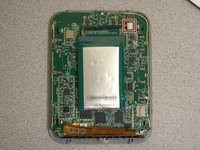
    • Detach the white cable connector from the motherboard.

    • Remove the battery from the device.

    询问修复机器人

    添加评论

  7. Nook Simple Touch with GlowLight Screen Replacement, Motherboard: 步骤 7 中的图像 1,1
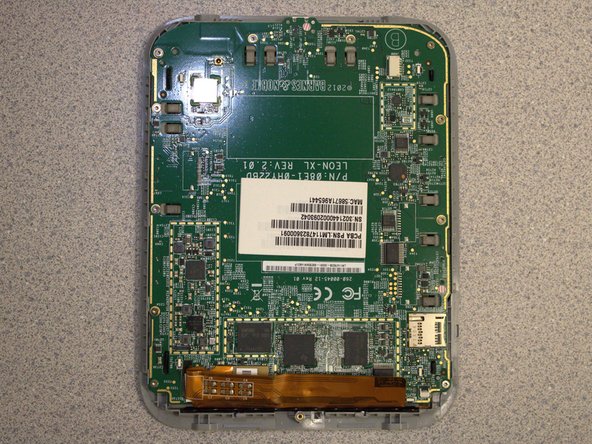
    • Remove eleven screws from the motherboard using the T4 screwdriver.

    询问修复机器人

    添加评论

  8. Nook Simple Touch with GlowLight Screen Replacement: 步骤 8 中的图像 1,3 Nook Simple Touch with GlowLight Screen Replacement: 步骤 8 中的图像 2,3 Nook Simple Touch with GlowLight Screen Replacement: 步骤 8 中的图像 3,3
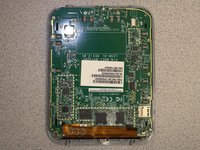
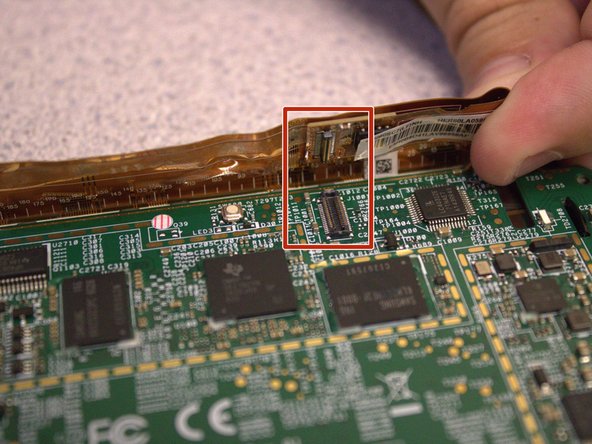
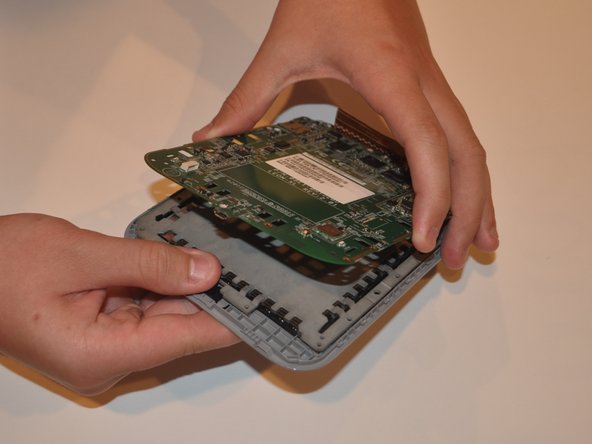
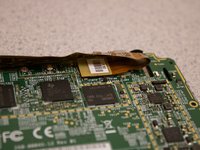
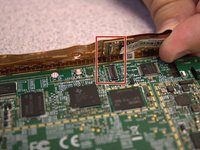
    • Disconnect the orange ribbon cable from the motherboard.

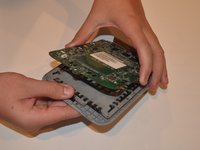
    • Using your fingers, gently lift the motherboard from the display.

    询问修复机器人

    添加评论

  9. Nook Simple Touch with GlowLight Screen Replacement, Screen: 步骤 9 中的图像 1,2 Nook Simple Touch with GlowLight Screen Replacement, Screen: 步骤 9 中的图像 2,2
    • Insert the iFixit opening tool between the display and the front case.

    • Gently move to iFixit opening tool around the perimeter to release the set of tape strips.

    询问修复机器人

    添加评论

  10. Nook Simple Touch with GlowLight Screen Replacement: 步骤 10 中的图像 1,2 Nook Simple Touch with GlowLight Screen Replacement: 步骤 10 中的图像 2,2
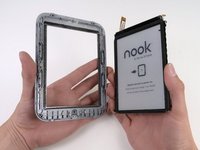
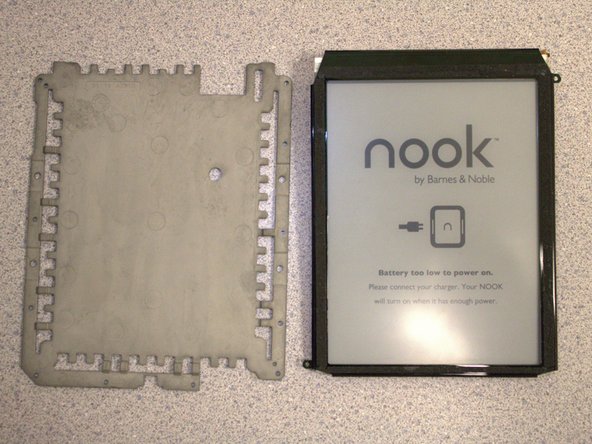
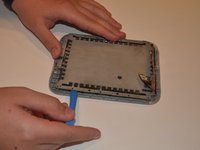
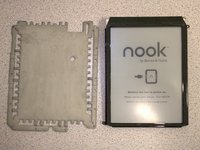
    • Turn the display over. Pry the display bezel from the display assembly with the iFixit opening tool.

    询问修复机器人

    添加评论

结论

To reassemble your device, follow these instructions in reverse order.

取消:我没有完成这个指南。

0指南评论

添加评论

浏览统计数据:

过去 24 小时: 0

过去 7 天: 18

过去 30 天: 80

总计 1,445