跳转到主内容
加入维修社区 - 创建账户

Modal MD-WORCSS6 LED Replacement

你所需要的

    1. Modal MD-WORCSS6 LED Replacement, Modal MD-WORCSS6 Teardown Guide: 步骤 1 中的图像 1,2 Modal MD-WORCSS6 LED Replacement, Modal MD-WORCSS6 Teardown Guide: 步骤 1 中的图像 2,2
      • Put on Electrostatic Discharge (ESD) bracelet. Hold the device with the transparent plastic casing on the top.

      • Using the jimmy tool, carefully pry off the black plastic ring.

      • Remove the spring assembly from inside the transparent plastic tube.

      询问修复机器人

      添加评论

    2. Modal MD-WORCSS6 LED Replacement: 步骤 2 中的图像 1,2 Modal MD-WORCSS6 LED Replacement: 步骤 2 中的图像 2,2
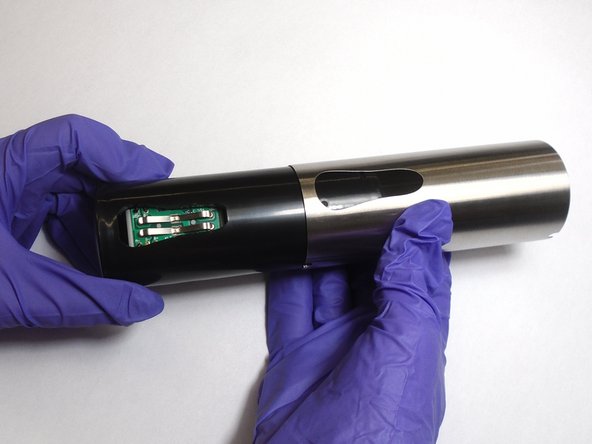
      • Using a Phillips #1 screwdriver, unscrew each of the four 12.7 mm screws inside and at the bottom of the plastic tube.

      • Take the plastic tube off of the metal casing.

      询问修复机器人

      添加评论

    3. Modal MD-WORCSS6 LED Replacement: 步骤 3 中的图像 1,2 Modal MD-WORCSS6 LED Replacement: 步骤 3 中的图像 2,2
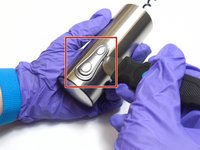
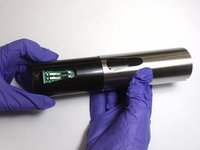
      • Place the jimmy tool blade between the button assembly and the metal casing. Gently pry off the button assembly; it should pop out.

      • With the button assembly removed, slide off the metal casing.

      询问修复机器人

      添加评论

    4. Modal MD-WORCSS6 LED Replacement: 步骤 4 中的图像 1,3 Modal MD-WORCSS6 LED Replacement: 步骤 4 中的图像 2,3 Modal MD-WORCSS6 LED Replacement: 步骤 4 中的图像 3,3
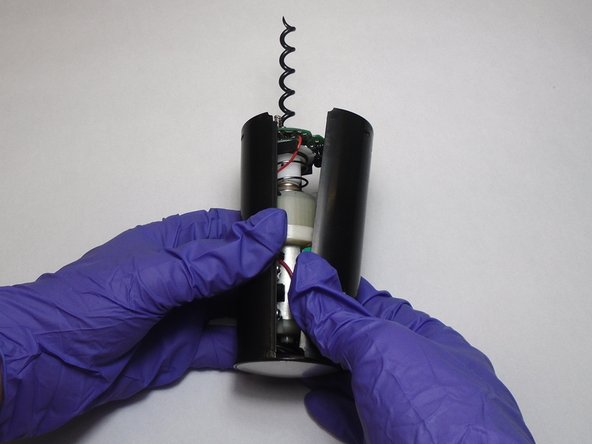
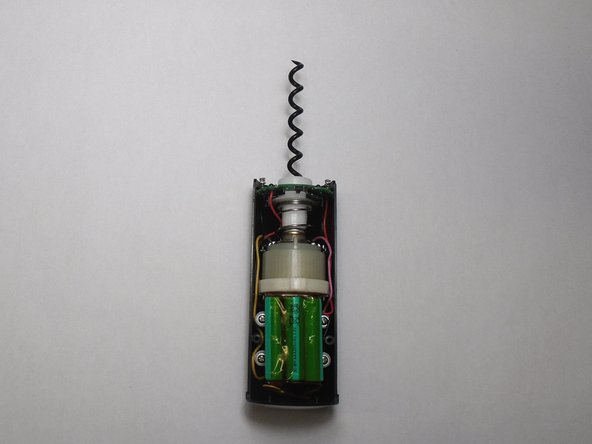
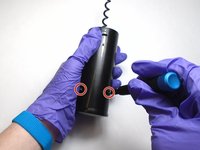
      • Unscrew the two 6.4 mm screws in the black plastic body using the Phillips #1 screwdriver.

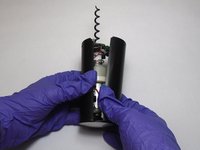
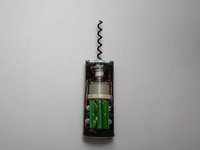
      • Separate the two halves of the plastic body. Keep the half containing the motor facing up.

      询问修复机器人

      添加评论

    5. Modal MD-WORCSS6 LED Replacement: 步骤 5 中的图像 1,3 Modal MD-WORCSS6 LED Replacement: 步骤 5 中的图像 2,3 Modal MD-WORCSS6 LED Replacement: 步骤 5 中的图像 3,3
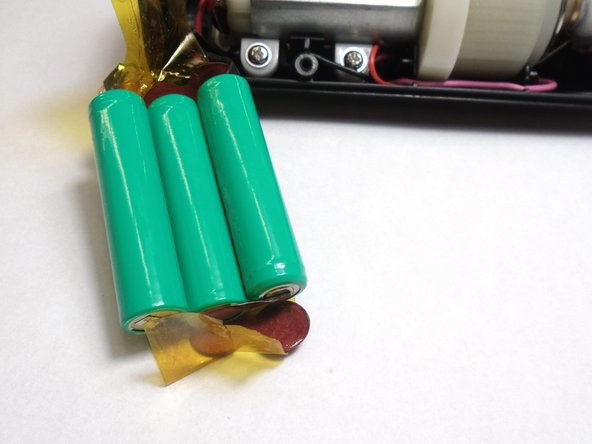
      • Carefully peel the tape off far enough to remove the 3 batteries.

      询问修复机器人

      添加评论

    1. Modal MD-WORCSS6 LED Replacement, LED: 步骤 6 中的图像 1,3 Modal MD-WORCSS6 LED Replacement, LED: 步骤 6 中的图像 2,3 Modal MD-WORCSS6 LED Replacement, LED: 步骤 6 中的图像 3,3
      在这个步骤中使用的工具:
      Tweezers
      $4.99
      • Slide the circuit board out of its slot.

      • Remove the LEDs by clipping off their connections with a pair of tweezers.

      • Attach the new LEDs by soldering the ends of the LEDS to their corresponding connections on the circuit board.

      • Check out our How to Solder and Desolder Connections guide for best practices and soldering tips.

      询问修复机器人

      添加评论

结论

To reassemble your device, follow these instructions in reverse order.

取消:我没有完成这个指南。

另外一个人完成了本指南。

0指南评论

添加评论

浏览统计数据:

过去 24 小时: 0

过去 7 天: 4

过去 30 天: 24

总计 316