跳转到主内容
加入维修社区 - 创建账户

Microsoft Surface 3 Kickstand Replacement

你所需要的

  1. Microsoft Surface 3 Kickstand Replacement, Casing: 步骤 1 中的图像 1,2 Microsoft Surface 3 Kickstand Replacement, Casing: 步骤 1 中的图像 2,2
    • Warm up an iOpener following the instructions found in the iOpener guide.

    • Place the warm iOpener on top of the edges of the screen. This heat will weaken the strength of the adhesive between the display and body.

    添加评论

  2. Microsoft Surface 3 Kickstand Replacement: 步骤 2 中的图像 1,2 Microsoft Surface 3 Kickstand Replacement: 步骤 2 中的图像 2,2
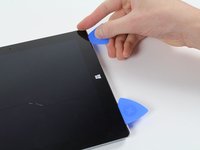
    • Use iFixit opening picks to wedge under the edge of the screen at the speaker port.

    • This may take significant force. A fingernail might work better for the initial lift

    • If you push straight down near the edge you will go through the speaker mesh and possibly end up damaging your speaker; try to push the pick in at a shallow angle.

    询问修复机器人

    添加评论

  3. Microsoft Surface 3 Kickstand Replacement: 步骤 3 中的图像 1,2 Microsoft Surface 3 Kickstand Replacement: 步骤 3 中的图像 2,2
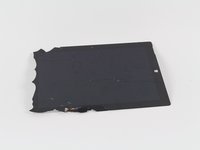
    • Carefully try to work your way around the device using the picks, reapplications of the heated iOpener, and luck.

    • If you break the glass on one side you might want to try again starting from the other side so that you have a clean, unbroken, edge on that side.

    • While the glass on this display is not particularly sharp when broken, it is still broken glass and you should be careful with it.

    添加评论

  4. Microsoft Surface 3 Kickstand Replacement: 步骤 4 中的图像 1,1
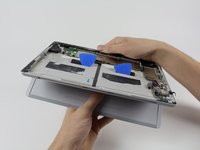
    • Flip the display over so that parts underneath it are easily accessible.

    • Do not pull out the display as it is still attached to the motherboard.

    • If you are replacing the display, or want it out of the way, continue with the display replacement guide steps.

    添加评论

  5. Microsoft Surface 3 Kickstand Replacement, Battery: 步骤 5 中的图像 1,1
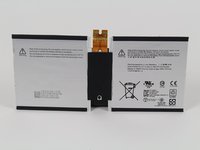
    • Now that you've gotten the casing off of the Surface 3, you can start removing the battery pack.

    询问修复机器人

    添加评论

  6. Microsoft Surface 3 Kickstand Replacement: 步骤 6 中的图像 1,3 Microsoft Surface 3 Kickstand Replacement: 步骤 6 中的图像 2,3 Microsoft Surface 3 Kickstand Replacement: 步骤 6 中的图像 3,3
    在这个步骤中使用的工具:
    Plastic Cards
    $2.99
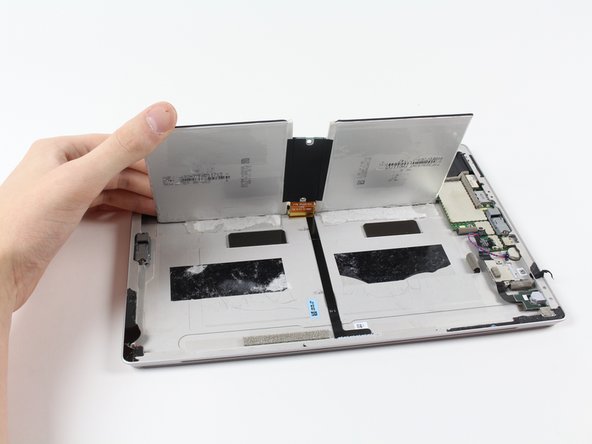
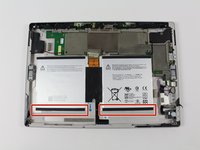
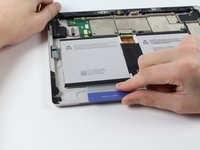
    • Slide the iFixit plastic cards under the compartments of the battery pack.

    • Slide the card around to undo the adhesive under the battery pack

    询问修复机器人

    添加评论

  7. Microsoft Surface 3 Kickstand Replacement: 步骤 7 中的图像 1,3 Microsoft Surface 3 Kickstand Replacement: 步骤 7 中的图像 2,3 Microsoft Surface 3 Kickstand Replacement: 步骤 7 中的图像 3,3
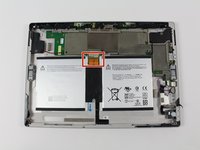
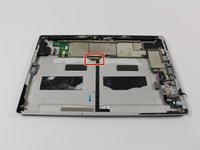
    • Carefully slide the battery's flat power and data connector from its insert.

    • You may now switch out the battery pack for a new one.

    添加评论

  8. Microsoft Surface 3 Kickstand Replacement, Kickstand: 步骤 8 中的图像 1,2 Microsoft Surface 3 Kickstand Replacement, Kickstand: 步骤 8 中的图像 2,2
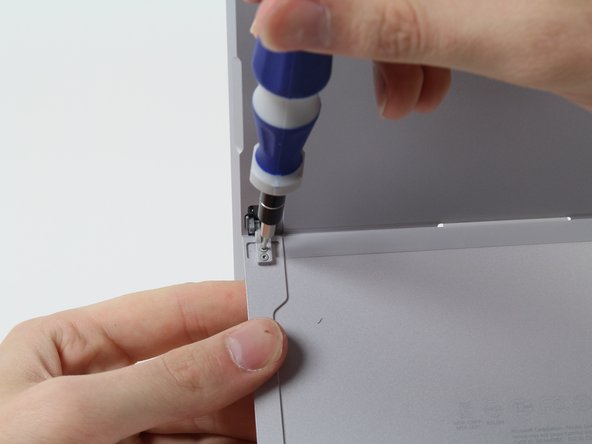
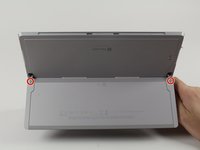
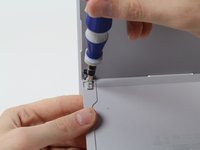
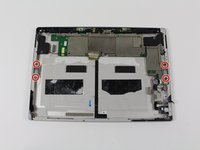
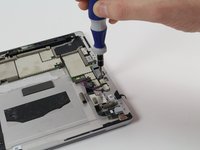
    • Remove these four 3/32" Torx #3 screws.

    • If you do not need to remove the hinges, skip to the step that handles the retaining tabs.

    询问修复机器人

    添加评论

  9. Microsoft Surface 3 Kickstand Replacement: 步骤 9 中的图像 1,2 Microsoft Surface 3 Kickstand Replacement: 步骤 9 中的图像 2,2
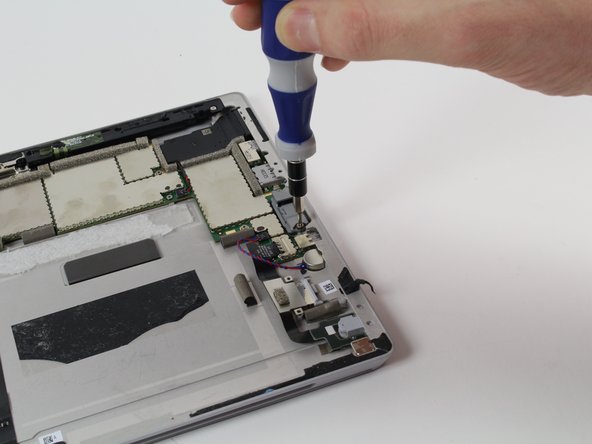
    • Remove these four 3/16" Torx #5 screws that hold in the hinges to replace the hinges.

    询问修复机器人

    添加评论

  10. Microsoft Surface 3 Kickstand Replacement: 步骤 10 中的图像 1,3 Microsoft Surface 3 Kickstand Replacement: 步骤 10 中的图像 2,3 Microsoft Surface 3 Kickstand Replacement: 步骤 10 中的图像 3,3
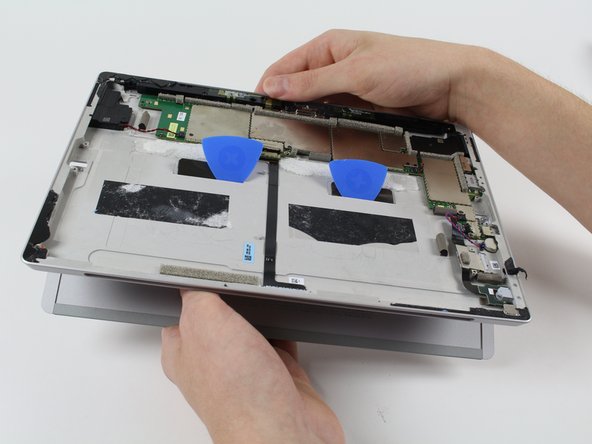
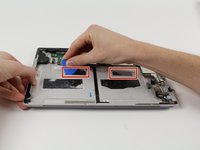
    • These two retaining tabs need to be fed through the slots in the case to release the kickstand.

    • Use picks to make the tab slide through the slot then simply pull out the kickstand,

    询问修复机器人

    添加评论

结论

To reassemble your device, follow these instructions in reverse order.

取消:我没有完成这个指南。

4等其他人完成本指南。

Harold Hall

于10/08/15注册

1,332 声望

创作了3篇指南

团队

Cal Poly, Team 5-12, Maness Fall 2015 Cal Poly, Team 5-12, Maness Fall 2015 的会员

CPSU-MANESS-F15S5G12

4 名成员

创作了22篇指南

2指南评论

I think I will NOT be trying to do this. To many potentials for something to go wrong beyond your control, even when being extra careful. I do not feel like replacing someone’s device if that happens.

QuickTech - 回复 分享

Please can you tell me which kickstand the surface pro 3 64 GB (2013) needs? Is it the same as the surface pro 4 ? I have broken the stand and am trying yo source a replacement.

Tilly Mortimore - 回复 分享
添加评论

浏览统计数据:

过去 24 小时: 1

过去 7 天: 12

过去 30 天: 47

总计 10,021