简介
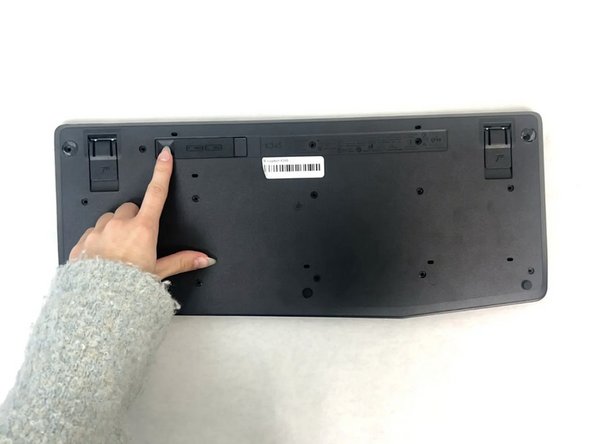
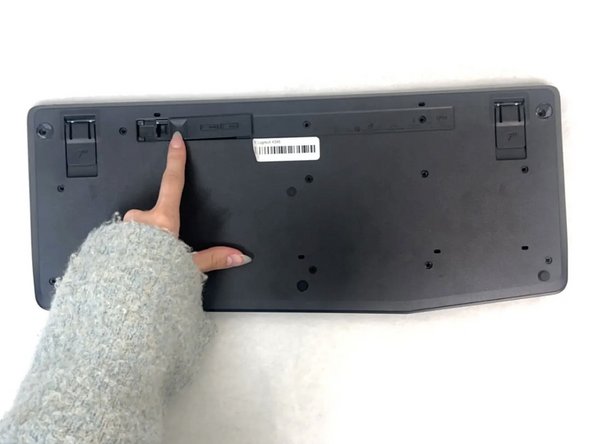
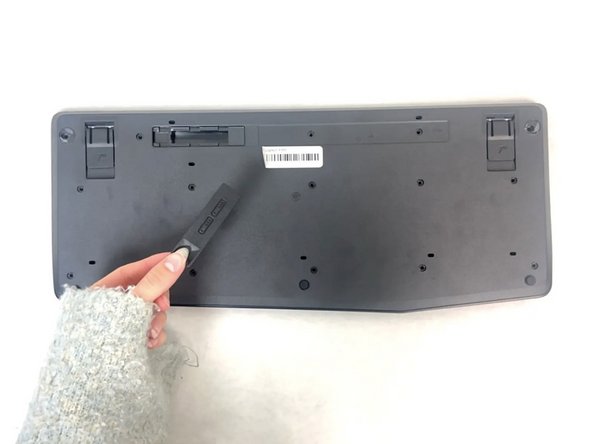
Is your Logitech K345 keyboard not working, or is the connection to your computer spotty? Try replacing your batteries, and follow this repair guide to do just that. The batteries can be the cause of your spotty connection since they power the whole keyboard. In order to be certain about the cause of your spotty connection try referencing the Troubleshooting Page to find the exact source of the issue.


 询问修复机器人


To reassemble your device, follow these instructions in reverse order.
另外一个人完成了本指南。

团队

University of North Texas, Team 4-1, Harold Fall 2024 University of North Texas, Team 4-1, Harold Fall 2024 的会员
UNT-HAROLD-F24S4G1
3 名成员
创作了25篇指南
