简介
Use this guide to replace a dead or worn-out battery in your Logitech G Pro X Superlight wireless gaming mouse.
Lithium-ion batteries have a limited lifespan. If your mouse dies quickly and doesn't hold a charge, it may be time to replace the battery.
If possible, follow this guide after your battery has fallen below 15% charge—this is indicated when the LED light on top of the mouse is red. While your G Pro X Superlight has a relatively small battery, any charged battery is a potential safety hazard if accidentally bent or punctured.
你所需要的
-
-
Slide your mouse's power switch down so it's in the OFF position.
-
Unplug all cables from your mouse.
-
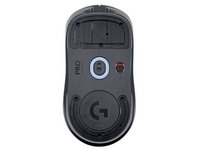
Flip the mouse over so the feet are facing up.
-
-
-
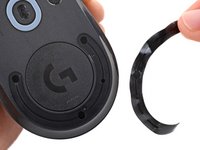
Heat an iOpener and lay it on the mouse feet for one minute to heat the adhesive.
-
-
-
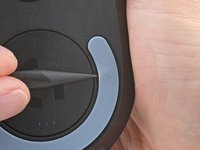
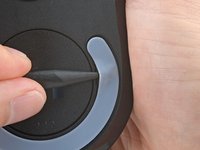
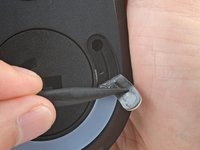
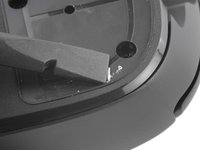
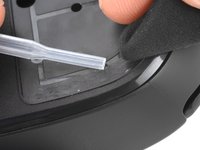
Use a spudger to carefully scrape up and remove any remaining adhesive bits.
-
Use isopropyl alcohol and a microfiber cloth to thoroughly clean all adhesive residue from the foot recesses. Allow the surface to completely dry.
-
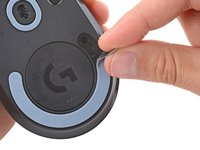
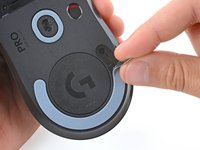
Remove the feet from their backing and firmly press them into place.
-
-
-
-
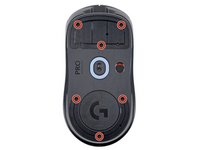
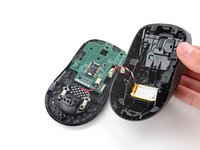
Use a Phillips screwdriver to remove the six 4.5 mm‑long screws securing the bottom shell.
-
-
-
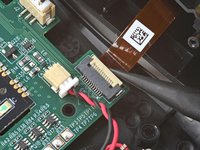
Use the point of a spudger to lift the locking flap on the top shell ZIF connector.
-
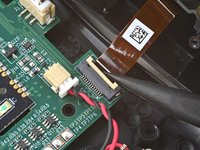
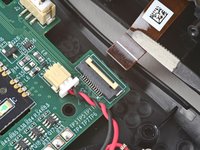
Use tweezers to gently pull the cable straight out of its socket.
-
-
在这个步骤中使用的工具:Tesa 61395 Tape$2.99
-
Remove the battery.
-
If the battery adhesive is still sticky, you can reuse it. Otherwise, remove all the old battery adhesive.
-
If your new battery has adhesive pre-installed, remove the plastic liner to expose the adhesive. Otherwise, apply strips of thin, double-sided tape to the battery well (not directly to the battery) where the old adhesive was.
-
Make sure the cable is on the side nearest its connector and firmly press the battery into place.
-










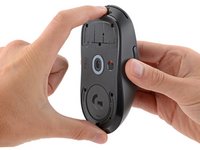
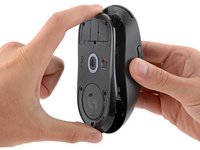
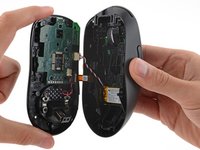


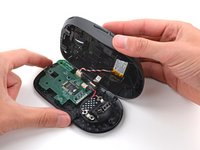
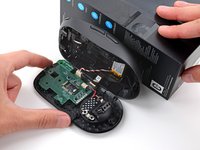
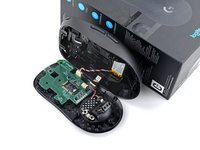




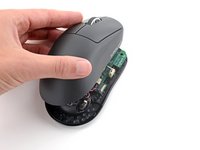
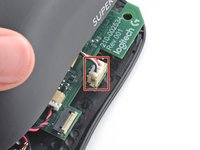

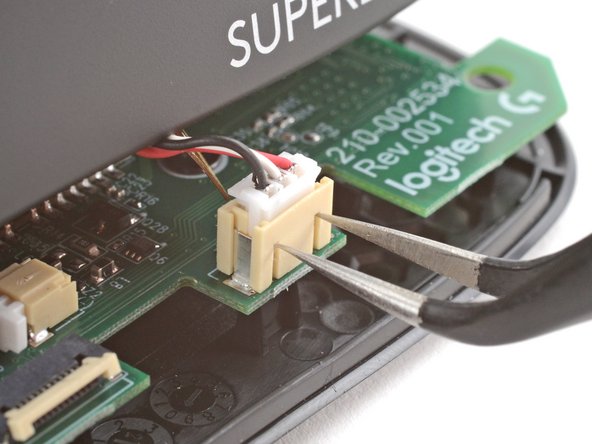

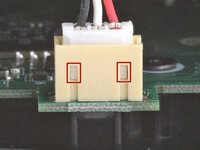
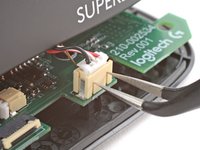
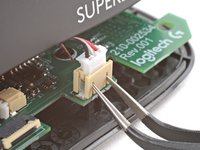


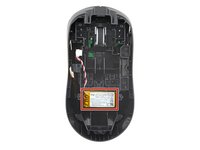


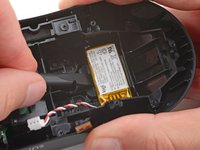
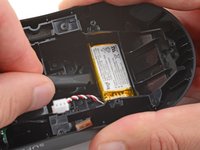
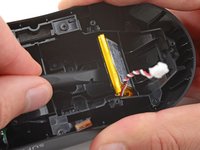


To reassemble your device, follow these instructions in reverse order.
For optimal performance, calibrate your newly installed battery after completing this guide.
Take your e-waste to an R2 or e-Stewards certified recycler.
Repair didn’t go as planned? Try some basic troubleshooting, or ask our Answers community for help.
2等其他人完成本指南。



