简介
A cracked, flickering, or completely unresponsive laptop screen can make even basic tasks impossible. Fortunately, replacing a damaged display is often more straightforward than it seems. This guide will walk you through the essential steps to safely remove and replace your laptop screen using simple and straightforward steps.
你所需要的
-
-
-
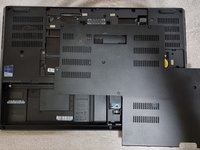
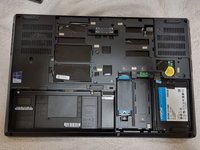
Loosen the six 12.6 mm captive screws that secure the lower case with the Phillips #00 screwdriver.
-
Pull up the notch with your fingernail or a spudger.
-
-
-
-
-
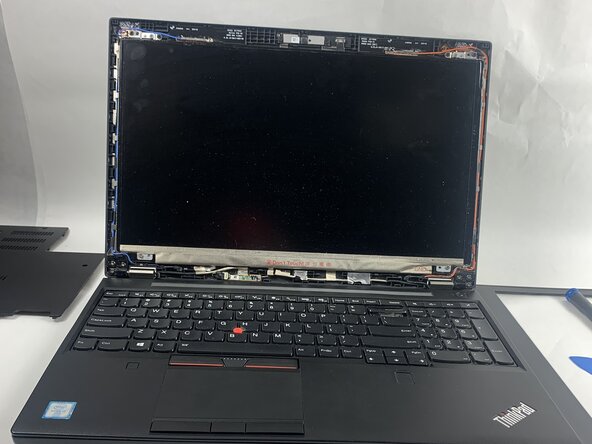
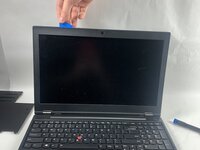
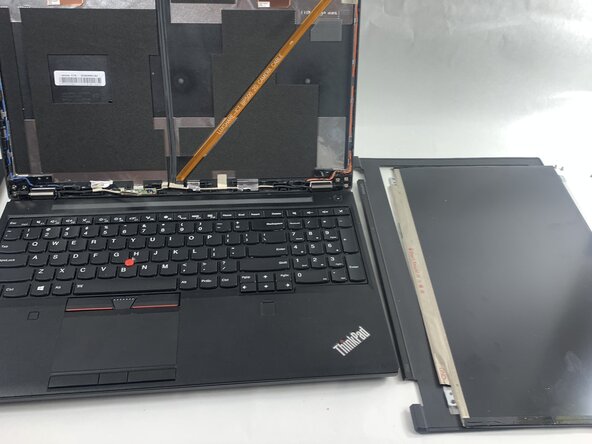
Use an iFixit opening pick to carefully remove the plastic bezel from the front of the display.
-
-
-
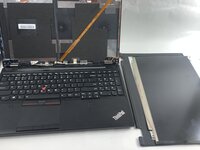
Carefully tilt the screen forward and lay it face down on the keyboard, making sure not to strain or damage the cable still attached to it.
-
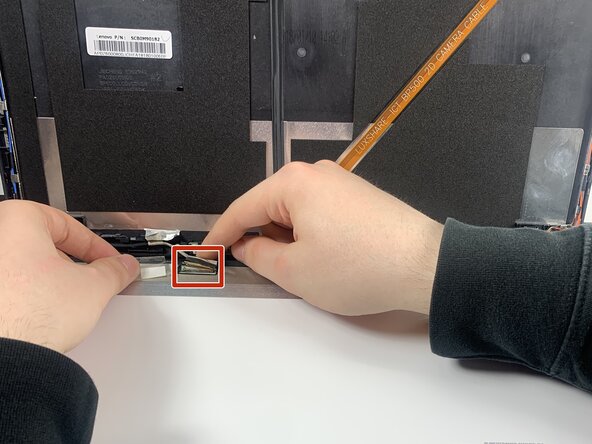
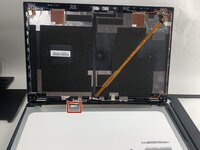
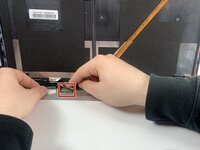
Gently push the tip of a spudger under the metal buckle to unclip it, then swing it over the socket.
-
Hold the buckle and cable together and gently pull the connector straight out of its socket.
-
-


 询问修复机器人





To reassemble your device, follow the above steps in reverse order.
Take your e-waste to an R2 or e-Stewards certified recycler.
Repair didn’t go as planned? Try some basic troubleshooting or ask our Answers community for help.

团队

UMass Dartmouth, Team 3-1, Botvin Spring 2025 UMass Dartmouth, Team 3-1, Botvin Spring 2025 的会员
UMASSD-BOTVIN-S25S3G1
3 名成员
创作了25篇指南
