跳转到主内容
加入维修社区 - 创建账户

Jam Voice Speaker Replacement

你所需要的

    1. Jam Voice Speaker Replacement, Hard Mesh Cover: 步骤 1 中的图像 1,2 Jam Voice Speaker Replacement, Hard Mesh Cover: 步骤 1 中的图像 2,2
      • Insert the plastic opening tool underneath the mesh top.

      • Pry the cover open.

      • To reattach the cover, simply align the round posts on the bottom of the cover into the holes.

      询问修复机器人

      添加评论

    1. Jam Voice Speaker Replacement, Motherboard: 步骤 2 中的图像 1,1
      • Remove the four 7mm Phillips screws from the plastic cover.

      询问修复机器人

      添加评论

    2. Jam Voice Speaker Replacement: 步骤 3 中的图像 1,2 Jam Voice Speaker Replacement: 步骤 3 中的图像 2,2
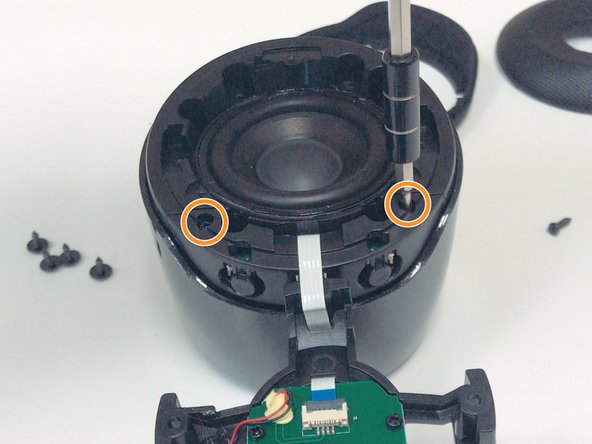
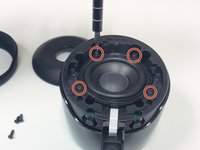
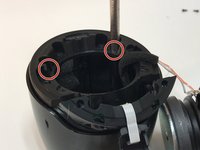
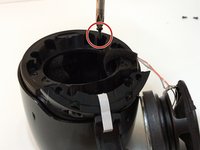
      • Remove the four 5mm Phillips screws that hold down the speaker in place.

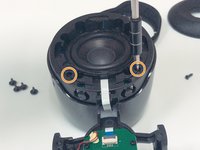
      • Remove the two 6mm Phillips screws that hold down the plastic casing.

      询问修复机器人

      添加评论

    3. Jam Voice Speaker Replacement: 步骤 4 中的图像 1,1
      在这个步骤中使用的工具:
      Halberd Spudger
      $2.99
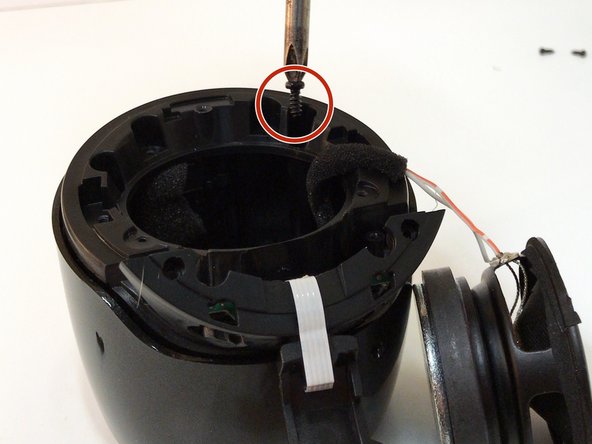
      • Once all six screws are removed, use a Halberd Spudger or similar tool to lift up the speaker.

      • Pull the speaker up and out.

      询问修复机器人

      添加评论

    4. Jam Voice Speaker Replacement: 步骤 5 中的图像 1,3 Jam Voice Speaker Replacement: 步骤 5 中的图像 2,3 Jam Voice Speaker Replacement: 步骤 5 中的图像 3,3
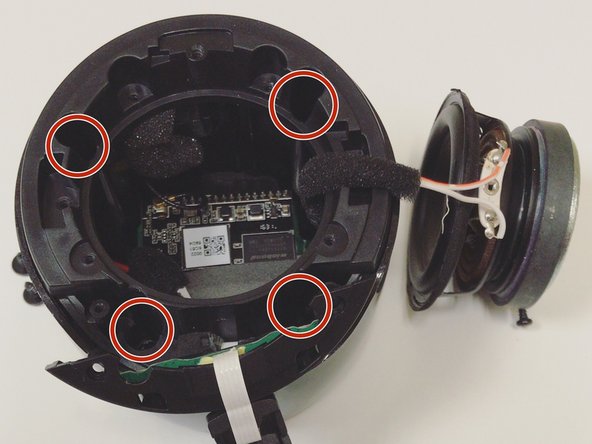
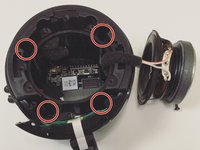
      • Remove the four 7mm Phillips screws to expose the motherboard.

      询问修复机器人

      添加评论

    5. Jam Voice Speaker Replacement: 步骤 6 中的图像 1,1
      • After removing all of the screws from the plastic cover, remove it by pulling up and out.

      • Be careful not to pull and damage any of the wires.

      询问修复机器人

      添加评论

    6. Jam Voice Speaker Replacement: 步骤 7 中的图像 1,2 Jam Voice Speaker Replacement: 步骤 7 中的图像 2,2
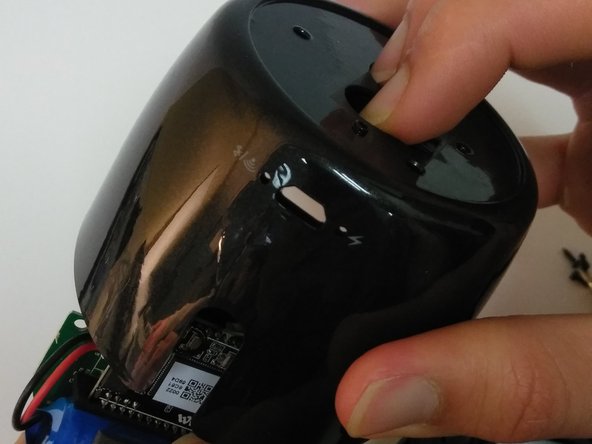
      • Remove the three 5mm Phillips screws that hold the motherboard in place.

      • After the screws are removed, place two fingers on the power button and Bluetooth button to push the motherboard out.

      询问修复机器人

      添加评论

    1. Jam Voice Speaker Replacement, Speaker: 步骤 8 中的图像 1,1
      在这个步骤中使用的工具:
      Tweezers
      $4.99
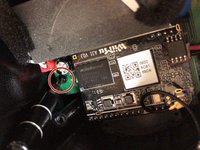
      • Use tweezers to pull out the speaker's wire from the motherboard.

      • Use tweezers to pull out the battery's wire from the motherboard.

      • The speaker's connection point is opposite the battery's connection point.

      询问修复机器人

      添加评论

结论

To reassemble your device, follow these instructions in reverse order.

取消:我没有完成这个指南。

另外一个人完成了本指南。

0指南评论

添加评论

浏览统计数据:

过去 24 小时: 3

过去 7 天: 7

过去 30 天: 32

总计 933