此翻译由机器生成,尚未经过人工审核。 会说这种语言吗? 查看评论。
简介
使用本指南在你的 Mac mini 2011 年中期款中安装 iFixit 的双硬盘套件。
你所需要的
-
-
-
-
-
-
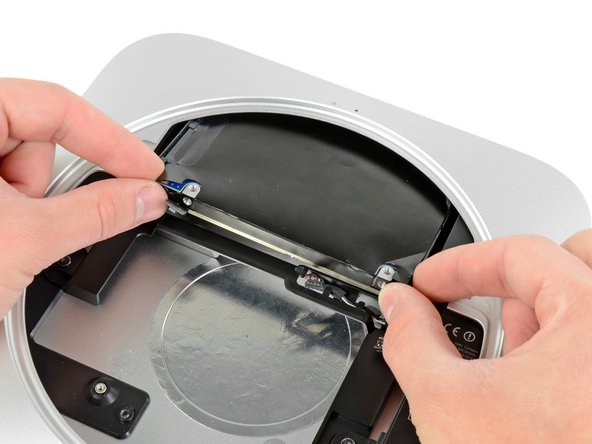
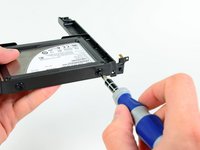
卸下下列固定天线板的螺丝。
-
两颗6.6 mm T8 Torx 螺丝。
-
两颗5.0 mm T8 Torx螺丝或者2.0 mm Hex screws 任意一把螺丝刀都会起作用。
-
当装回的时候:
-
-
-
-
-
在这个步骤中使用的工具:Mac mini Logic Board Removal Tool$4.99
-
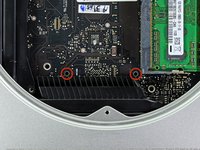
将Mac mini 逻辑板拆卸工具插入红色圆圈的两个孔中。 在继续之前,确保它与逻辑板下面的外壳的顶部接触。
-
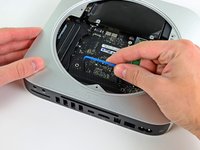
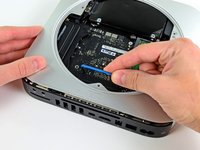
小心地将工具拉向I / O板。 逻辑板和I / O板组件应稍微从外壳中滑出。
-
取下Mac mini 逻辑板拆卸工具。
-
-
-
-
-
-
-
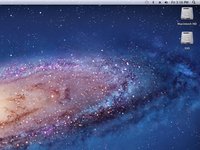
您开电脑后,您可以看出mini识别了两个硬盘。
-
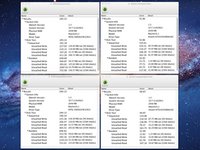
Xbench分数显示,如果您将硬盘驱动器置于顶部或底部位置,则其速度将保持不变。
-
重新组装后,将mini引导至Lion Recovery,并使用磁盘实用程序擦除SSD。 然后在您的SSD上安装Lion。 重新启动后,进入系统首选项>启动磁盘,选择您的SSD作为启动盘。
-


 询问修复机器人


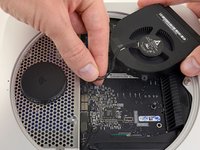
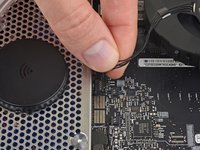
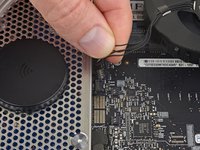


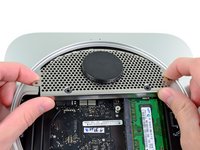




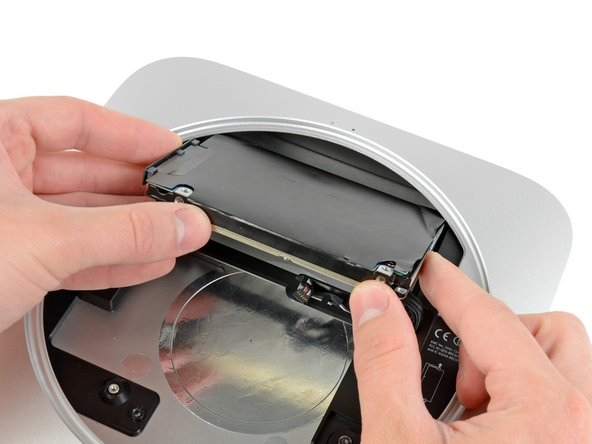




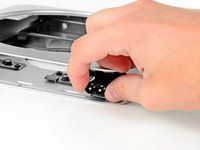
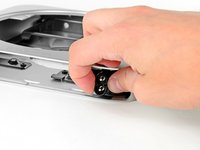


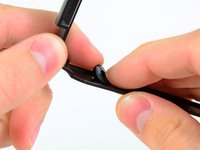
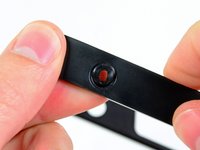
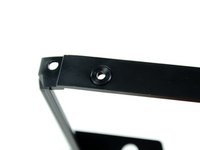


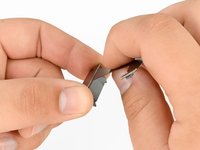
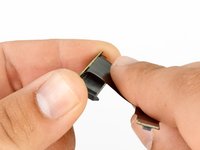


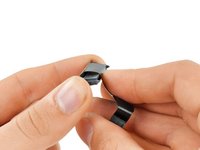

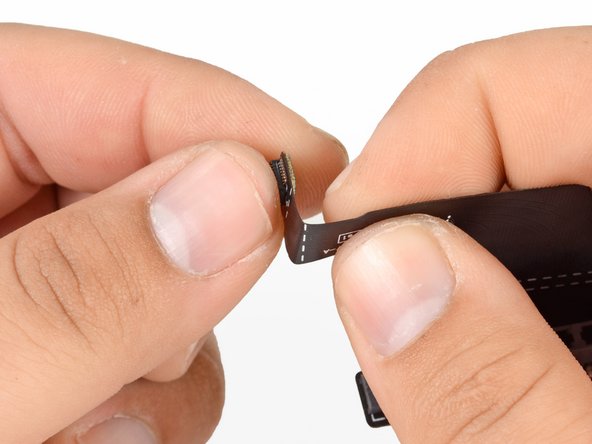


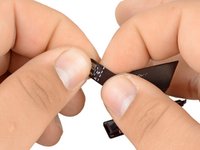
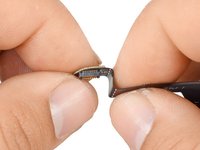


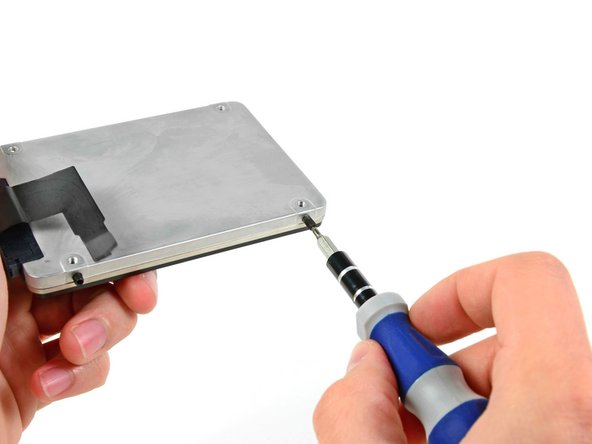
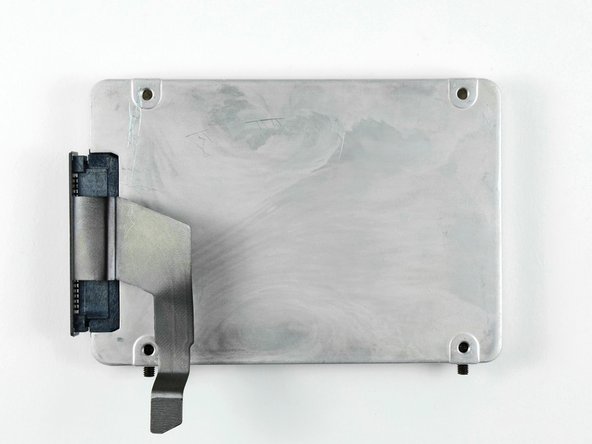
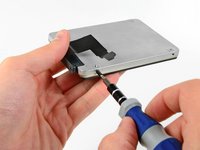
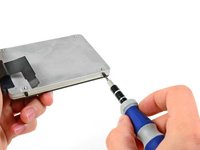
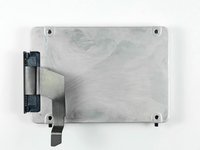


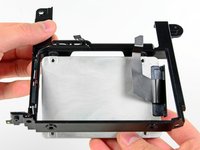
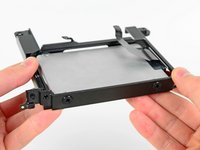
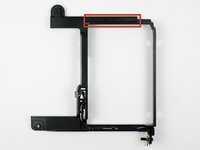

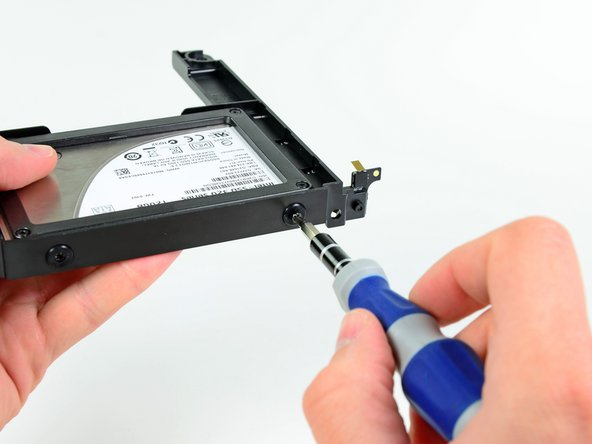

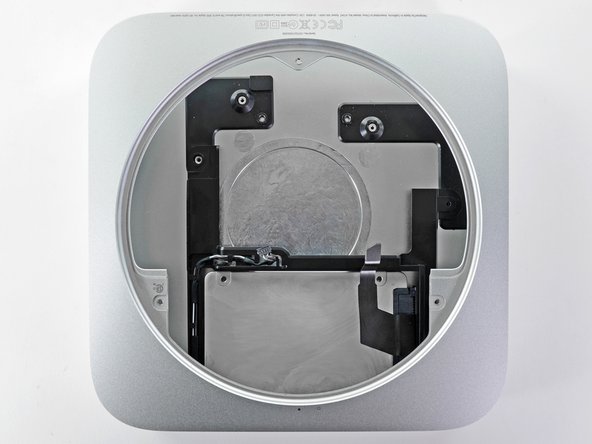
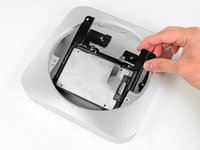


要重新组装您的设备,请按照本指南的相反顺序进行操作。
662等其他人完成本指南。


46指南评论
When adding second drive, be sure that the power supply cables are secured out of the way to allow drive to be seated correctly. If cables are in the way, screw holes do not quite line up with antenna plate.
This should be part of the main guide, I read this after completing my fix and I wish I had read this before. Spent about 20 mins figuring this one out. thanks. Great guide though.
Nitish Dhar - 回复 分享
When re-inserting the power supply make certain the left side screw is seated in the secondary drive tray and
fulled secured to the metal casing frame then turn the entire housing upside down and slide the power supply into
place (careful of cables etc.)
There are two metal anchor points on the power supply, one on the very tip
that is inserted into the Mac Mini housing and the other is on the right side of the power supply that sits
into a plastic slot up against the side of the metal housing. Tried everything to get the points home so the right
secondary hard drive tray screw holes would line up with the power supply anchor holes. This worked the first try.
This didn't go so well. I did manage to assemble everything according to the manual, but it was one !%!$ of a fight, and now the machine boots, but the SSD I installed is nowhere to be found.
One thing I noticed is that the cable supplied to connect the second drive to the mainboard, is slightly too long. I had to bend it quite a bit so that it would line up with the connector on the mainboard, otherwise the cable would extend about 5 mm into the mainboard and not line up. I'm afraid now that I might have broken some of the wired on the adapter while bending it. However, without bending it there was no way to attach the connector.
What to do?
Same here, I have slightly damaged the ribbon cable and now the SSD is invisible to the OS :-/
Idearia SRL - 回复 分享
