跳转到主内容

HTC Vive Pro Outer Shell Replacement

你所需要的

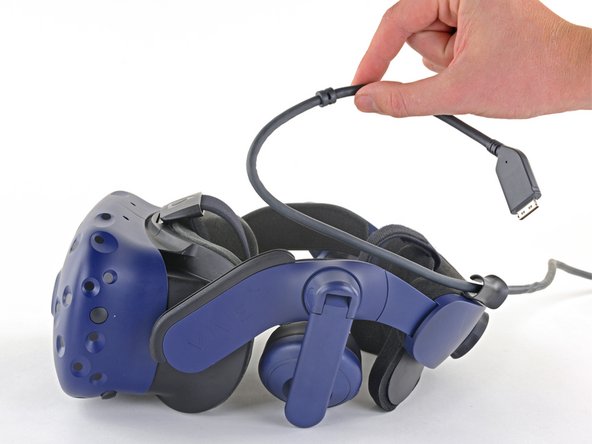
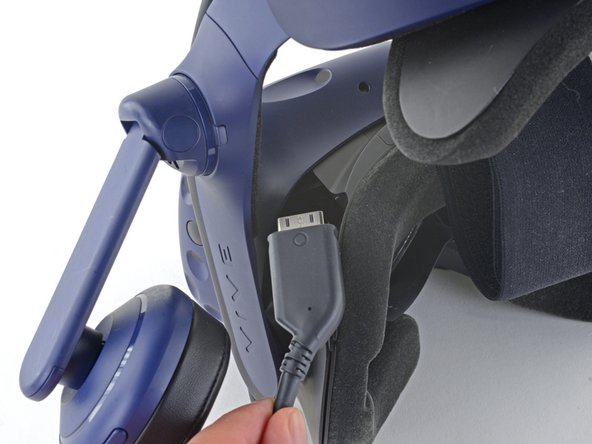
  1. HTC Vive Pro Outer Shell Replacement, Unplug the All-In-One Cable: 步骤 1 中的图像 1,3 HTC Vive Pro Outer Shell Replacement, Unplug the All-In-One Cable: 步骤 1 中的图像 2,3 HTC Vive Pro Outer Shell Replacement, Unplug the All-In-One Cable: 步骤 1 中的图像 3,3
    • Unplug the All-In-One Cable from your headset.

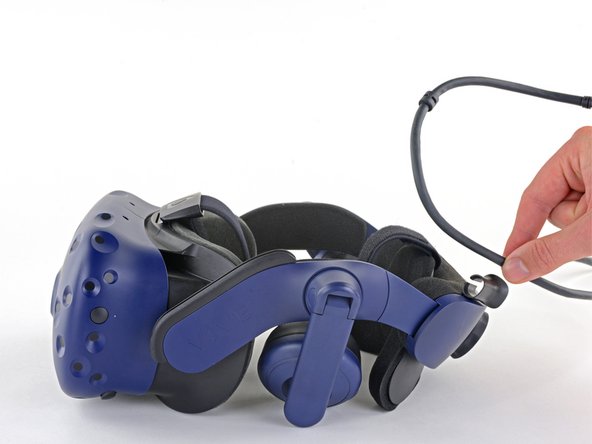
  2. HTC Vive Pro Outer Shell Replacement, Remove the All-In-One Cable: 步骤 2 中的图像 1,2 HTC Vive Pro Outer Shell Replacement, Remove the All-In-One Cable: 步骤 2 中的图像 2,2
    • Remove the All-In-One Cable from the cable guides along the left side of the head strap.

    • During reassembly, connect the All-In-One Cable to the headset before routing it through the cable guides. This will ensure it has the right amount of slack.

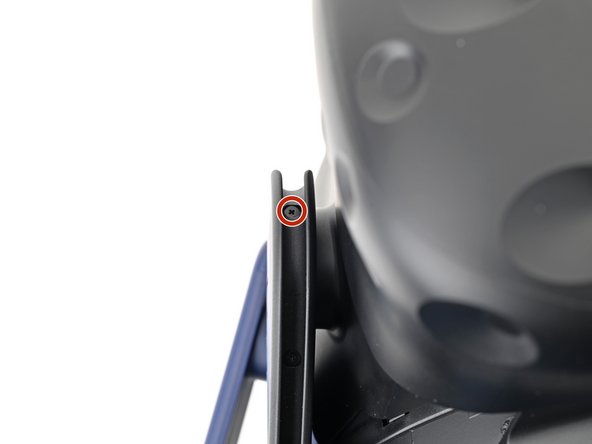
  3. HTC Vive Pro Outer Shell Replacement, Remove the All-in-One cable bracket screws: 步骤 3 中的图像 1,2 HTC Vive Pro Outer Shell Replacement, Remove the All-in-One cable bracket screws: 步骤 3 中的图像 2,2
    • Use a Phillips screwdriver to remove the three 2.4 mm‑long screws securing the All-in-One cable bracket.

  4. HTC Vive Pro Outer Shell Replacement, Remove the All-in-One cable bracket: 步骤 4 中的图像 1,2 HTC Vive Pro Outer Shell Replacement, Remove the All-in-One cable bracket: 步骤 4 中的图像 2,2
    • Lift the All-in-One cable bracket straight off the headset and remove it.

    • The bracket is aligned on the headset with pegs. During reassembly, make sure the pegs align properly and the bracket sits flush on the headset.

  5. HTC Vive Pro Outer Shell Replacement, Remove the outer shell: 步骤 5 中的图像 1,3 HTC Vive Pro Outer Shell Replacement, Remove the outer shell: 步骤 5 中的图像 2,3 HTC Vive Pro Outer Shell Replacement, Remove the outer shell: 步骤 5 中的图像 3,3
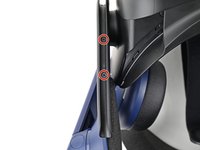
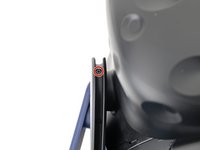
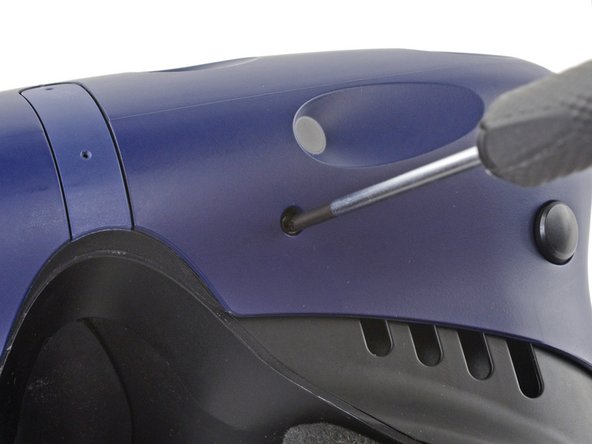
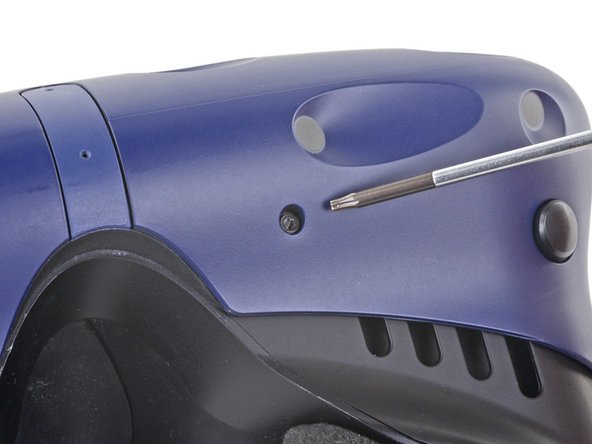
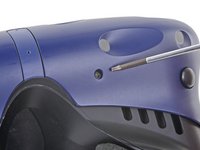
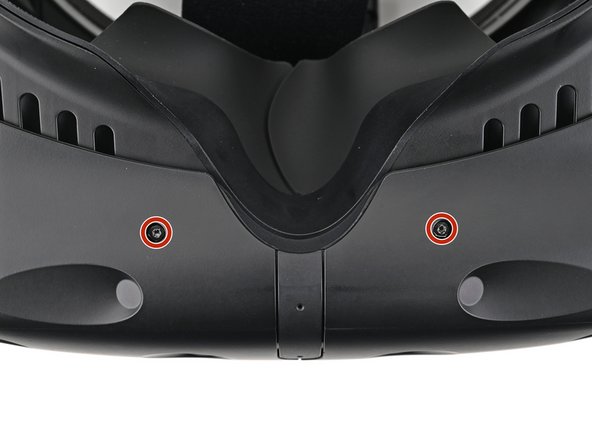
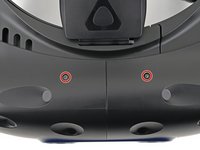
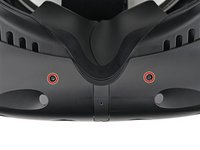
    • The four screws securing the outer shell are covered with black stickers. If the stickers are difficult to remove, simply press your T6 Torx driver through them.

  6. HTC Vive Pro Outer Shell Replacement: 步骤 6 中的图像 1,2 HTC Vive Pro Outer Shell Replacement: 步骤 6 中的图像 2,2
    • Use a T6 Torx screwdriver to remove the four 3.9 mm screws (two on top, two on bottom) securing the outer shell to the headset.

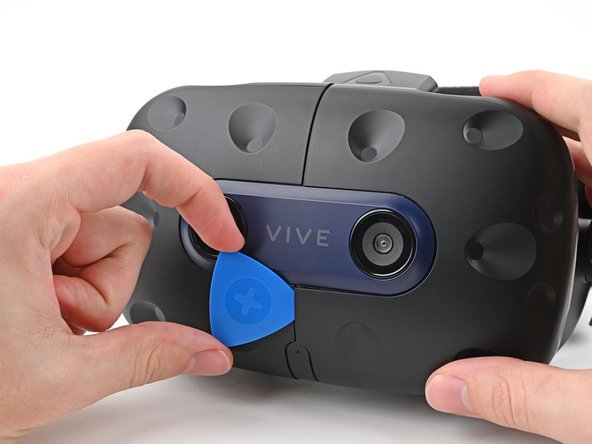
  7. HTC Vive Pro Outer Shell Replacement: 步骤 7 中的图像 1,3 HTC Vive Pro Outer Shell Replacement: 步骤 7 中的图像 2,3 HTC Vive Pro Outer Shell Replacement: 步骤 7 中的图像 3,3
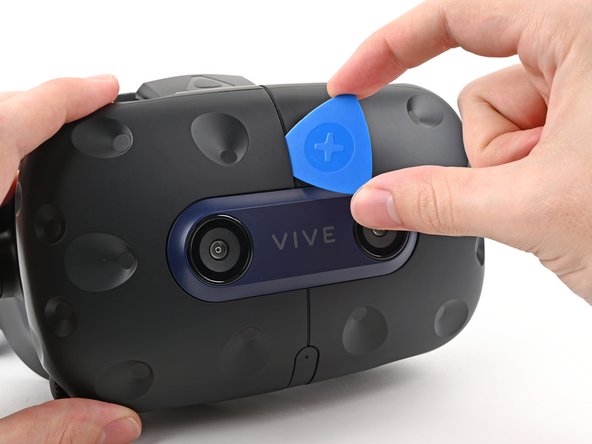
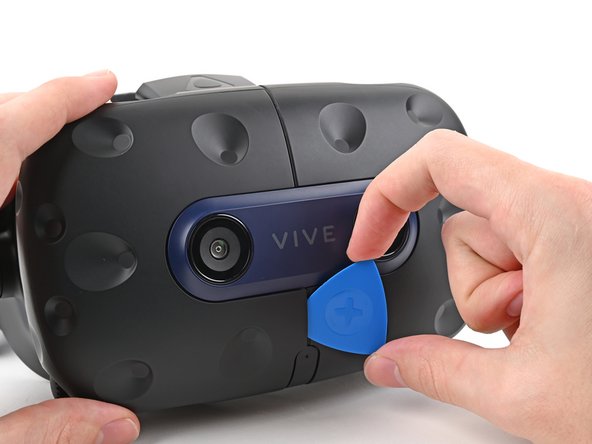
    • Insert an opening pick into the seam between the two halves of the outer shell.

    • Slide the opening pick through the seam to dislodge the clips securing it to the headset.

    • Only insert the opening pick as far as necessary. There are ribbon cables underneath the outer shell.

  8. HTC Vive Pro Outer Shell Replacement: 步骤 8 中的图像 1,3 HTC Vive Pro Outer Shell Replacement: 步骤 8 中的图像 2,3 HTC Vive Pro Outer Shell Replacement: 步骤 8 中的图像 3,3
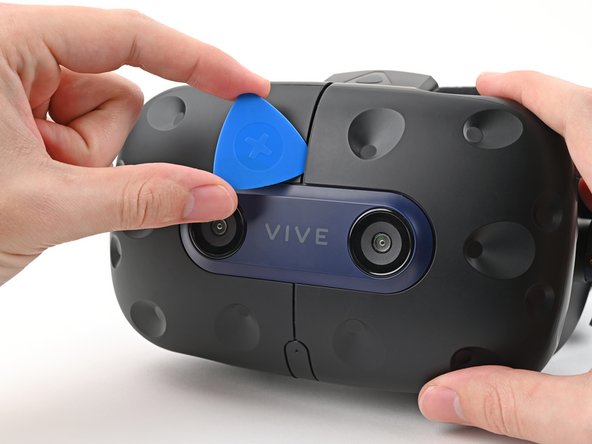
    • Continue sliding the opening pick through each seam until all clips have been dislodged.

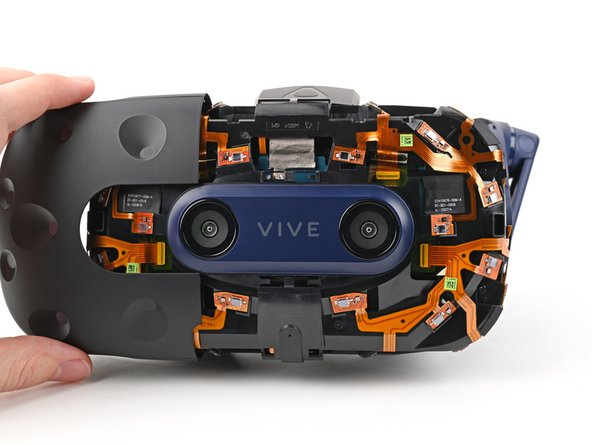
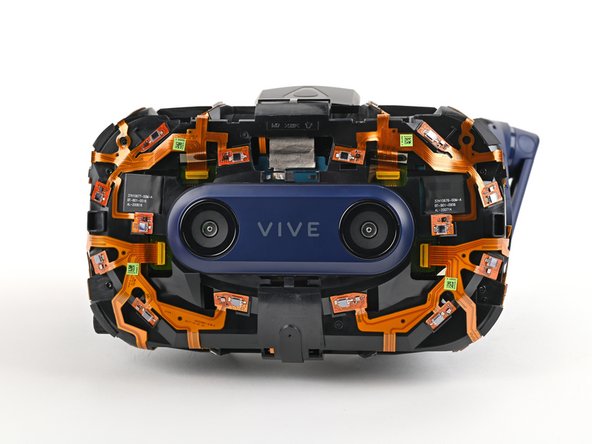
  9. HTC Vive Pro Outer Shell Replacement: 步骤 9 中的图像 1,3 HTC Vive Pro Outer Shell Replacement: 步骤 9 中的图像 2,3 HTC Vive Pro Outer Shell Replacement: 步骤 9 中的图像 3,3
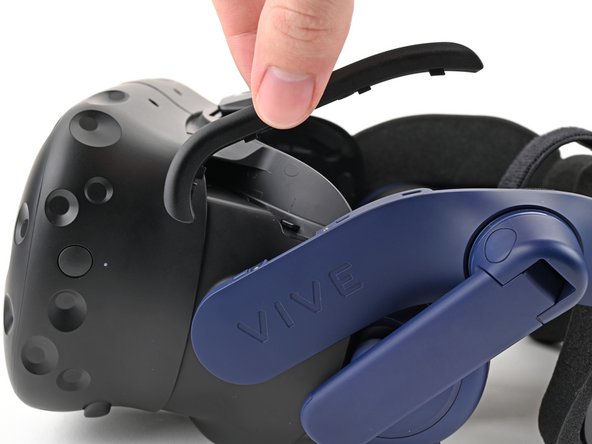
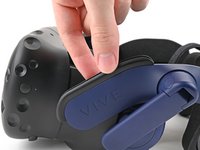
    • Carefully slide each half of the outer shell off of the sensor array.

    • Be careful not to snag any of the ribbon cables underneath.

结论

Compare your new replacement part to the original part—you may need to transfer remaining components or remove adhesive backings from the new part before installing.

To reassemble your device, follow the above steps in reverse order.

Take your e-waste to an R2 or e-Stewards certified recycler.

Repair didn’t go as planned? Try some basic troubleshooting, or ask our Answers community for help.

Sam Omiotek

于02/25/19注册

92,465 声望

创作了290篇指南

0指南评论

添加评论

浏览统计数据:

过去 24 小时: 0

过去 7 天: 1

过去 30 天: 9

总计 146