跳转到主内容
加入维修社区 - 创建账户

HTC Trophy Power Button Replacement

你所需要的

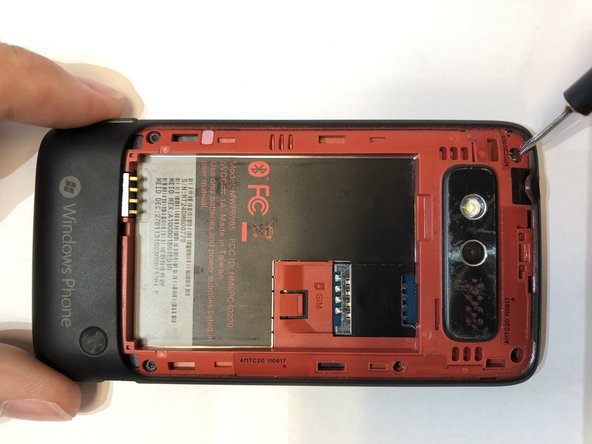
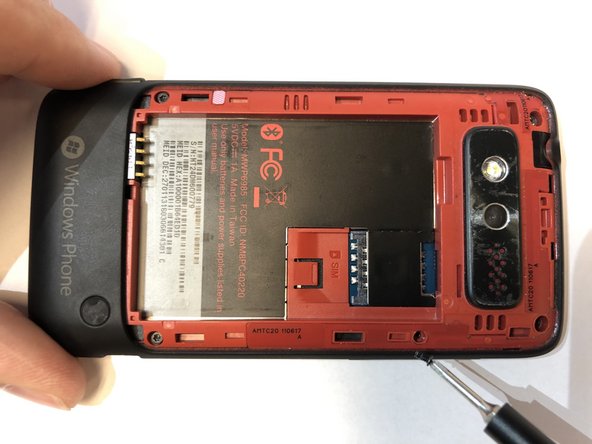
    1. HTC Trophy Power Button Replacement, Battery: 步骤 1 中的图像 1,3 HTC Trophy Power Button Replacement, Battery: 步骤 1 中的图像 2,3 HTC Trophy Power Button Replacement, Battery: 步骤 1 中的图像 3,3
      • Power off the phone before starting.

      • Remove the back panel by inserting the IFixIt opening tool into gap at the top of the rear and prying upward.

      询问修复机器人

      添加评论

    2. HTC Trophy Power Button Replacement: 步骤 2 中的图像 1,3 HTC Trophy Power Button Replacement: 步骤 2 中的图像 2,3 HTC Trophy Power Button Replacement: 步骤 2 中的图像 3,3
      • Remove the battery by inserting the IFixIt opening tool into the small gap between the battery and the surrounding plastic.

      • Apply a small force towards the bottom of the phone and lift upwards.

      • Be careful not to puncture the battery.

      询问修复机器人

      添加评论

    1. HTC Trophy Power Button Replacement, Display Assembly: 步骤 3 中的图像 1,3 HTC Trophy Power Button Replacement, Display Assembly: 步骤 3 中的图像 2,3 HTC Trophy Power Button Replacement, Display Assembly: 步骤 3 中的图像 3,3
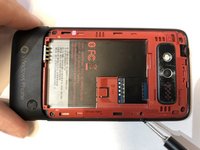
      • Remove the 5 screws holding the two phone halves together.

      • Three 4mm long T5 Torx screws.

      • Press a T5 Torx screwdriver into the void sticker and remove the 4mm long T5 Torx screw.

      • One 4mm long Philips #000 screw.

      • Remove the installed SIM card if one is present.

      询问修复机器人

      添加评论

    2. HTC Trophy Power Button Replacement: 步骤 4 中的图像 1,3 HTC Trophy Power Button Replacement: 步骤 4 中的图像 2,3 HTC Trophy Power Button Replacement: 步骤 4 中的图像 3,3
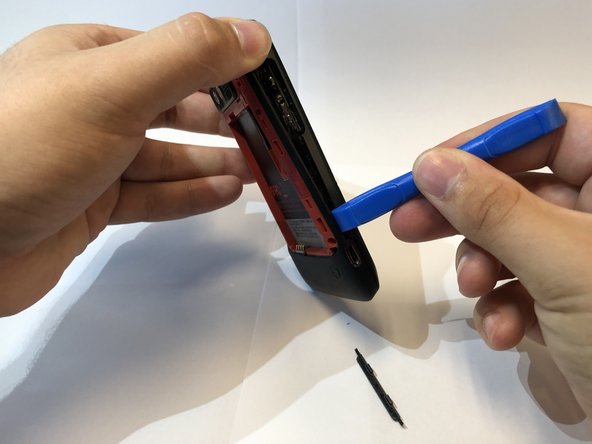
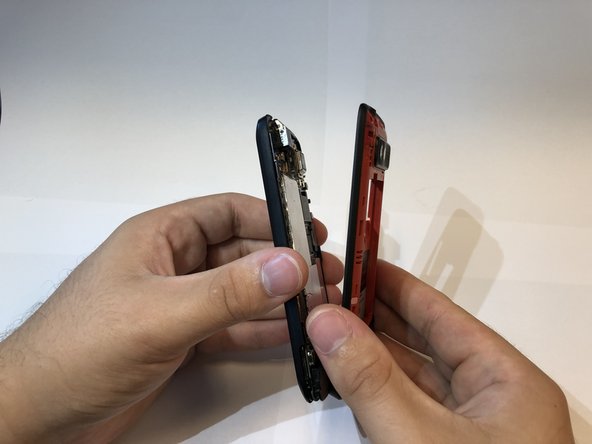
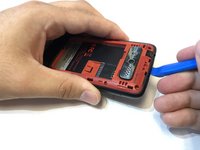
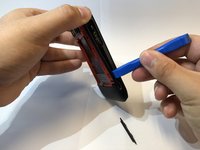
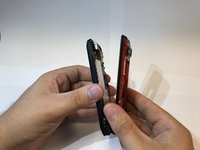
      • Insert the IFixIt opening tool into the seem of the plastic around the edge of the phone and pry the two halves apart.

      • There are small plastic clips holding the phone together. Slide the opening tool around the edge until it clicks apart to avoid damage.

      • The volume button will fall out when the phone is opened.

      • The black sticker beneath the battery will rip once the phone is separated.

      询问修复机器人

      添加评论

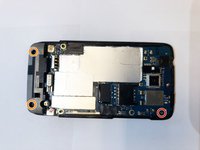
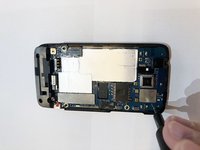
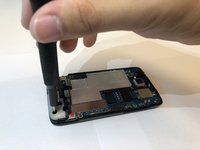
    3. HTC Trophy Power Button Replacement: 步骤 5 中的图像 1,3 HTC Trophy Power Button Replacement: 步骤 5 中的图像 2,3 HTC Trophy Power Button Replacement: 步骤 5 中的图像 3,3
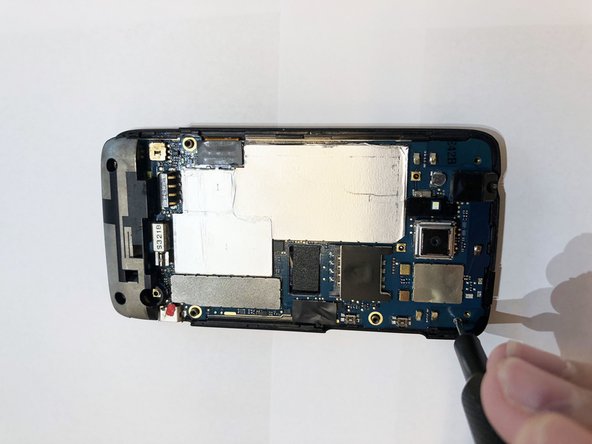
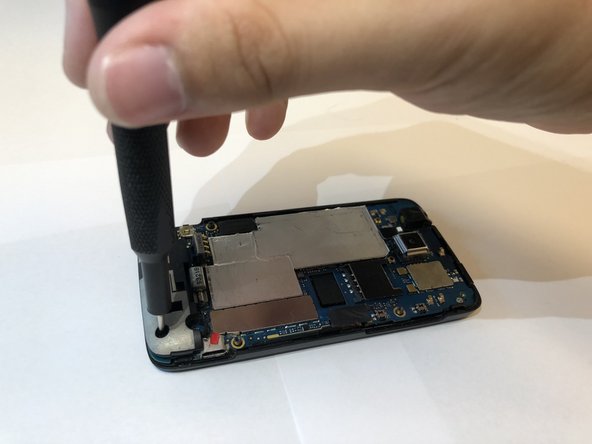
      • Remove the three screws holding the mother board to the display assembly.

      • One 2mm long Philips #000 screw.

      • Two 4mm long T5 Torx screws in the holes of the plastic.

      询问修复机器人

      添加评论

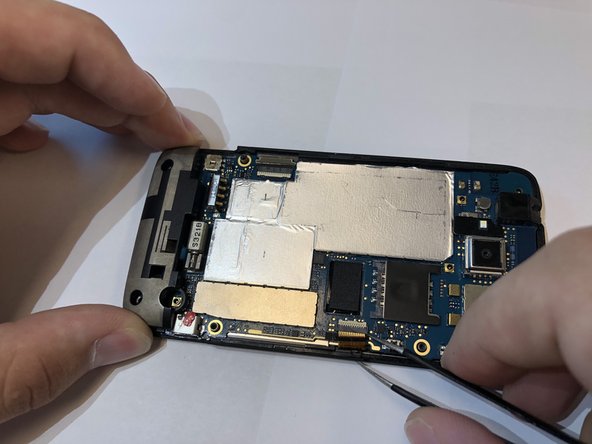
    4. HTC Trophy Power Button Replacement: 步骤 6 中的图像 1,3 HTC Trophy Power Button Replacement: 步骤 6 中的图像 2,3 HTC Trophy Power Button Replacement: 步骤 6 中的图像 3,3
      在这个步骤中使用的工具:
      Tweezers
      $4.99
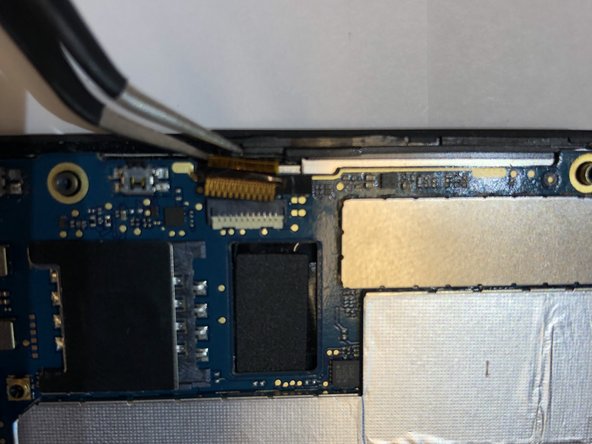
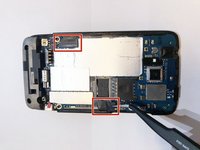
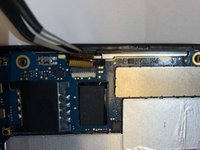
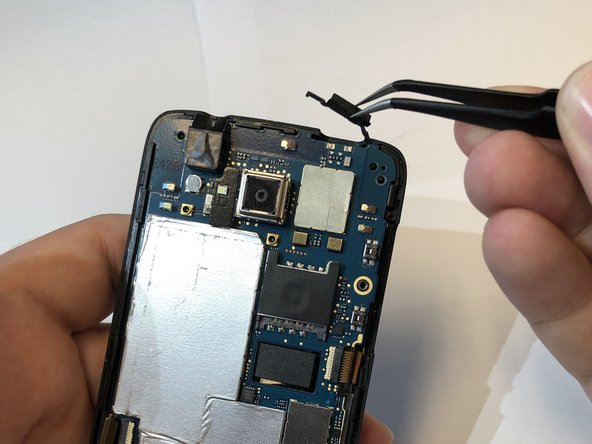
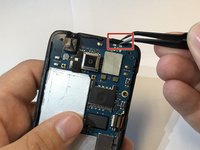
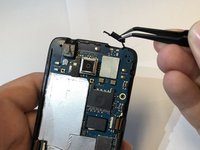
      • Remove the black tape cover the ribbon cable connectors with tweezers.

      • Disconnect the ribbon cables from the connectors.

      • Ribbon cables are extremely fragile.

      询问修复机器人

      添加评论

    5. HTC Trophy Power Button Replacement: 步骤 7 中的图像 1,2 HTC Trophy Power Button Replacement: 步骤 7 中的图像 2,2
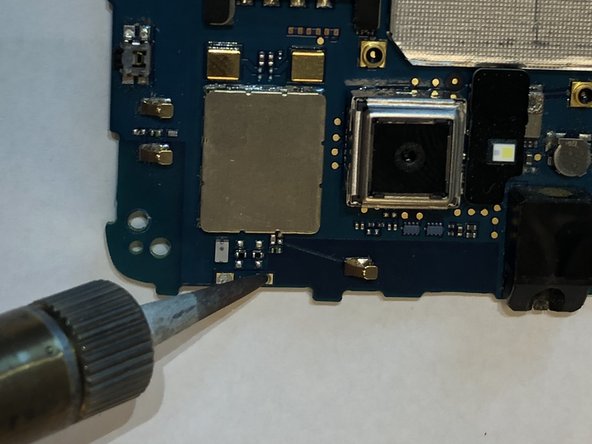
      • Remove power button from the top of the phone with tweezers.

      询问修复机器人

      添加评论

    6. HTC Trophy Power Button Replacement: 步骤 8 中的图像 1,3 HTC Trophy Power Button Replacement: 步骤 8 中的图像 2,3 HTC Trophy Power Button Replacement: 步骤 8 中的图像 3,3
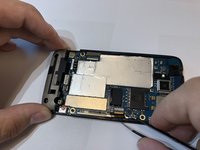
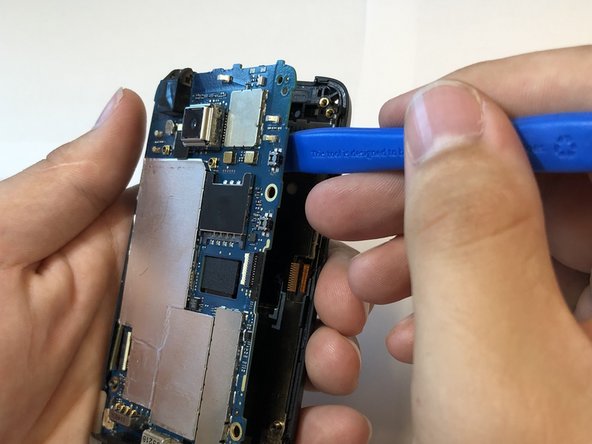
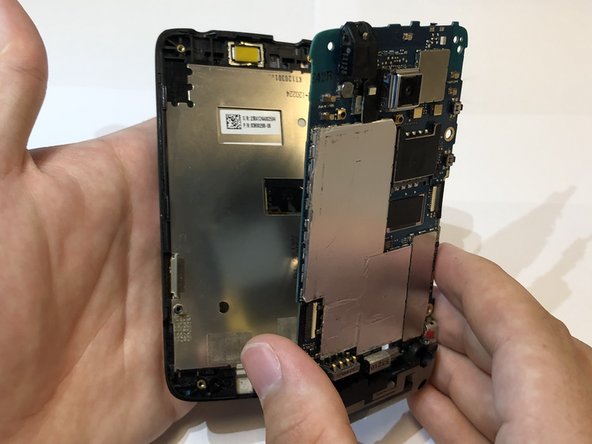
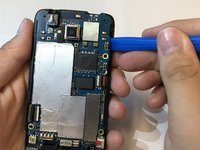
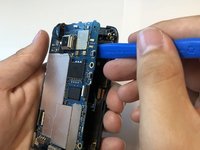
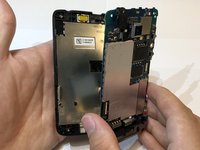
      • Use the iFixit opening tool to separate the motherboard from the display assembly.

      询问修复机器人

      添加评论

    1. HTC Trophy Power Button Replacement, Motherboard: 步骤 9 中的图像 1,3 HTC Trophy Power Button Replacement, Motherboard: 步骤 9 中的图像 2,3 HTC Trophy Power Button Replacement, Motherboard: 步骤 9 中的图像 3,3
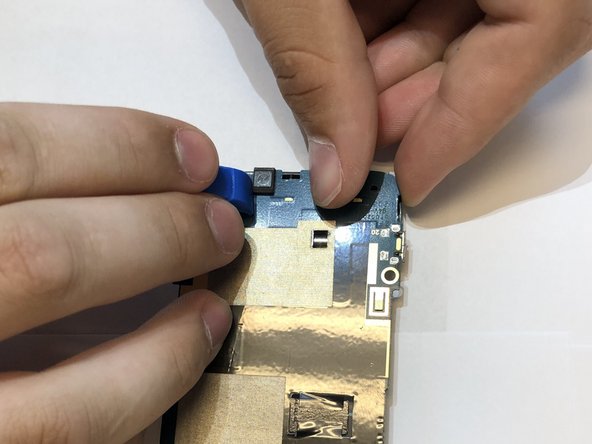
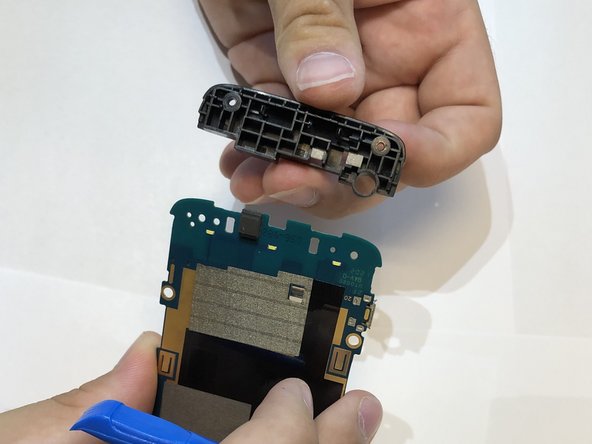
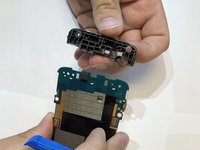
      • Remove the plastic piece off of the motherboard.

      • Put pressure outwards to release these clips with the iFixit opening tool and you fingers.

      询问修复机器人

      添加评论

    1. HTC Trophy Power Button Replacement, Power Button: 步骤 10 中的图像 1,2 HTC Trophy Power Button Replacement, Power Button: 步骤 10 中的图像 2,2
      询问修复机器人

      添加评论

结论

To reassemble your device, follow these instructions in reverse order.

取消:我没有完成这个指南。

0指南评论

添加评论

浏览统计数据:

过去 24 小时: 1

过去 7 天: 4

过去 30 天: 20

总计 364