此翻译由机器生成,尚未经过人工审核。 会说这种语言吗? 查看评论。
简介
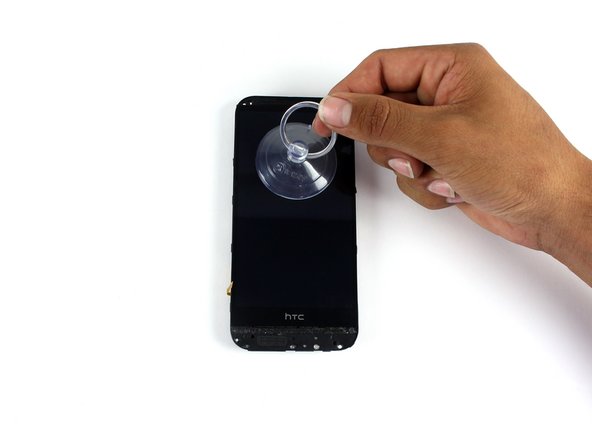
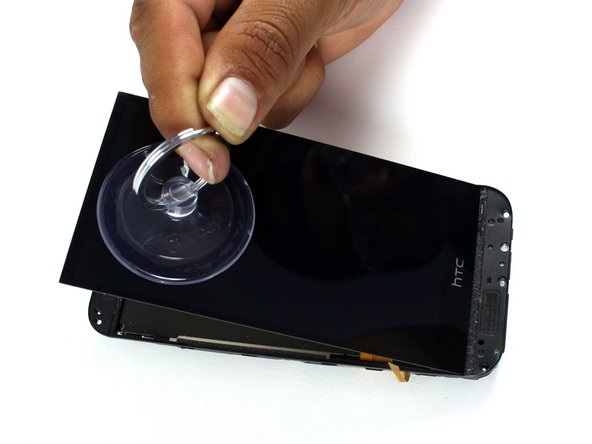
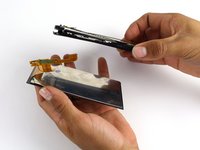
使用本指南更换 HTC One M8 的显示屏组件。该组件包含触摸数字化层和显示面板。
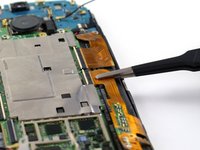
请注意,你的设备显示屏组件背面可能覆盖有大量的铜质屏蔽层和胶带,如图 所示。如果情况如此,你需要小心地将其揭下,以便接触到主板。
你所需要的


 询问修复机器人

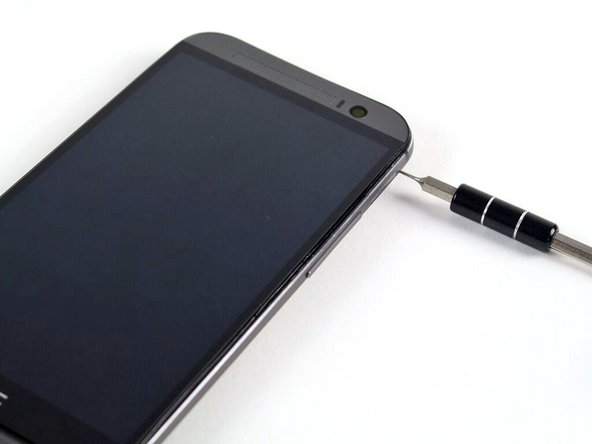


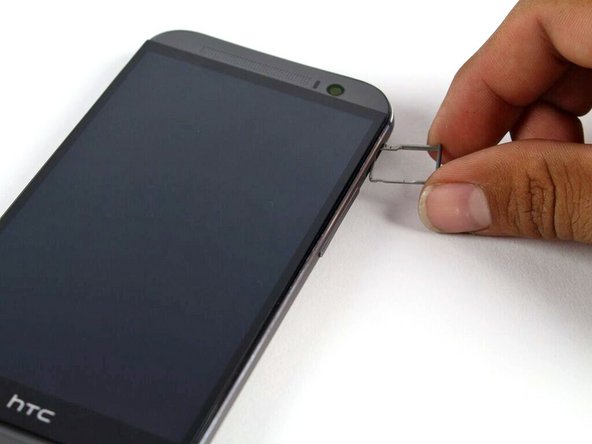
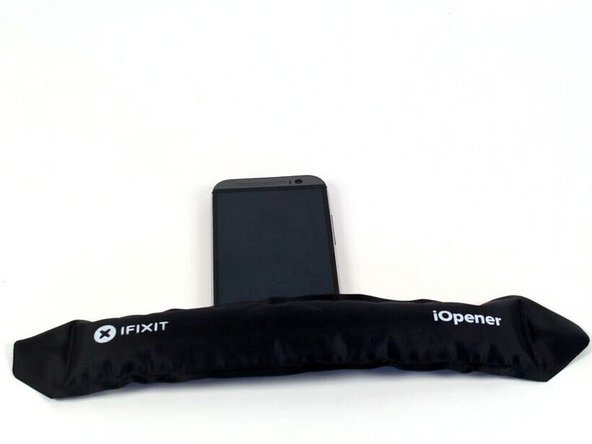





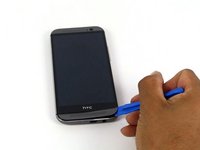
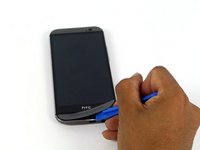
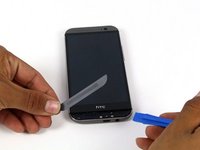



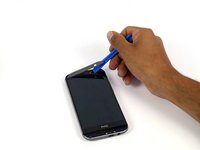


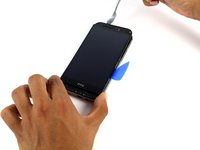
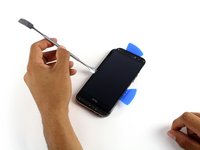
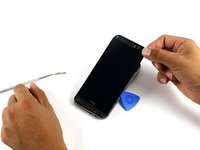


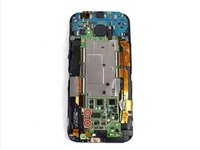
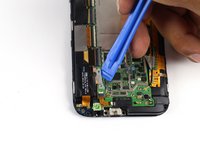

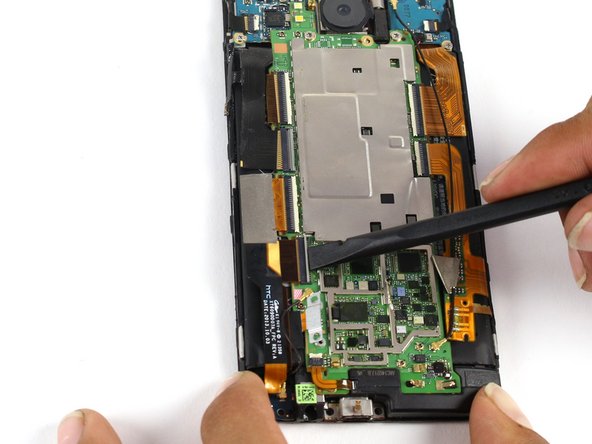
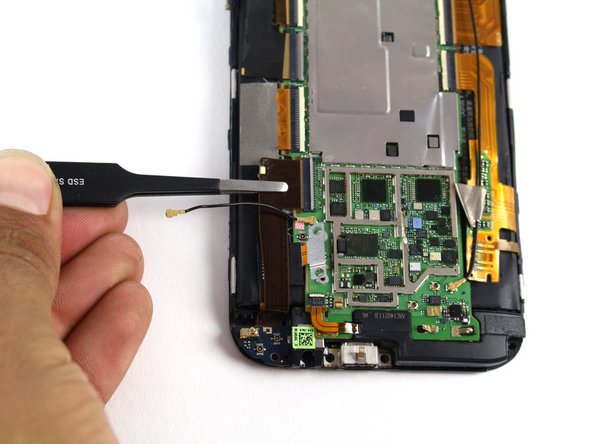

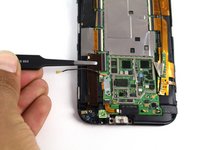


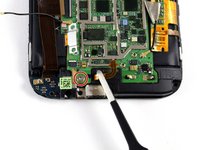
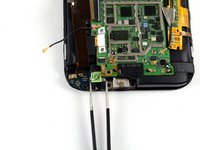
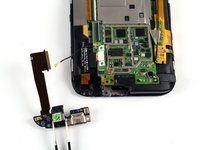

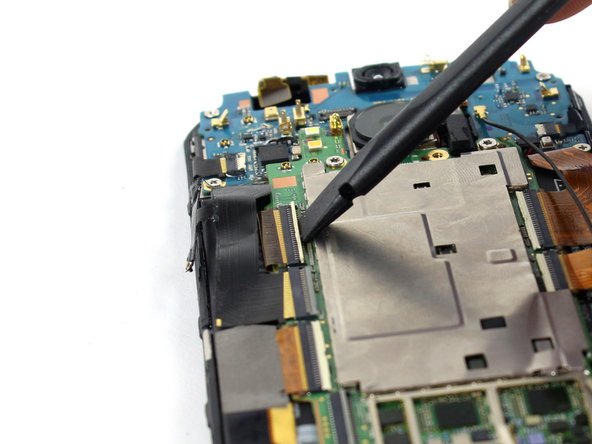
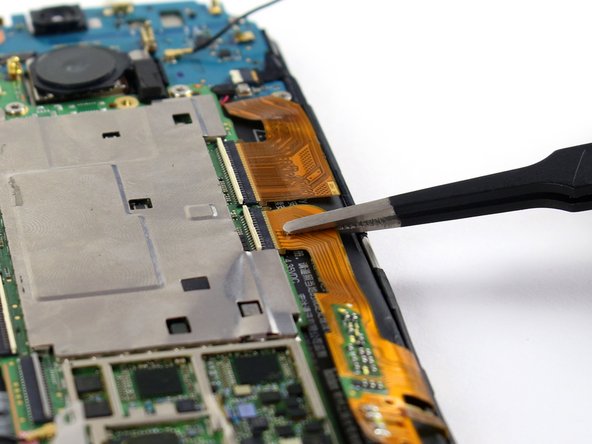


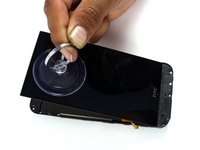

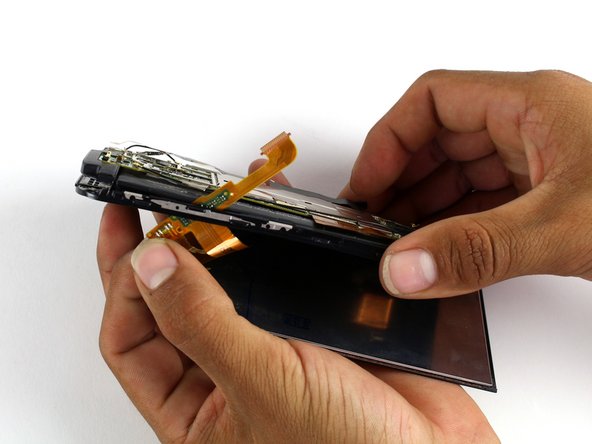

要重新组装设备,请按相反顺序执行这些说明。
70等其他人完成本指南。

团队

Cal Poly, Team 5-9, Maness Spring 2015 Cal Poly, Team 5-9, Maness Spring 2015 的会员
CPSU-MANESS-S15S5G9
4 名成员
创作了72篇指南
10指南评论
Be careful when reassembling:
Make sure the power button is put in the right way, it may look symmetrical but it's not! When put in the wrong way it does not work. Check if the shape of the button aligns with the edge of the casing, it's pretty easy to see if you pay attention to it.
Also keep an eye on the back camera. The round black cover glass may shift when trying to click the phone in its casing.
I ended up taking it apart at least 4 times because of this :(
Also, if you want to heat things up you can also use an incandescent light bulb and put your phone over it.
Jan de Vries - 回复 分享
position of the square block on the power button is a little bit left from the center (phone facing you with screen)
AG Draaijer - 回复 分享
don't follow step 13 in fact &&^& this guide listen to byrn
very helpful, thanks
Stuart Gilks - 回复 分享
